Influencer Marketing Checklist: Before You Pay a Creator
Influencer marketing checklist for brands: what to settle before you pay a creator, from the handle and public score to written terms and measurement.
This versioned composite uses only available public signals. Missing factors stay unavailable and their weight is rebalanced across observed factors. It is not a percentile, price estimate, or guarantee of campaign results. Model 2026-08-18.1.
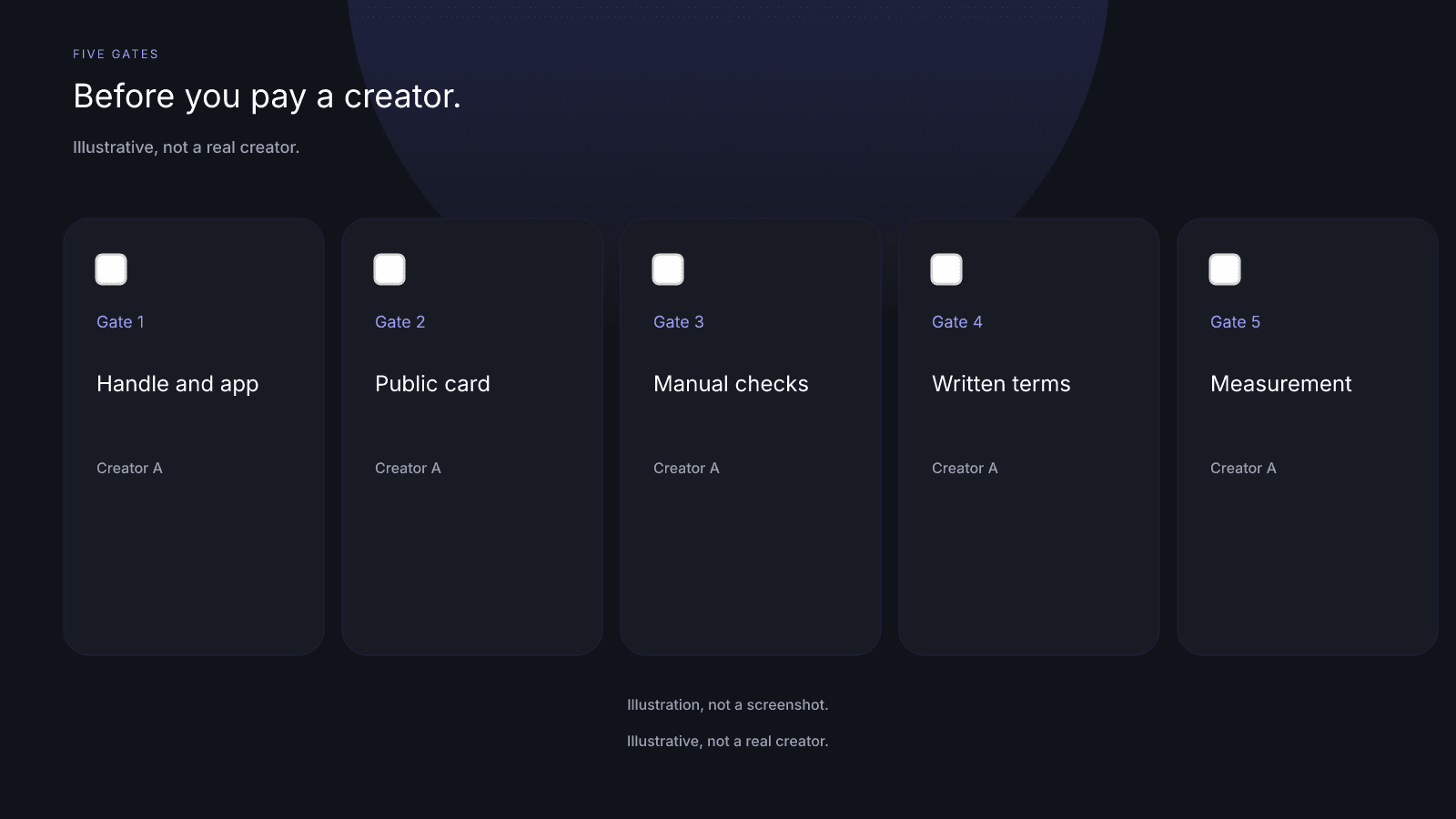
An influencer marketing checklist is five gates a brand settles before you pay a creator: the handle and app, the public card, the checks a score can't do, written terms, and measurement set-up. Pay means paying the creator. The $0.99 report is a separate optional purchase, not part of the five gates.
What the checklist is for, and how to use it
An influencer marketing checklist for brands is an index of five gates, used when you already have a creator in mind and money hasn't moved. Work the gates in order. If a gate fails, stop there. Don't skip ahead and treat a later yes as cover for an earlier blank.
Treat this influencer campaign checklist as a pointer to the guides that already teach each job. It isn't a second copy of those pages. InfScore appears only where a gate needs the public card: naming the handle and app, then recording what the card prints. Gates 3, 4, and 5 are not covered by InfScore.
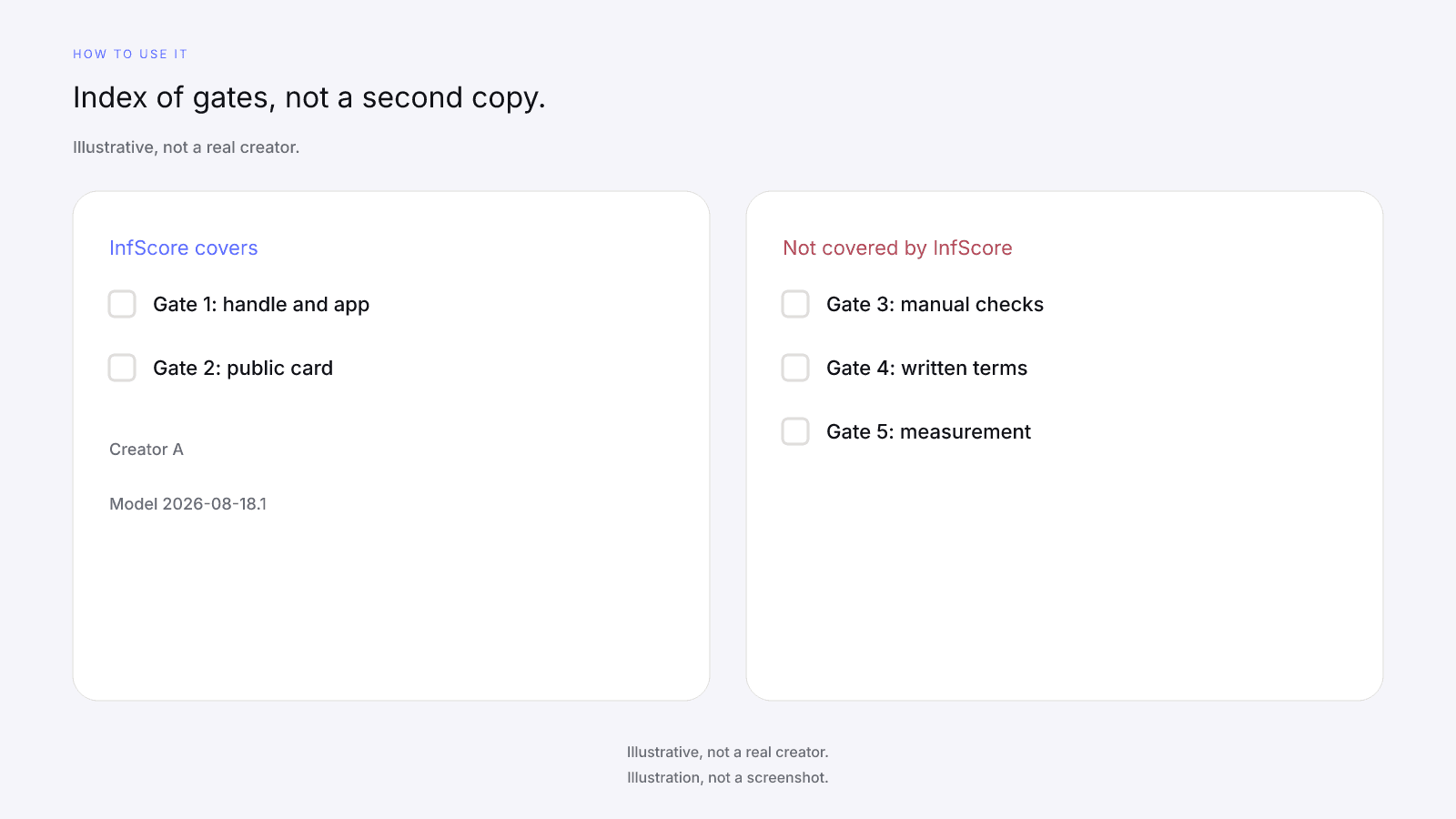
How to use it:
- Keep one note per creator and app.
- Fill each gate's list, then write pass or fail in your own words.
- A blank item is a fail for that gate.
- Don't invent a cutoff that turns the 0 to 100 into a hire or skip rule.
When a gate fails, leave payment closed until that gate has an answer. The note is yours. InfScore doesn't keep it.
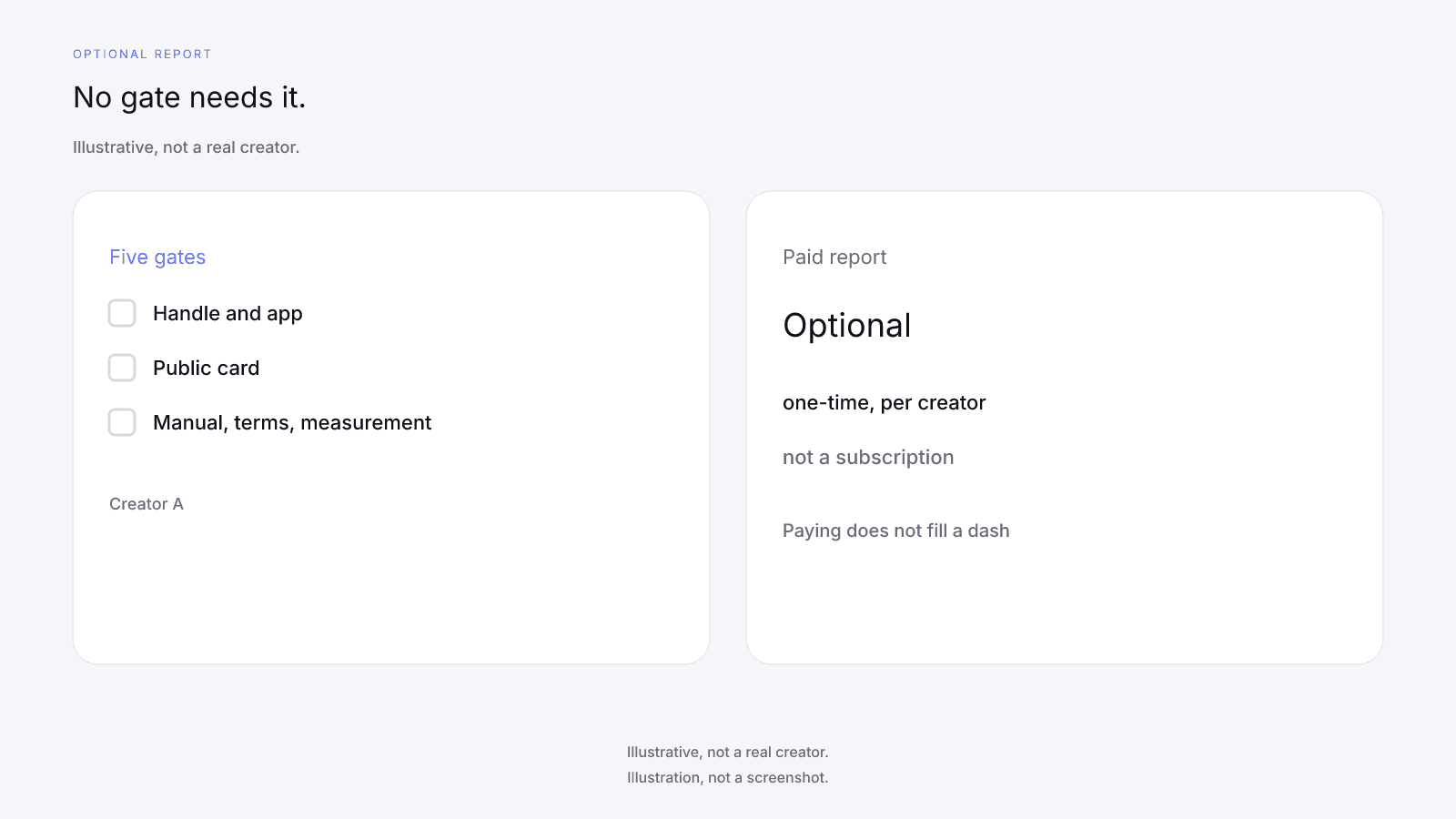
No gate needs the $0.99 report. The free card needs no sign-up. When a score exists, it prints the 0 to 100, the tier label on the card, the four factor rows, scoring coverage, Total public followers, Avg. engagement, and the model id. The optional purchase is the full creator report, with audience, growth, and platform deep dives when they exist. It is one-time, per creator, not a subscription. Paying doesn't fill a dash. No field is guaranteed after paying. The $0.99 unlock button only appears on a scored card. Free InfScore vs the $0.99 Report: What Actually Changes sets the two views side by side. The free card has no demographics; those fields come only in the paid report, when they exist.
Gate 1: Name the creator and the app
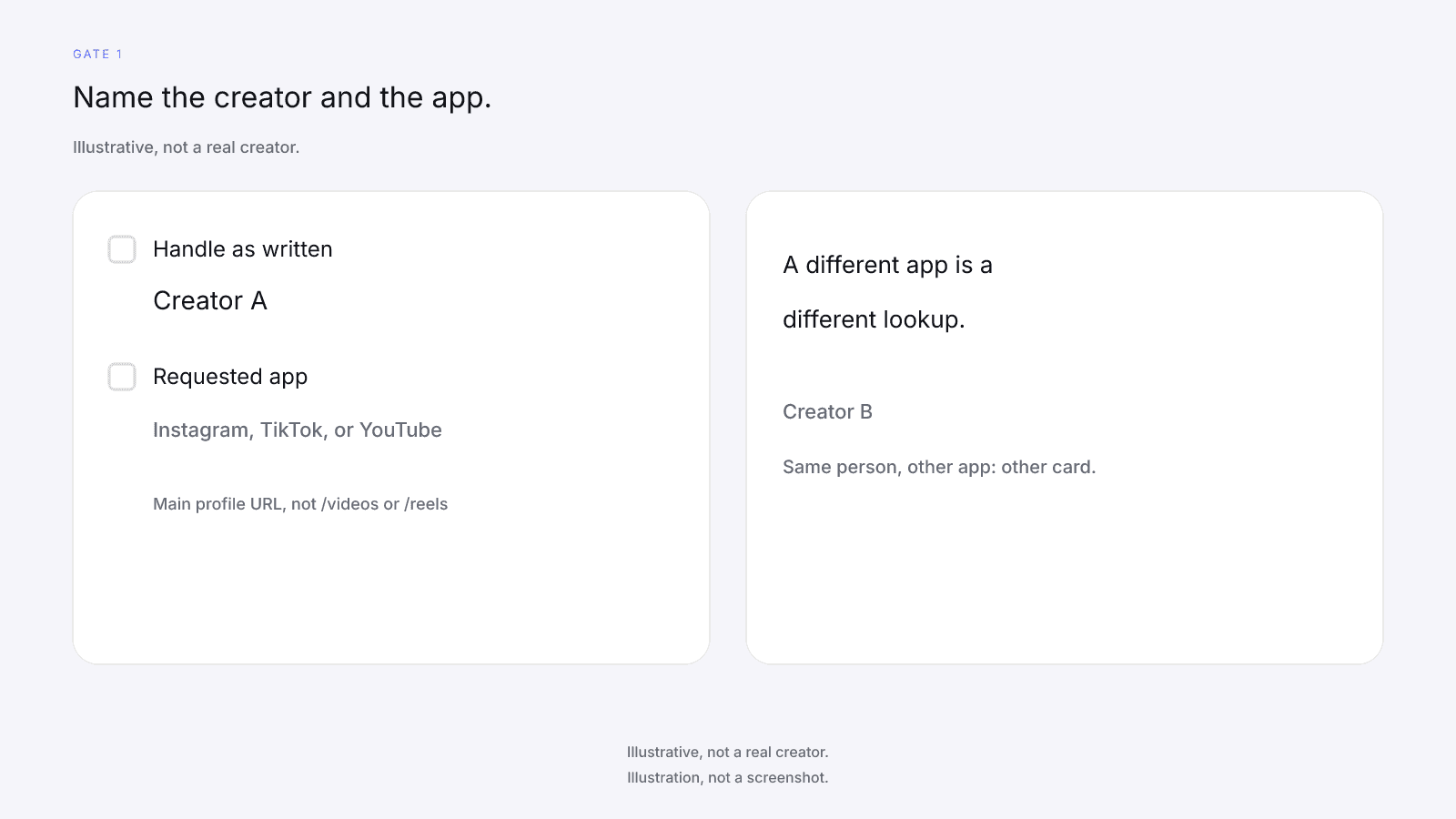
Write who you mean to pay, and on which app, before you read a number. A stored score applies per handle and per app. If a score is already stored for that handle on the app you searched, InfScore shows that score instead of a Not found or Unavailable screen. The same person on another app is a different lookup.
Before you move on, confirm:
- Write the handle exactly as it appears on the profile you mean to pay.
- Write the app the paid work will run on.
- Confirm a bare @handle is an Instagram lookup, and that TikTok or YouTube work uses that app's main profile URL, not a /videos or /reels page.
- Confirm you aren't filing another app's card as this one.
If any item fails, stop. Payment from the wrong handle or the wrong app is a different deal. Cross-Platform Creators covers requested-app lookups.
When a handle shows Not found or Unavailable, that screen isn't a 0 and isn't a verdict on the creator. Creator Not Found or Unavailable on InfScore: What It Means covers those screens. Don't call a no-score card a reason to pay, and don't write a 0 in the note to stand in for it.
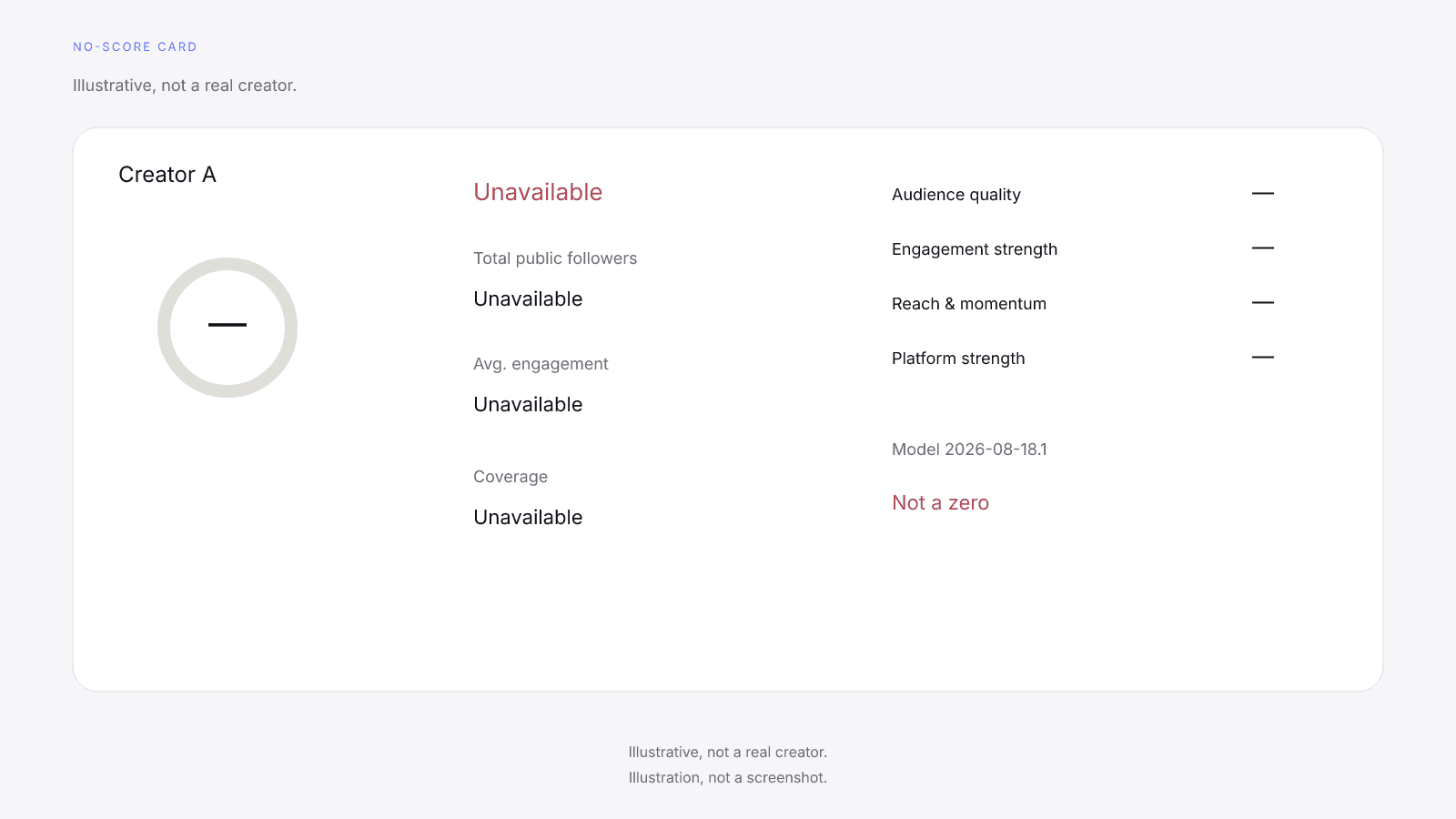
On a no-score card the ring and factor rows show a dash, and Total public followers, Avg. engagement, and the coverage slot show Unavailable. A dash or Unavailable is never 0. There's no unlock button on that card.
Gate 2: Read the public card and record what it prints
Once Gate 1 matches, record what the public card prints. Don't add fields the card doesn't show. InfScore reads public signals. Engagement rate is a public figure InfScore reads. Engagement strength is InfScore's own 0 to 100 mapping of it.
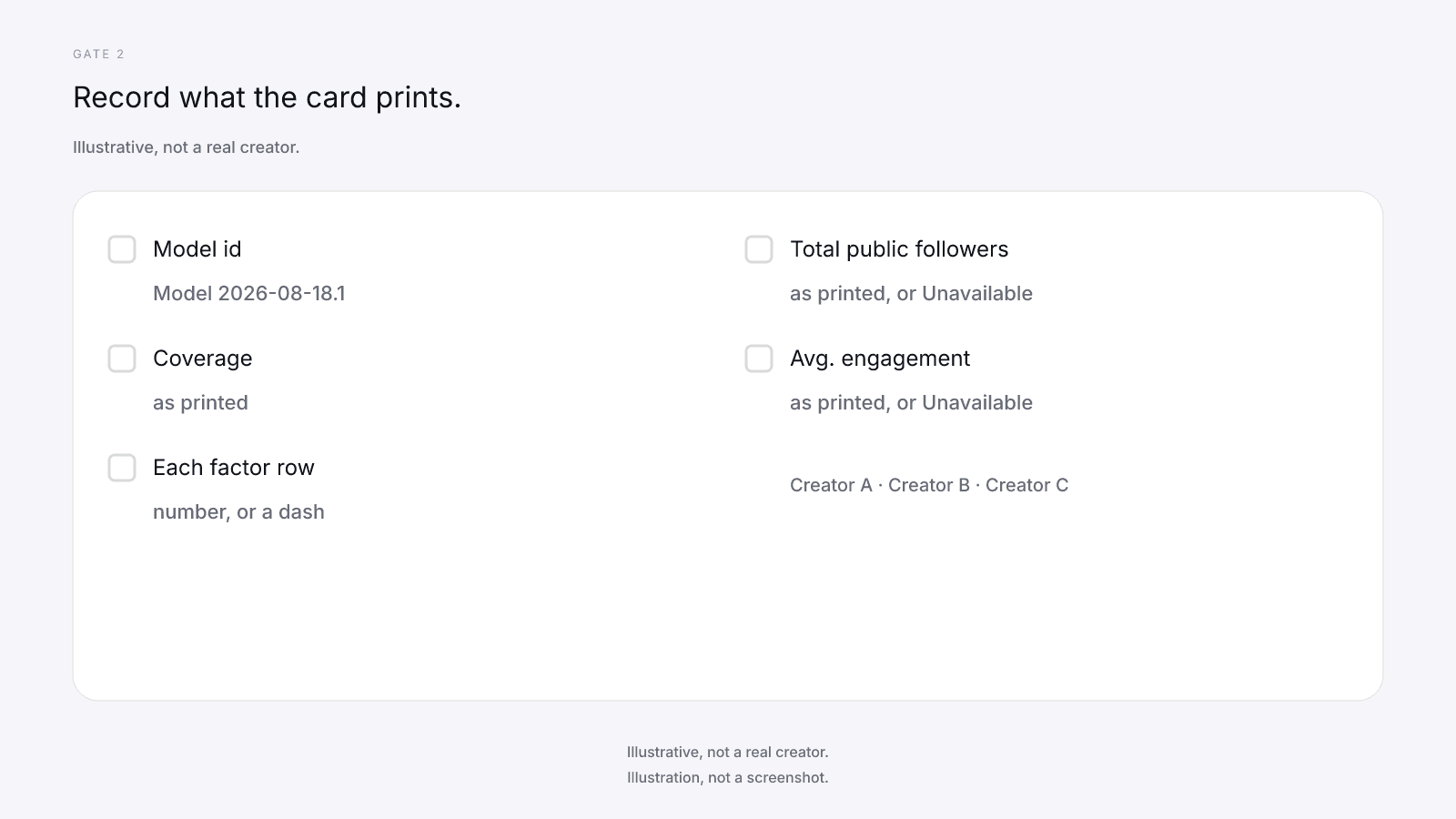
Cards print Model 2026-08-18.1. On model 2026-08-18.1 the weights are Audience quality 32%, Engagement 27%, Reach & momentum 23%, and Platform strength 18%. Scoring coverage is the share of model weight that had data. The 0 to 100 is a versioned composite of the rows that came back. It is not a percentile, price estimate, or guarantee of campaign results. Total public followers is the public follower total across Instagram, TikTok, and YouTube.
Record these from the card:
- Record the model id printed on the card.
- Record scoring coverage as printed.
- Record each factor row as a number, or as a dash.
- Record Total public followers and Avg. engagement as printed, or as Unavailable.
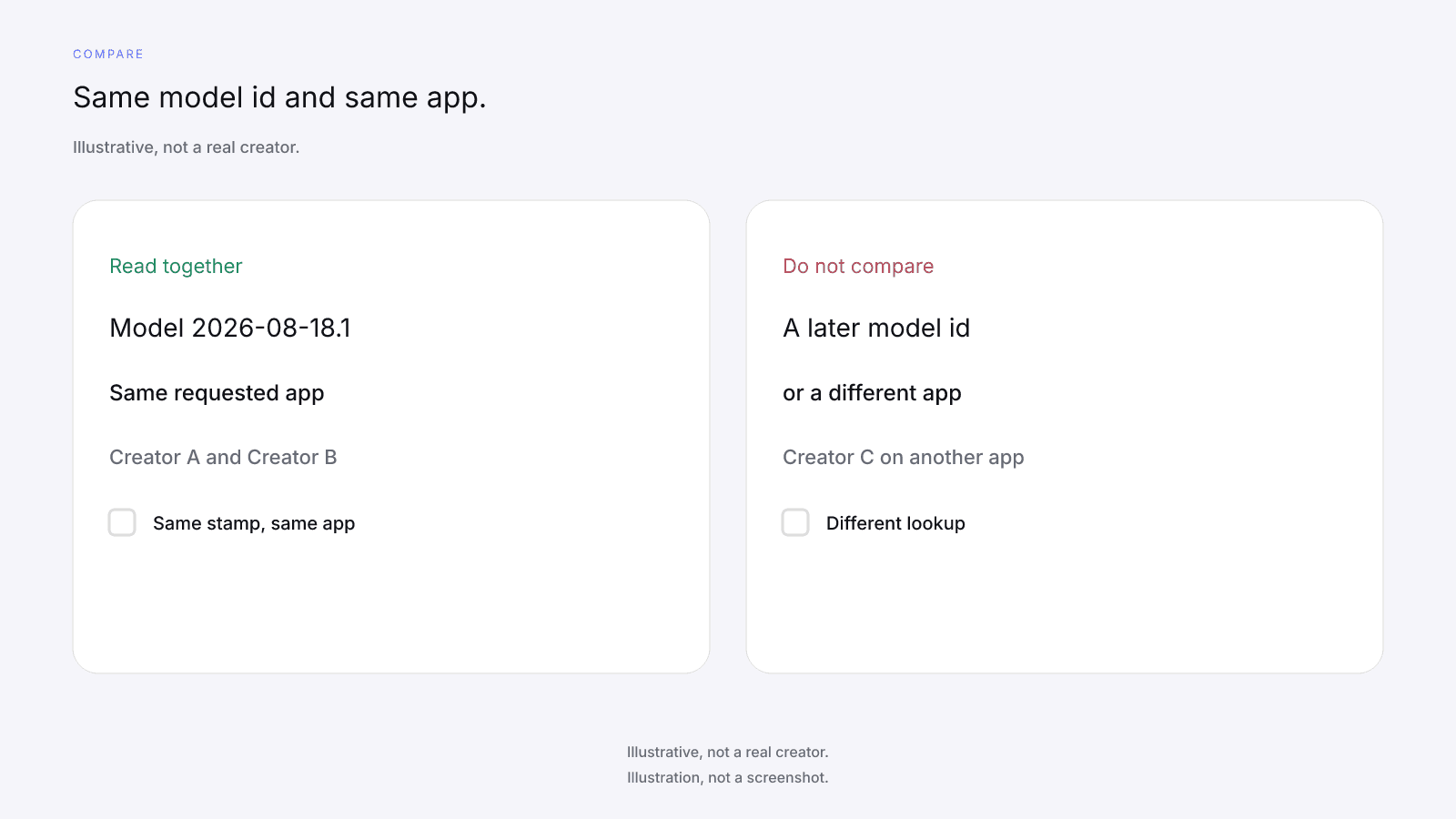
- Compare this card only with others that share this model id and this app.
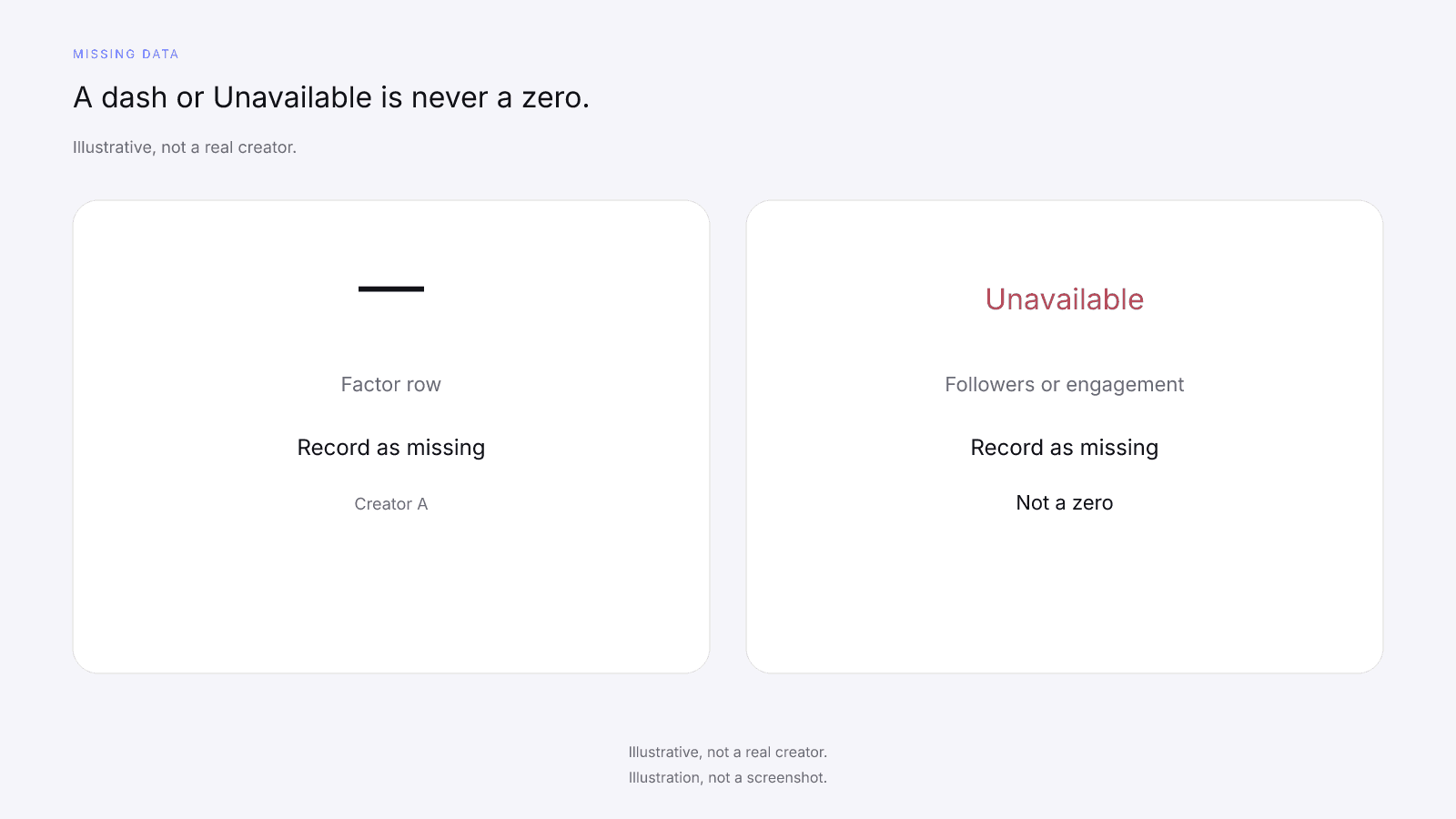
If the card has no score, this gate fails. Go back to Gate 1. If a factor is a dash, write missing, never 0, and name the row. Missing Data on Creator Metrics is the rule for dashes. Don't read a tier label or the 0 to 100 as a hire or skip decision. Keep the rows in Influencer Shortlist Template: Compare Creators on One Model, in a sheet you own.
Illustrative, not a real creator. One way to record three cards on model 2026-08-18.1, all on the same app:
| Creator | Audience quality | Engagement strength | Reach & momentum | Platform strength | Composite | Coverage | Total public followers | Avg. engagement |
|---|---|---|---|---|---|---|---|---|
| Creator A | 84 | 53 | 55 | 74 | 67 Emerging | 100% | 250k | 4.2% |
| Creator B | — | 75 | 62 | 98 | 77 Emerging | 68% | 1.2M | 6.0% |
| Creator C | 92 | 90 | 84 | 45 | 81 Rising | 100% | 20M | 7.2% |
Creator B has no audience-quality row, so Creator B's coverage is 68%. That row is missing, not a 0, and Creator B's 77 is not a four-factor composite. Creator A at 67 and Creator C at 81 are full-coverage cards. None of the three numbers is a reason to pay. Sorting the table by the 0 to 100 isn't a recommendation. Copy each printed value into the note. Don't fill a blank from the composite, and don't put a 0 in the sheet so a column sorts.
Gate 3: Run the checks a score can't do
This gate is not covered by InfScore. A scored card doesn't review posts, judge brand safety, or detect fake followers. InfScore doesn't find creator contacts or send outreach for you. This is the checklist before you pay an influencer for work the card cannot see.
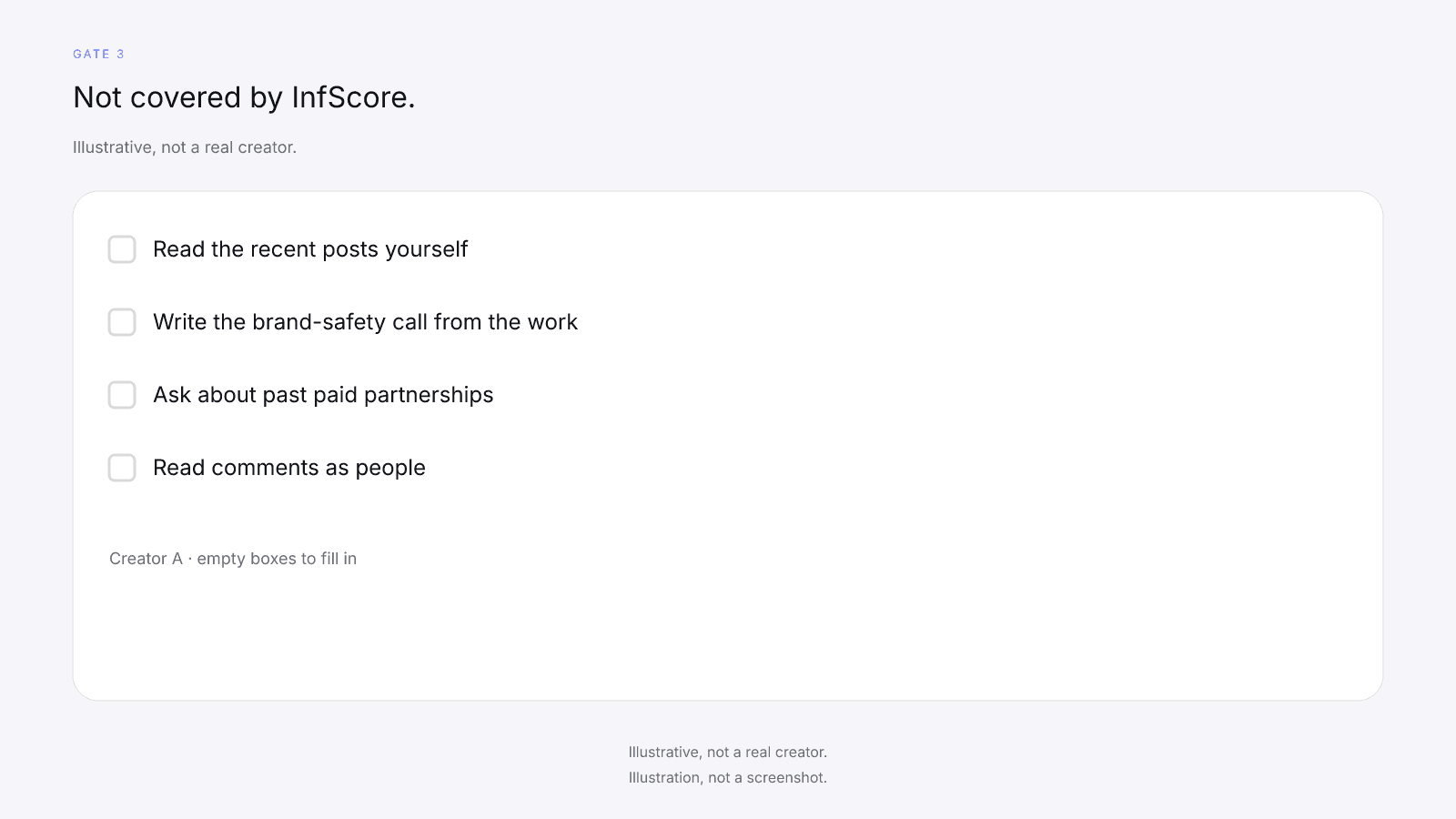
Before you move on, confirm:
- Read the recent posts on the profile you mean to pay, and write whether that work fits the brief.
- Write any post you would not place next to the brand.
- Ask the creator about any past paid partnership you spot, and treat a tag as a question, not proof.
- Read comments as people, without accusing anyone.
If an item has no answer, this gate fails. Until this gate clears, leave payment closed. How to Vet an Influencer Before You Pay Them is the order for those checks. For audience credibility without accusing anyone, use How to Check for Fake Followers Without Accusing Anyone.
A strong row on the card doesn't pass this gate, and a weaker row doesn't fail it. The free card has no field for fit, brand safety, or past sponsored work, so those answers come from the work you read and the questions you ask.
Gate 4: Put the terms in writing
This gate is not covered by InfScore. InfScore does not handle contracts, payments, or negotiation. A composite doesn't set a fee, a usage window, or who owns the draft. how much to pay an influencer explains why a quoted fee is a negotiation and the public card is not a price. Sending a product with no fee is a different arrangement; influencer gifting vs a paid partnership covers when a gift is enough and when to switch to written, paid terms.
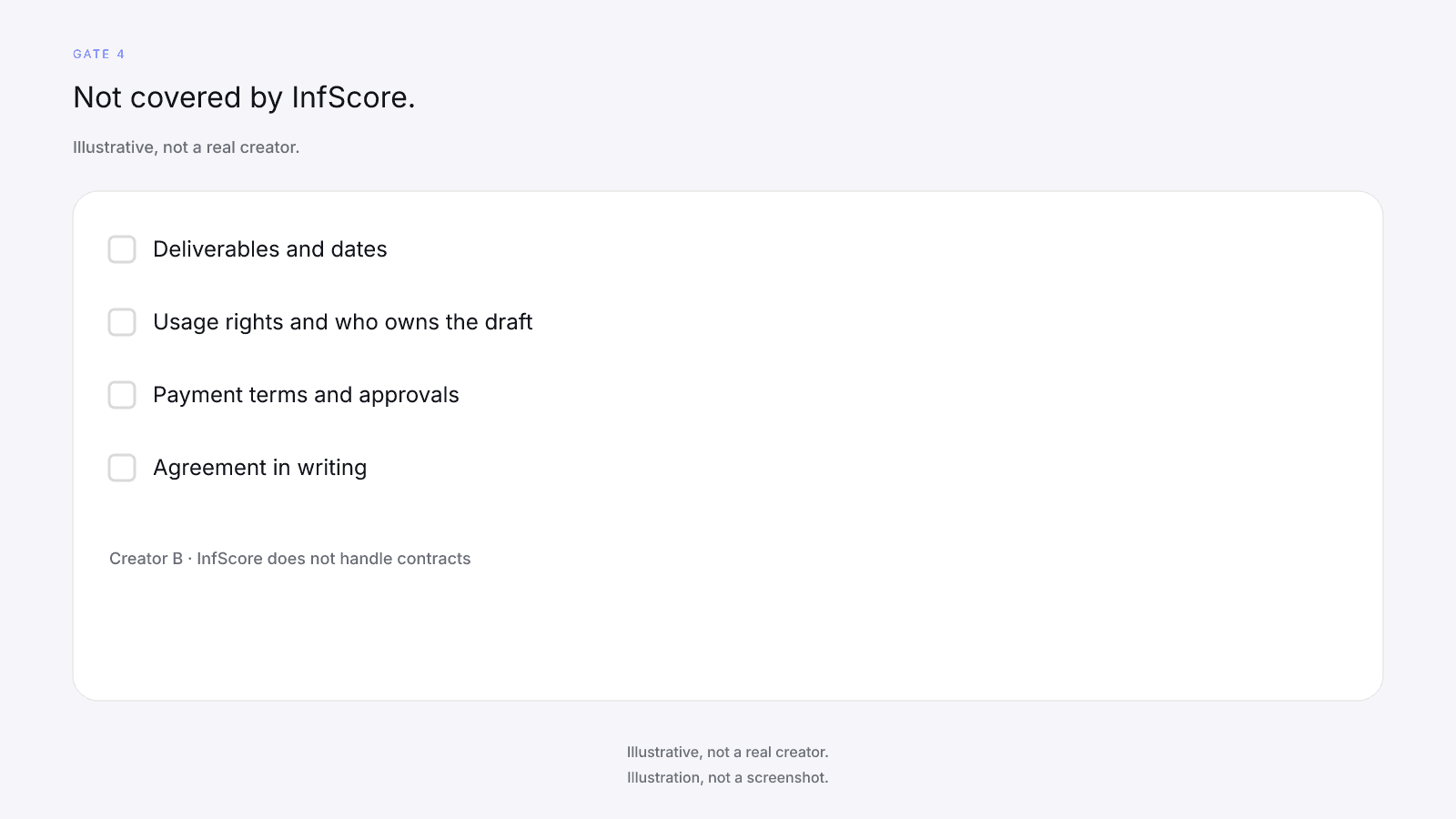
Put each of these in writing:
- Write the deliverables and the dates.
- Write usage rights and who owns the draft.
- Write payment terms and who approves the post.
- Get that agreement in writing before money moves.
If an item is still a chat promise, this gate fails. Don't pay on a verbal yes. What to Put in an Influencer Brief (With a Template) is the file for goals, deliverables, and the score section you copy from the card.
Gate 5: Set up measurement before the post goes up
This gate is not covered by InfScore. The public card is a reading of public signals before a campaign. The score is not a forecast, and it does not measure what the post did. Results are measured after the campaign, from records you own.
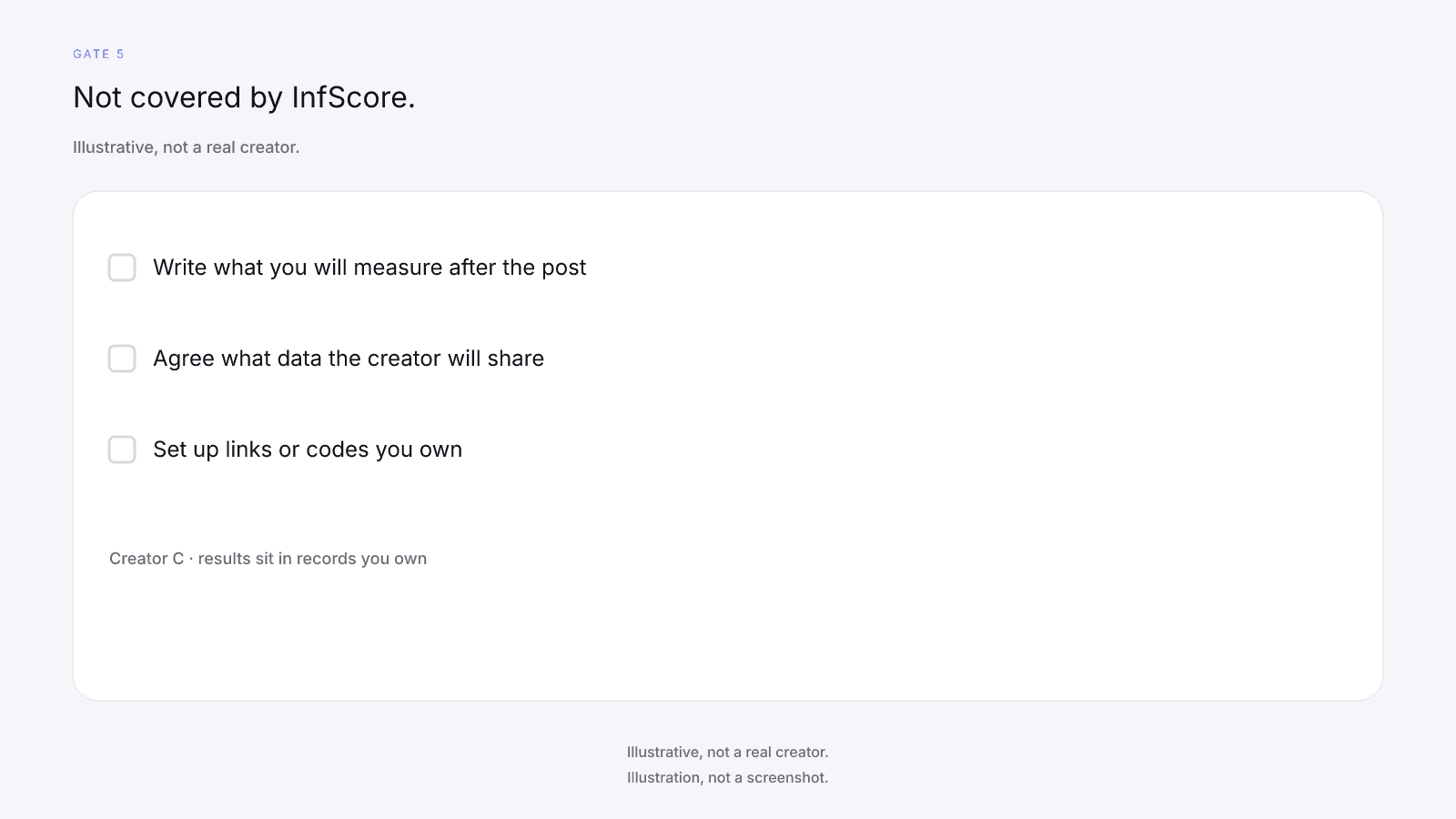
Set these up before the post:
- Write what you will measure after the post.
- Agree what data the creator will share.
- Set up links or codes you own before the post goes up.
If measurement isn't set, this gate fails. The work can still be briefed, but you'll have no result of your own to read against the goal. Don't fill that gap with the 0 to 100. What a pre-campaign score can't tell you about results is the page for what to record before launch.
The five gates end here. Payment is a later step, and InfScore doesn't take it.
FAQ and next steps
Look up a creator's free InfScore at infscore.com, then run the five gates before anyone talks about a fee.
See what the $0.99 report includes on Pricing. You buy it per creator, from that creator's scored card. No gate needs it.
What should an influencer marketing checklist include?
An influencer marketing checklist for brands covers five gates before you pay a creator: name the handle and the app, read the public card and record what it prints, run the checks a score can't do, put the terms in writing, and set up measurement before the post goes up. InfScore covers the public-card gates. The other gates are not covered by InfScore. The optional $0.99 report is not one of the five gates.
What should I check before paying an influencer?
Settle the handle and the app first, then record the model id, scoring coverage, the four factor rows, Total public followers, and Avg. engagement as the card prints them. A dash or Unavailable is missing, never 0. Then do the manual checks, put terms in writing, and set up measurement. Do not treat the 0 to 100 as a reason to pay.
Can InfScore tell me a creator is safe to pay?
No. InfScore reads public signals on a scored card. It is not a verdict on the creator, and it does not decide fit, brand safety, rates, or terms. A higher or lower 0 to 100 is not a hire or skip rule. You still run the checks a score can't do before you pay.
What do I do when the card shows a dash or Unavailable?
Record a dash or Unavailable as missing, never as 0. Scoring coverage is the share of model weight that had data. It isn't accuracy. Name the missing row in your note. If the whole card has no score, stop this checklist; that screen is not a 0 and not a reason to pay. Paying does not fill a dash.
Do I need the $0.99 report to finish the checklist?
No. No gate needs the $0.99 report. The free card already prints the 0 to 100, the factor rows, coverage, Total public followers, Avg. engagement, and the model id when a score exists. The report is one-time, per creator, not a subscription, and optional. No field is guaranteed after paying.
Who checks contracts, rates, and usage rights?
You do. InfScore does not handle contracts, payments, or negotiation. Deliverables, dates, approvals, usage rights, payment terms, and who owns the draft stay in writing between you and the creator. A scored card does not set a fee. Gate 4 is not covered by InfScore.
Should I use the same checklist for every creator?
Yes. Use the same five gates for every creator. Compare public cards only within one model id and one requested app. A different app is a different lookup. A different model id is a different composite. The manual checks, the written terms, and the measurement set-up still sit with you.