Influencer Marketing ROI: What a Pre-Campaign Score Can't Predict
Influencer marketing ROI is measured after a campaign. What a pre-campaign InfScore can show, what it can't predict, and what to set up before launch.
This versioned composite uses only available public signals. Missing factors stay unavailable and their weight is rebalanced across observed factors. It is not a percentile, price estimate, or guarantee of campaign results. Model 2026-08-18.1.
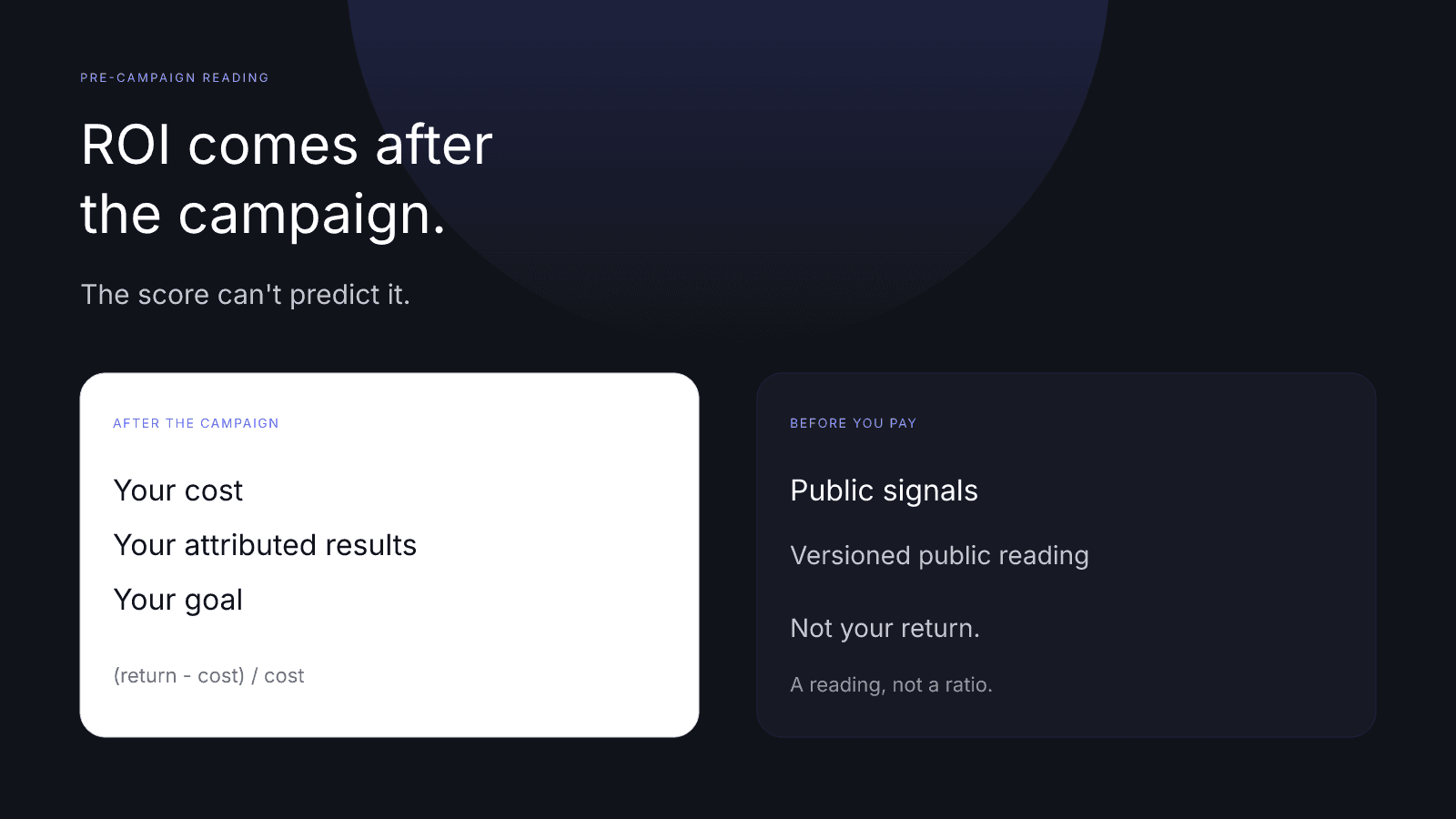
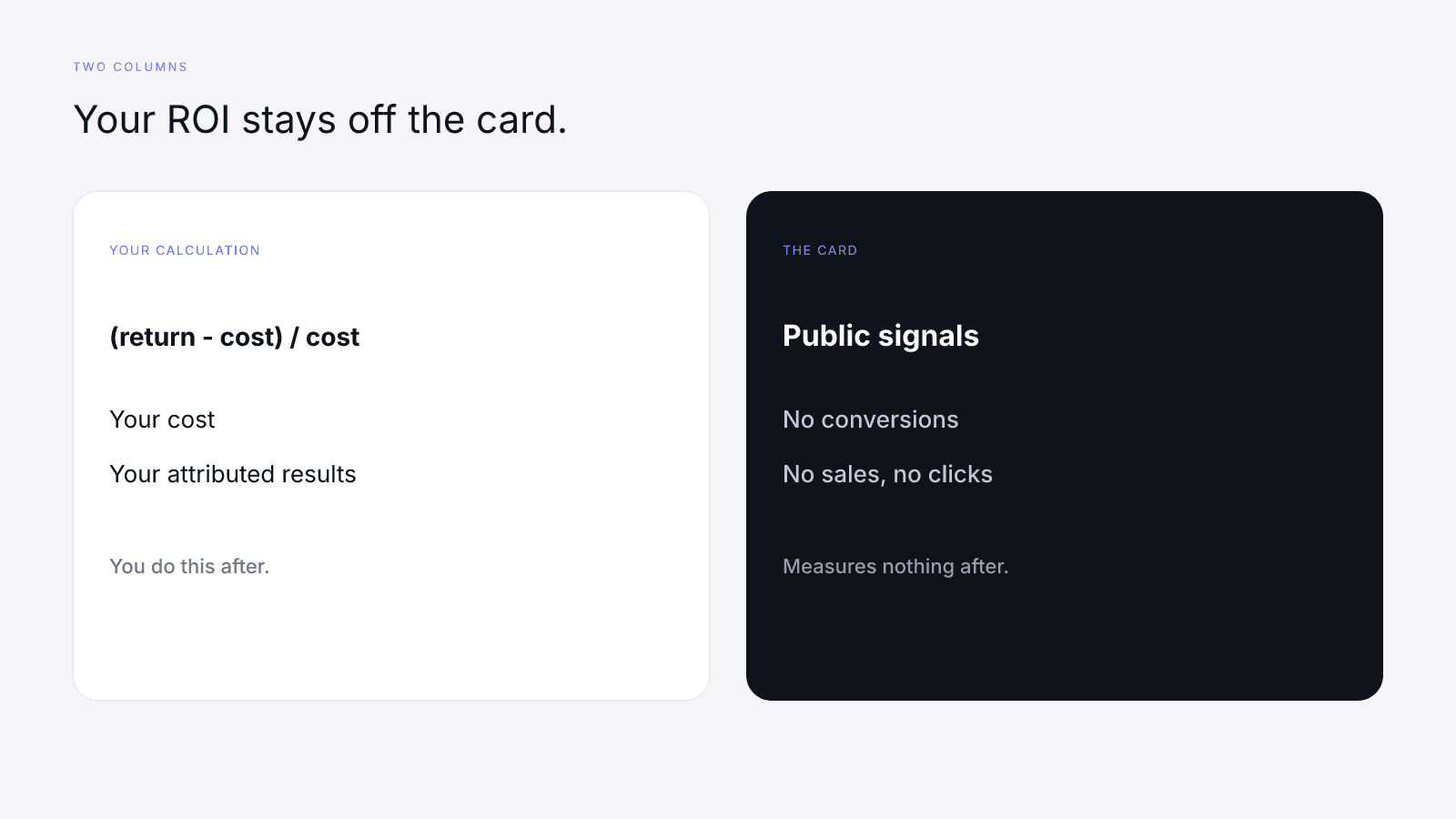
Influencer marketing ROI is a result you calculate after the campaign, using (return - cost) / cost with your own cost and the results you've attributed to the work. A pre-campaign score can't see those inputs. It doesn't know what you paid, which sales came through your link or code, or what goal you set. InfScore is a versioned reading of public signals, and brands use it to shortlist creators and vet them before they pay. That helps you decide who to brief, while the ratio comes later from your own books. It can't predict influencer marketing ROI.
Each card names the model it was read on, model 2026-08-18.1 for the readings discussed here, plus a coverage line saying which rows came back. The methodology publishes how the four factors are mixed, and How to Measure Influencer Performance walks through each factor if you want the detail. Neither one says anything about your sales.
What influencer marketing ROI actually means
Influencer marketing ROI compares what a creator campaign brought in with what it cost. The standard formula, which the brand works out for itself, is (return - cost) / cost.
Return is whatever outcome you decided would count and can tie to this campaign. One brand counts revenue attached to a code; another counts conversions attached to a link, or gross profit instead of revenue. The formula doesn't pick for you. You pick, in a sentence written before the creator posts. If two people on your team would count different outcomes, you don't have a return yet, just a disagreement to settle before launch.
Cost is the spend that belongs to the same campaign: the fee you agreed with the creator, product you sent and chose to count, and usage rights if you pay for them, whether they sit inside the fee or on top of it. Some teams count their own staff time as well. A public profile doesn't itemize any of this, and it has no idea which lines you decided to count.
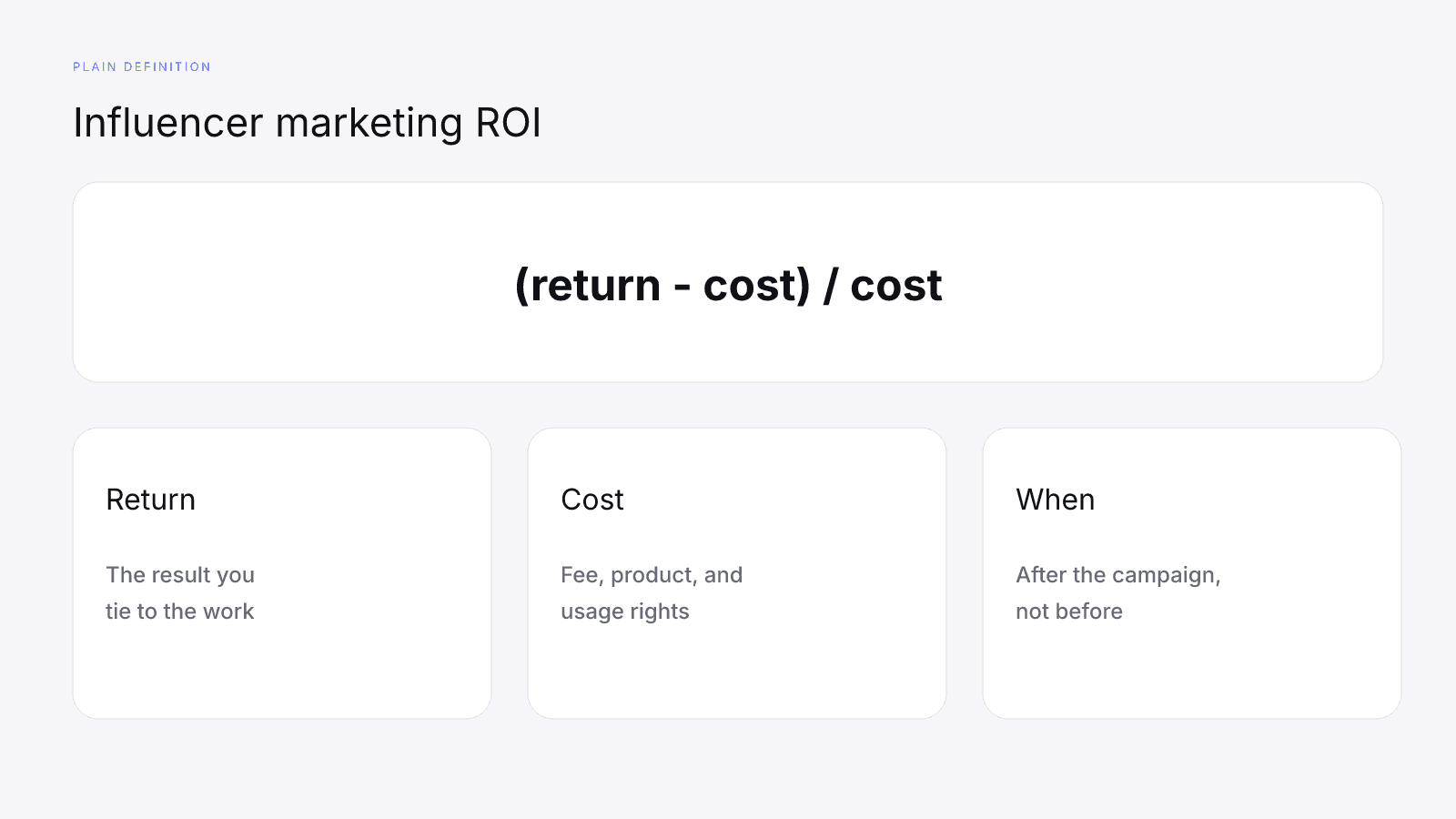
We've left the formula as a definition, with no sample returns or sample costs. A worked answer needs your books, and no public creator card prints one.
ROI also has a date attached. Before the post runs, the return isn't a fact yet: you can name the goal and write down the cost you've agreed, but you can't divide by a result you don't have. After the post runs, the same formula uses the results your tracking collected and the cost you actually incurred. That's the first moment influencer marketing ROI exists for the campaign.
InfScore doesn't run the formula. The card is a 0-100 reading of public signals for the profile you looked up, with a model id and a coverage line. You can cite that reading in a brief, but it's a different kind of number from the ratio above.
What ROI needs that no public score can see
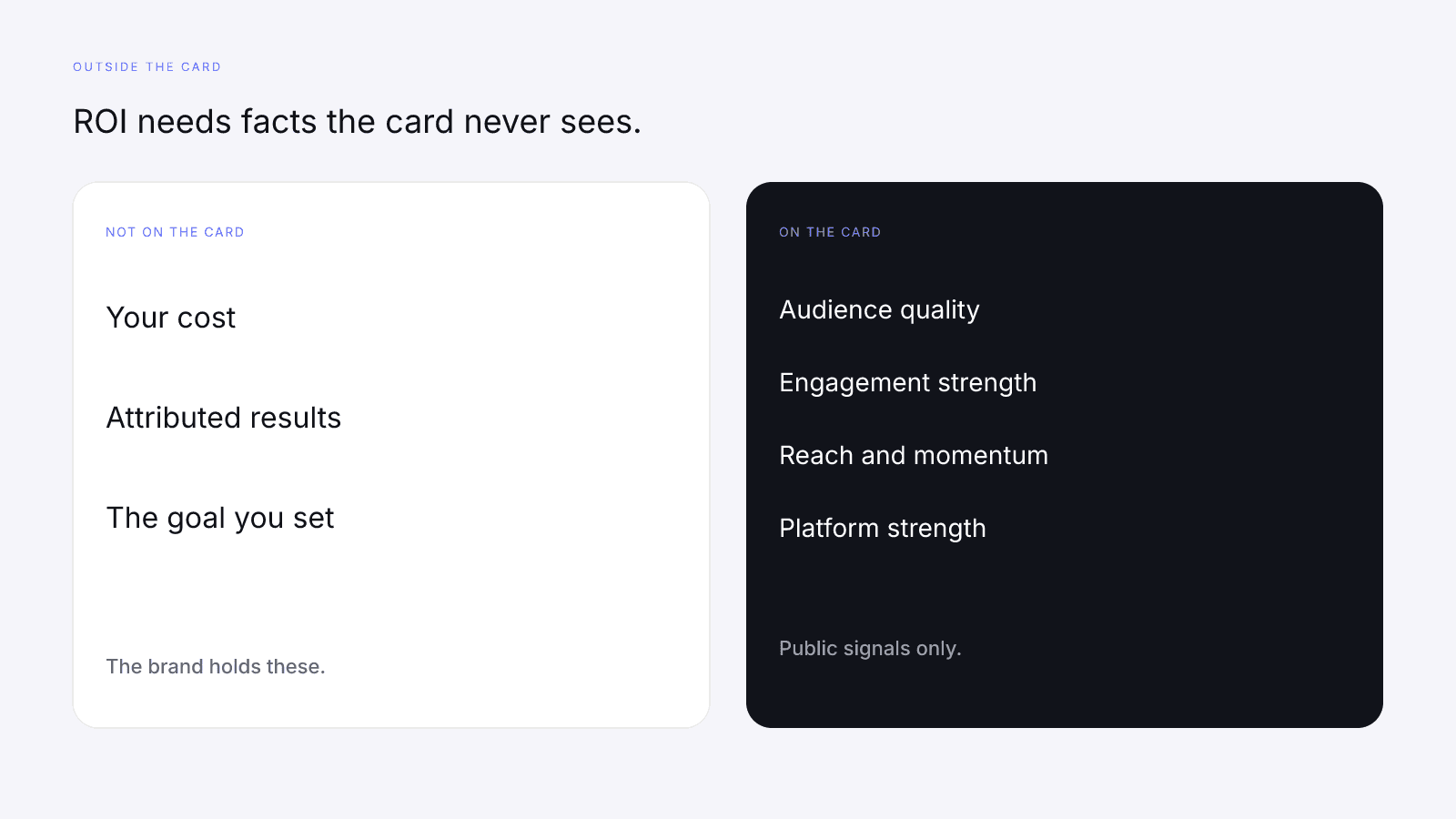
The formula stalls without inputs that only the brand has.
Start with cost. The fee you agreed, the product you count as spend and the usage rights you pay for sit in the agreement and in your accounts. The creator knows the fee they quoted, but only you decide which lines count as spend. None of it appears on the card, and the card won't ask for it.
Then there are attributed results. A sale or conversion counts toward the return only when you can tie it to this campaign, through the link, the code or another method you control and can check. InfScore doesn't see your analytics, your store or your ad account, so it can't separate a sale from this post from one that came from somewhere else the same week.
The goal is the sentence that says what "return" means for this campaign. Without it, two people can divide two different numerators and both call the answer ROI. A follower total isn't a goal, and neither is a composite. Write it so a teammate can apply it without calling you.
The baseline is the level of the metric in your goal before the post, read from your own source on a date you note down. Without it, you can't separate what the campaign added from what would have happened anyway. The card can't supply it either, because the follower total there is a public size figure, and it says nothing about your sales or your site traffic.
| Input | Who has it | On the card |
|---|---|---|
| Cost, including fee, product, and usage rights | The brand, from the agreement | No |
| Results you can attribute | The brand, from the tracking you set | No |
| The goal that defines return | The brand, written before launch | No |
| Baseline for the metric in the goal | The brand, recorded before the post | No |
| Public signals for the profile you looked up | The card | Yes |
The table is a checklist, so it describes no real campaign or creator. The last row is the only one InfScore fills, and it fills it with a reading of public signals rather than a return.
A full card still can't see your cost, your results, your goal or your baseline. A dash makes the reading thinner, but it doesn't hide a return somewhere else on the card.
What a pre-campaign score is good for
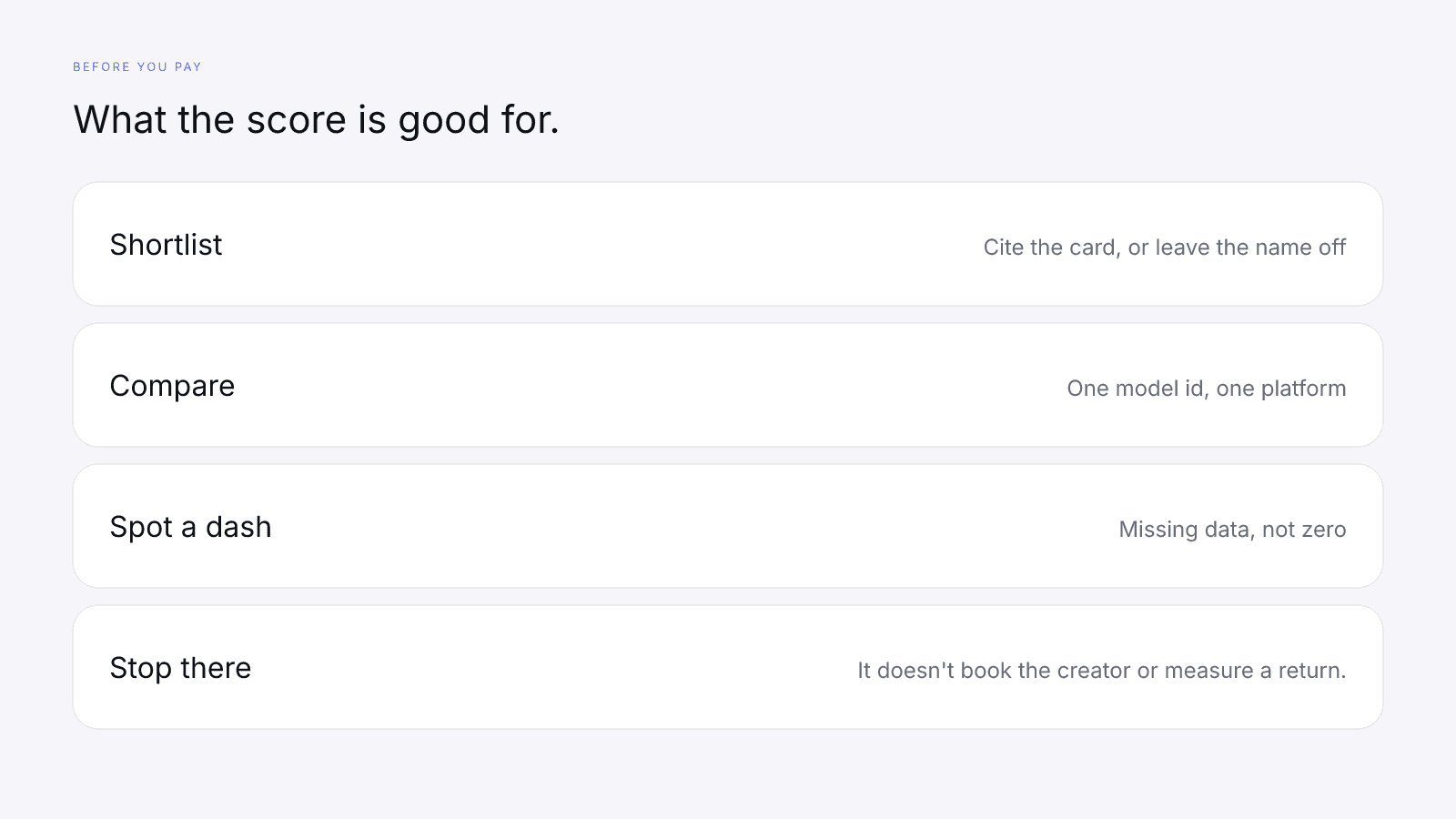
Before you pay, the card has a narrow job: shortlisting, comparing creators on one model id, and spotting missing data.
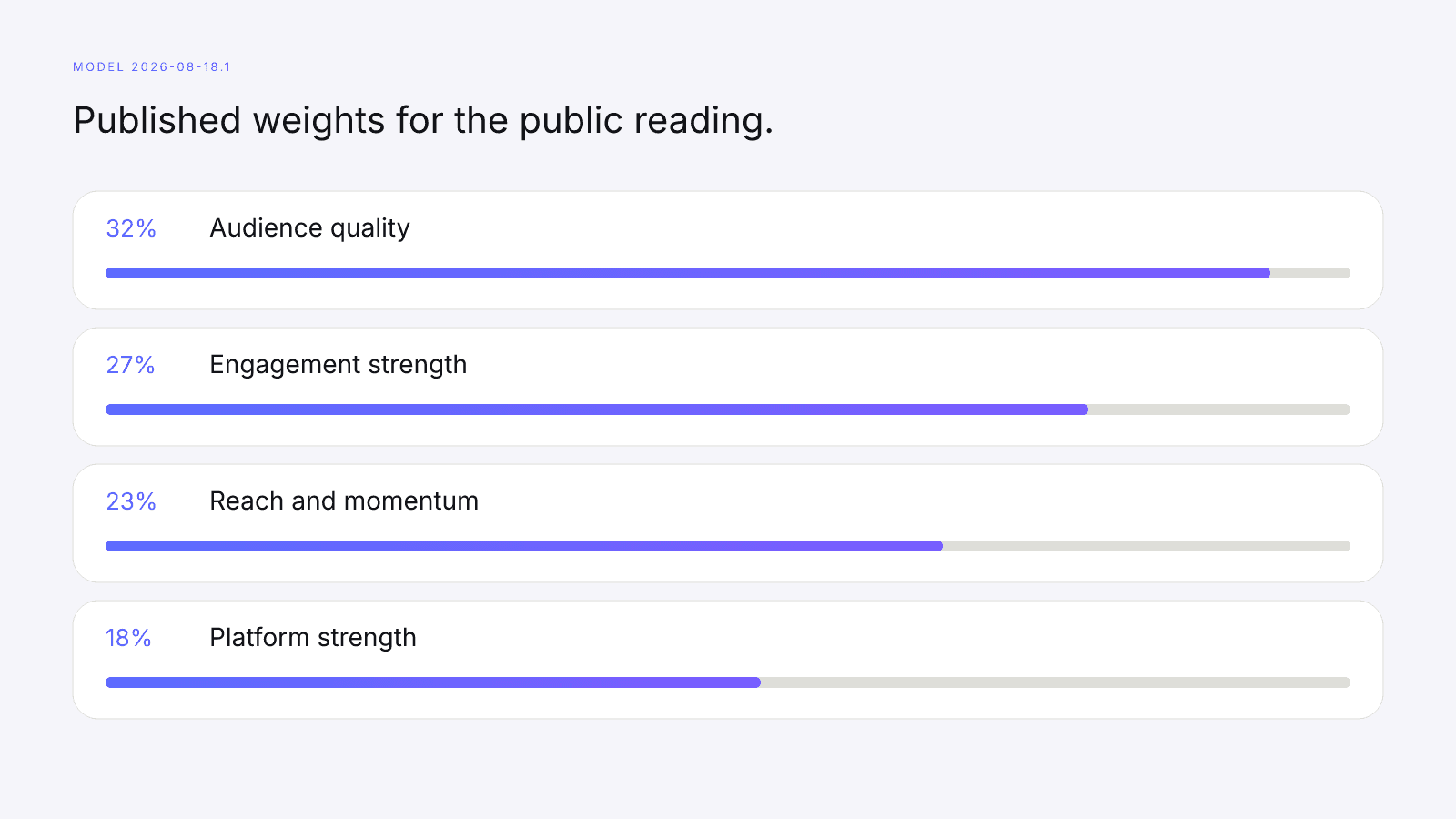
What the card holds is a reading under a published model. On model 2026-08-18.1 the weights are audience quality 32%, engagement strength 27%, reach & momentum 23%, and platform strength 18%, and a row counts only when its data came back. Audience quality is a credibility signal for the platform you looked up, which isn't the same thing as follower count. Audience Quality vs Follower Count covers the difference.
InfScore doesn't calculate engagement. It maps the provider-reported public rate onto a fixed scale, the same one on every lookup, and How to Calculate Engagement Rate on Instagram, TikTok, and YouTube explains the rate itself. Mapping a rate onto a scale gives you a row on the card. It doesn't give you a conversion count or a revenue line.
For shortlisting, open the card for the platform named in the deliverables and read the model id, the coverage and each row, dashes included. If you can't cite the reading, because too much is missing or the platform doesn't match the work, leave that name off the list you take into vetting. The card hasn't rejected anyone; you've just declined to treat a gap as a fact.
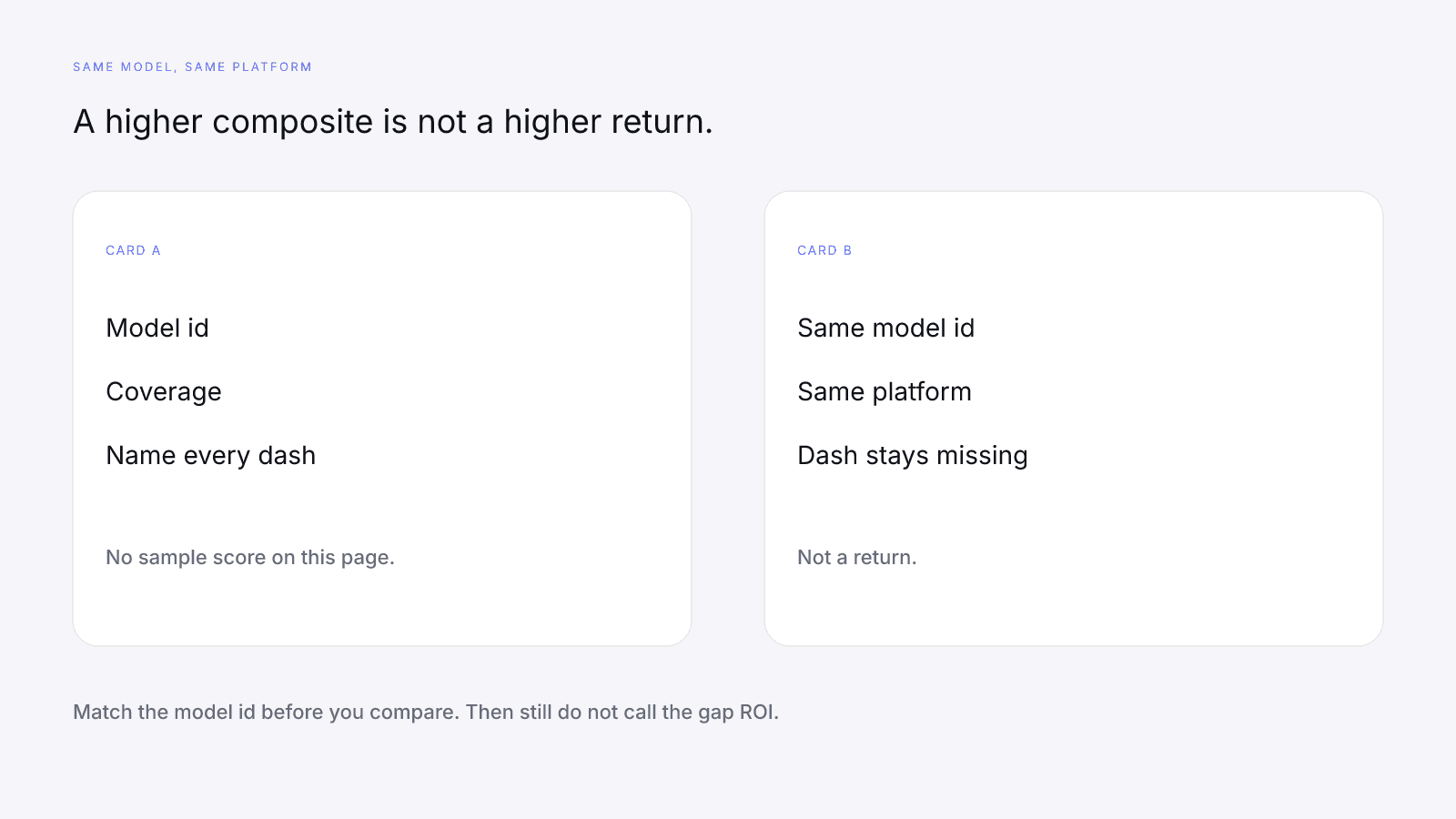
Comparing on one model id means both cards show the same model id and both were looked up on the same platform. Comparing Two Creators Fairly With InfScore walks through that check, and it comes before anyone ranks the composites. A higher composite is a difference in the public reading, on that model, with the coverage each card had. A higher composite is not a higher return, and you don't have ROI for either creator yet anyway.
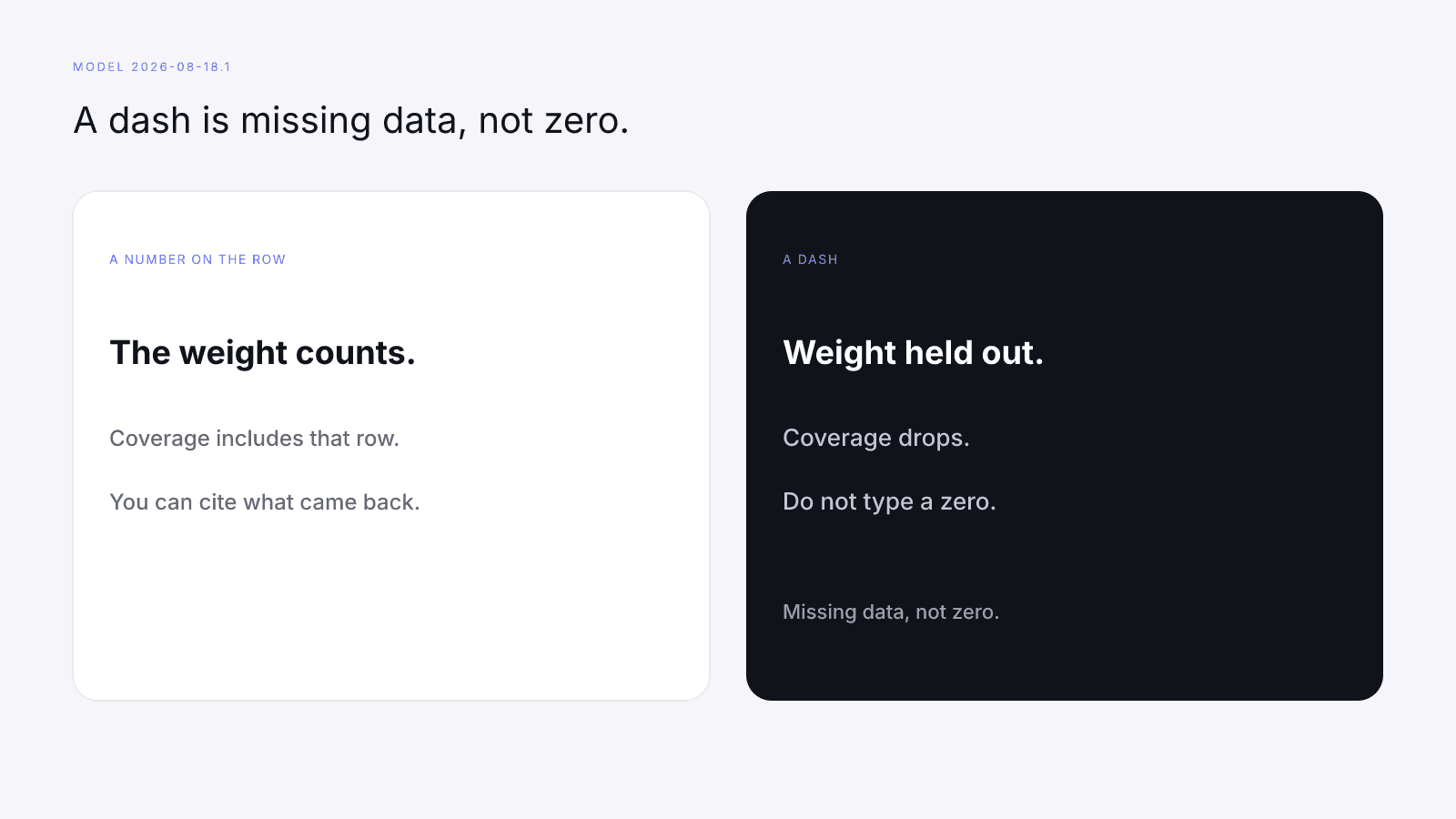
Spotting missing data is the third job. A dash is missing data, not zero: the missing row's weight is held out and coverage drops. Treat a dash as a prompt to look at the public profile or to ask the creator about what the card doesn't show, and don't type a zero into the gap so a sheet will sort. Missing Data on Creator Metrics has the full rule.
It helps to read every shortlisted card in the same order, so the headline number doesn't run ahead of the gaps. What Brands Should Read First on an InfScore Card puts the model id and the coverage line first.
Vetting comes next, and most of it has little to do with a score. How to Vet an Influencer Before You Pay Them starts from the card and moves on to fit, brand safety, past work, the fee and the terms. You agree the fee and the usage rights with the creator; the card doesn't quote one or grant the other.
If the next step is writing to the creator, InfScore doesn't find creator contacts or send outreach for you. A shortlist gives you names, and reaching those people is up to your team.
What the score can't tell you about results
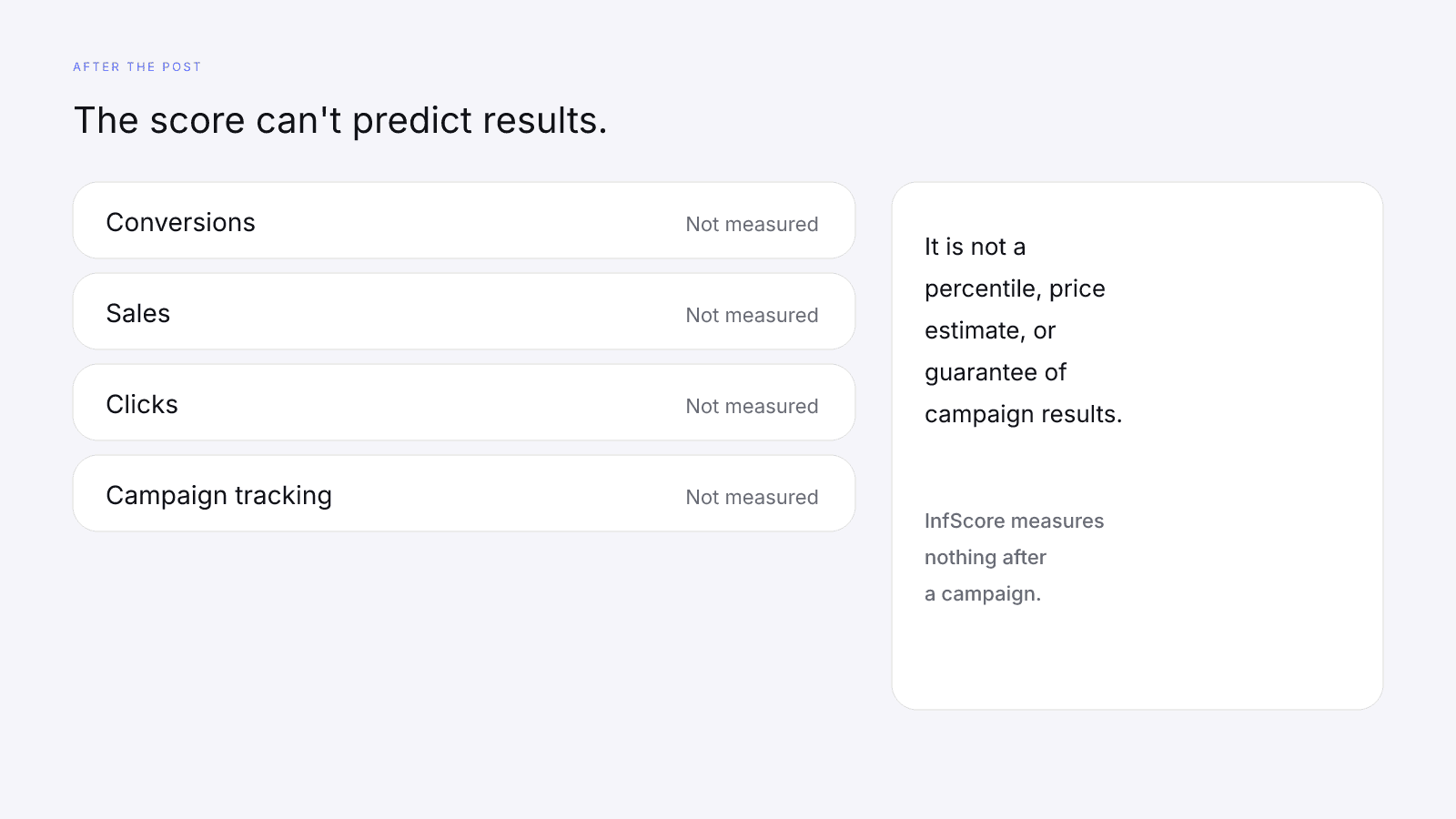
The score can't predict the return, and it can't predict conversions, sales or clicks either. InfScore measures nothing after a campaign. There's no conversion tracking, no sales tally, no click report and no campaign tracking, and nothing on the card fills itself in with ROI once the post is up.
It is not a percentile, price estimate, or guarantee of campaign results.
A complete reading doesn't let you skip tracking. Every row can be present and the campaign can still miss the goal you wrote, while a partial reading, with a dash you logged as missing, can sit beside a campaign that hits it. The card doesn't decide between those outcomes. Your cost and your attributed results settle it, after the work.
Creators get the same question from the other side of the thread: "What ROI will you deliver?" That's a request for the brand's ratio before the brand has its inputs. A creator can send the public URL, the model id, the coverage line and any dash, and explain what those lines mean, but they can't predict the return, because it depends on the brand's cost, tracking and goal. Quoting the composite in the reply states a public reading, and that's all it states.
There's no score cutoff in this guide, and you shouldn't add one to the brief. A composite isn't a hiring bar in either direction. Whatever the reading, the goal, the tracking and the cost still need writing down if you plan to measure ROI after you pay.
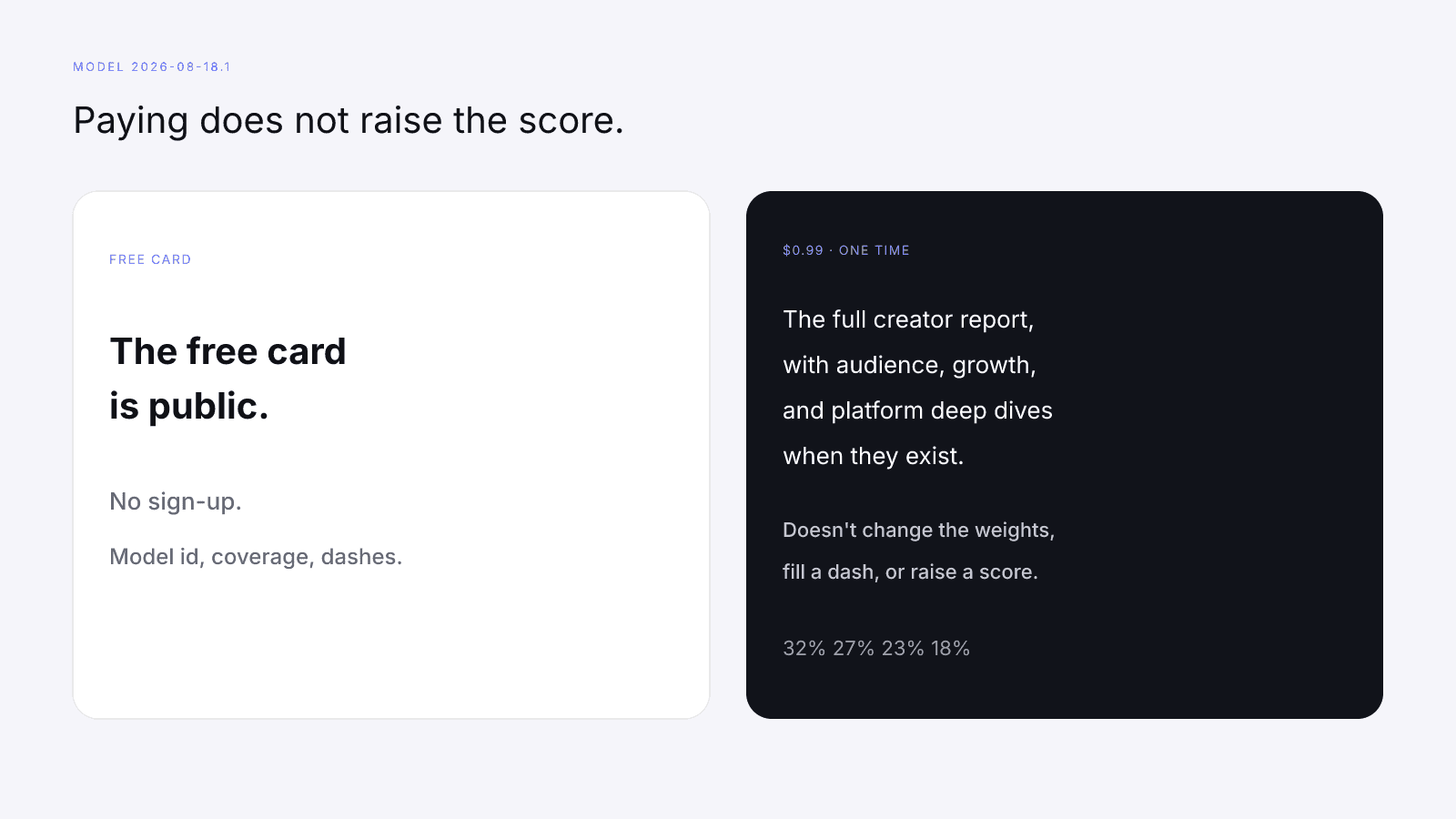
The paid report doesn't close the gap. The $0.99 purchase is the full creator report, with audience, growth, and platform deep dives when they exist. It's a one-time purchase, not a subscription. The paid view keeps the free card's score; the $0.99 report runs a fresh read and may show audience data the public card lacked, but it adds no ROI, forecast, or results figure. Paying doesn't change the weights, fill a dash, or raise a score. Free InfScore vs the $0.99 Report: What Actually Changes lists the extra pages, which are still public-signal detail rather than your sales or clicks.
Set up before launch so ROI is measurable after
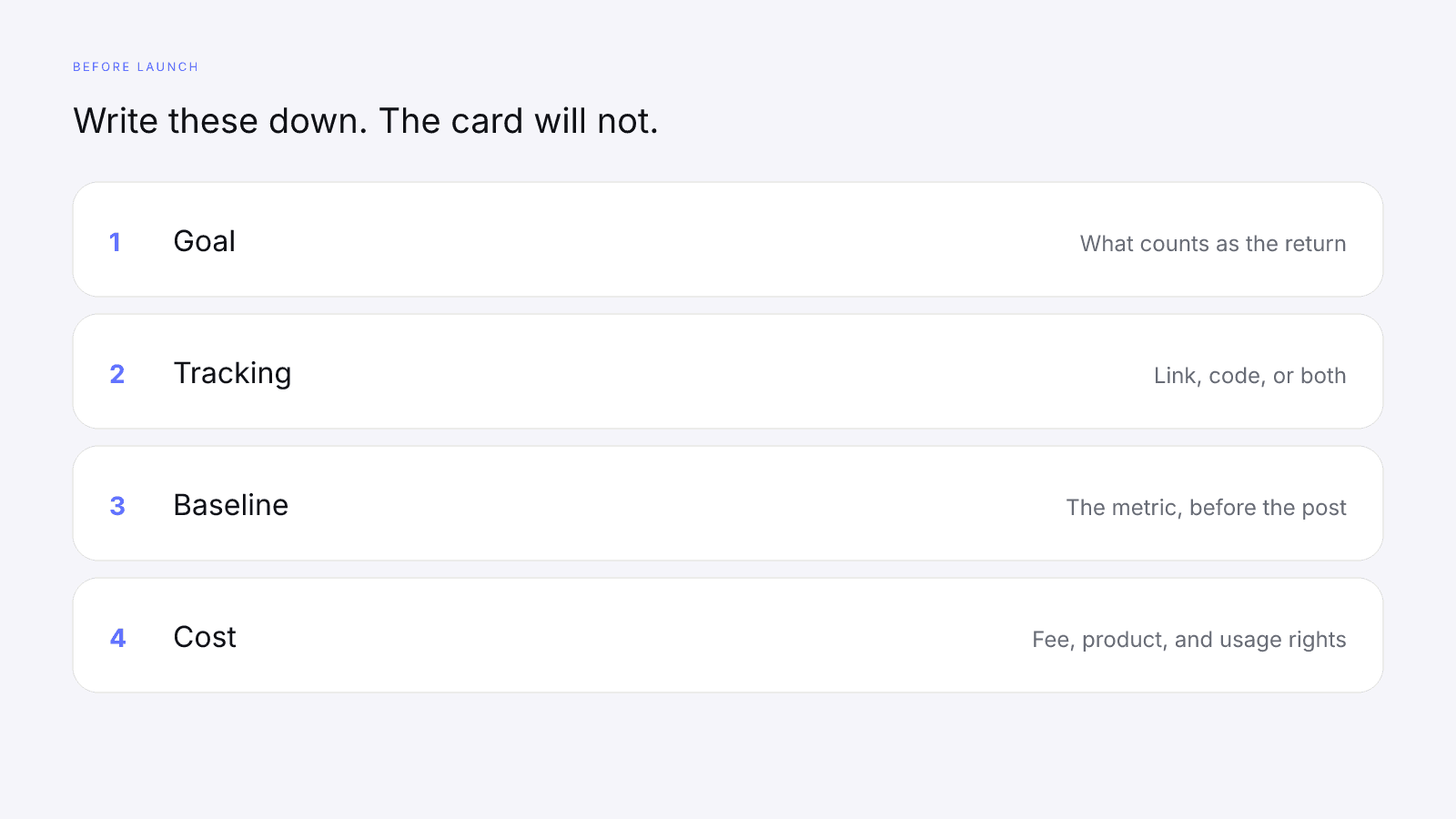
The later calculation only works if you write the inputs down while the terms are still being agreed. The brand sets these up in its own tools before launch. InfScore doesn't create links or codes or track clicks, conversions, or sales. It won't store any of this for you either.
Start with the goal: one sentence a teammate can apply without calling you, saying what counts as the return. If the sentence is only a mood, name the metric you'll count, or accept that you won't have a numerator. Set the target in the same sentence, before launch, so nobody picks it after seeing the result.
Next, issue a link, a code or both, and say where the creator has to place them. A code that never appears in the agreed posts won't attribute anything, and a link the creator swaps for another address may never reach the page you're watching. Write the exact link or code into the brief and check the posted piece against it. Nobody at InfScore will notice a swap.
Then record the baseline: the metric from your goal, on a date before the post, with the source you read it from. You need a starting point to set beside the same metric afterwards. The follower total on the card can't play that role, since it's a public size figure from the lookup.
Finally, write the cost as the spend you're actually taking on: the fee, the product and the usage rights. If usage sits inside the fee, say so, so nobody adds it twice or drops it. If a later usage window costs more, or you also agreed to pay to boost the post, add that spend to the same note when you agree to it. Count what you end up paying. A fee you discussed and never paid isn't a cost, while product you sent and agreed to count is. These lines belong to your agreement with the creator, and they aren't InfScore policy.
Decide the units now as well. If the return will be a count of conversions and the cost is money, dividing one by the other doesn't give you ROI. Either write a rule into the goal for turning the return into money, or plan to report the count beside the cost without calling it the ratio.
Settle attribution before launch too. Results you can't tie to the link or code stay out, because a busy week isn't attribution. If other ads run at the same time, the goal sentence decides whether those sales count.
What to Put in an Influencer Brief (With a Template) is where the agreed lines go. The score sits beside them as a citation of the card you viewed: the public URL, the model id, the coverage line, and audience quality or the word "missing".
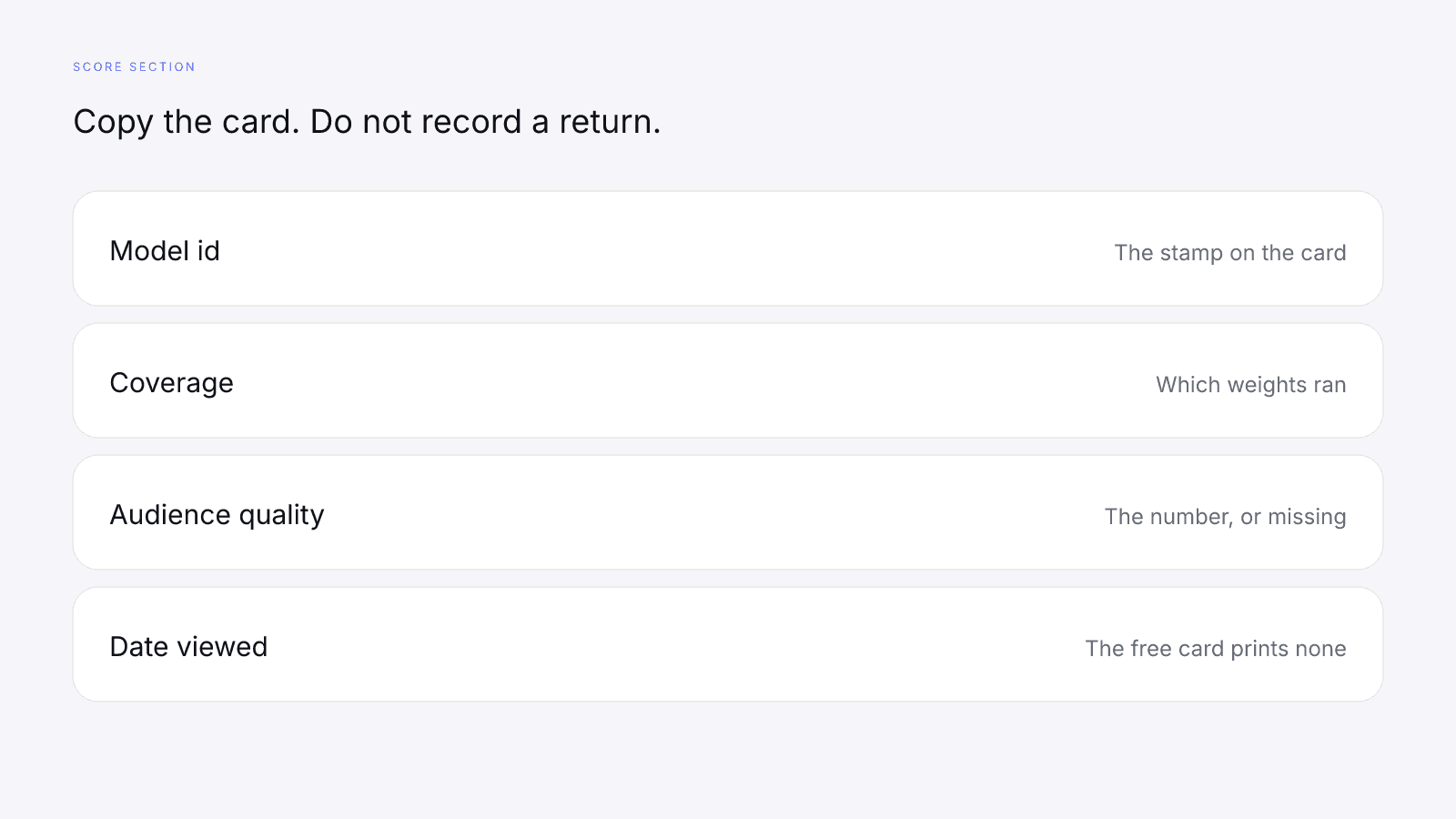
Copy a dash as missing. The coverage line already says which weights ran, so repeat it in the brief instead of patching the gap with a zero or borrowing a number from another platform's card.
Add the date you viewed the card. The free card doesn't print a date, so the brief carries the day you copied it, and a later lookup may show a different reading. Keep the ROI calculation tied to the citation you used when you decided to pay and to the cost you agreed.
Set up the results sheet with two columns. One holds the pre-campaign citation: model id, coverage, the composite and any dash, copied when you viewed the card. The other stays empty until you calculate ROI from cost and attributed results. Don't paste the composite into the ROI column or the ROI onto the card, because the two answer different questions.
Before you send the brief, read it once with the card open. If a line would be false when the creator opens the public URL, delete it. The score section should hold only what the URL shows, and the agreement only what you and the creator said.
What to measure after the campaign
After the post runs, take the results your tracking tied to the link or code, take the cost you actually incurred from the brief, and run (return - cost) / cost against the baseline you recorded. InfScore measures nothing after a campaign, so a fresh lookup is still a reading of public signals and won't give you a tally of conversions, sales or clicks. For the factor-by-factor read of the public card, send teammates to How to Measure Influencer Performance, which explains the scoring and leaves the ratio to you.
Check a creator's card before you pay
The free card is public. It needs no sign-up. Search from infscore.com and read the model id, the coverage and every dash on the profile you open. Use it to shortlist and vet, then set up your own tracking before launch so there's something to measure afterwards.
If you want the full creator report for a name on your shortlist, see Pricing.
FAQ
How do you calculate influencer marketing ROI?
Work it out after the campaign with (return - cost) / cost. Cost is the brand's own spend on the campaign, such as the fee, product and usage rights it chooses to count. Return is whatever the brand defines and can tie to the work, for example attributed revenue, gross profit or conversions it has put a money figure on. Both inputs come from the brand's own records, so the answer only exists once the campaign has run.
Can an influencer score predict ROI?
No. An influencer score reads public signals before a campaign. It can't see the brand's cost, tracking or goal, and those are the inputs ROI needs. It is not a percentile, price estimate, or guarantee of campaign results.
What is a good ROI for influencer marketing?
No benchmark is given here. A good ROI depends on the brand's goal, margin and cost, so each brand sets its own target before launch, in the same sentence that defines what counts as the return. Picking the target after the results come in makes almost any figure look acceptable.
Does InfScore track campaign results or conversions?
No. InfScore measures nothing after a campaign. It doesn't track clicks, conversions, sales or the campaign itself, and a later lookup is still a reading of public signals. Measurement after the campaign runs on the brand's own tracking and records.
What should I record before an influencer campaign starts?
Write down the goal, the full cost, the tracking link or code, and a baseline for the metric in your goal, read before the post. Add the creator's model id and coverage line at selection time, with any dash copied as missing and the date you viewed the card.
Does the $0.99 report include ROI or campaign data?
No. The $0.99 purchase is the full creator report, with audience, growth, and platform deep dives when they exist. It's one-time, not a subscription, and it doesn't add an ROI or campaign results figure. Paying doesn't change the weights, fill a dash, or raise a score.