How to Vet an Influencer Before You Pay Them
How to vet influencers before you pay: start with the public InfScore and its coverage, then check fit, brand safety, past sponsors, rates, and rights.
This versioned composite uses only available public signals. Missing factors stay unavailable and their weight is rebalanced across observed factors. It is not a percentile, price estimate, or guarantee of campaign results. Model 2026-08-18.1.
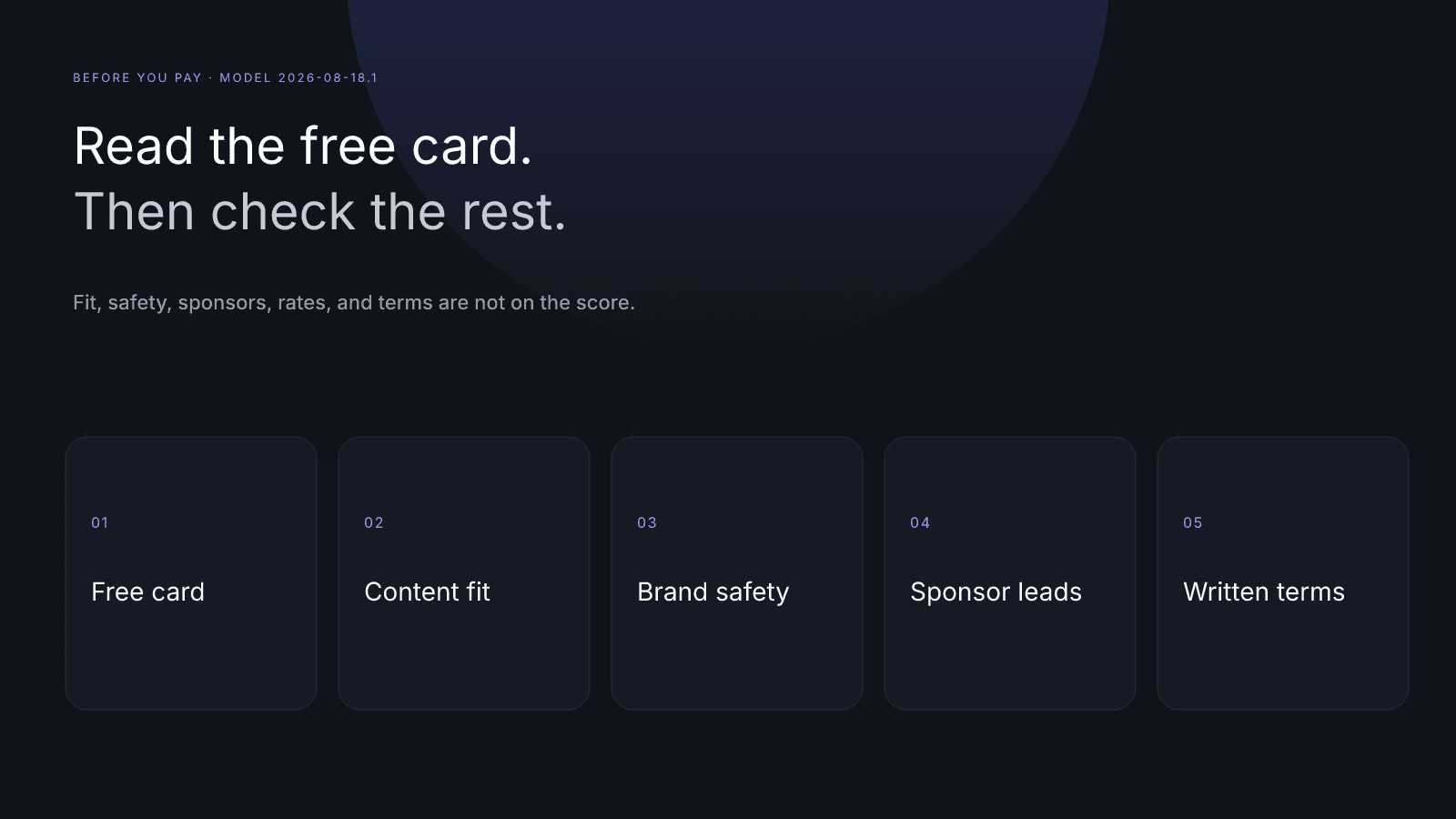
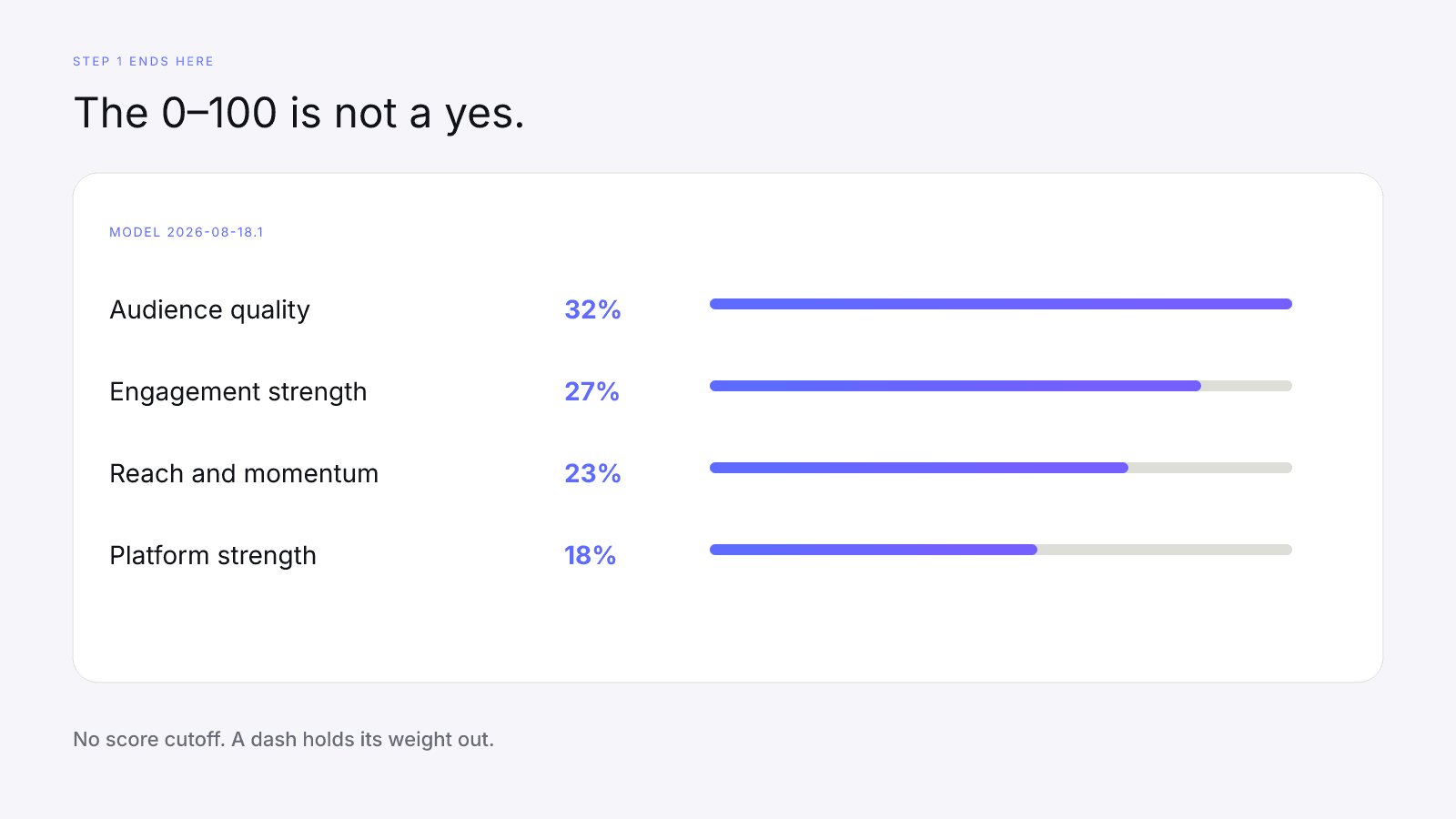
How to vet influencers before you pay them comes down to two halves. First, one read of the free InfScore and its coverage. Then the human checks the card can't do, finished before any money moves. The public InfScore is step 1, not a verdict. It shows a model id, scoring coverage, and four factor rows built from public signals. On model 2026-08-18.1 the weights are audience quality 32%, engagement strength 27%, reach and momentum 23%, and platform strength 18%, counted only for rows that came back. A dash is missing data, not a zero, and its weight is held out. After that you read recent posts for content fit and brand safety, confirm any paid Past sponsors or Commercial signals with the creator, and ask what the fee includes and what the written terms say. InfScore makes none of those calls, and this workflow has no score cutoff.
For the order to read the card in, use What Brands Should Read First on an InfScore Card. This page won't repeat it. Read the card that way, write the note, then work through the questions below.
How to vet influencers: the order that saves money
Keep the two halves apart. Skip ahead and the headline number ends up standing in for a decision it can't make.
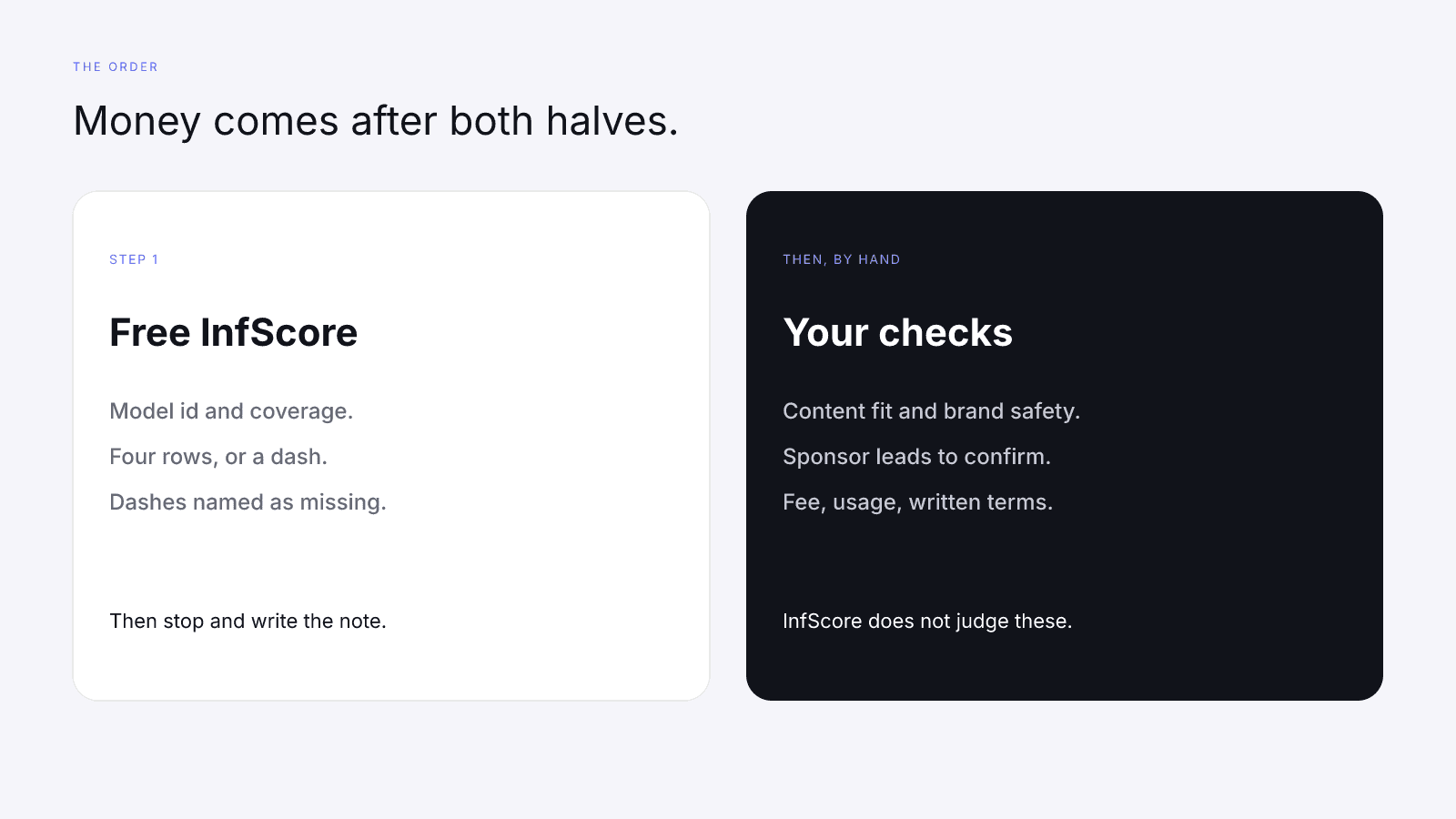
The free card reads public signals on one profile. It isn't a rate card, a brand-safety pass, or a forecast of campaign results. The methodology publishes the weights quoted above, and the card prints its model id so you know which stamp you're holding. This guide expects 2026-08-18.1. If a card prints a different id, set it aside: two stamps mean two formulas, and Comparing InfScore Across Model Versions covers what to do next.
The second half is all questions, and none of them has a numeric answer on the card. A high composite doesn't close them, and neither does a lower one. You still read the posts, confirm sponsor leads, and ask what the fee includes before you pay.
Put the date you opened the card on the same line as the model id. A later fetch can come back with a different dash pattern, so the note should say which fetch you used. That way nobody treats an old screenshot as the current card.
Step 1: read the public InfScore
Open one public score URL and read it in the order set out in What Brands Should Read First on an InfScore Card. This page doesn't repeat that order. Write what you read into a short note, and that's all of step 1.
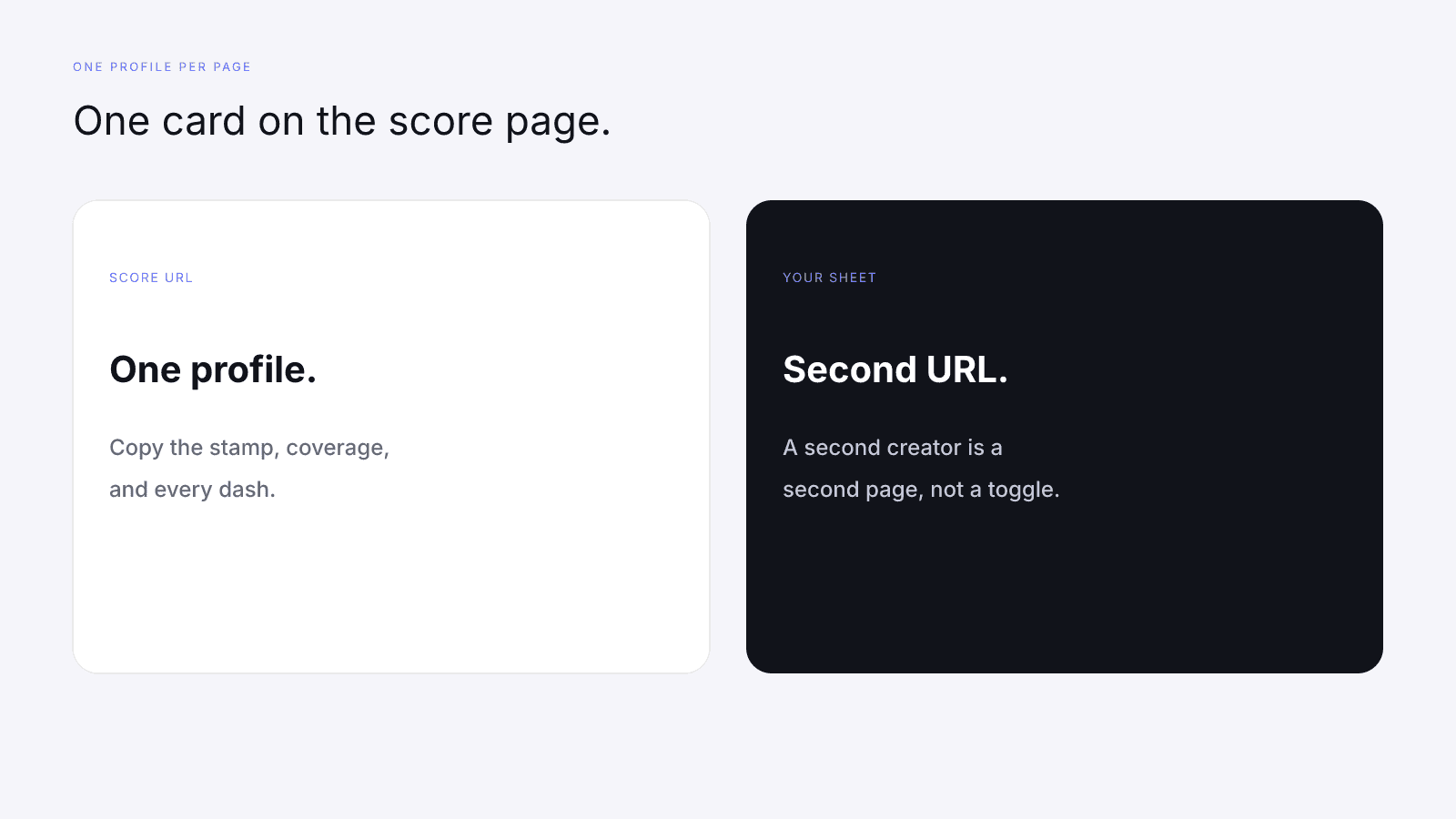
The public score page shows one card, and nothing on it loads a second creator alongside. If two profiles are in the pile, open two URLs and follow Comparing Two Creators Fairly With InfScore. Match the model id first, note in the sheet when the platforms differ, and read the headlines last, once every dash is named. If you're starting from handles a small business already has, Influencer Marketing for Small Businesses: Shortlist Without a Big Budget shows how to keep that list on your own sheet.
A useful step 1 note is short:
Model 2026-08-18.1. Platform from the URL. Coverage copied from the card. Every dash named as missing. Rows and composite as printed.
Leave the next lines blank on purpose: fit, safety, sponsors, fee, usage, written terms. A blank means you haven't done that check yet. It isn't a pass or a fail.
Don't sort the shortlist by composite while any dash is still unnamed, and don't read the tier label as a rule about who can be paid. The tier is a band on whatever mix of rows existed, and it knows nothing about your brief.
To practice on a live card instead of a borrowed screenshot, open a profile such as MrBeast on YouTube. Copy the model id, the coverage, and whether audience quality is a number or a dash. This page doesn't quote that card, and it doesn't quote a paid module for that creator or anyone else.
A dash on a factor row is missing data. The model doesn't enter a zero, and the gap isn't a poor grade on that row. Its weight is held out and the remaining weights rebalance; Missing Data on Creator Metrics walks through the arithmetic. For vetting, what matters is naming the missing row.
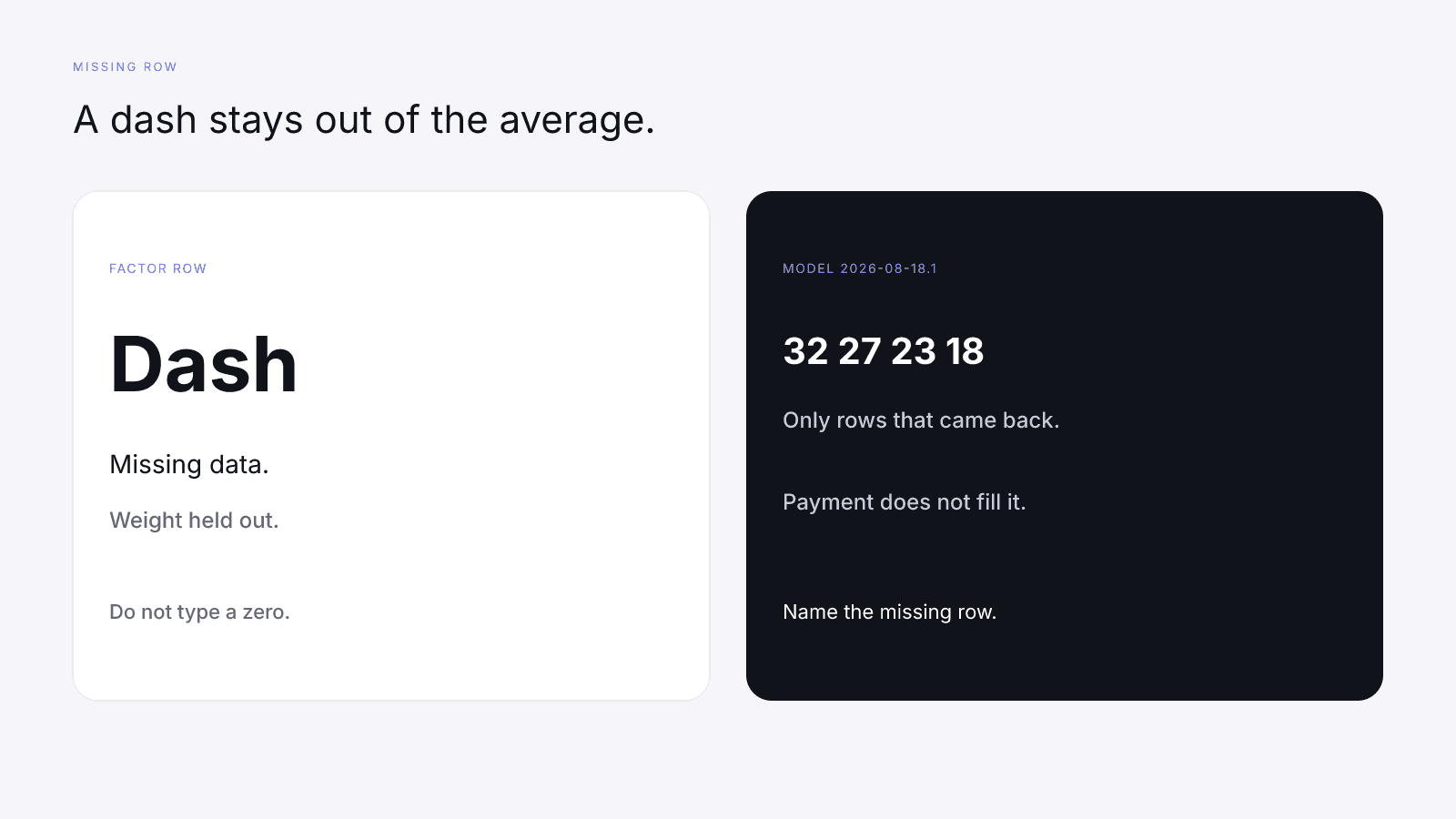
If audience quality is the dash, the note says the 32% credibility signal on model 2026-08-18.1 wasn't returned. You can still read the posts and ask the questions, but you can't call the card a four-factor composite, and you can't fill the cell just because the rest of the vetting looked fine. On model 2026-08-18.1, engagement strength is 27%, reach and momentum 23%, and platform strength 18% when those rows exist. None of them stands in for the missing one.
Nothing else fills a dash either: not the $0.99 report, not a Past sponsors list, not Commercial signals. If a teammate types a zero into the sheet so the column sorts, they made that zero up. Take it out and write "missing". A partial card can stay in the pile, as long as the note shows the gap before anyone talks about a fee. Paying the creator doesn't close it, and neither does paying for the report.
Step 2: check audience credibility without accusing anyone
When the audience quality row exists, it's the credibility signal on the card. How to Check for Fake Followers Without Accusing Anyone is the next read for that row: what the percentage is, what a dash means there, and how to ask without accusing anyone. This page doesn't restate that check. If the row is a number, carry it into the note. If it's a dash, write "missing", and don't invent a credibility percentage to make the shortlist column look full.
Step 3: content fit and brand safety
InfScore doesn't judge content fit or brand safety. Both come from reading the work, and the score page never sees your brief.
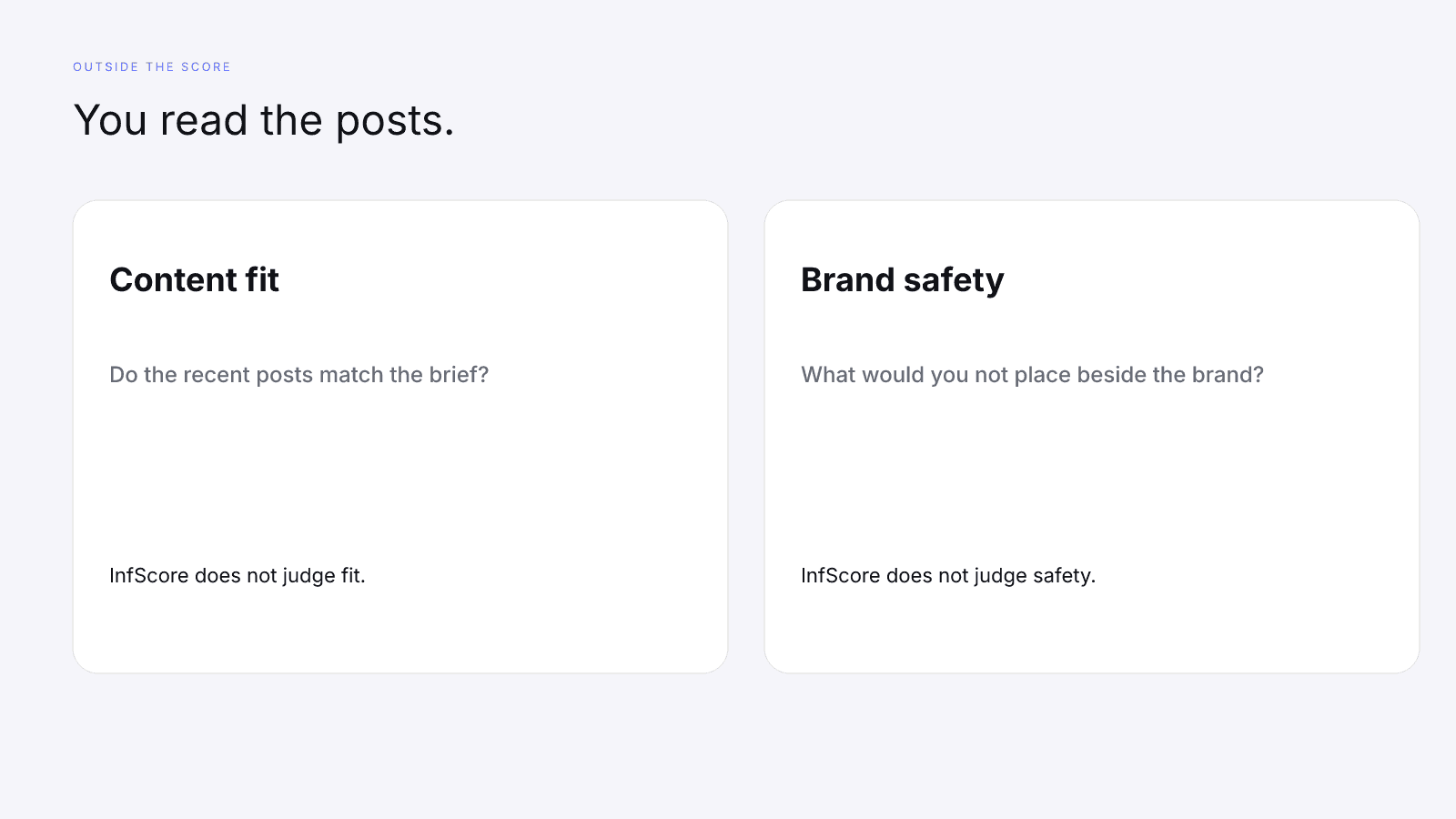
Open the public profile on the platform you searched and read the recent posts, not a highlight reel pasted into a pitch. Then answer in your own words:
- Do these posts show the kind of work the brief needs?
- Is there a post, a format, or a topic you wouldn't put next to the brand?
- What does the creator already say, in the bio or a media kit, about who the account is for?
A quiet comment thread isn't a finding, and a polished grid isn't fit. What you want is a mismatch you can describe, like a product category the recent posts never touch or a joke you wouldn't run beside the brand. If you can't describe what you saw, the check isn't done. "Looks fine" doesn't help the next person who reads the note.
Audience brand affinity can appear in the paid audience module when the provider returned it. It's a list of names, not a content-fit grade, and it doesn't move the 0–100. Free InfScore vs the $0.99 Report shows where the card ends and those modules begin. A familiar name on that list is no reason to skip the posts.
If the brief names a place, a language, or an age group, tell the creator it's a requirement. Don't guess a country mix because a field was empty. An empty paid field prints Unavailable, which means the provider didn't return it, so ask the creator what they already know from their own tools.
Step 4: past sponsorships and commercial signals
Past sponsors is a section inside each platform deep dive of the paid report. When the provider returned handles, the page lists them, with a post count beside a handle when one was sent. When the list is empty, the section prints Unavailable.
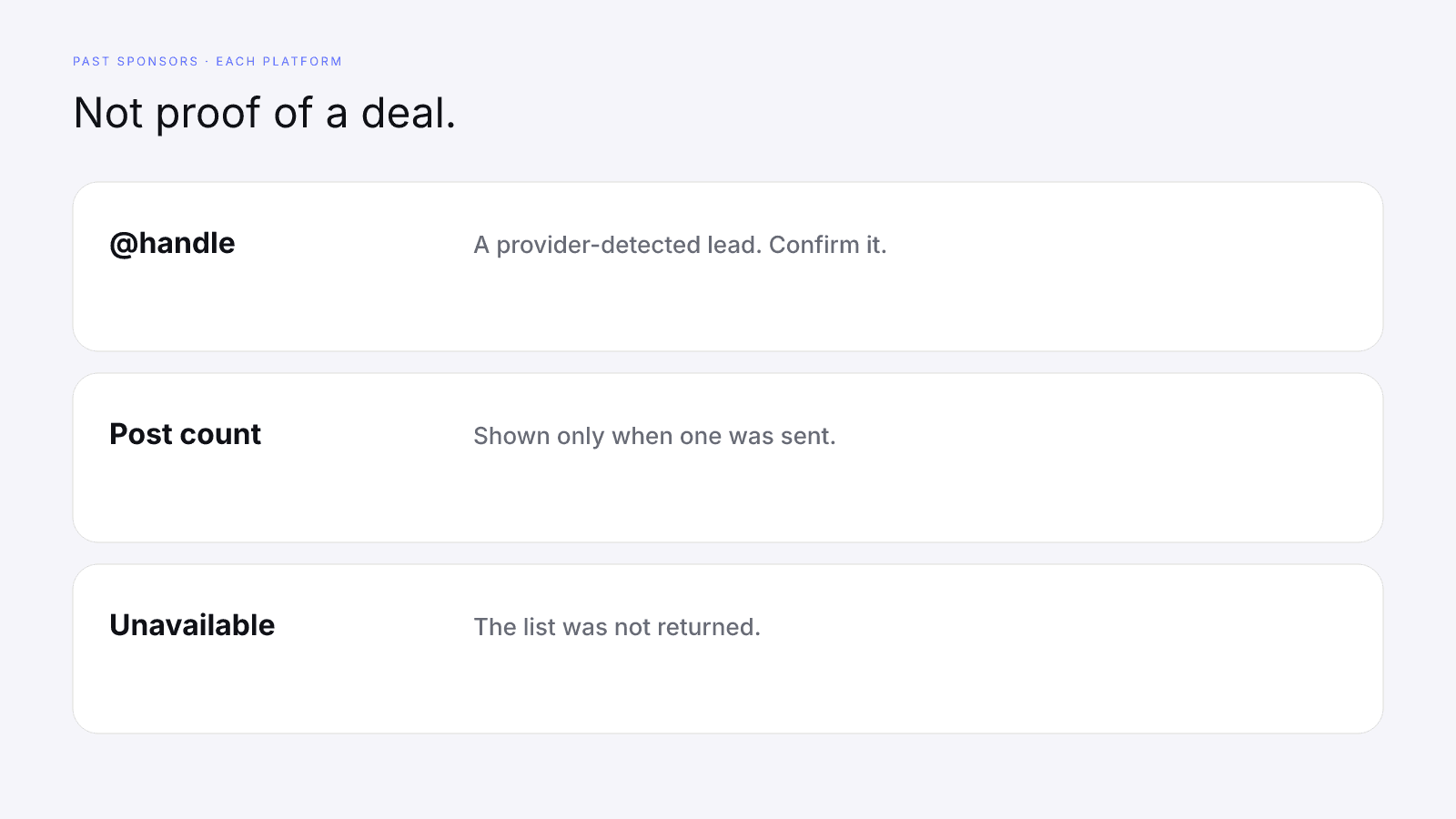
Each handle on that list is a provider-detected lead, so confirm it with the creator before you repeat it. Ask whether the work happened, what was posted, and whether it was a paid placement, a gift, a tag, or something else. The list isn't proof of a deal, a fee, or an ongoing relationship, and a handle shouldn't go into a deck as a confirmed sponsor until the creator says so.
If the creator disagrees with a handle, record both sides. The report line is what the provider detected on that fetch; the reply is the creator's account of the work. InfScore doesn't referee. The note can hold the handle, "confirmed" or "not confirmed", and one sentence from them.
Unavailable means the list wasn't returned for that platform. It isn't a finding that the creator has never worked with a brand, and it isn't a clean record either. Write "Unavailable" and ask what brand work they want you to know about. Opening the report doesn't turn Unavailable into a media kit.
One report can show Past sponsors on one platform and Unavailable on another, so cite the platform. A lead in the Instagram deep dive isn't a lead in the YouTube deep dive. If you didn't open the report, write "not opened" rather than filling the cell from a pitch deck you half remember.
Commercial signals sits near the top of the paid report, before the platform deep dives. It lists whichever of these the provider flagged:
- Works with brands
- Promotes affiliate links
- Link in bio
- Business account
- Creator account
If none of those flags came back, the section prints Unavailable.
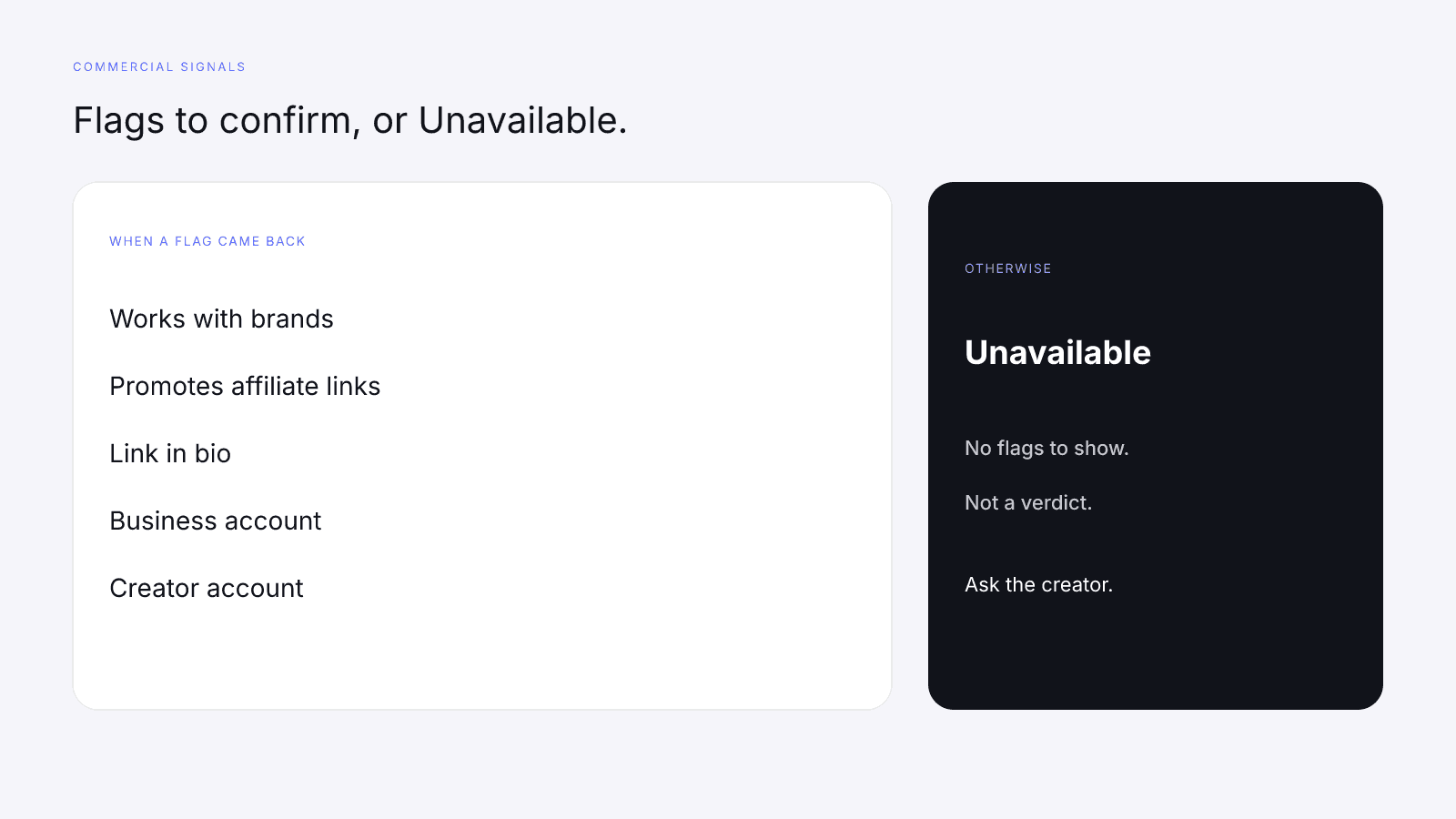
Each line is a provider-detected lead to confirm with the creator, not proof of a deal. "Works with brands" doesn't name the brands or show a contract, and "Promotes affiliate links" doesn't list the links. "Link in bio", "Business account", and "Creator account" are account flags the provider returned. Confirm any flag that matters to the brief. A flag isn't a quality grade, and a missing flag isn't a penalty against the rows on model 2026-08-18.1.
Unavailable here means the section had no flags to show. It doesn't prove the creator avoids brand work, or the opposite, so ask. If you haven't opened the report, write "not opened" instead of guessing which flags might have appeared.
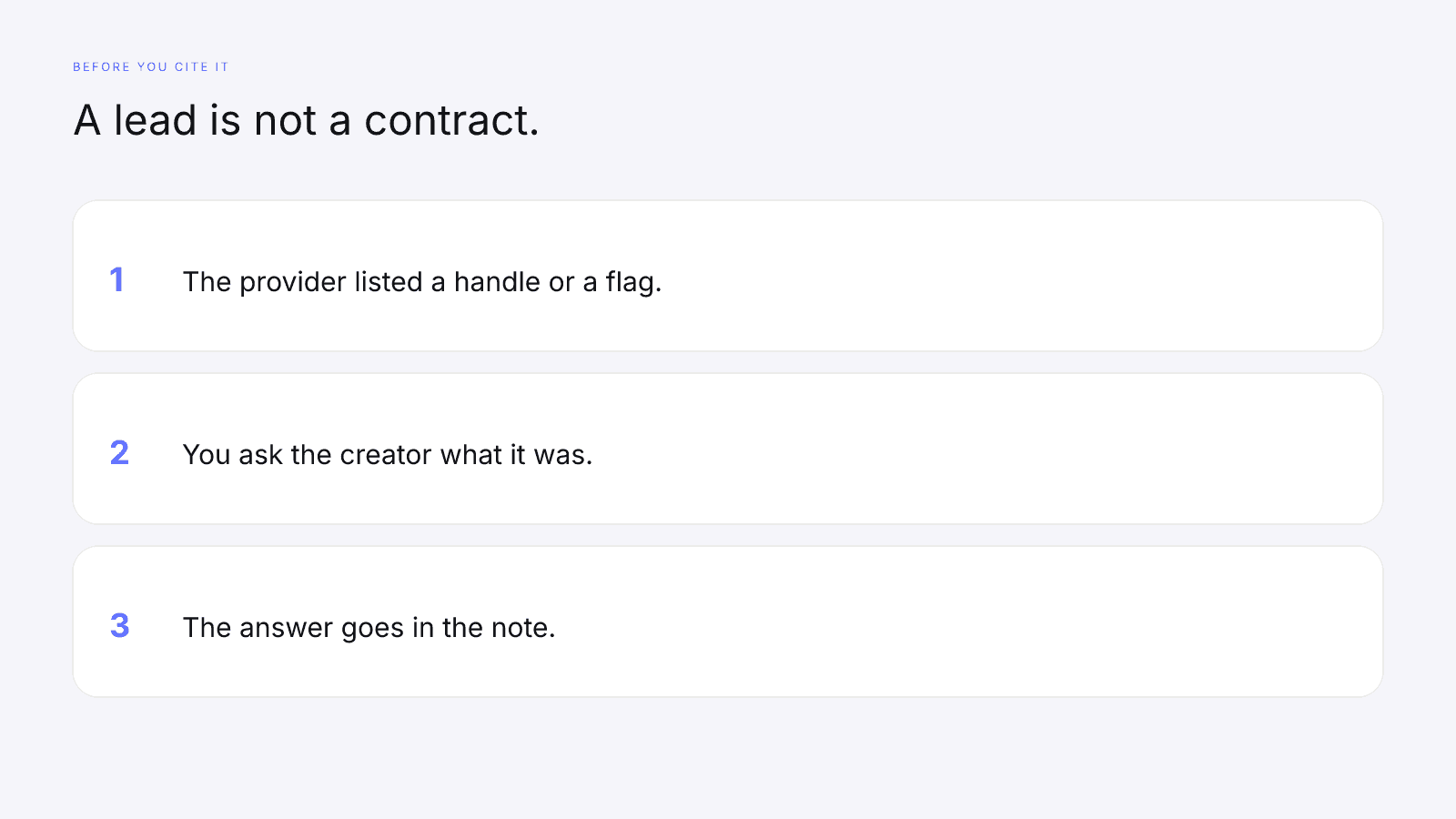
None of these lines rewrites the free card. They don't change the 32/27/23/18 weights on model 2026-08-18.1, fill a dash, or raise a score. Treat them as questions. Don't average them into the composite, and a full set of flags is no reason to skip the posts.
Step 5: rates, usage rights, and written terms
The free card doesn't quote a fee, so don't derive one from the follower total or the composite. The $0.99 report doesn't set what you'll pay the creator either. Ask them, and file the number they give next to the card note. That number is their quote, not an InfScore output.
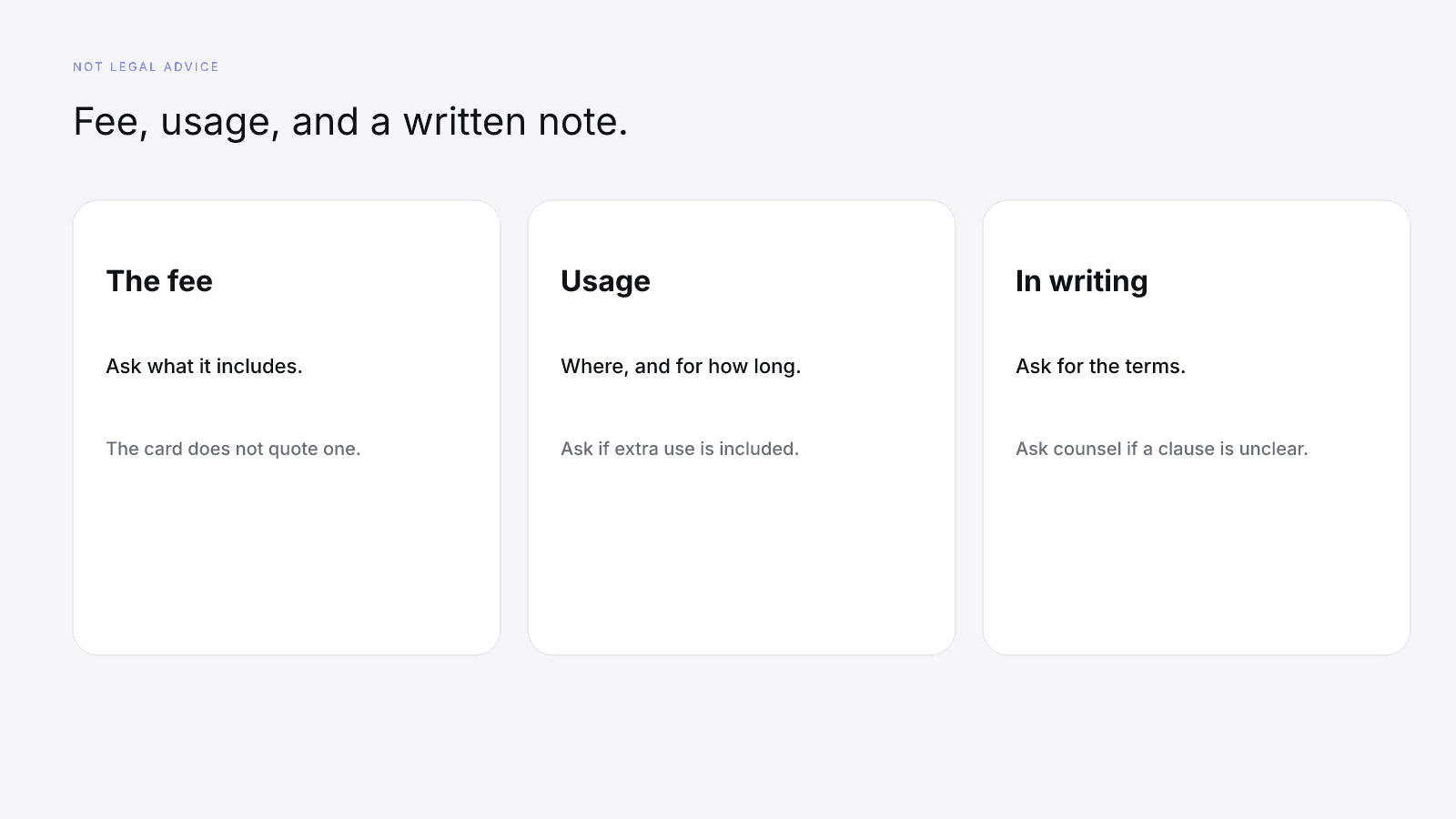
Questions to ask:
- What is the fee, and what does it include?
- Where can the brand use the finished work, and for how long?
- Are whitelisting, paid amplification, or an extra usage window included, or are they separate?
- Is there an exclusivity window, and which categories does it cover?
- Who approves the post, and what happens if the brief changes after approval?
- Can you send the terms in writing?
This page isn't legal advice. Get the terms in writing. If a clause is unclear, ask the creator what they mean, and ask counsel before you rely on language you don't understand. A chat reply can go in the file, but it doesn't replace the written terms your team needs.
Here's a note you can send once the card is copied:
We read the free InfScore for this profile, model 2026-08-18.1. We would like your read on who the audience is before we use the card in the brief. If a row is a dash, we are treating that as missing data. If we open the report, Past sponsors and Commercial signals are provider-detected leads, and either section can say Unavailable. We will ask you to confirm anything we might cite. Separately, what is the fee, what does it include, and can you send the usage terms in writing?
Leave out any minimum score. Don't say the product approved the creator, and don't say it found a problem with their audience or their sponsors.
A vetting checklist you can copy
The checklist is a list of questions, because a question has an answer you can file. A cutoff would pretend the card had already decided who gets paid.
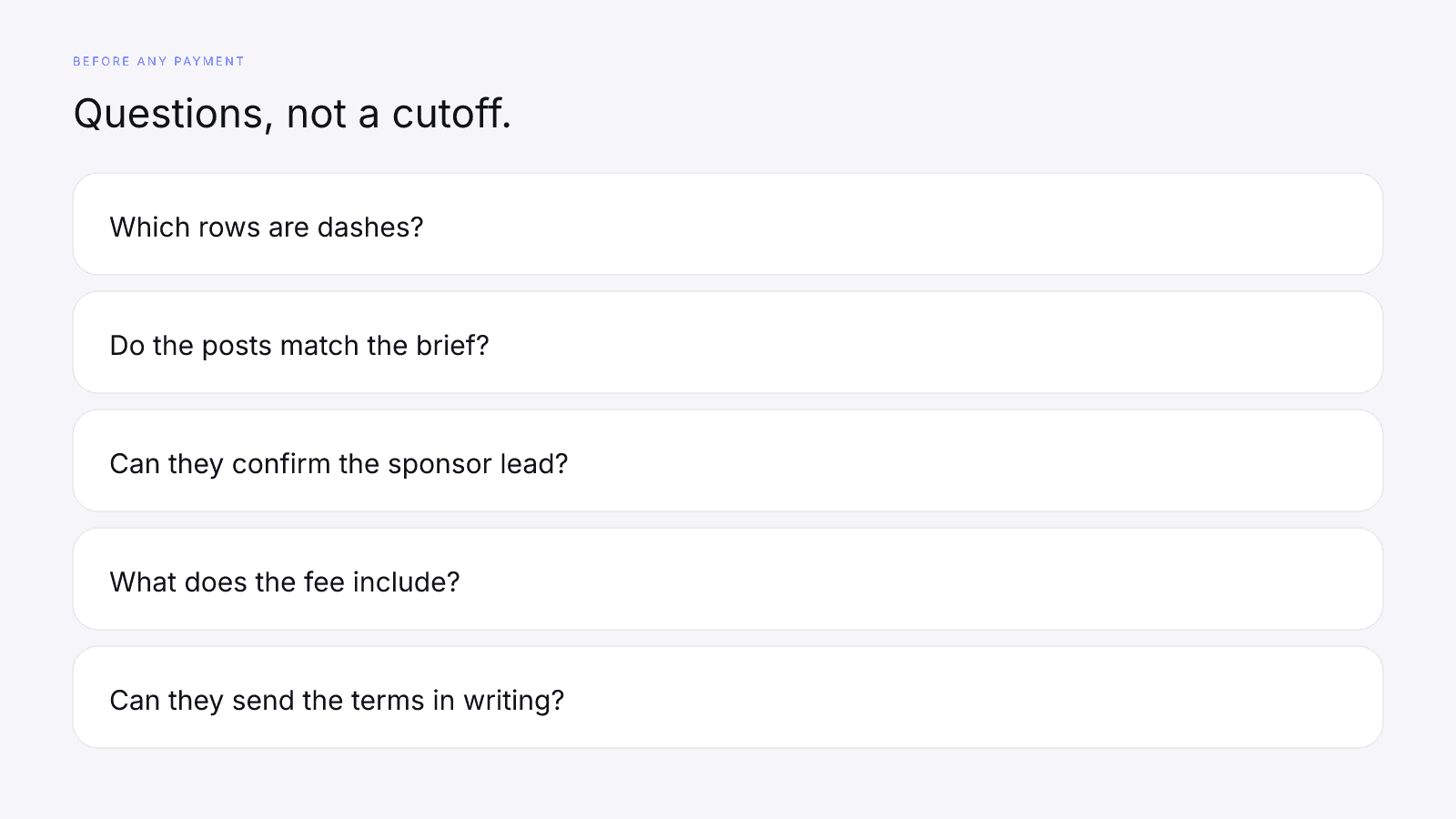
About the card, once the reading order is in the note:
- Which model id is printed, and does it match the rest of the shortlist?
- Which factor rows returned a number, and which are dashes?
- If audience quality is a number, what is the creator's own read of who the audience is?
- If audience quality is a dash, what do they already publish about who follows them?
About the work, which InfScore won't answer:
- Do the recent posts match the product, the tone, and the audience the brief names?
- Is there anything in the recent work you wouldn't place beside the brand?
- If Past sponsors listed a handle, can the creator confirm what that relationship was?
- If Past sponsors printed Unavailable, what brand work should you know about?
- If Commercial signals listed a flag, what does that flag mean in their words?
- If Commercial signals printed Unavailable, or you haven't opened the report, what do they say about brand work, affiliate links, and the link in the bio?
About money and rights, use the rates and terms questions above.
Then keep one row per creator, and leave a cell blank when you don't have the answer.
Five gates to clear before any payment, including the measurement setup this page does not cover, are laid out in the influencer marketing checklist.
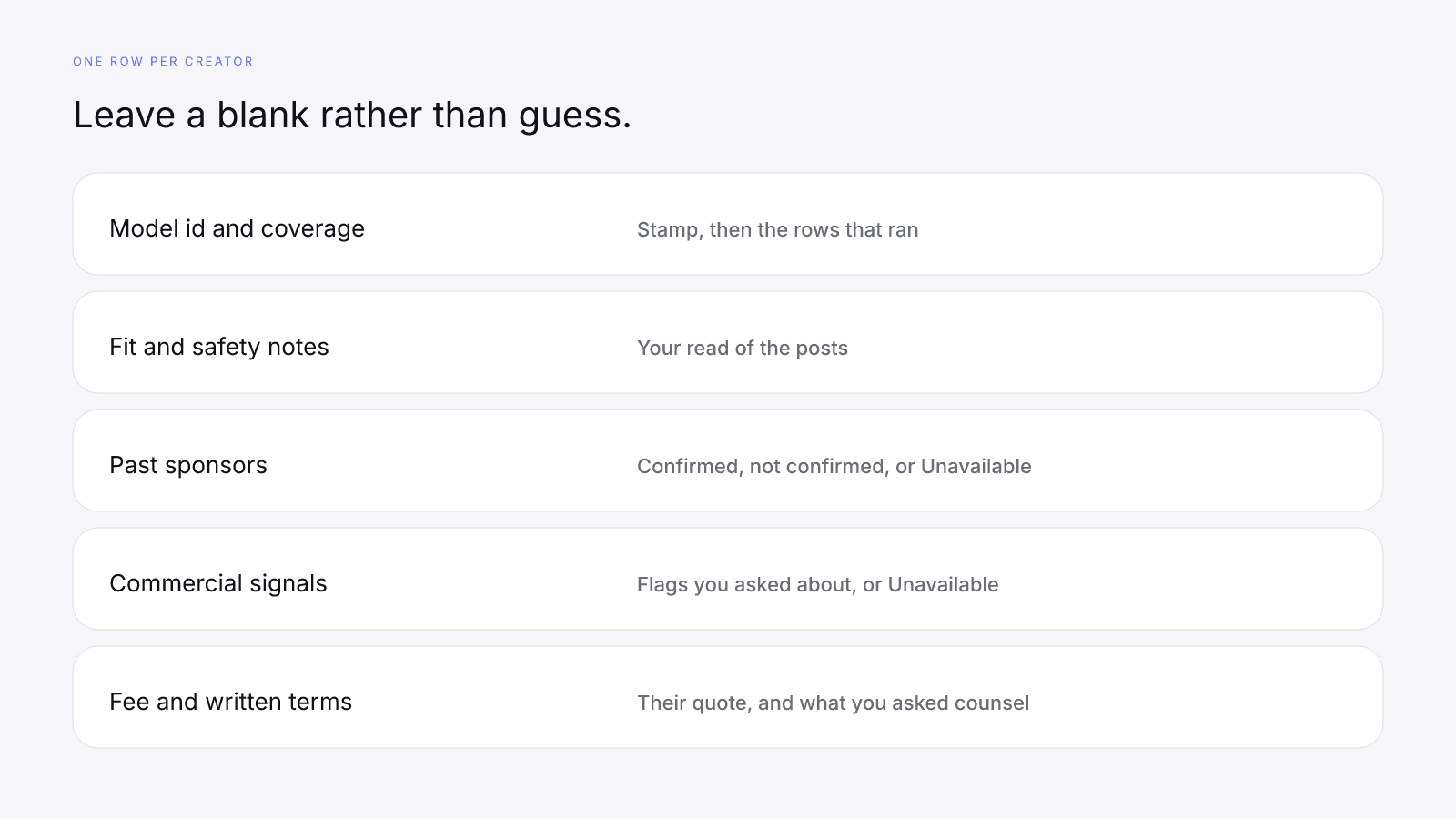
| Field | What to write |
|---|---|
| Handle and platform | The profile you searched, and the platform on the card |
| Model id | The stamp on the card. This guide expects 2026-08-18.1 |
| Scoring coverage | The coverage line, with every dash named |
| Factor rows | A number only where the card printed one. "Missing" for a dash |
| Composite and tier | Last. Not a rule about who gets paid |
| Fit notes | What you saw in recent posts, in your own words |
| Safety notes | Anything you would not place beside the brand. No grade from InfScore |
| Past sponsors | Not opened, Unavailable, or each handle marked confirmed or not confirmed |
| Commercial signals | Not opened, Unavailable, or the flags you asked about |
| Fee and usage | What they said the fee includes, and where the work can run |
| Written terms | Requested, received, or still open. Not a legal conclusion |
If a teammate wants a single "vetting score" in a last column, leave it off. A homemade grade brings back the cutoff this workflow deliberately doesn't have.
The free InfScore needs no signup. Search a public Instagram, TikTok, or YouTube profile on infscore.com, and copy the model id and coverage before the 0–100. Then do the manual checks. The card is where vetting starts, not the signature on an invoice.
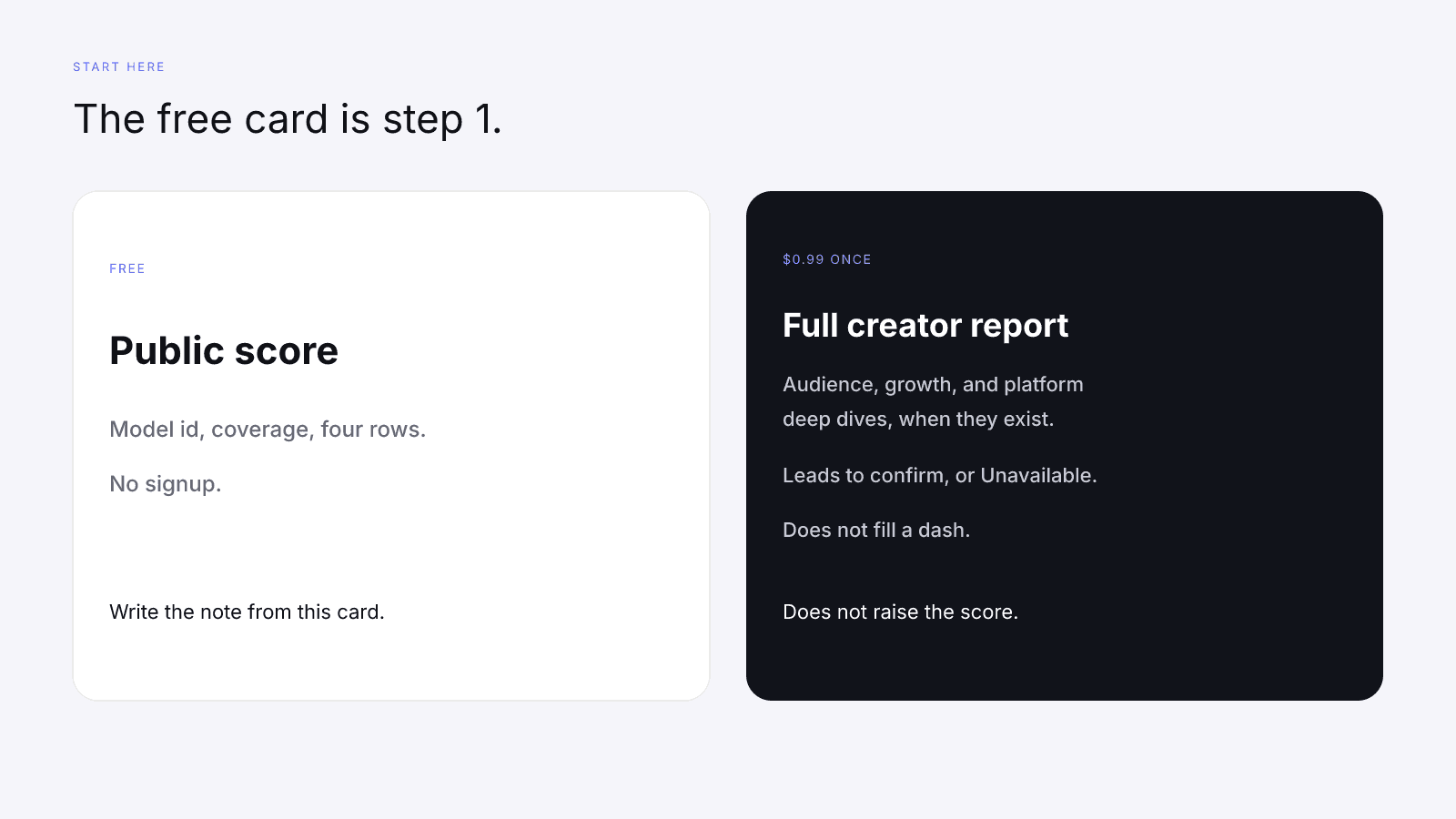
The full report is $0.99, paid once. Pricing is one report, not a subscription. It is the full creator report, with audience, growth, and platform deep dives when they exist. When Past sponsors or Commercial signals come back, treat every line as a provider-detected lead and confirm it with the creator; either section can show Unavailable. Paying doesn't change the 32/27/23/18 weights on model 2026-08-18.1, fill a dash, or raise a score.
Write the card note first, then ask the questions it leaves open. Pay when the note, the posts, and the written terms all line up.
FAQ
How do you vet an influencer before paying them?
Read the free InfScore first, then do the checks the card can't do. On model 2026-08-18.1 the weights are audience quality 32%, engagement strength 27%, reach and momentum 23%, and platform strength 18%, applied only to rows that came back. A dash is missing data, not a zero, and its weight is held out. For the order to read the card in, see What Brands Should Read First on an InfScore Card. Once the card note is written, read recent posts for content fit and brand safety, confirm any Past sponsors or Commercial signals with the creator, and ask about the fee, usage, and written terms. InfScore makes none of those judgements, and there is no score cutoff.
Is a high InfScore enough to hire a creator?
No. The public InfScore is step 1, a read of public signals with its coverage, not a hiring decision. The product publishes no cutoff that turns the 0–100 into a yes. A high composite doesn't settle content fit, brand safety, sponsor history, the fee, or the terms, and a lower composite doesn't rule a creator out. You still read the posts and ask the questions.
Does InfScore check brand safety or content fit?
No. InfScore reads public signals a data provider returned. It doesn't review posts for content fit or for brand safety, so both are manual checks. Open the profile and read the recent work yourself. A strong row doesn't pass a creator on either question, and a lower composite doesn't fail them.
How can I see an influencer's past sponsorships?
Read their recent public posts and ask them directly. The paid report may also include Past sponsors, a list of handles the provider detected, with a post count beside a handle when one was sent. Each handle is a provider-detected lead to confirm with the creator, not proof of a deal, a fee, or a contract. Commercial signals works the same way. Either section can print Unavailable, which means nothing was returned. It isn't a finding that the creator has never worked with a brand.
What should I ask about rates and usage rights?
Ask what the fee is and what it includes, where the brand can use the finished work and for how long, whether whitelisting, paid amplification, or an extra usage window are included or separate, whether there is an exclusivity window and which categories it covers, and who approves the post. Then ask for the terms in writing. InfScore doesn't quote a fee, and this isn't legal advice. If a clause is unclear, ask counsel before you rely on it.
What does a dash on an InfScore card mean when vetting?
A dash is missing data, not a zero and not a poor grade. On model 2026-08-18.1 the weights are audience quality 32%, engagement strength 27%, reach and momentum 23%, and platform strength 18%. The missing row's weight is held out and the other weights rebalance. Name the missing row in the note, and don't type a zero so the column sorts. The $0.99 report doesn't fill a dash.
What does the $0.99 report add for vetting?
The $0.99 report is a one-time unlock, not a subscription. It is the full creator report, with audience, growth, and platform deep dives when they exist. When the data exists, it can include Past sponsors and Commercial signals. Both are provider-detected leads to confirm with the creator, and either can show Unavailable. Paying doesn't change the 32/27/23/18 weights on model 2026-08-18.1, fill a dash, or raise a score. It doesn't set the creator's fee, and it doesn't judge content fit or brand safety.