UGC vs Influencer Marketing: Which One You Are Buying
UGC vs influencer marketing: a license for clips you run yourself, or a creator who posts to their own audience, and where a public score applies.
This versioned composite uses only available public signals. Missing factors stay unavailable and their weight is rebalanced across observed factors. It is not a percentile, price estimate, or guarantee of campaign results. Model 2026-08-18.1.
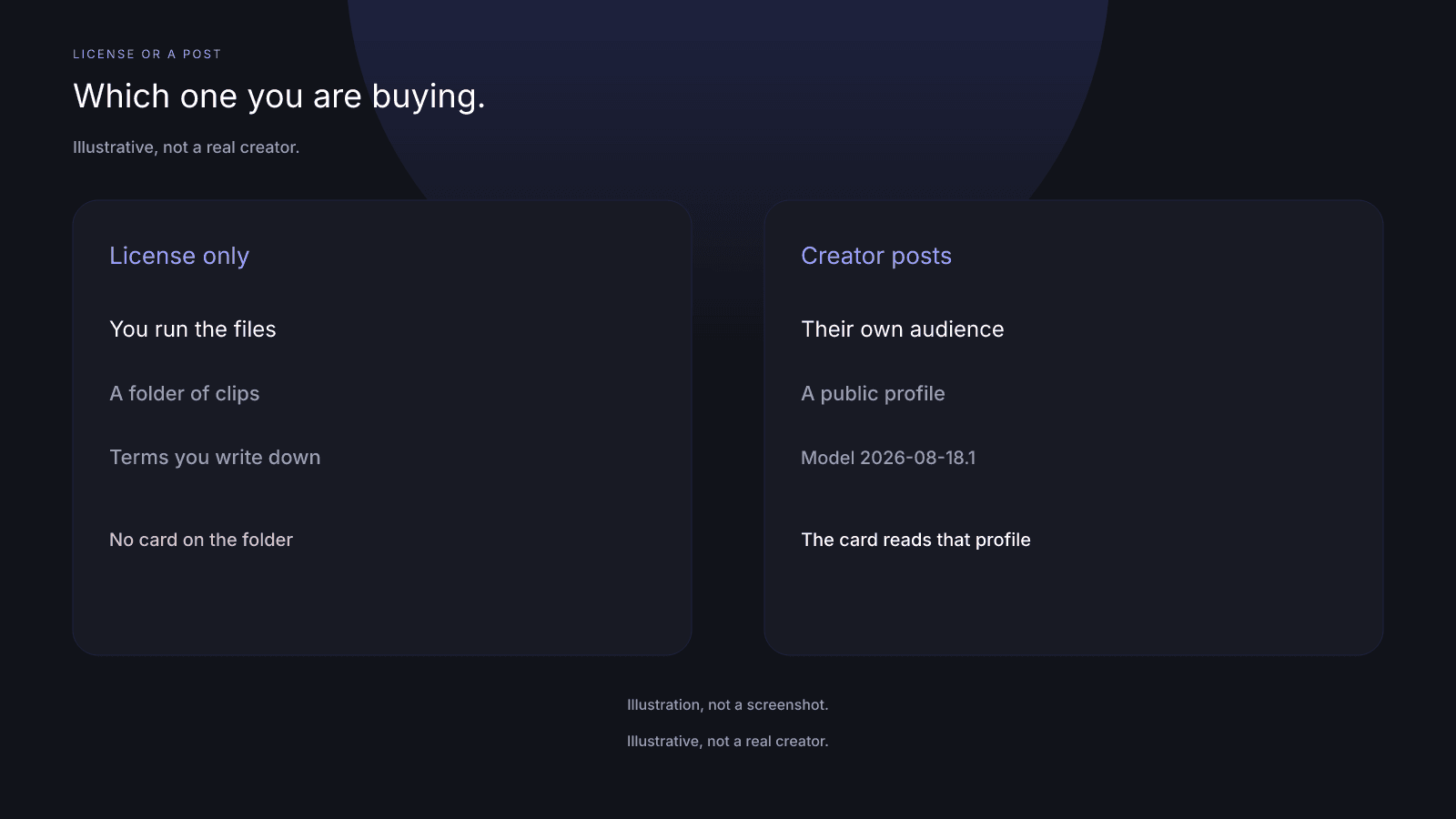
UGC vs influencer marketing is a choice about what you are buying. One path is a usage license for content you run yourself. The other is a creator who will post to their own audience. InfScore applies to a public creator profile, not to a folder of clips you bought the rights to run yourself.
What people mean by UGC and by influencer marketing
User-generated content (UGC), in this comparison, is content you license and run yourself. The creator makes a clip, a photo, or a video, and you place it on the brand's channels or in the brand's ads. The creator doesn't have to publish that file. It can sit in a folder you control, on terms you write with the creator.
Influencer marketing, here, is the other buy. A creator will post to their own audience. You name the app, the deliverable, and the window, and they publish on their profile. People use both names loosely, and one creator can do both. If one proposal buys both, keep two lines in your sheet.
An influencer pitch is about an audience, which is what an influencer media kit describes. A UGC pitch shows sample work, and portfolio review is not covered by InfScore.
InfScore does not classify a buy as UGC or as influencer marketing. It doesn't score a single asset, clip, video, or folder of content, and it doesn't judge content quality, production value, or creative fit. Rights, usage, and licensing sit outside the product and are not covered by InfScore.
Audience distribution vs content ownership
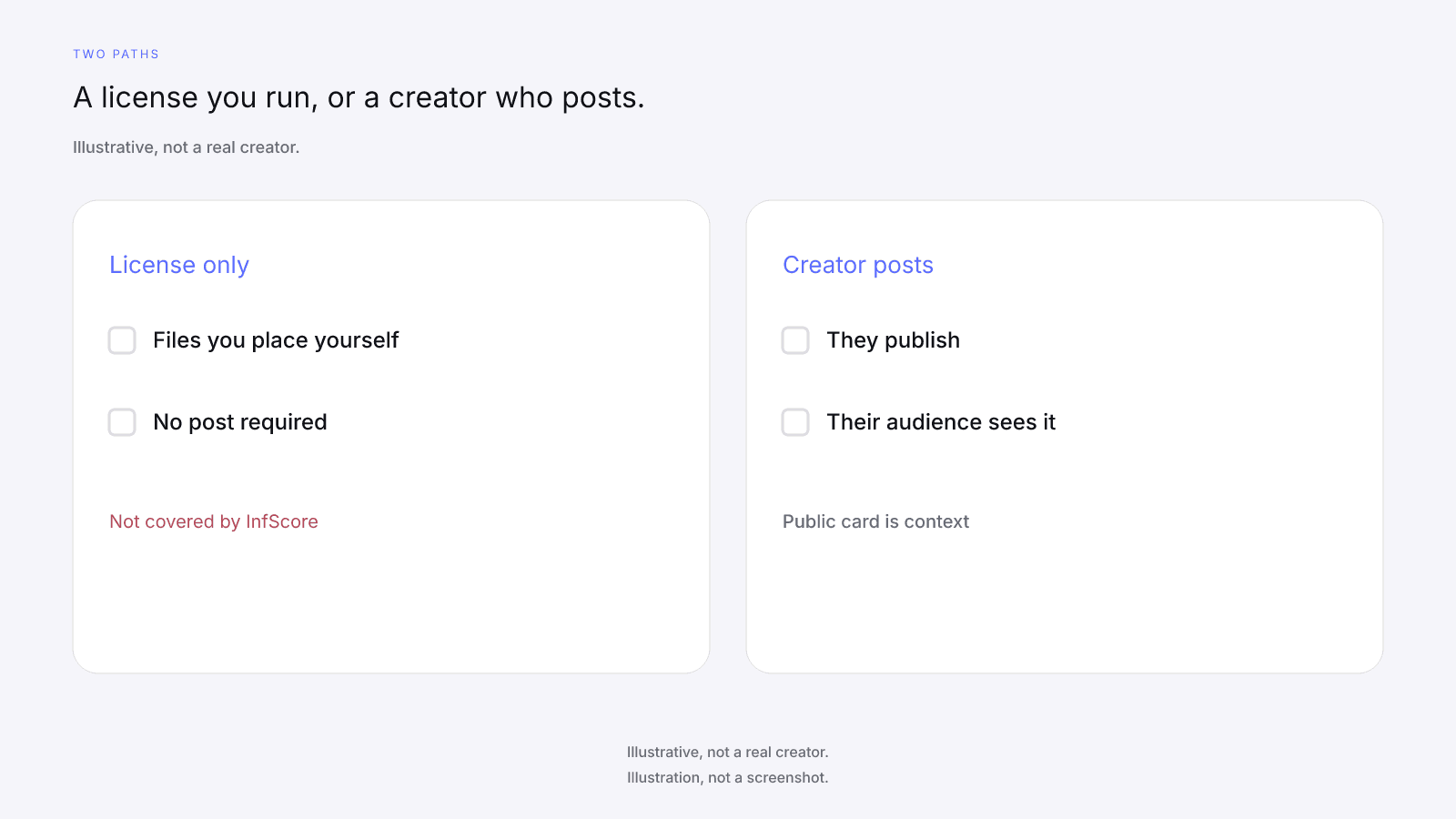
Audience distribution and content ownership answer different questions: who sees a post the creator published, and whether you may run a file yourself.
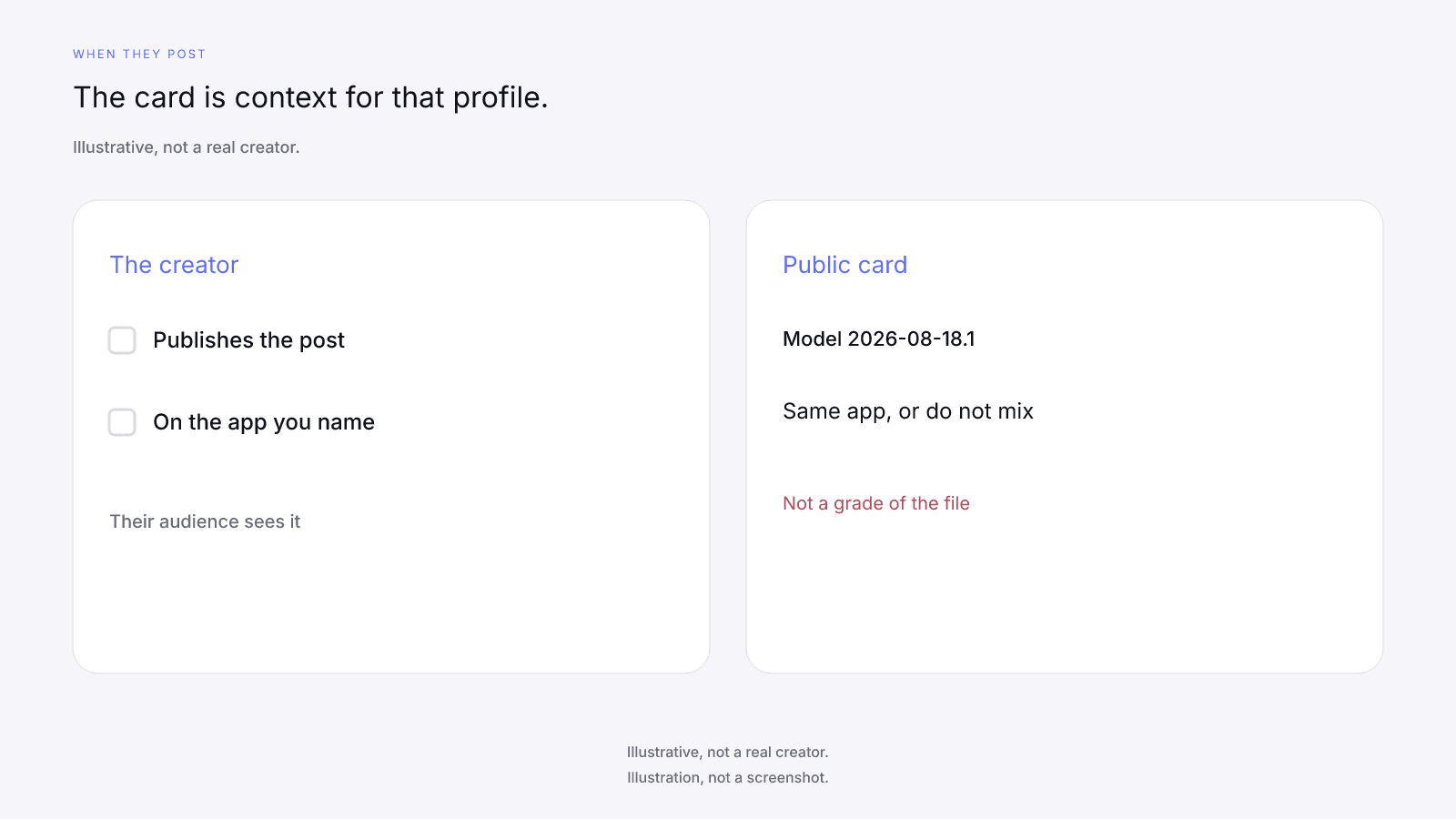
Audience distribution is the creator posting to the people who follow that profile. The work shows up on their feed, their page, or their video list. When you look the handle up, the public card describes that public account. It doesn't describe a file you placed in an ad account.
Content ownership is the license, and a UGC license sits on this side of the split. You may run the clip because the creator agreed you may, and the file can sit in a folder you control. That folder is not an audience, and it isn't a public profile. Holding the right to run a file doesn't put the creator's followers behind it.
Running ads through the creator's own handle is a separate permission from licensing clips to run on your own accounts; influencer whitelisting covers that case. Neither is covered by InfScore.
Keep the two ideas on separate lines. One names who posts, and on which app. The other names which files you may use. The composite doesn't merge them, and a folder of clips and a public profile can come from the same person and still be different things.
Where the public score applies (and where it does not)
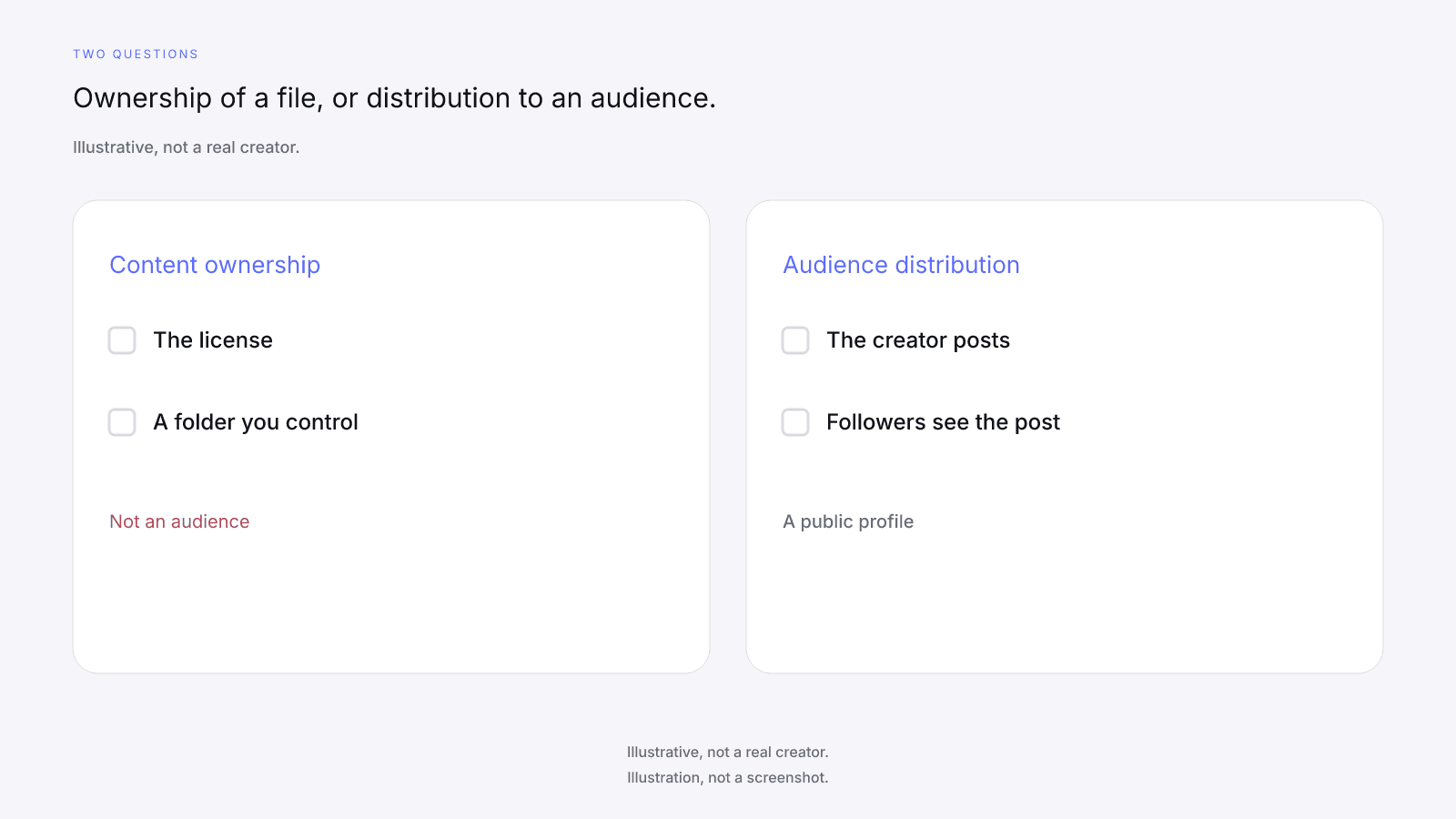
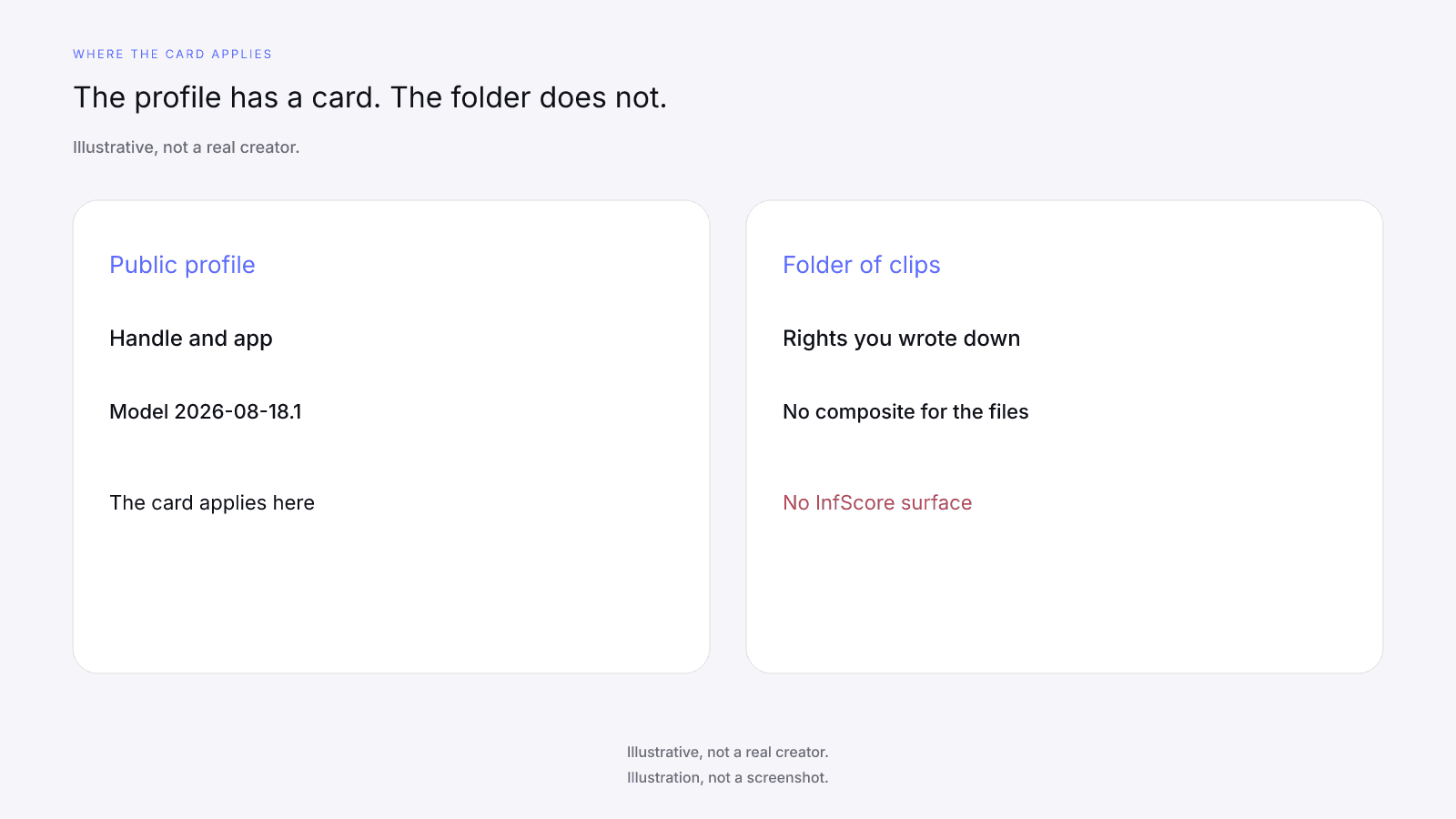
The public score applies to a public handle. Look the creator up on the app you mean to use when the buy includes someone who will post to their own audience. Scoring a handle is pre-deal context only. It isn't a grade of a clip or of a license, and a folder of files has no card at all.
A creator who licenses clips may also have a public profile. If you are only licensing clips, the creator's public card still describes their own public account (followers, engagement, and the four factor rows), not how those clips will do in your ads or on your channels. A high composite does not make the licensed files a stronger buy. A low composite does not make them a weaker one. The $0.99 report is not a way to judge clips; the license-only path has no InfScore surface, free or paid.
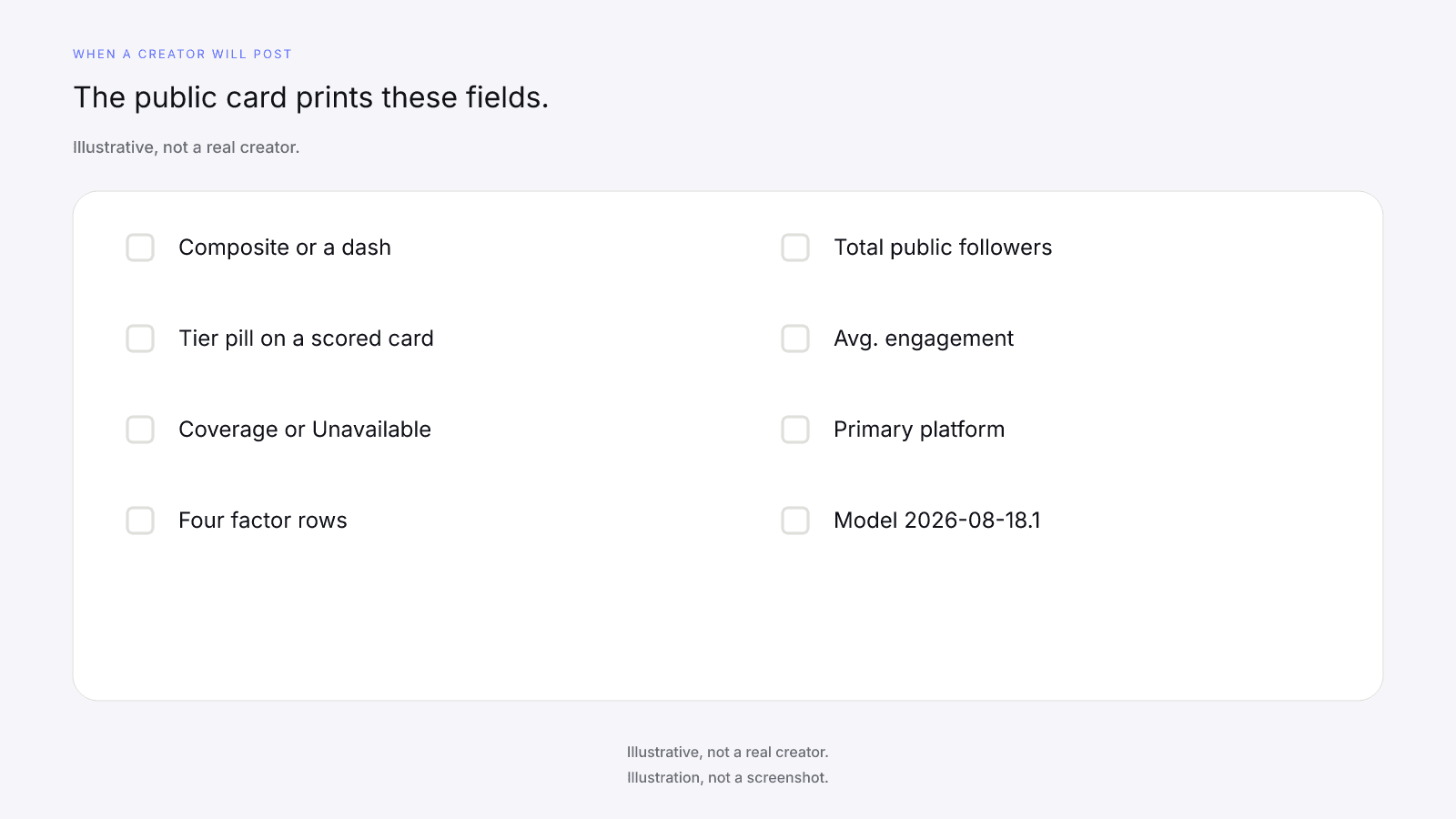
A free public card needs no sign-up. It shows the composite ring or a dash, the tier pill when the card is scored, scoring coverage or Unavailable, the four factor rows, Total public followers, Avg. engagement, Primary platform, and the model id.
On model 2026-08-18.1 the weights are Audience quality 32%, Engagement 27%, Reach & momentum 23%, and Platform strength 18%. Scoring coverage is the share of model weight that had data. The 0 to 100 is a weighted sum over the factors that had data, renormalized over those factors. It is not a percentile, price estimate, or guarantee of campaign results. Tiers are card labels only. A composite of 90 or higher is Elite, 80 or higher is Rising, 65 or higher is Emerging, and a lower composite is Developing.
Total public followers is the follower total across Instagram, TikTok, and YouTube. Avg. engagement is the public engagement rate the card prints. Engagement strength is InfScore's 0 to 100 mapping of that rate, and it's a different number from the rate. Primary platform is the app the card marks as primary.
Compare two cards only when they share this model id and the same app. A stored score is per handle and per app. If two cards carry different model ids, they are two stamps, not a trend: don't subtract the composites or read the gap as movement. A new model id ends the comparison.
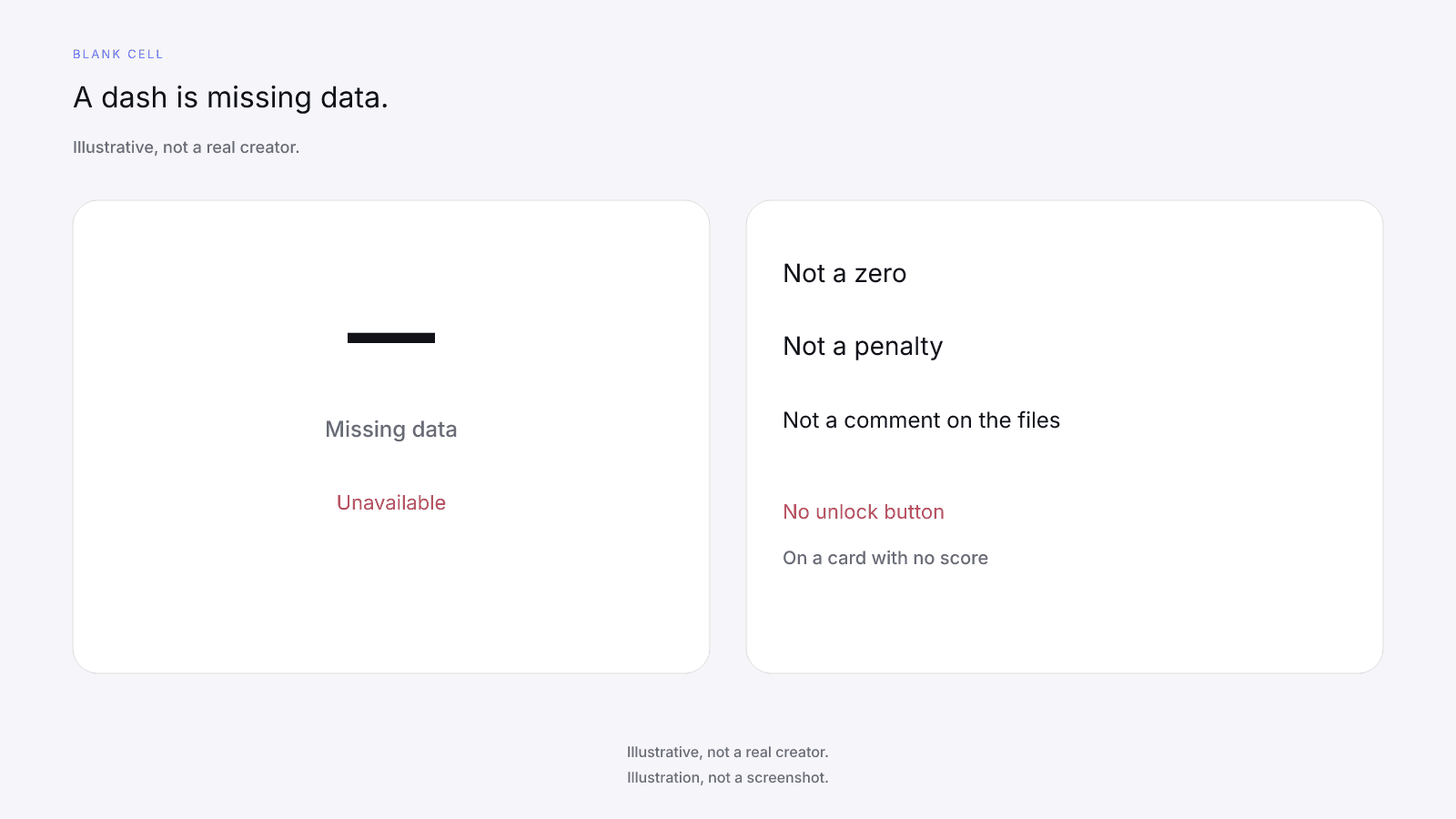
A dash or Unavailable is never 0, never a penalty, and never a discount. On a card with no score, the ring and the factor rows show a dash, and Total public followers and Avg. engagement show Unavailable. There's no unlock button on that card. Don't invent a cause for the blank, and don't type a 0 into it so a sheet will sort.
On a scored locked card, the product unlock CTA (or button) may show $0.99. That dollar is the product price for one report, not a creator fee. The optional purchase is the full creator report, with audience, growth, and platform deep dives when they exist. It's one-time, per creator, not a subscription. Paying does not fill a dash. No field is guaranteed after paying.
The free card and the paid report get their own side-by-side. Neither one tells you whether to license files or book a post. The public card never prints a creator fee, rate, CPM, or income estimate. A quoted fee comes from the creator.
When you want a license only
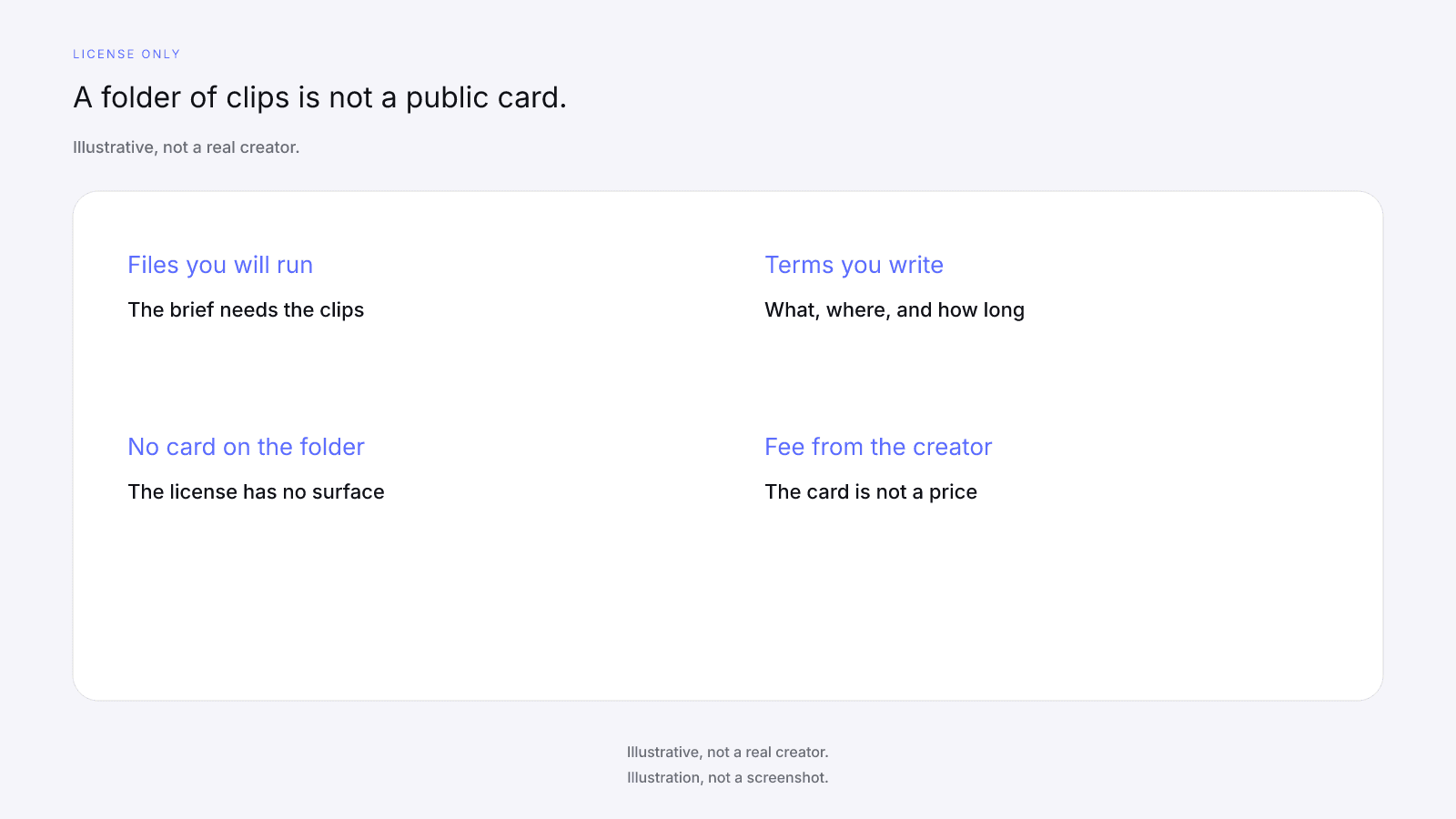
You want a license only when the brief needs files you'll run and you don't need the creator to post them. That's the plain UGC buy. If the brief is silent on posting, ask, and write the answer down.
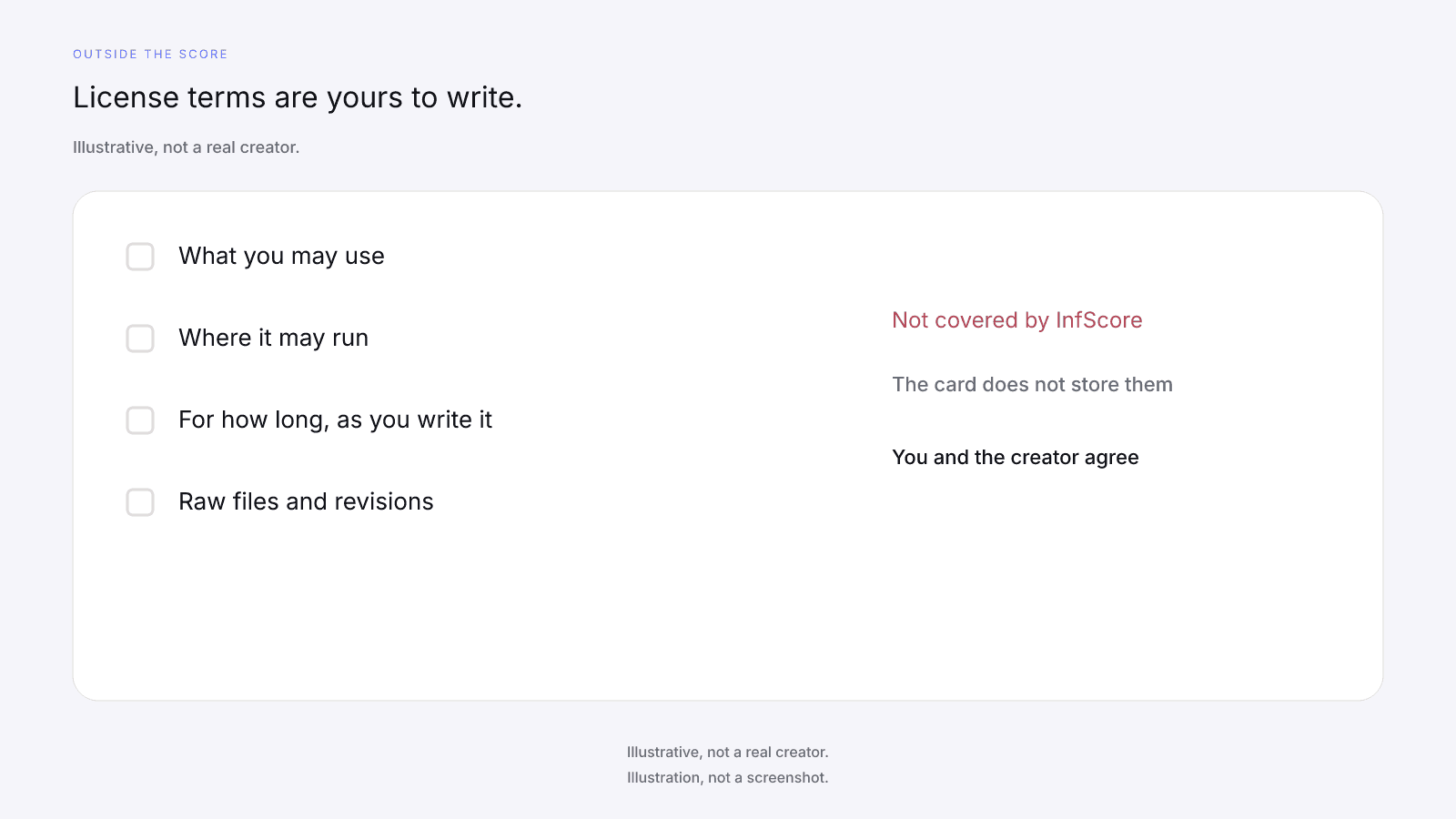
Write the terms with the creator: what you may use, where it may run, for how long, and whether you may edit it. Territory, channels, raw-file delivery, revisions, and exclusivity are the same kind of line. None of them has a typical value here; each is a term you and the creator agree and you write down. You and the creator, with your own counsel, write the license. That's not legal advice, and InfScore won't draft the terms.
Usage rights, licensing terms, license duration, territory, channels, raw-file delivery, revisions, exclusivity, deliverables, contracts, payments, payment terms, negotiation, and setting or validating fees are not covered by InfScore. Video production, ad performance, and paid amplification results aren't covered either.
A quoted fee is a negotiation, and paid usage changes what the quote is for. The public card isn't a price, which is the subject of how much to pay an influencer.
Where the work can run, and for how long, belongs on the usage-rights line in an influencer brief. That line is a note you keep in the brief. The license itself is the agreement you and the creator write.
The license-only path has no InfScore surface. A public profile's 0 to 100 doesn't move onto the license line.
When you want a creator who will post
You want a creator who will post when the brief needs their own audience to see the work on their profile. The deliverable is the post they publish, on the app you name, in the window you write with them. The public card gives you context for that handle before you agree to the post. It isn't a record of posts you booked.
Look the handle up on the app you mean to use, and compare it only with cards on the same model id and the same app. The free card prints no growth figure. Reach & momentum uses total followers and the 12-month follower growth figure. The score does not reward output volume or posting regularly.
Fit, brand safety, and past work the creator shares are manual checks that sit outside the score. InfScore does not check brand safety, review fit, or grade past work. Fraud detection, disclosure checks, and outreach are not covered by InfScore either. How to Vet an Influencer Before You Pay Them puts those checks in order. A higher 0 to 100 doesn't close them, and a dash doesn't skip them.
The card won't tell you to book the post. Agree the deliverable, the window, and the fee with the creator. The fee is their quote.
Mixing both in one campaign
Some briefs mix UGC and a creator who will post. Treat that as two lines in your own sheet rather than one score. A single fee covers both lines only when the quote says so.
On the post line, write the handle, the app, the deliverable, and the window, and keep the card's figures beside it if you looked the handle up. On the license line, write the files and the terms you agreed. The license line has no InfScore surface, so don't copy the composite onto it or read the composite as a comment on the files.
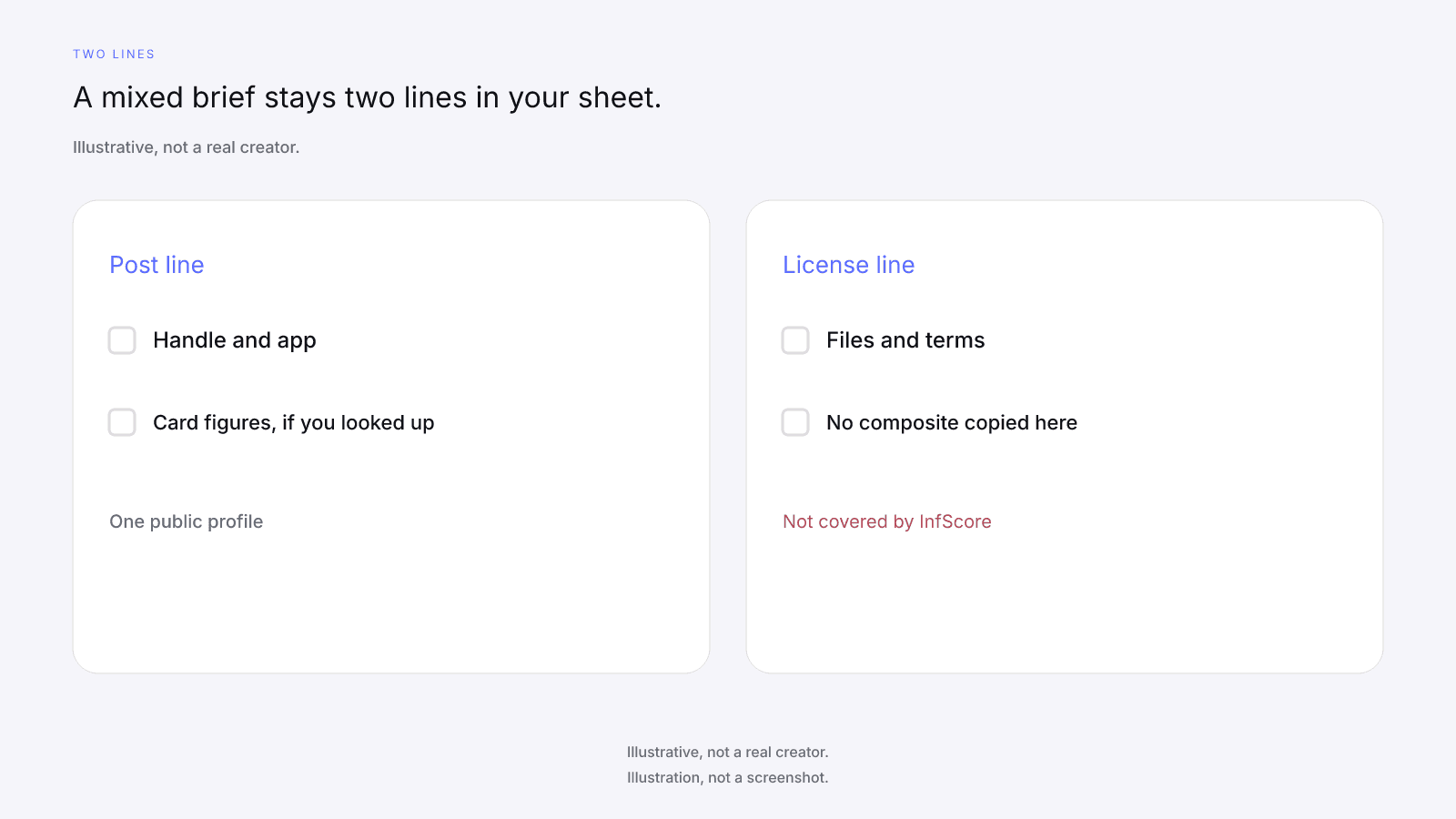
Both lines can name the same creator and still stay separate. Paying for one report doesn't fill the license line or merge the two.
Put both lines in writing before you pay. That's Gate 4 in the influencer marketing checklist, where those terms sit with the rest of the brief. Measurement of what the post did, and of what the licensed files did on your own channels, sits with you. InfScore has no campaign, shortlist, history, compare, export, or alert tool.
FAQ and next steps
Look up a creator's free InfScore at infscore.com when the buy includes a creator who will post to their own audience. A folder of clips has nothing to look up.
See what the $0.99 report includes on Pricing. You buy it per creator, from that creator's scored card.
What is the difference between UGC and influencer marketing?
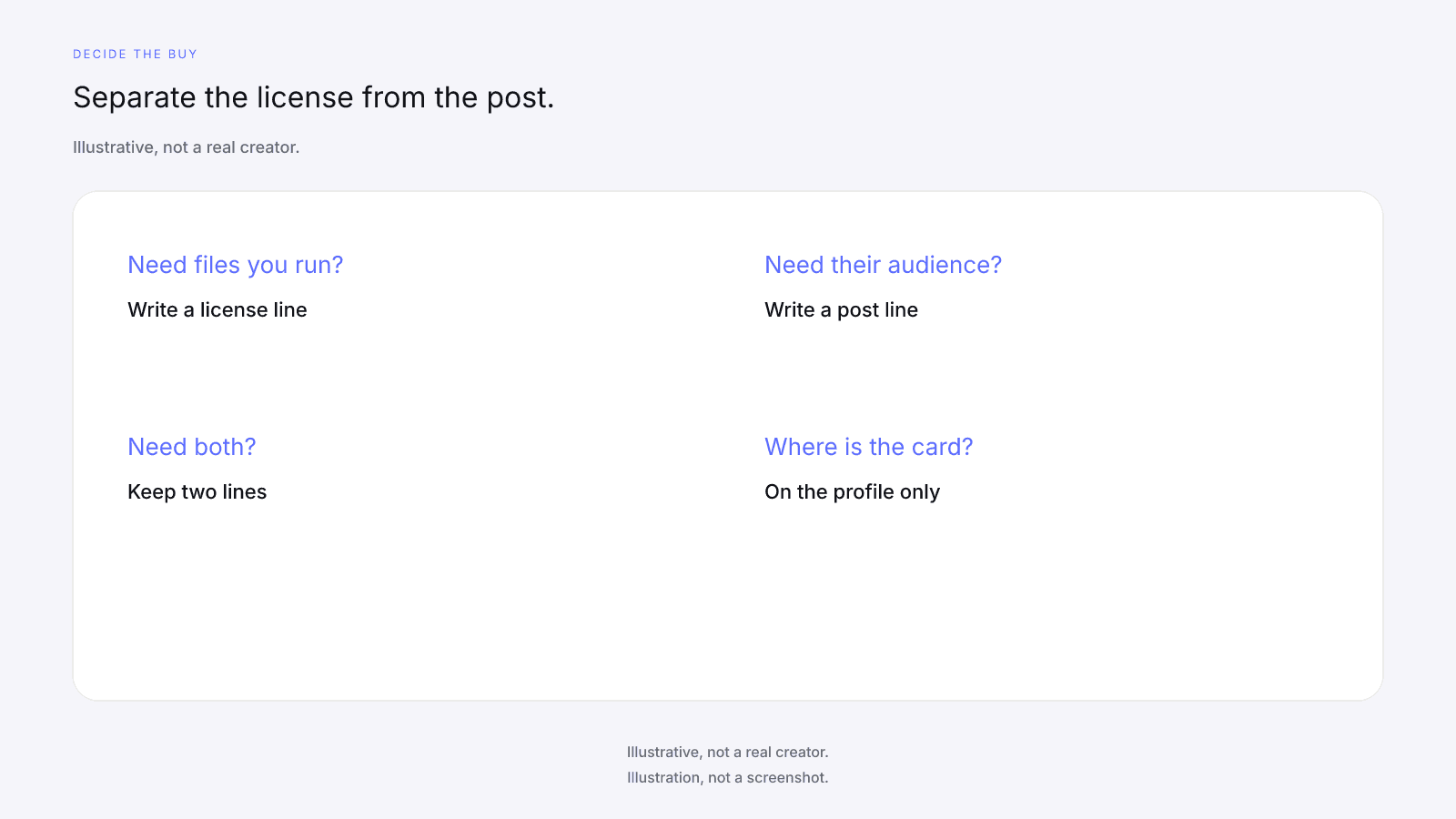
A usage license is permission to run content the creator made, such as a clip, a photo, or a video you place on the brand's channels or in the brand's ads. The creator does not have to publish that file to their own audience. Influencer marketing, in this comparison, is a creator who will post to their own audience. The deliverable is that post. InfScore does not classify either buy, and it does not score the file. Write down which one you are buying, or keep both as two lines.
Does InfScore score UGC clips or licensed content?
No. InfScore scores a public creator profile on one app. It does not score a clip, an asset, a video, a folder of files, or a portfolio, and it does not judge content quality, production value, or creative fit. License terms, usage rights, duration, territory, and channels are not covered by InfScore. A public card is pre-deal context only when a creator will post to their own audience. A license-only buy has no InfScore surface, free or paid.
What does a UGC creator's public card tell you?
If you are only licensing clips, the creator's public card still describes their own public account (followers, engagement, and the four factor rows), not how those clips will do in your ads or on your channels. No composite, tier, dash, or no-score card is a judgment of the clips. The free card prints no audience demographics. The $0.99 report is not a way to judge clips. The license-only path has no InfScore surface, free or paid.
When is a content license enough?
When the brand will run the content on its own channels or in its ads and does not need the creator to post to their own audience. The license-only path has no InfScore surface, free or paid. Write the terms with the creator, and with your own counsel: where the clips can run, for how long, edits, raw files, and revisions. Those terms are not covered by InfScore. Do not treat a high or low composite as a comment on the files.
When do you need a creator who posts to their own audience?
When the brief needs distribution to the creator's own audience on their profile. The public card is context for that handle. Fit, brand safety, and past work the creator shares are manual checks outside the score. InfScore does not check brand safety, review fit, or grade past work. The score does not reward output volume or posting regularly. The free card prints no growth figure.
Can one campaign include both UGC and influencer posts?
Yes. Keep two separate lines in the brand's own sheet: a creator-post line, where public-card context applies, and a license line, which has no InfScore surface. Do not copy the composite onto the license line. InfScore has no campaign, shortlist, history, compare, export, or alert tool. Measurement of results sits with the brand. Put both lines in writing before you pay.
What does the $0.99 report add?
On a scored locked card, the product unlock CTA (or button) may show $0.99. That dollar is the product price for one report, not a creator fee. The optional purchase is the full creator report, which can add audience, growth, and platform deep dives when they exist. It is one-time, per creator. No field is guaranteed after paying. It does not judge licensed clips. The license-only path still has no InfScore surface, free or paid.