What to Put in an Influencer Media Kit in 2026
What to put in an influencer media kit in 2026: stats brands can verify (a public InfScore link with model id and coverage) vs self-reported ones.
This versioned composite uses only available public signals. Missing factors stay unavailable and their weight is rebalanced across observed factors. It is not a percentile, price estimate, or guarantee of campaign results. Model 2026-08-18.1.
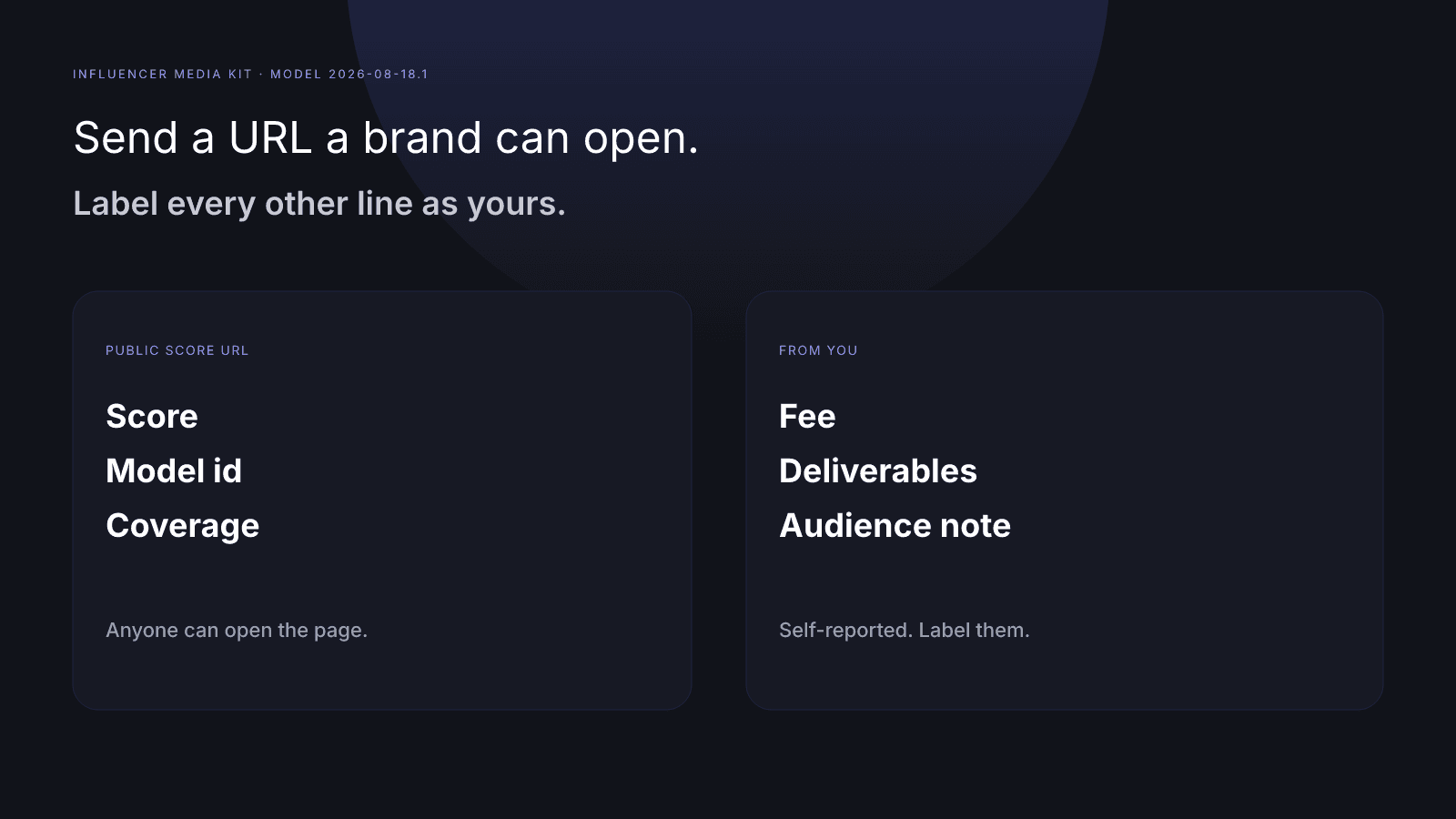
What to put in an influencer media kit comes down to two piles: stats a brand can check for itself, and lines only you can stand behind. For InfScore, the checkable item is a public URL for one platform, shaped as /score/{handle}?platform=…. It shows the score, the model id, and scoring coverage. Your fee, deliverables, and audience notes stay self-reported. Claiming your profile proves you control the account. It adds a Claimed profile badge and a listing in My InfScore, and it doesn't change the score.
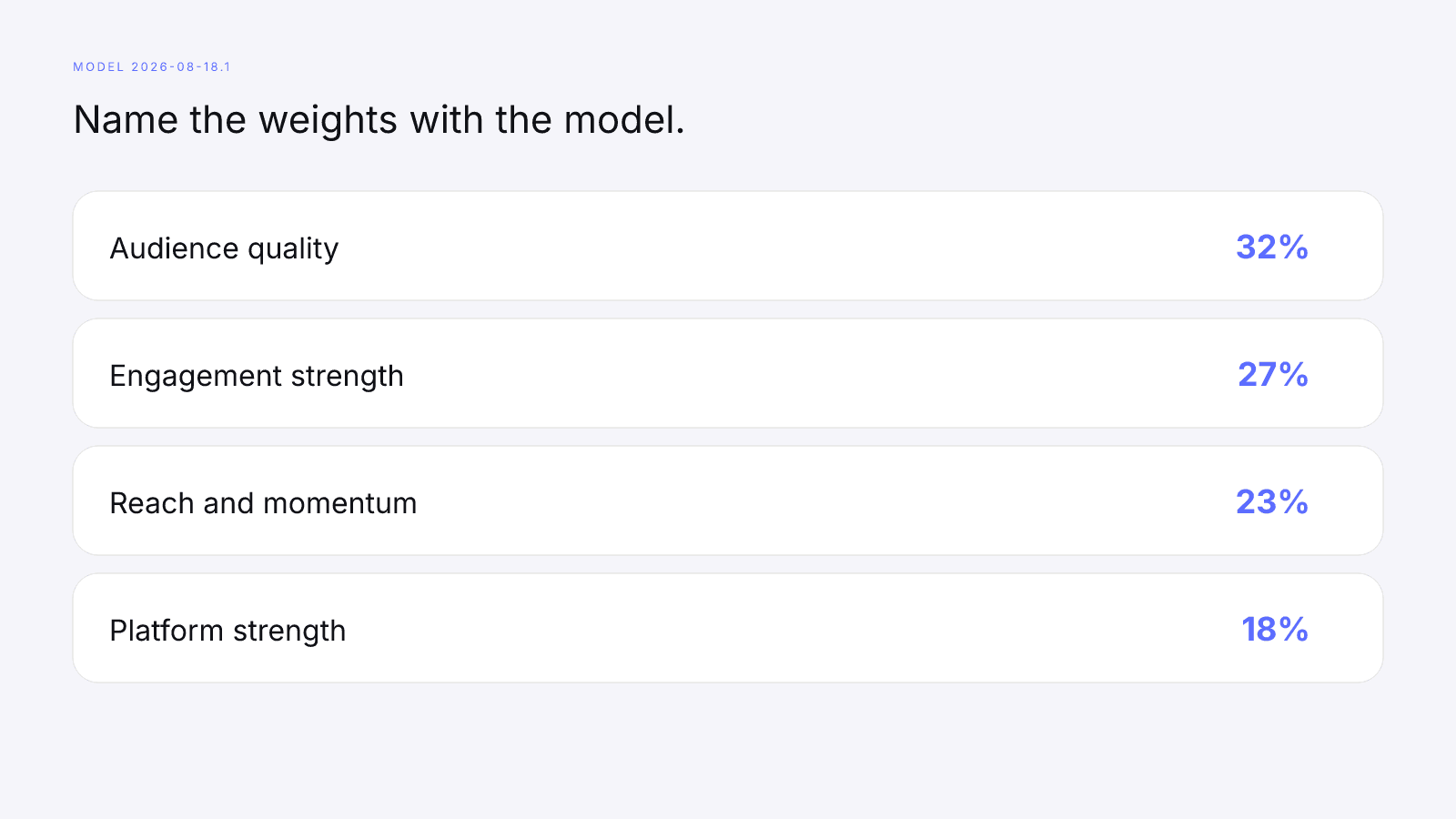
On model 2026-08-18.1 the weights are audience quality 32%, engagement strength 27%, reach and momentum 23%, and platform strength 18%. A dash is missing data, not a zero, and its weight is held out. How to Measure Influencer Performance walks through the four factors, and the methodology prints the same weights. This page is about the kit, not a second tour of the formula.
What to put in an influencer media kit: the short list
An influencer media kit is the short document you send before a brand replies. It names you, the platforms you post on, and the work you're offering. Brands use it to decide whether to keep reading, and they can't audit a PDF you designed. So split it in two: a section they can open themselves, and a section they have to take from you. For the brand's side, how to read an influencer media kit walks through how a brand goes over the kit you send.
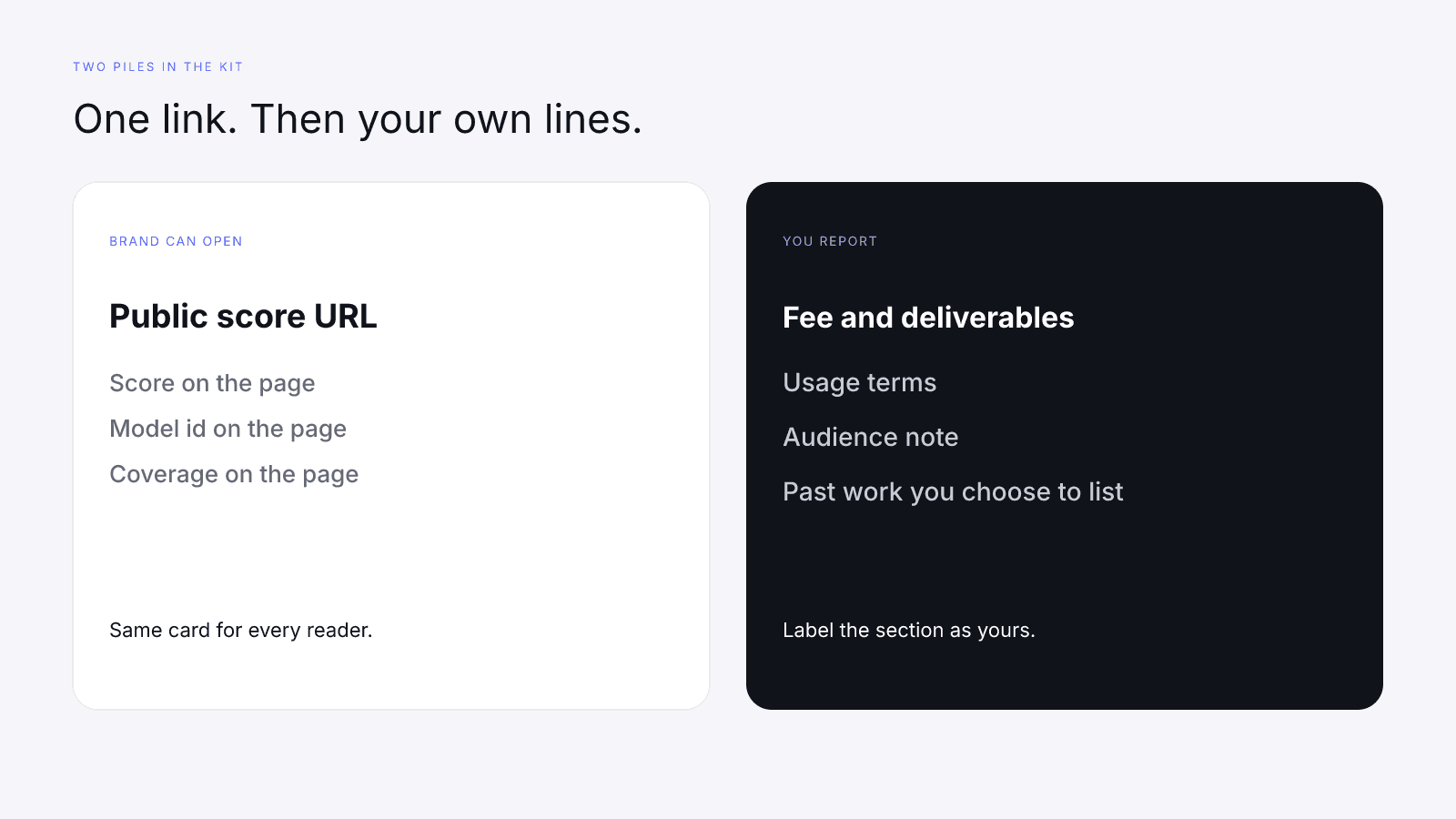
The verifiable section, for InfScore, is one URL per platform: /score/{handle}?platform=instagram, /score/{handle}?platform=tiktok, or /score/{handle}?platform=youtube. Anyone with that link sees the same public card you see. The self-reported section holds everything else a kit usually carries: your fee, the deliverables, usage rights, a description of who watches, and the brands you've worked with. Write those in your own words and label them as yours.
Verifiable stats vs self-reported stats
Keep the two kinds of stat in separate sections. Mixed together, they teach a brand to treat your fee and the 0–100 as the same kind of fact, and they aren't. The score is a versioned composite of provider-reported public signals. The fee is a term you set.
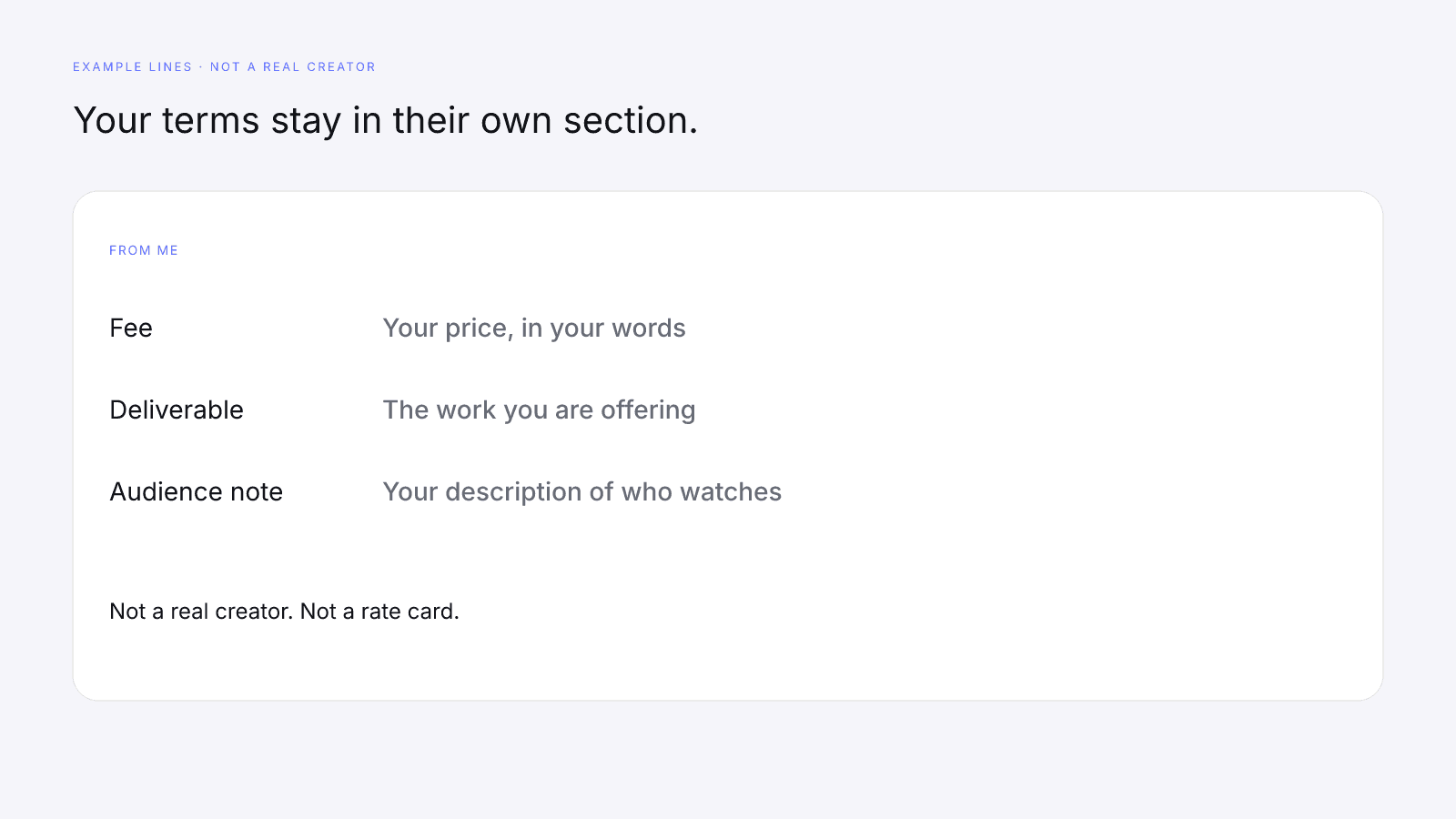
Most of a traditional influencer media kit is still your document. InfScore doesn't know your fee, your usage window, or the sentence you want under your name. Those lines belong in the kit, but sitting next to a score URL doesn't make them verified. A brand that wants the public number uses the URL; a brand that wants the commercial terms reads your section.
The audience note isn't the audience-quality factor. Audience quality is one row on the card, 32% of model 2026-08-18.1 when the provider returns it. A sentence about age, country, or interests is your account of the audience. The paid report can include demographic modules when the provider sends them, and Free InfScore vs the $0.99 Report says what that purchase adds. Don't present a demographic table as the 0–100.
Past brand names are your list too. The public score URL doesn't certify a sponsorship, though a brand can scroll your profile and see the posts. If you're unsure about a logo, leave it off. A shorter list you can point to beats a longer one you can't.
Hand-calculated engagement goes in the self-reported section as well. Name the interactions you counted and the denominator you divided by, and point the reader at How to Calculate Engagement Rate. The card's Avg. engagement is the provider-reported public rate for the platform in the URL, and it stays with the public link, copied from the page or marked Unavailable. Your formula and the card's rate can differ because they measure different things. Put them on separate lines, and don't average them into a third number.
Add your public InfScore link
Build the kit line from the address bar. Search the handle on infscore.com, pick the platform, and copy the URL that contains /score/ and ?platform=. Paste it as plain text so a brand can click it or type it, rather than a paraphrase like "my InfScore is strong." You don't need a purchase, an account, or a claim to have a link worth sending.
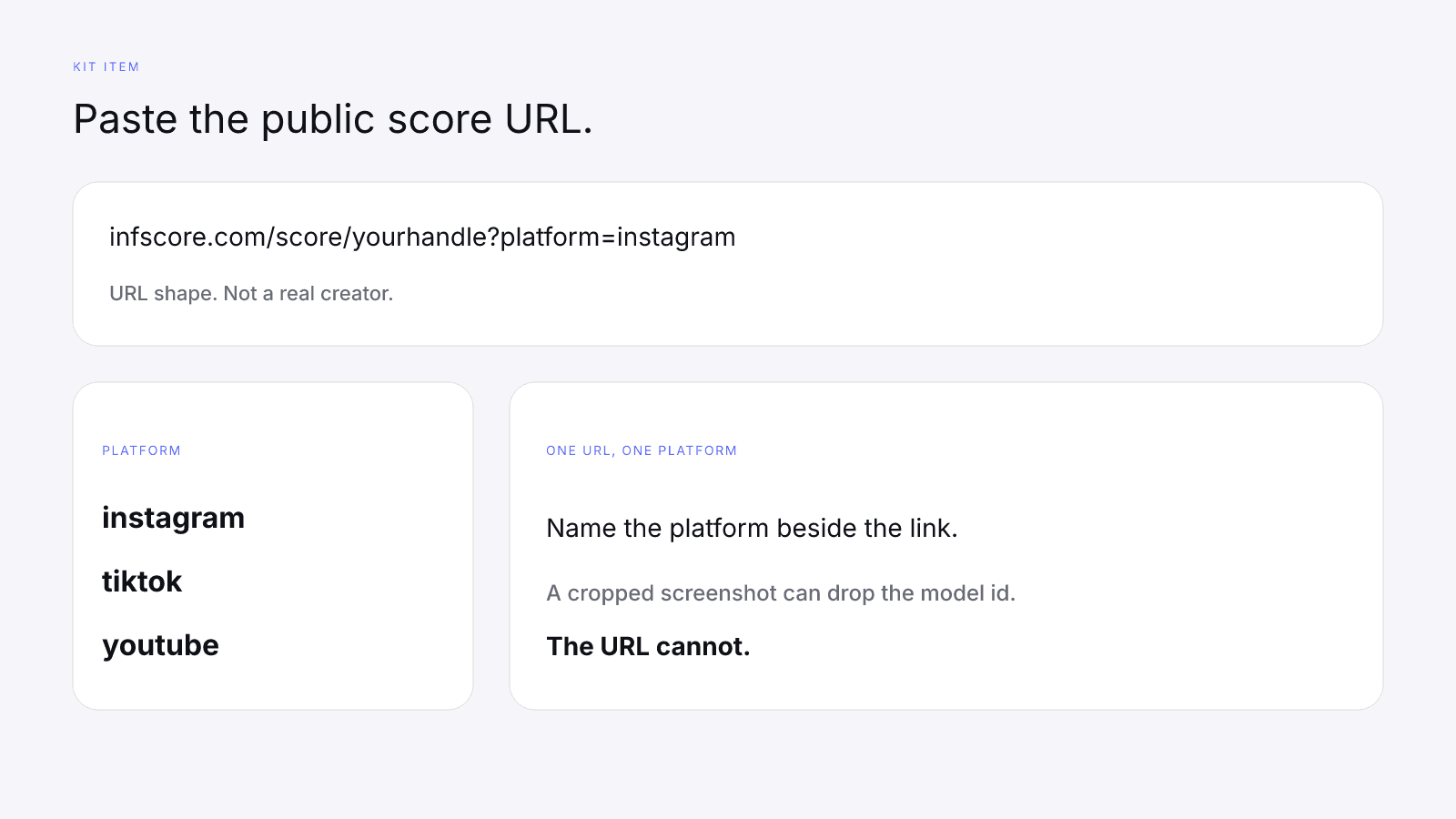
One URL covers one platform. Instagram, TikTok, and YouTube are separate lookups of the same composite, so a brand that opens your Instagram card isn't looking at your TikTok card. If you pitch two platforms, send two URLs and name the platform next to each. Write the query out even if you only use one network: a line that stops at /score/{handle} doesn't say which profile the card should read.
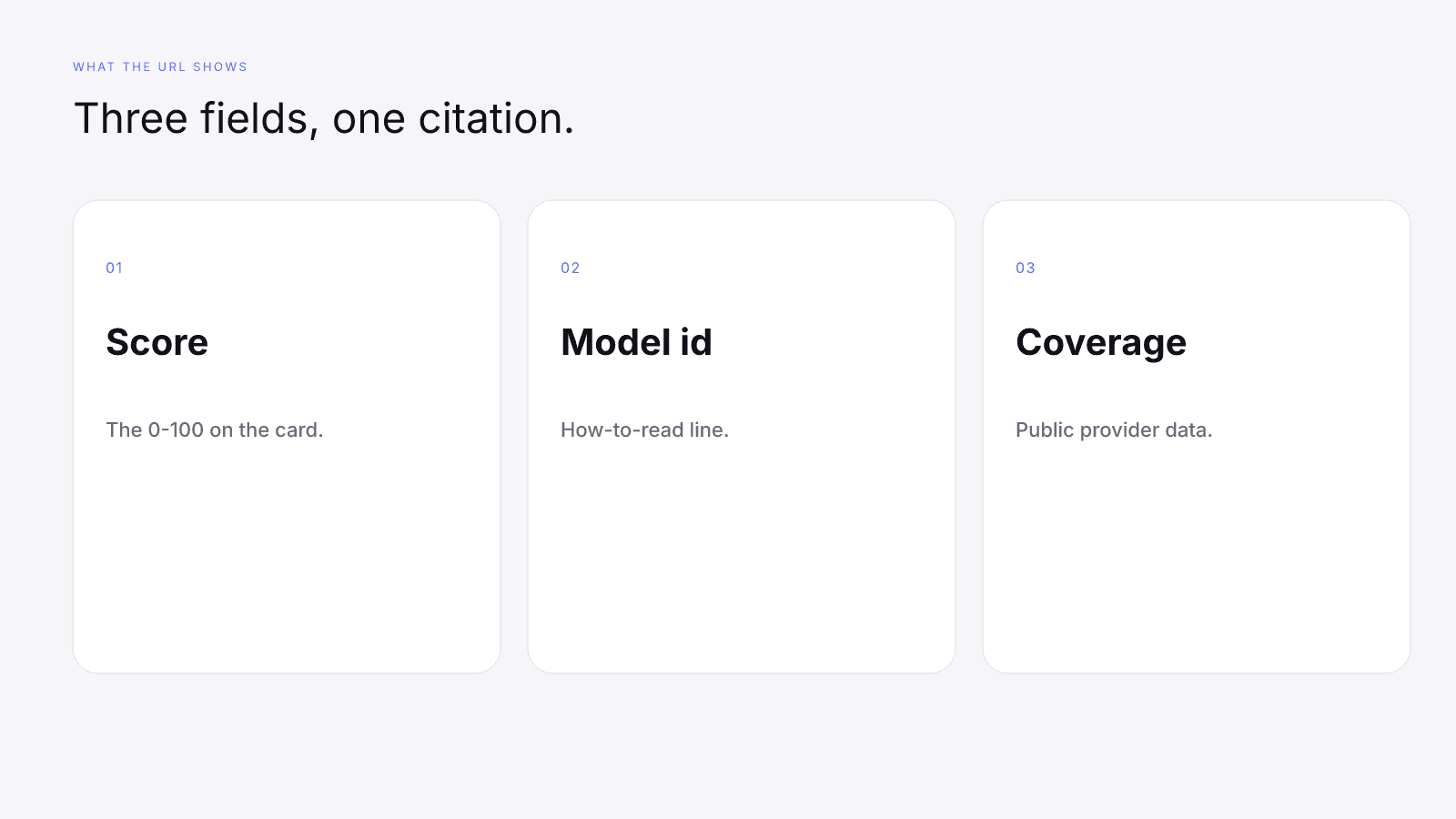
The card a brand opens prints three things you should be ready to name. The score is the headline 0–100, shown with a tier label. The coverage line gives the scoring-coverage percentage and ends with "Public provider data." The how-to-read line ends with the model id, and cards on the current model print 2026-08-18.1. If a card shows a different id, read Comparing InfScore Across Model Versions before you compare two screenshots in a deck. A different id is a different scale, not a personal best.
Under that header, four factor rows use the published weights. On model 2026-08-18.1 those are audience quality 32%, engagement strength 27%, reach and momentum 23%, and platform strength 18%. Scoring coverage is the sum of the weights that actually ran. A row with a number keeps its weight; a row with a dash is missing data, not a zero, and drops out of the composite. How to Read an Influencer Scorecard Without Getting Fooled covers dashes and tier labels, and What Brands Should Read First on an InfScore Card is how brands read it: model and coverage before the headline number. This guide won't repeat either page.
If you quote the headline in the kit, put the model id and the coverage beside it. A bare score without them is only part of the picture. A screenshot cropped into a slide has the same problem, since a crop can drop the model id or the coverage line and the link can't. If you want a designed page for looks, put the public URL in text beside the picture.
When a rate is missing, Avg. engagement prints Unavailable and the engagement-strength row prints a dash. Leave both as they are. Typing 0 into the kit claims the rate was zero.
To see all of this on a live page, open MrBeast on YouTube. This page doesn't quote that card. Use it to practice finding the score, the model id, and the coverage line, then do the same on your own handle. Don't paste another creator's numbers into your kit.
What claiming your profile does, and what it doesn't
Claiming is an ownership check, not a scoring feature. The claim page puts the rule in one line: Claim a public InfScore only after proving control of the matching creator account.
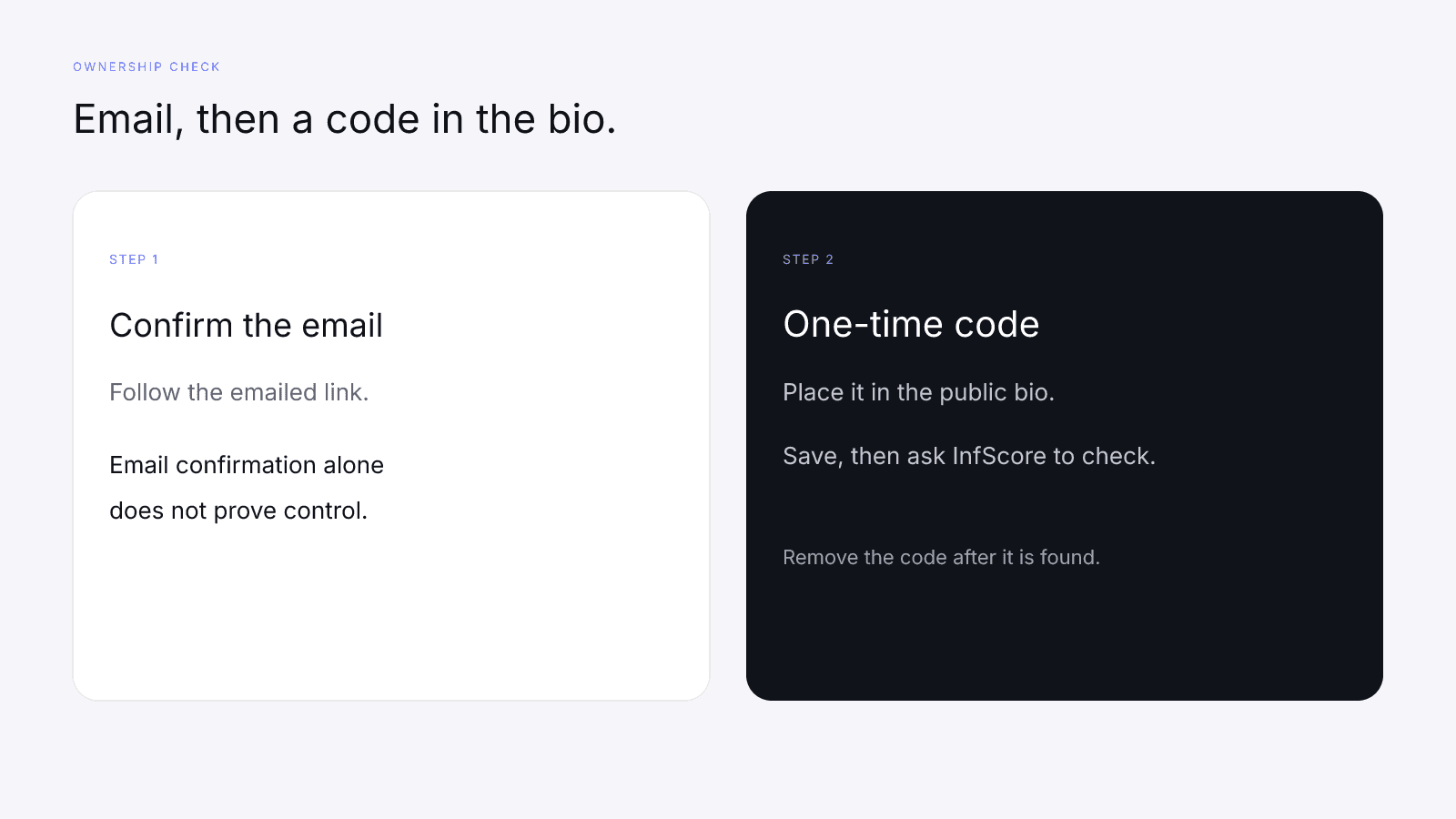
There are two steps. First you confirm an email, and email confirmation alone doesn't verify control of the creator account. Then you add a one-time code anywhere in the public profile bio, save the profile, and ask InfScore to check it. The check reads the public bio. If the first check doesn't find the code, try again. Once the code is found, you can remove it.
You can start at Claim your profile or from Claim this handle on an unclaimed score page. Claim only the account you actually control.
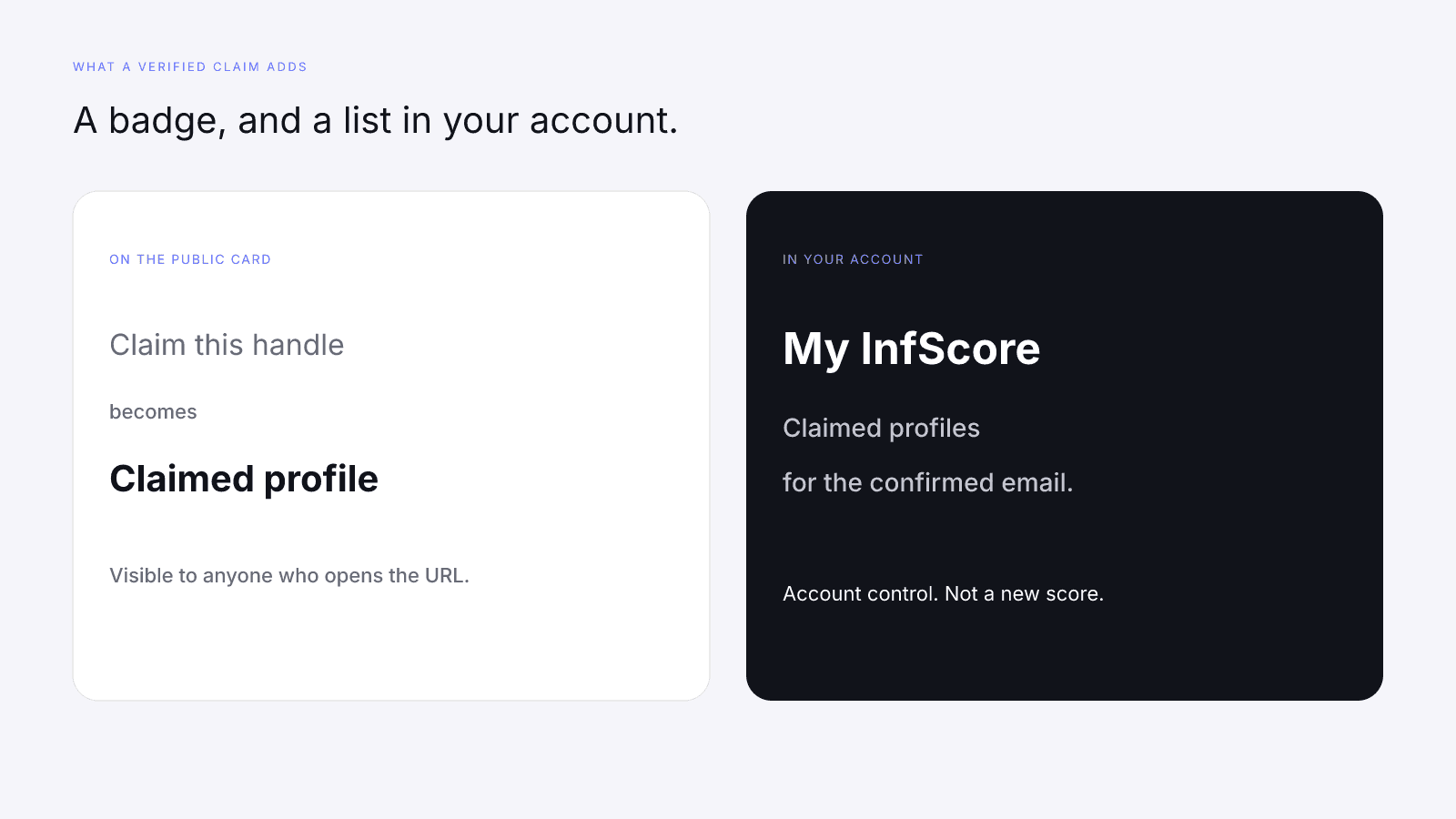
A verified claim changes two things. On the public score page, the Claim this handle link becomes a Claimed profile badge. In your account, the handle appears in My InfScore, on the claimed-profiles list tied to the email you confirmed. A brand that opens your kit URL sees the badge on that page. It means the ownership check succeeded, not that anyone reviewed your fee, your audience note, or your factor rows.
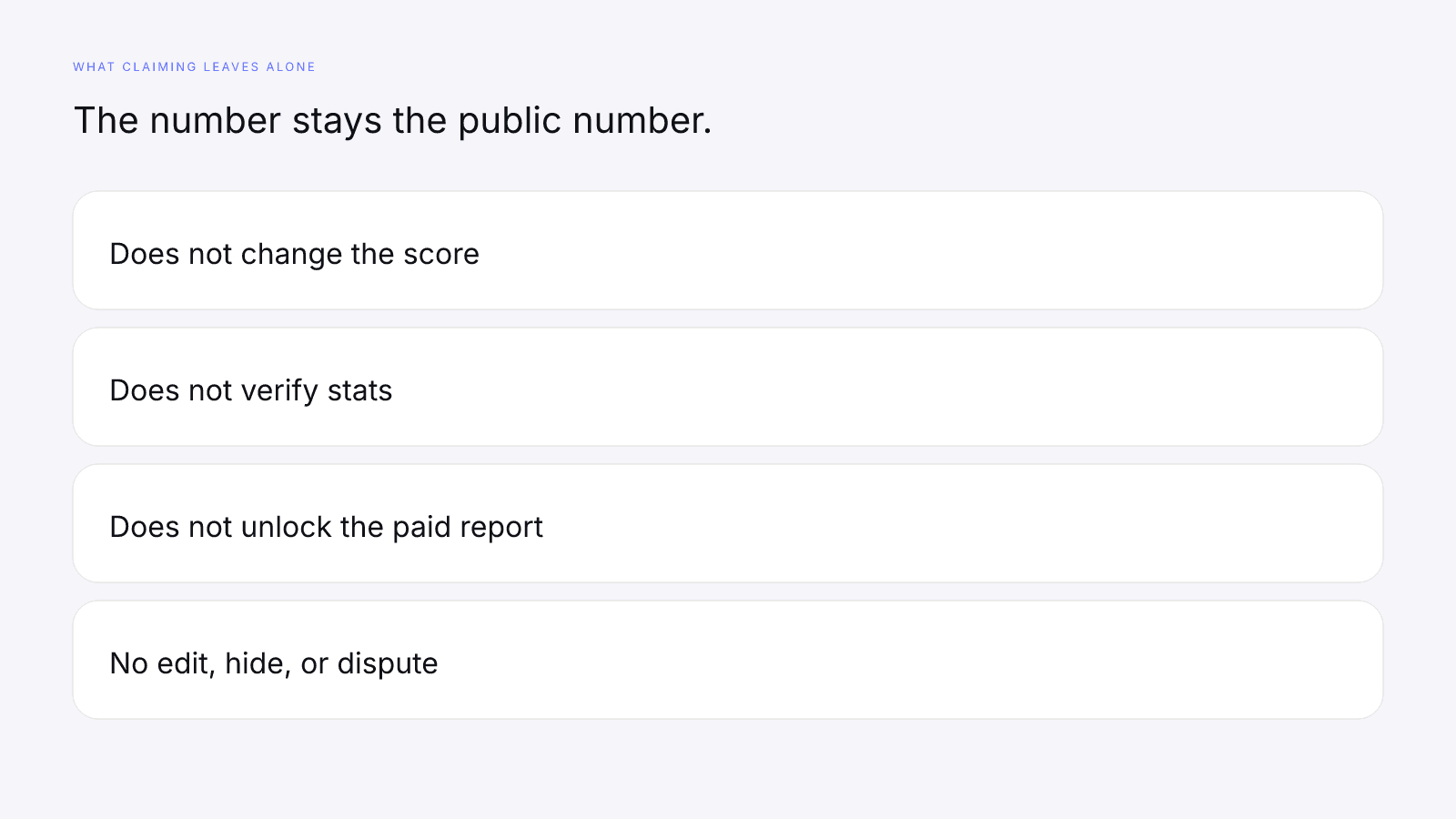
Claiming does not change the score. It does not verify stats, unlock the paid report, or let you edit, hide, or dispute the card. Nothing on the claim rewrites a factor, removes a dash, or takes the public page down. If you don't like the headline, the kit still links the public card. Quoting a different number instead makes it a different document, and a brand that searches the handle will find the public one.
The badge is still worth having when the account is yours. It tells a brand that whoever sent the kit can prove they control the profile the URL names. That's account control, not a second score.
Copy badge and Share
When the full report is unlocked, its header has Copy badge and Share next to the PDF download. Both use the clean public /score/ URL for that handle and platform. Copy badge copies an HTML link to that URL. Share uses the same URL, and copies it when the device has no share sheet.
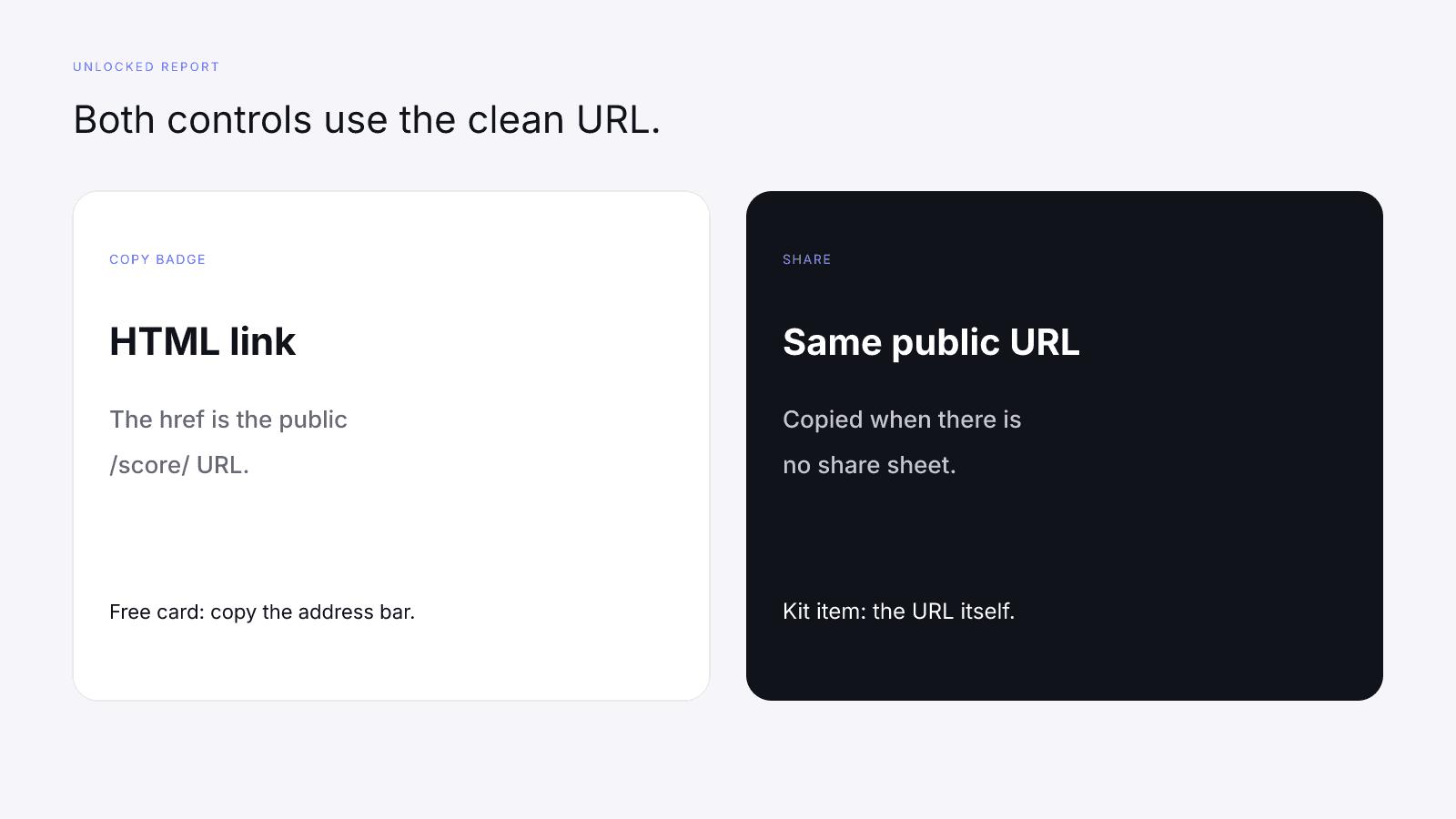
They're handy when you already have the report open and don't want to retype the link. Either way, the kit item is the URL itself, pasted as text, and you can copy the same URL from the address bar of the free card. The free card doesn't show those two buttons, and you don't need to pay to get the link. Don't paste just the word "InfScore" with no address; a brand should be able to open the page without asking you for a file.
Why the paid PDF isn't score proof
The $0.99 purchase is one time, not a subscription. It is the full creator report, with audience, growth, and platform deep dives when they exist. Paying doesn't change the 32/27/23/18 weights on model 2026-08-18.1, fill a dash, or raise a score. The price is listed at /pricing. Free InfScore vs the $0.99 Report covers the module list; this section is only about what the PDF can't prove.
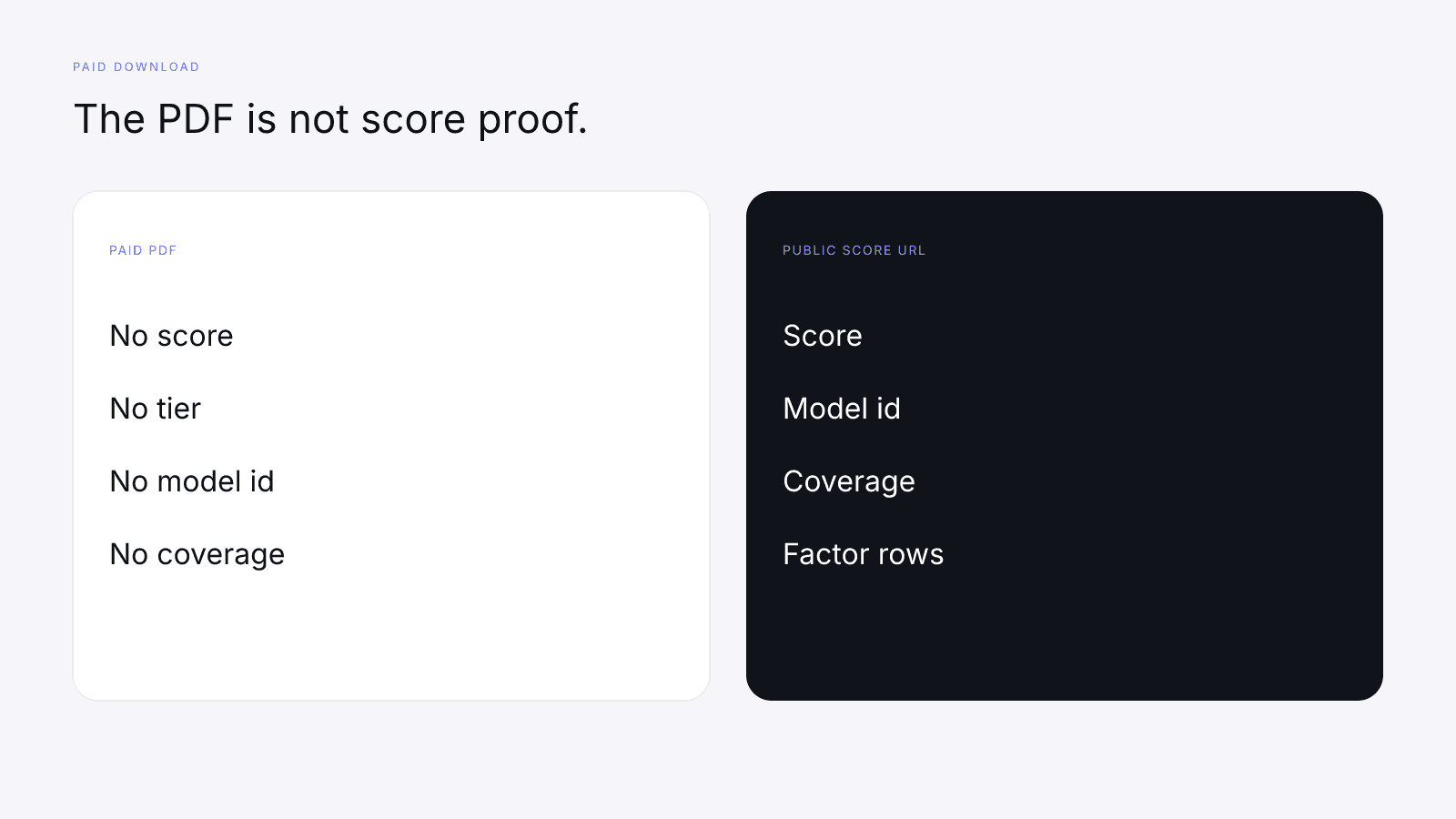
The paid PDF does not print the score, the tier, the model id, or scoring coverage, so it can't stand in for the public card. If a brand asked for the audience, growth, or platform modules and you bought the report, you can attach it for those. Don't attach it as proof of the 0–100. The proof of the score is the public URL, where the score, the model id, and the coverage line are on the page.
The terms of service have no media-kit clause and do not license the PDF for a kit. This page isn't legal advice, but nothing on the terms page approves the PDF as kit material or calls the download a licensed score citation. Link the public score URL only.
Paying also doesn't turn self-reported lines into provider-reported ones. Your fee is still your fee after checkout, and a dash on the free card is still a dash on the unlocked page. If a module came back empty, it prints Unavailable, which isn't a zero to drop into the kit.
A media kit template you can copy
Use one row per fact. If you can't point at the public card for a row, label it self-reported. The rows below are example lines, not a real creator, a rate card, or a benchmark.
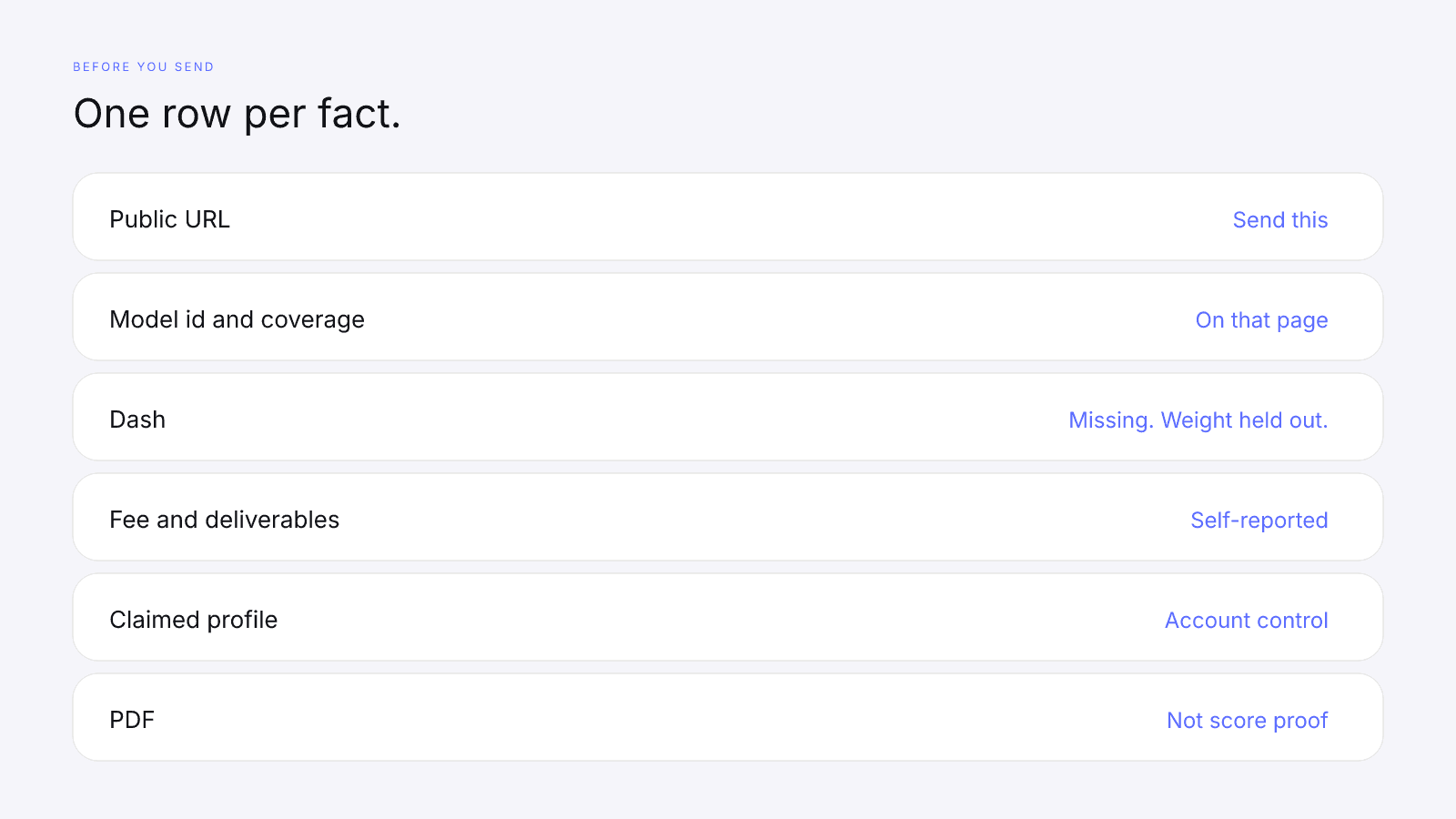
| Field | What to put in the kit | Who can check it |
|---|---|---|
| Public URL | /score/{handle}?platform= with instagram, tiktok, or youtube. One URL per platform you pitch | Anyone who opens it |
| Score | The 0–100 on that page, or leave the URL to show it | Anyone who opens the URL |
| Model id | The id in the how-to-read line. Current cards print 2026-08-18.1 | Anyone who opens the URL |
| Coverage | The scoring-coverage line, including "Public provider data" | Anyone who opens the URL |
| Factor rows | The weights that ran. On model 2026-08-18.1: audience quality 32%, engagement strength 27%, reach and momentum 23%, platform strength 18% | Anyone who opens the URL |
| Dash | Missing data. The weight is held out. Don't type 0 | Anyone who opens the URL |
| Avg. engagement | The free-card figure for that platform, or Unavailable | Anyone who opens the URL |
| Fee, deliverables, usage | Your terms, in your words | Self-reported |
| Audience note | Your description. Separate from the audience-quality row | Self-reported |
| Past work | Brand names you choose to list | Self-reported. A brand can look at your public posts |
| Hand-calculated rate | Interactions and denominator named | Self-reported |
| Claim status | Claimed profile if the badge is on the page. Account control, not a new score | Anyone who opens the URL |
| Optional module file. Not score proof | Not a score source |
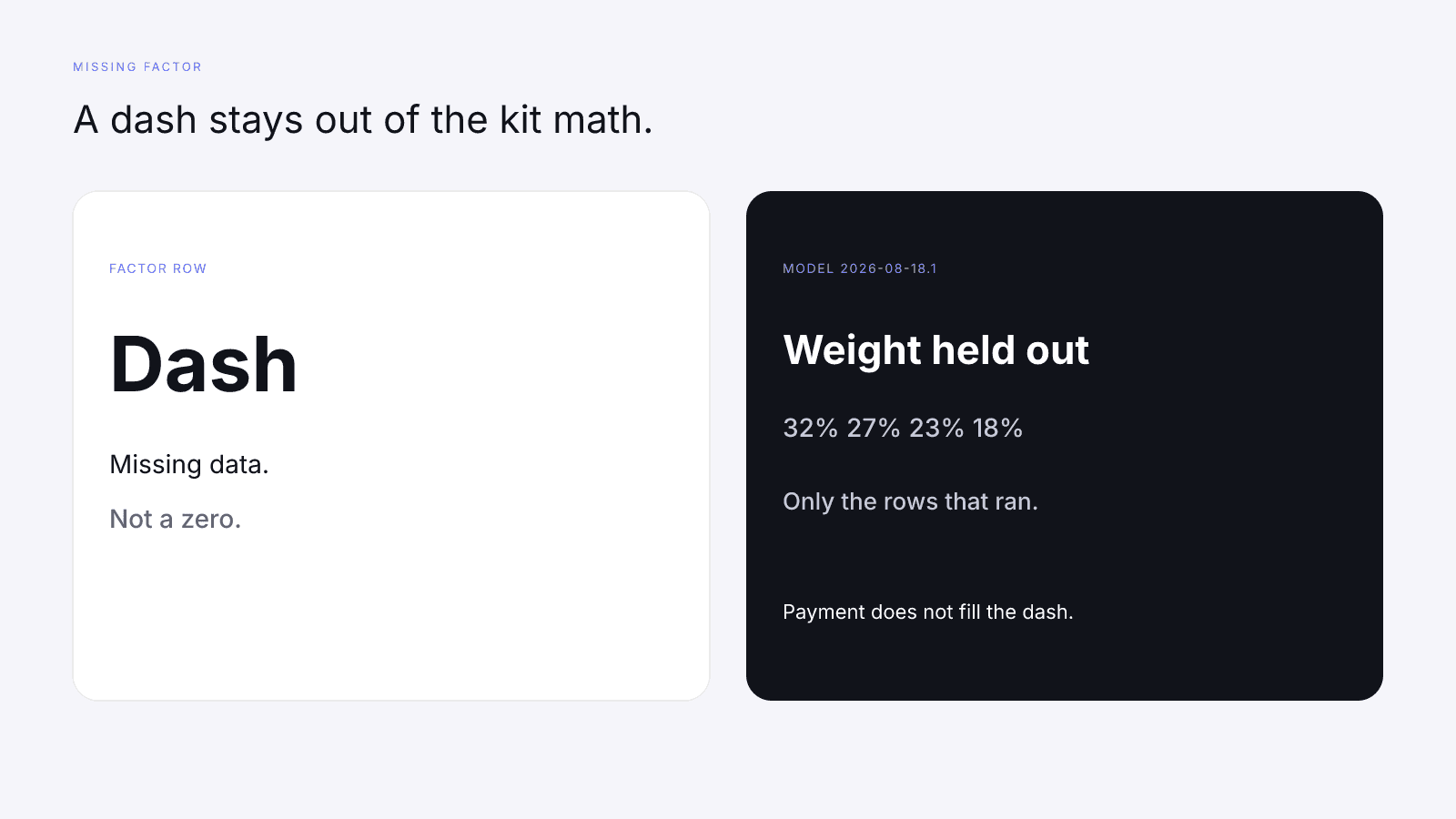
Before you send the kit, open the URL you pasted. Check that the handle and the platform query match the account you're pitching, and that the model id you typed is the one on the page. If a factor is a dash, the kit says missing, and that weight is held out of the composite. A brand reading the card will look for that gap, so it's better to name it than to hope only the headline gets read. When the kit is ready, How to Pitch Brands as an Influencer (With a Verifiable Score) shows how to write the note that carries it.
That's the whole kit: the public URL, an honest label on every line you wrote yourself, and, if the account is yours, a claim that proves control and changes nothing else.
FAQ
What should an influencer media kit include?
Two kinds of line, kept apart. The first is a public InfScore URL for each platform you pitch, shaped as /score/{handle}?platform=instagram, tiktok, or youtube. It shows the score, the model id, and scoring coverage. The second is everything only you can report: your fee, deliverables, usage terms, an audience note, and past brands, labelled as self-reported.
Which media kit stats can brands verify?
The ones on the public score page the URL opens: the 0–100, the model id, scoring coverage, and the factor rows that returned a number. A dash is missing data, not a zero, and its weight is held out. Fees, deliverables, and audience descriptions you typed stay self-reported.
How do I add my InfScore to a media kit?
Search your handle on infscore.com, pick the platform, and copy the URL from the address bar. It contains /score/ and ?platform=. Paste it into the kit as plain text, one URL per platform, with the platform named beside it. You don't need a purchase, an account, or a claim to have a link worth sending.
Does claiming my InfScore profile raise my score or verify my stats?
No. Claiming proves control of the matching creator account: you confirm an email, then place a one-time code in the public bio. All it adds is the Claimed profile badge, replacing Claim this handle, and a listing in My InfScore. It does not change the score, verify stats, unlock the paid report, or let you edit, hide, or dispute the card. Claim a public InfScore only after proving control of the matching creator account.
Can I put the $0.99 report PDF in my media kit?
Not as score proof. The $0.99 purchase is the full creator report, with audience, growth, and platform deep dives when they exist, but the PDF does not print the score, the tier, the model id, or scoring coverage. The terms page has no media-kit clause and does not license the PDF for a kit. Link the public score URL instead.
What if my InfScore card shows a dash?
Leave it as a dash. A dash is missing data, not a zero, and its weight is held out. On model 2026-08-18.1 the weights are audience quality 32%, engagement strength 27%, reach and momentum 23%, and platform strength 18%, so a missing row holds out that row's share. Paying does not fill a dash, and typing 0 into the kit claims the value was zero.
How often should I update my media kit?
Whenever you send it, open the URL you pasted and check that the handle, the platform query, and the model id still match the page. The kit links the public card, so re-copy the URL rather than a number you saved earlier, and keep the model id beside any weight you quote.