How to Read an Influencer Media Kit (and What to Check)
How to read an influencer media kit: read the category, formats, and ask, compare follower and engagement claims with a public card, then ask the creator.
This versioned composite uses only available public signals. Missing factors stay unavailable and their weight is rebalanced across observed factors. It is not a percentile, price estimate, or guarantee of campaign results. Model 2026-08-18.1.
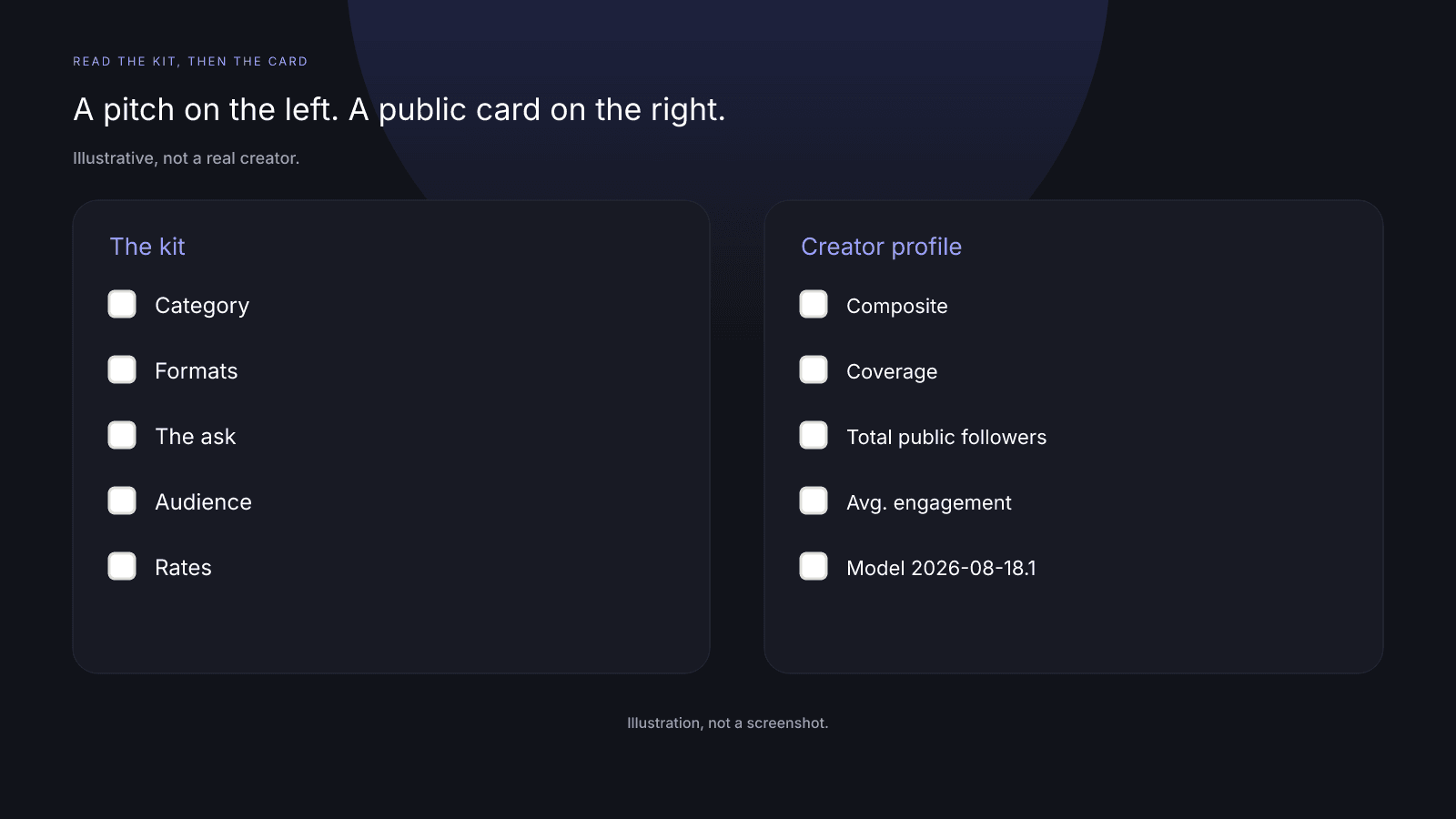
Here's how to read an influencer media kit you were sent. A kit is a pitch. Read category, formats, and the ask; compare its follower and engagement claims with the public card for the same app on the same model id, keeping in mind that Total public followers is a sum across Instagram, TikTok, and YouTube, not a per-app count; the rest stays a question for the creator.
What a kit is for (and what it is not)
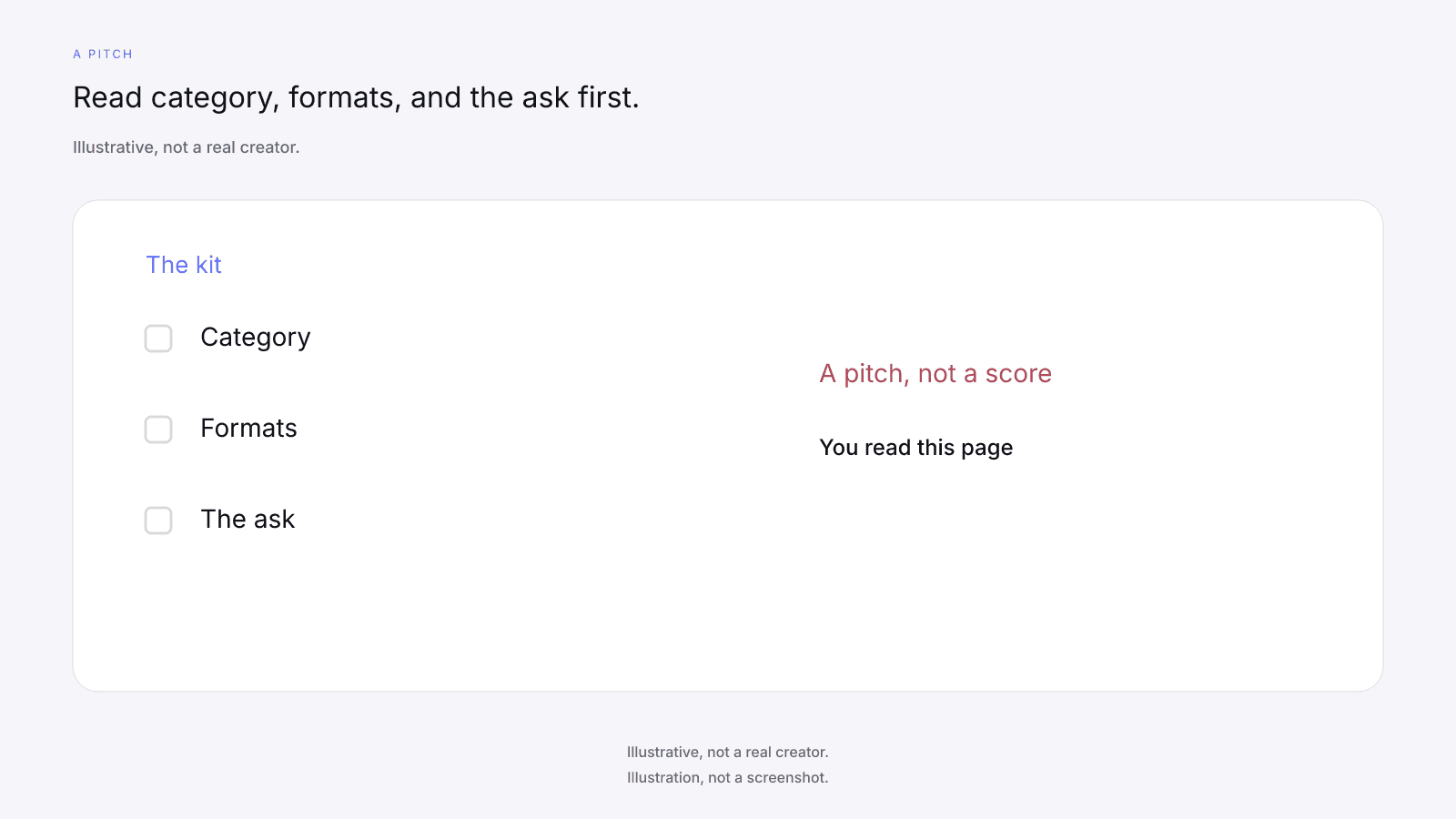
A kit is a document a creator sends to a brand to pitch work. Before you look at a single figure, read the category the creator claims, the formats they offer to make, and what they're asking you for.
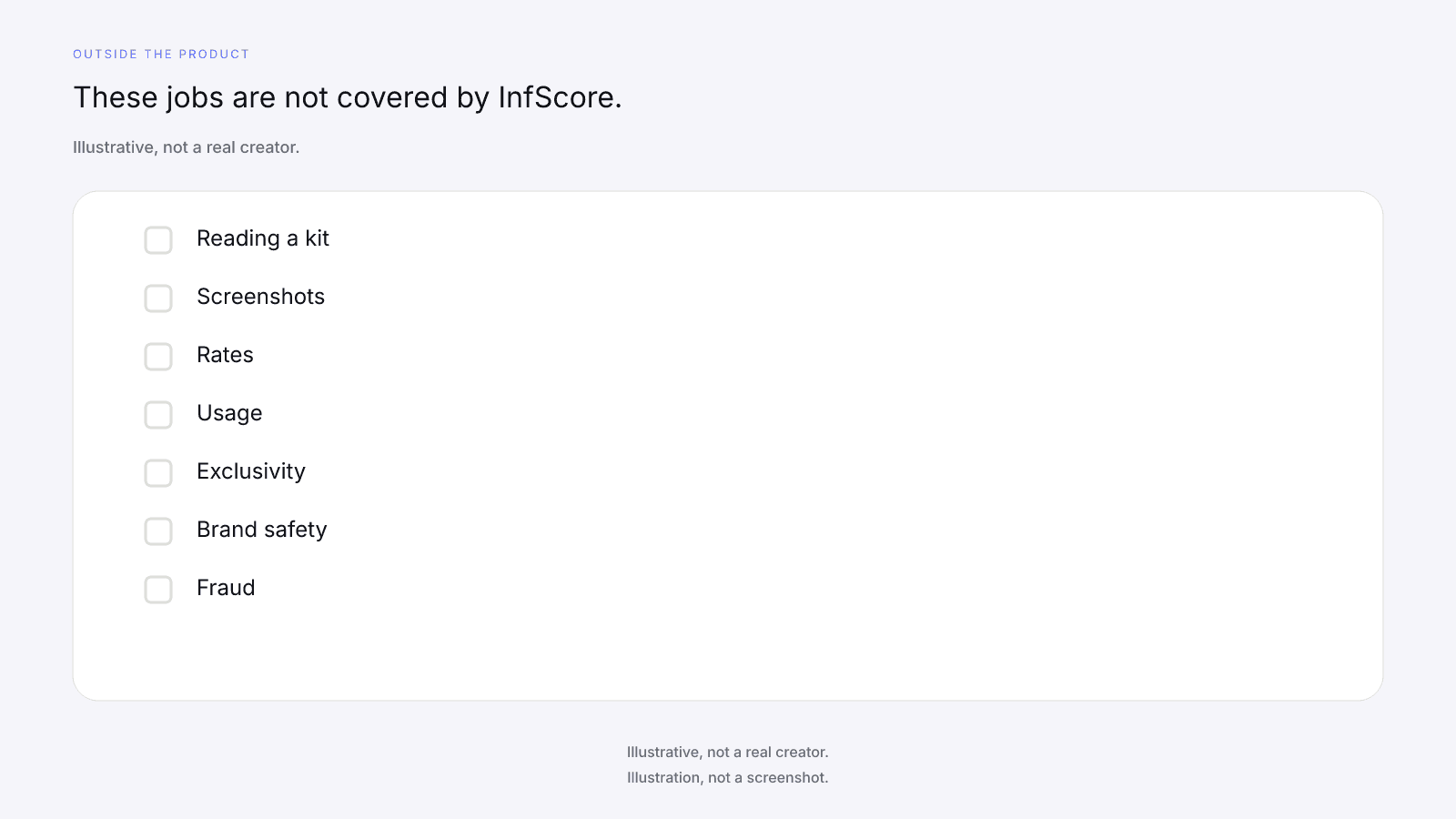
The kit is the creator's page, and the public card is a score of one public handle on one app. You read the kit, look up the handle, and do the comparing yourself. InfScore does not read, ingest, accept, or verify kits, screenshots, or stats. There's no file to send it and no screenshot it will look at.
A category line is the creator's own description of the work. The free public card prints no category or niche label, so the card has nothing to say about that line. InfScore has no discovery or search-by-category feature, and the free card never suggests another creator. You don't need either here, because the kit already gave you the name. "Weekday lunches for people who eat at a desk" is a claim you can hold up against the posts. "Food" is a wide label, and the card won't narrow it for you.
A list of brand names on the kit is the creator's own claim about who they have worked with. Take it as their account. The card says nothing about those deals or how they went.
The order to read it in
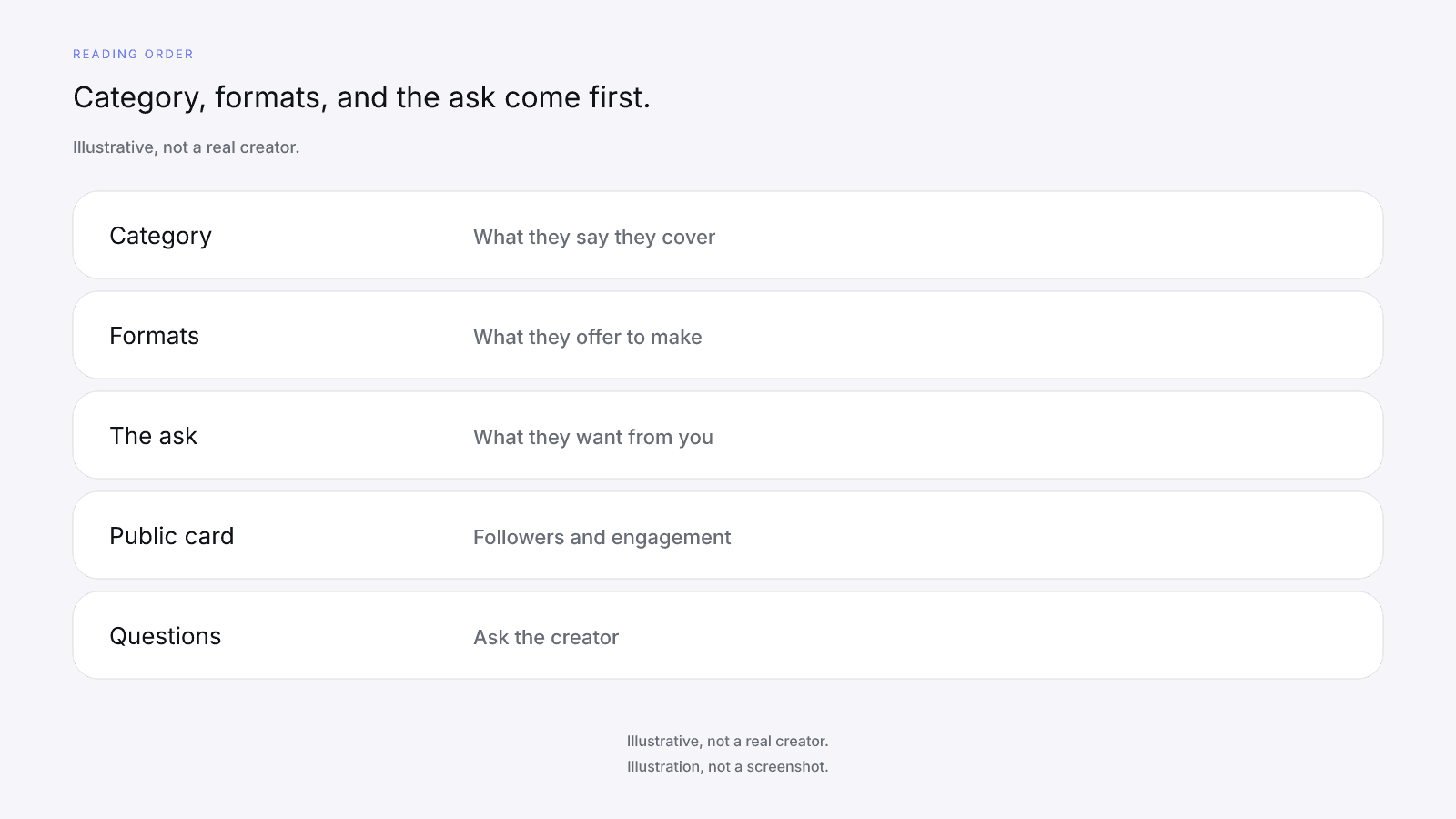
Read every kit in the same order, so the biggest number on the page doesn't set the tone. Start with the category, and write down in your own words what the creator says they cover.
Next come the formats. List what they offer to make: a post, a set of frames, a longer video, a story, or whatever other shape they name. Content quality and creative review are not covered by InfScore, so judging the work itself is up to you.
Then find the ask: the piece of work on offer and the decision they want from your side. If it's buried under figures, write it down before you touch a number. A kit that opens on a reach line and doesn't state the ask is still a pitch, and the ask is still the first thing to pull out.
After those three, turn to the follower and engagement claims. Look the handle up yourself, on the app the kit figure is for, and set the kit line beside the card. Reach, impressions, views, and demographics come next, and they stay questions for the creator. Rates and terms go last, for the conversation. If a section is missing, leave a blank in your notes and ask for it. Filling it in from memory only hides the gap.
Reading the kit is one step when you vet an influencer before paying. Fit review, brand safety, and fraud or fake-follower detection are not covered by InfScore, and none of them is a check, a flag, a score, or a badge on the card. If you want a manual look at the profile, that part is your own work.
Figures you can compare with a public card
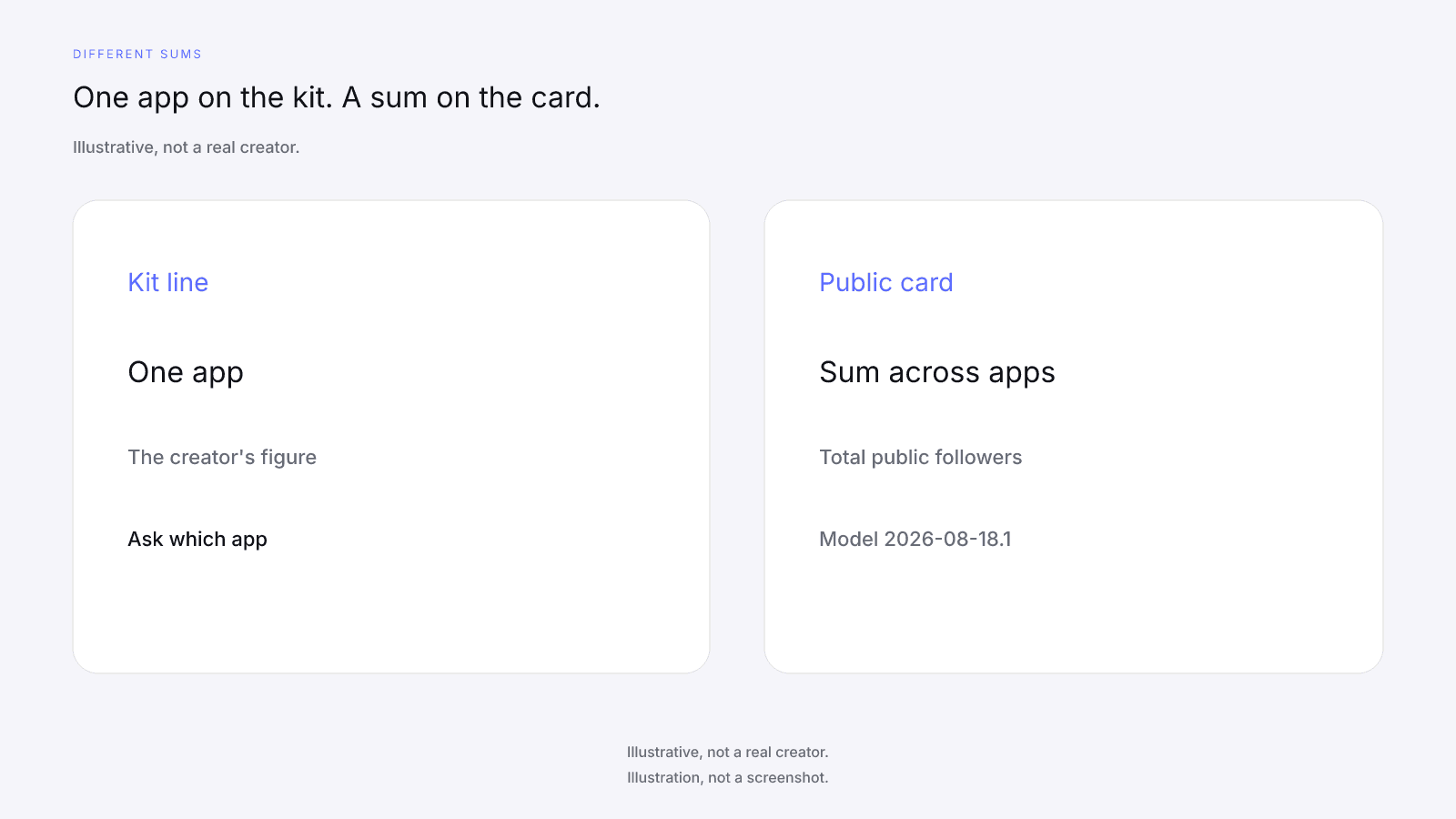
Only two kinds of kit figure have anything to sit beside on the free card: follower claims and engagement claims. Look the handle up on the app the kit figure is for, and compare on the same model id. The card's Avg. engagement is that app's public engagement rate. Total public followers is a sum across Instagram, TikTok, and YouTube, so it isn't the same number as a kit's follower count for one app. A gap in either direction is a question for the creator.
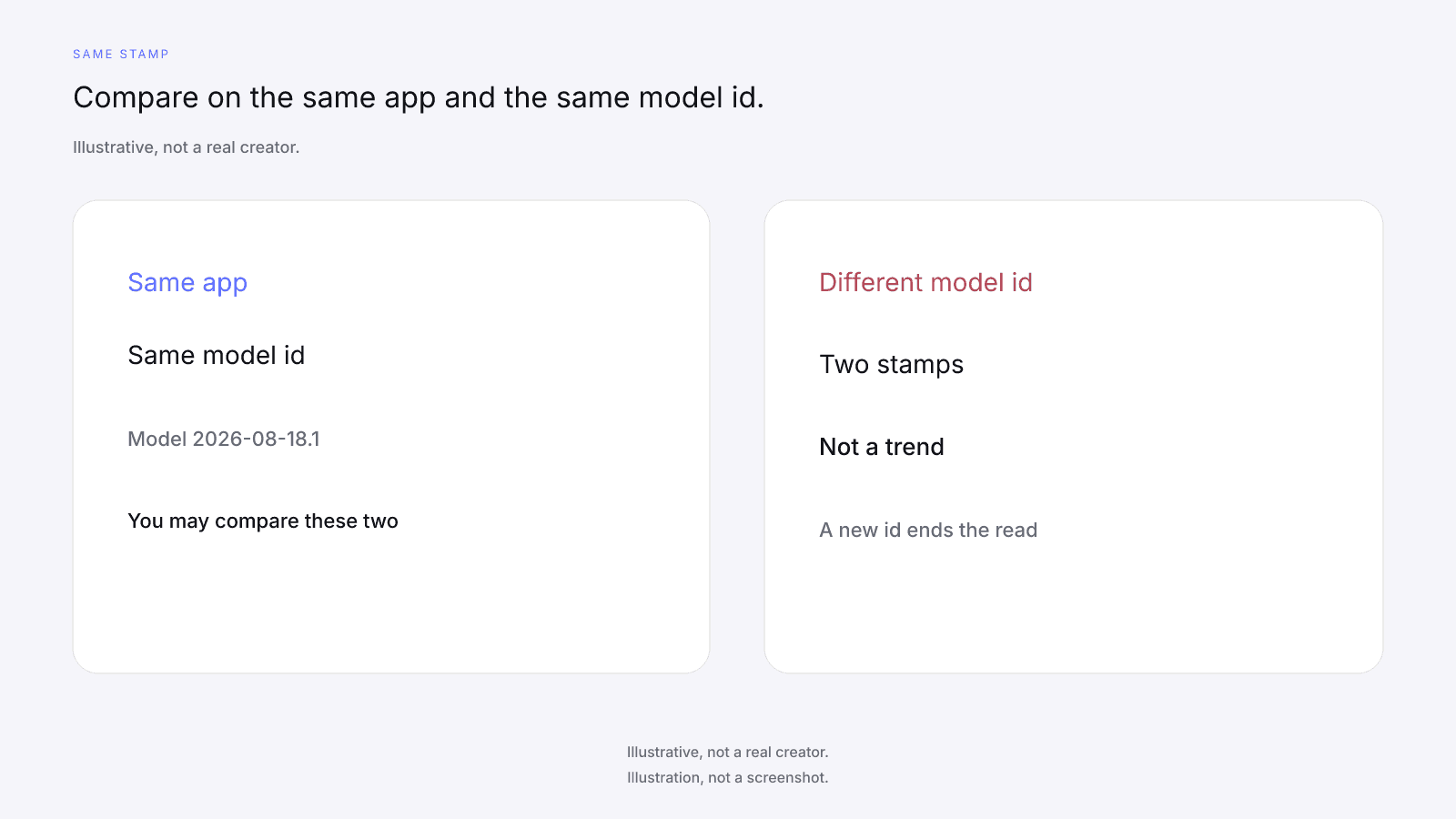
The score is per handle and per app, so a kit line about one app goes beside a card opened on that same app, under the same model id. If two cards carry different model ids, they are two stamps, not a trend: don't subtract the composites or read the gap as movement. A new model id ends the comparison.
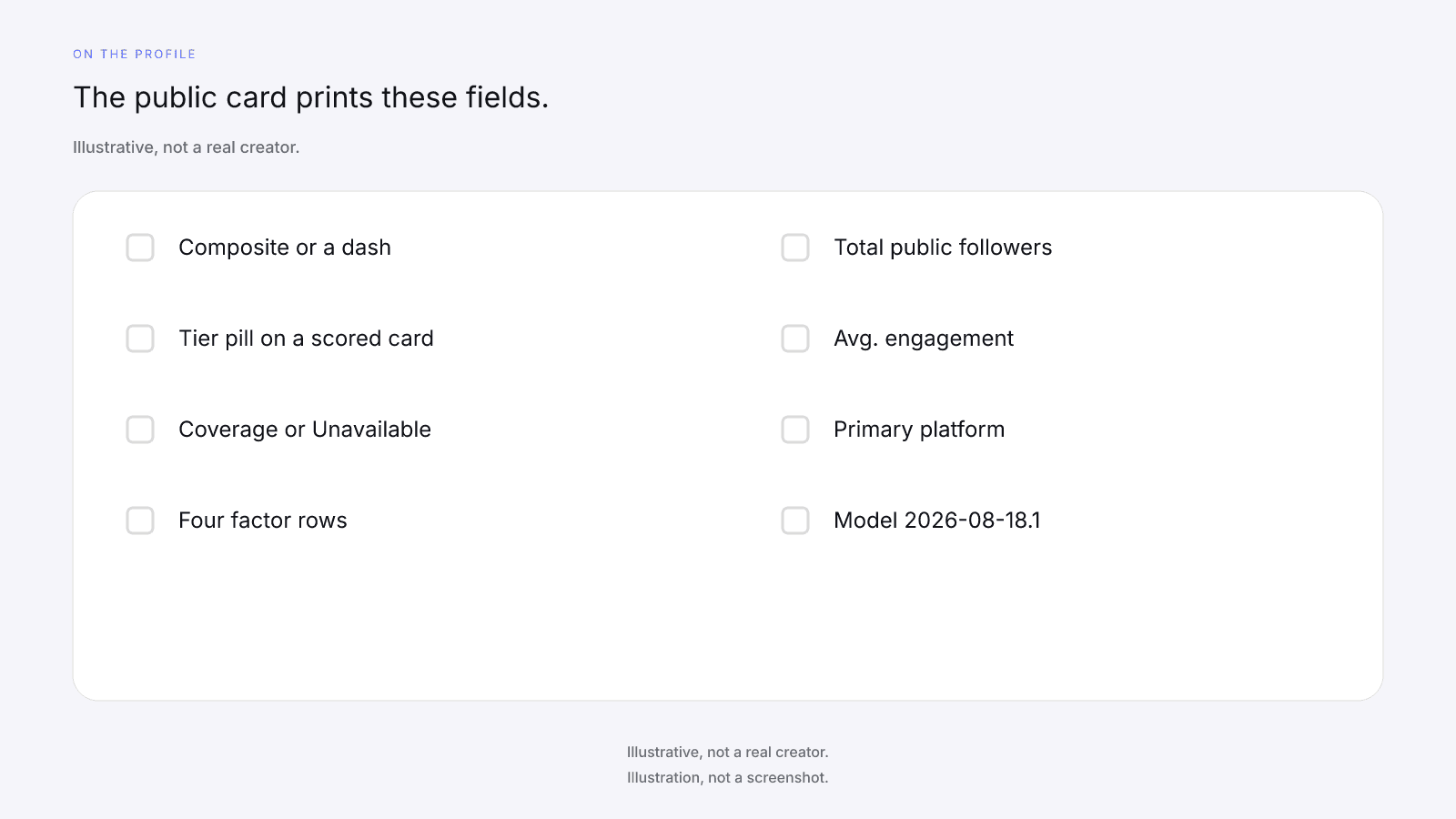
Scoring a handle is pre-deal context only. The free public card needs no sign-up. It shows the composite ring or a dash, the tier pill when the card is scored, scoring coverage or Unavailable, the four factor rows, Total public followers, Avg. engagement, Primary platform, and the model id. The free card prints no date, no growth figure, no demographics, no reach, impressions, or views, no category or niche label, and no private Insights. It has no per-app follower count either, which is why the sum above matters.
On model 2026-08-18.1 the weights are Audience quality 32%, Engagement 27%, Reach & momentum 23%, and Platform strength 18%. Scoring coverage is the share of model weight that had data, and the composite is a weighted sum over the factors that had data, renormalized over those factors. It is not a percentile, price estimate, or guarantee of campaign results. Tiers are card labels only: a composite of 90 or higher is Elite, 80 or higher is Rising, 65 or higher is Emerging, and anything lower is Developing. A tier is never a pay, gift, safety, fit, or booking threshold.
Engagement strength is InfScore's 0 to 100 mapping of the engagement rate, which makes it a different number from the rate itself. A kit may use a different formula or window than the card's Avg. engagement, so write each rate down with its method beside it.
Audience quality is a 0 to 100 row or a dash. It isn't demographics, and it doesn't describe who the audience is. Reach & momentum is total followers plus, when present, the 12-month follower growth figure, which the free card doesn't print. The score has no posting-frequency or content-volume input and doesn't reward posting regularly. Followers, engagement, and growth feed the score, so any post can change a later card. Still, don't pin a card change on one specific post.
On a scored locked card, the product unlock CTA (or button) may show $0.99. That's the price of one report, not a creator fee. What you'd be buying is the full creator report, with audience, growth, and platform deep dives when they exist. The free card and the paid report lays out the split between the two. It's one-time, per creator, not a subscription. No field is guaranteed after paying. Paying does not fill a dash, change the composite, the coverage, the weights, or the model id, and does not replace Insights.
Figures only the creator can show
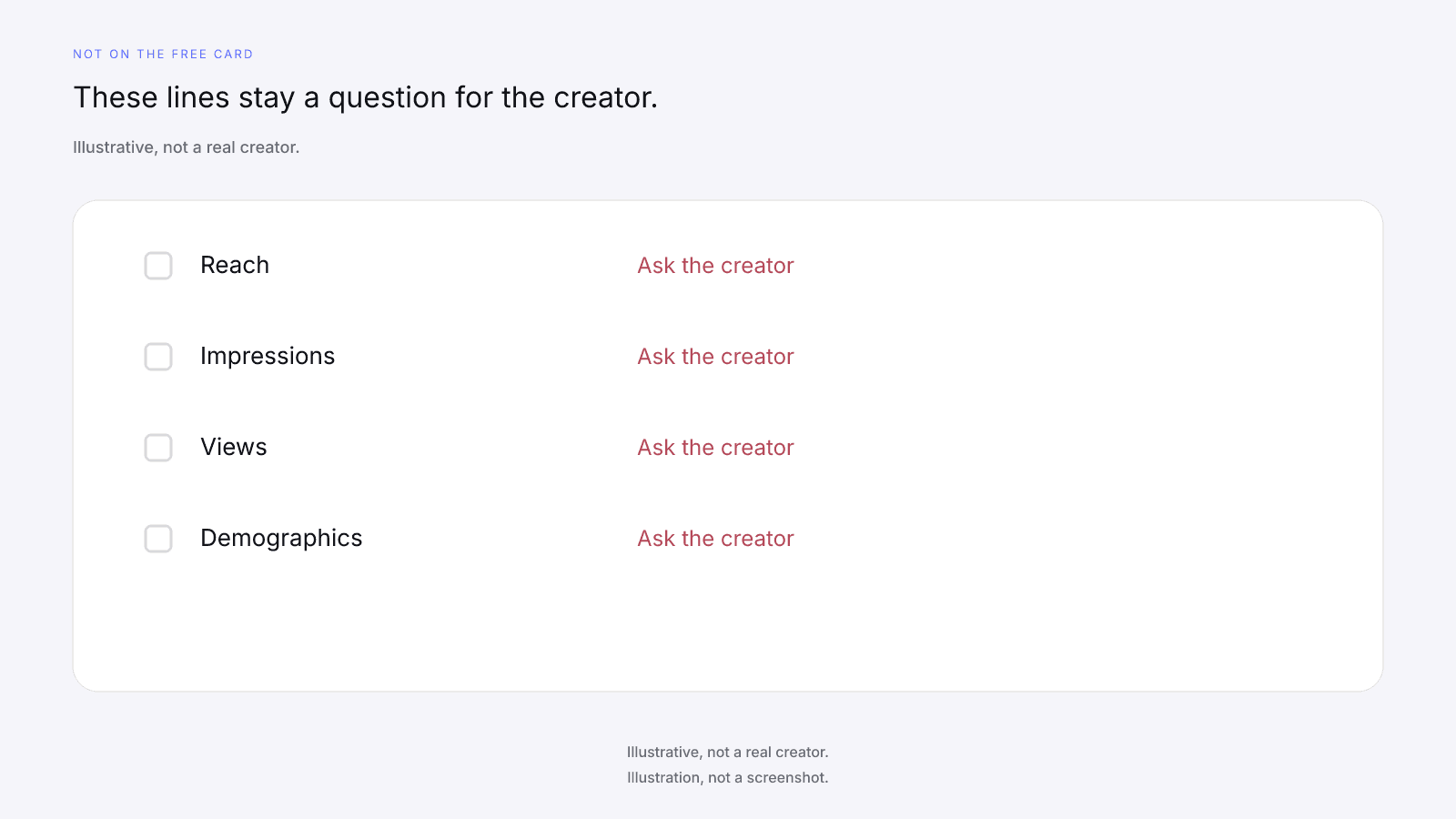
Kit reach, impressions, views, and demographics have no free-card counterpart. Treat them as the creator's own figures to ask about. The free card prints none of them, so there's nothing on it to hold those lines against, and a blank on the card isn't a quiet copy of the kit's number. There is no impressions field on any InfScore surface. A follower total isn't impressions, and it isn't the reach line a kit prints either.
For each of those figures, ask how it was measured and over what window, and whether they can share it with you directly. A chart in the kit stays their chart until they show you where it came from.
Demographics in a kit are the creator's account of who watches: age, place, interests. The Audience quality row doesn't stand in for that account. If you're dealing with a creator who won't share analytics, keep those lines as open questions and use the public card for what it does print.
Write "ask the creator" next to each of those kit lines, and leave the answer blank until they reply.
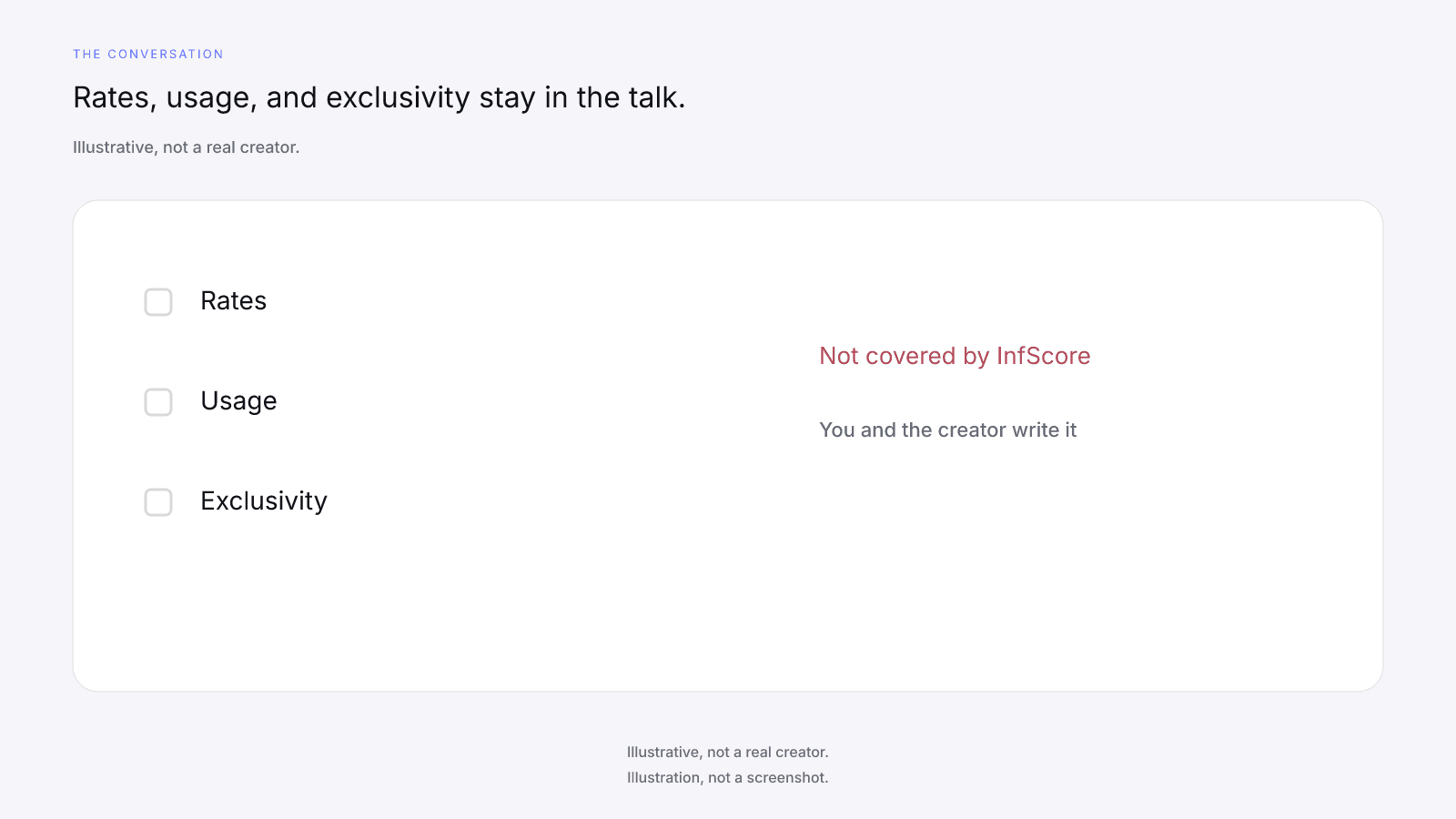
Rates, usage, and exclusivity belong in the conversation
Kit rates are not InfScore outputs. They're the creator's ask. The public card never prints a creator fee, rate, CPM, or income estimate. Read the rate as the price the creator put on the package they described, then talk that package through with them.
Usage, licensing, and exclusivity are not covered by InfScore. How long you may use the work, where it may run, and any limit on the creator working with other brands are terms you and the creator write down, with your own counsel. That's not legal advice. A usage line in the kit is a place to start, and a kit that says nothing about usage hasn't given you permission to use the work. The card stays on the public profile. It doesn't price the work or write the terms.
What to do when the kit and the card differ
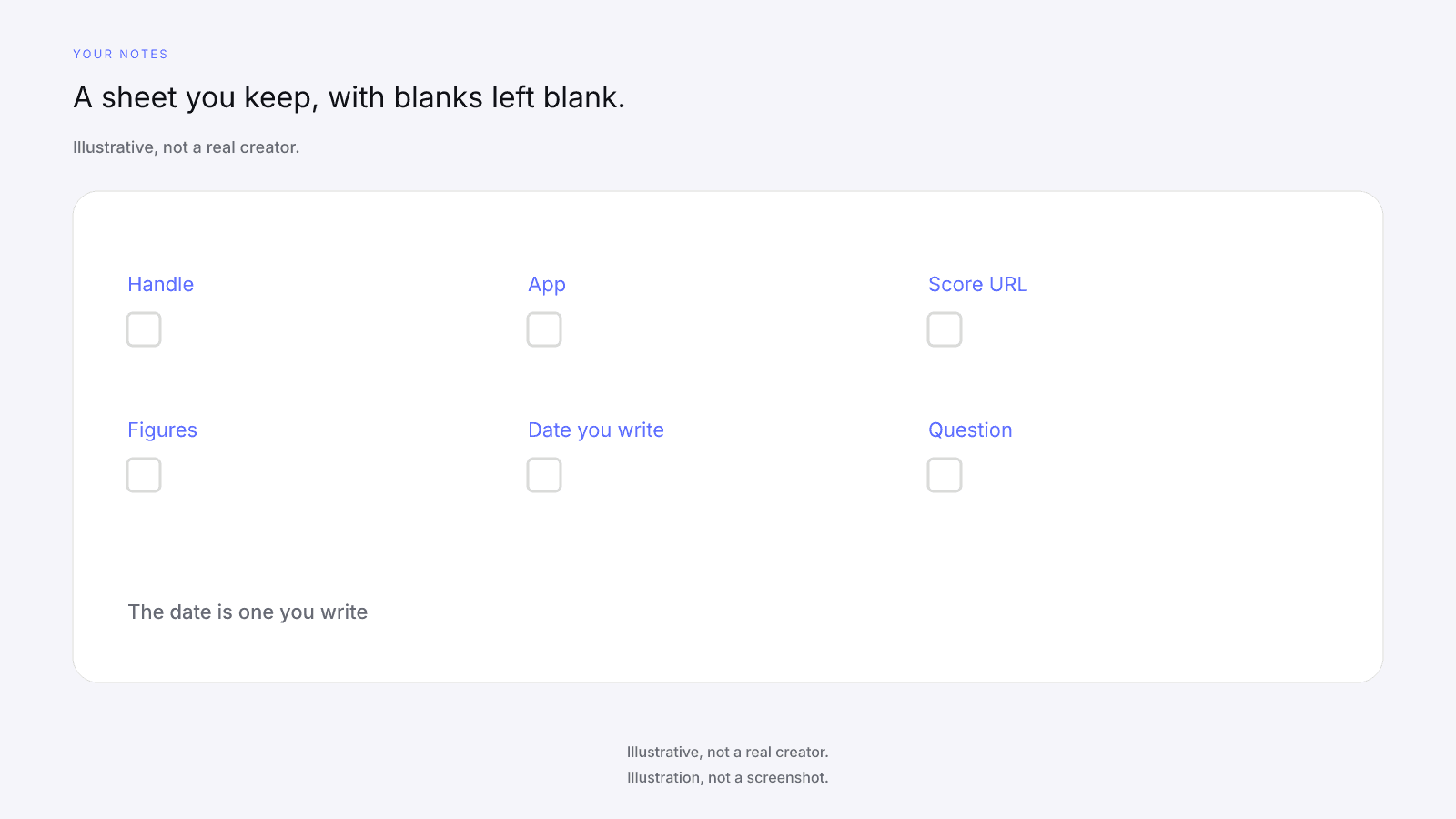
Put both reads on a page you keep: the score URL, the figures the card printed, the kit's figures, and a date you write. InfScore has no history, compare, re-score, refresh, alert, watch, shortlist, export, campaign, storage, or tracking tool, so the saved copy is yours. The free card shows no earlier copy, which is why the date on the row has to come from you.
A mismatch is a question for the creator. Ordinary reasons can explain a gap. The kit may count one app, while the public card's Total public followers sums Instagram, TikTok, and YouTube. It may use another engagement formula or window. It may have been written at another time. Write both figures down, note the app and the method beside each, and ask.
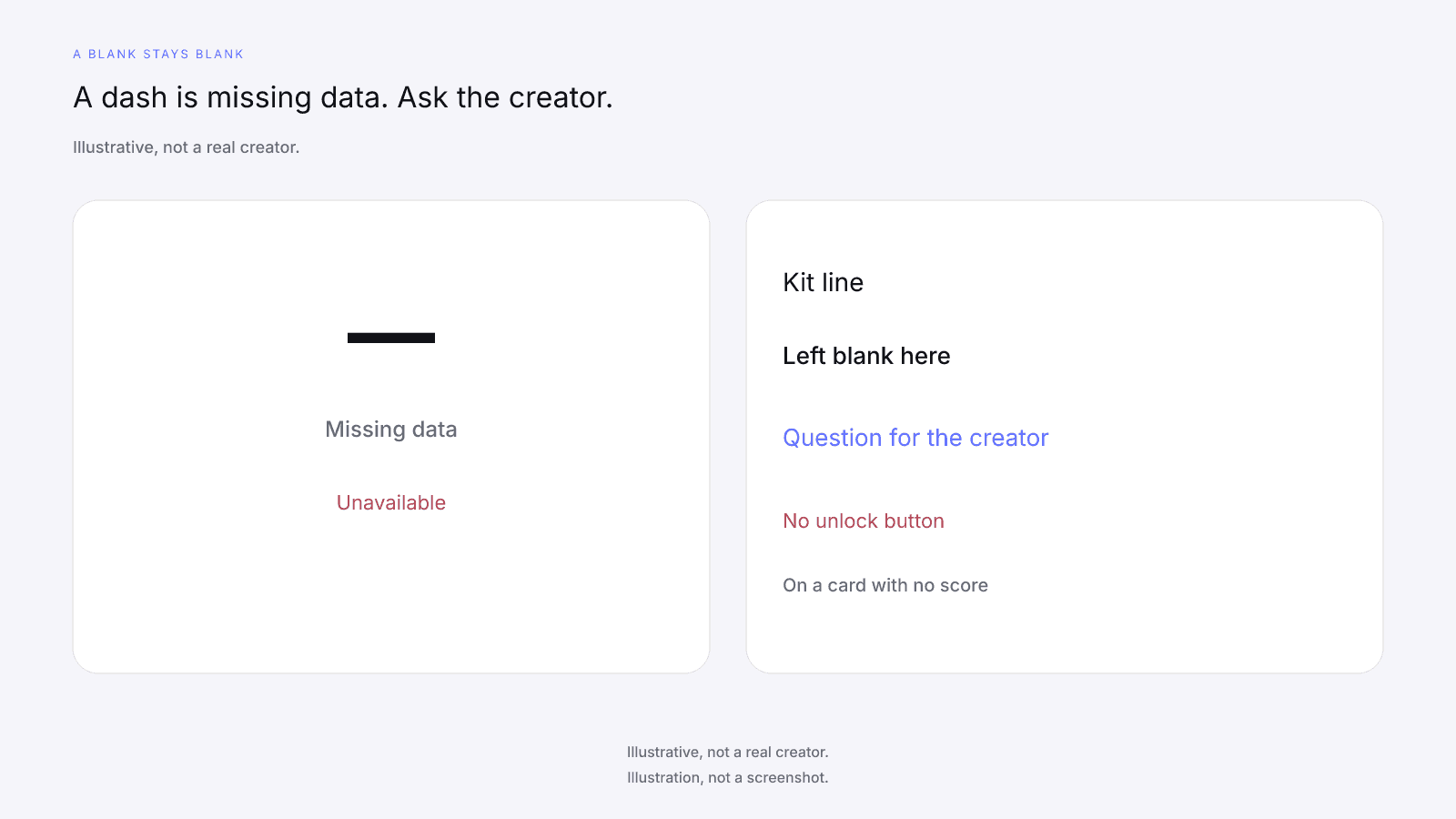
When the card shows a dash, leave the dash. A dash or Unavailable is missing data, never 0, never a penalty, never a discount, and never a fit or safety signal. A dash is not contradicted by a kit number, and paying does not fill it. That's the idea behind dashes, not zeros: missing data stays missing. On a card with no score, the ring and the factor rows show a dash, and Total public followers and Avg. engagement show Unavailable. There's no unlock button on that card. Don't invent a cause for the blank, and don't type a 0 over it.
Outreach, contracts, payments, and measurement of results are not covered by InfScore. Once the questions are written down, the next step is a conversation with the creator.
FAQ and next steps
Look up the handle from the kit on the free public card at infscore.com, on the app the kit figure is for.
See what the $0.99 report includes on Pricing. You buy it per creator, from that creator's scored card.
How do you read an influencer media kit as a brand?
Read the category, the formats, and the ask first, since they tell you what the creator covers, what they'll make, and what they want from you. Then look the handle up on the app the kit figure is for and compare the follower and engagement claims on the same model id. Total public followers is a sum across Instagram, TikTok, and YouTube, not a per-app count. Everything else in the kit stays a question for the creator.
Can InfScore read or check a media kit?
No. InfScore does not read, ingest, accept, or verify kits, screenshots, or stats. You read the kit yourself, look up the handle, and set the card's public figures beside the kit's follower and engagement lines. The card scores one public handle on one app and takes no file. Brand safety and fraud or fake-follower detection are not covered by InfScore either, so any manual look at the profile is your own work.
Why doesn't the follower count in a kit match the card?
Total public followers on the free card is Instagram, TikTok, and YouTube summed, while a kit may give the count for one app. Those are different numbers, so a gap in either direction isn't a contradiction by itself. A kit written at another time, or counted another way, can differ too. Ask the creator which app and which method the kit line uses, and write both figures down.
Can I compare a kit's reach, impressions, or demographics with the card?
No. Kit reach, impressions, views, and demographics have no free-card counterpart, and the free card prints none of them. There is no impressions field on any InfScore surface. Treat those lines as the creator's own figures. Ask how each one was measured and over what window, and whether they can share it with you directly. The Audience quality row is a 0 to 100 row or a dash, and it isn't demographics.
What if the card shows a dash where the kit has a number?
A dash or Unavailable is missing data. It isn't a zero, a penalty, or a fit or safety signal. The kit's number doesn't contradict the dash or fill it, and paying doesn't fill it either. Leave the dash as a dash in your notes, then ask the creator what their figure counts and how they measured it. Keep the two lines apart rather than merging them into one.
Are the rates in a kit something InfScore can confirm?
No. Kit rates are the creator's ask, and they aren't InfScore outputs. The public card prints no creator fee, rate, CPM, or income estimate. Rates, usage, and exclusivity are not covered by InfScore. You and the creator agree them in writing, with your own counsel if you need it. Read the rate as the price of the package the creator described, and talk it through with them.
What does the $0.99 report add when I'm reading a kit?
On a scored locked card, the product unlock CTA (or button) may show $0.99. That's the price of one report for one creator, paid one time, and it isn't a creator fee. It buys the full creator report, which adds audience, growth, and platform deep dives when they exist. No field is guaranteed after paying. Paying doesn't fill a dash or change the composite. Paying does not replace Insights.