How to Evaluate an Influencer Who Won't Share Analytics
How to evaluate an influencer without analytics access: start with the public card, leave blank cells blank, and check fit, brand safety, and past work.
This versioned composite uses only available public signals. Missing factors stay unavailable and their weight is rebalanced across observed factors. It is not a percentile, price estimate, or guarantee of campaign results. Model 2026-08-18.1.
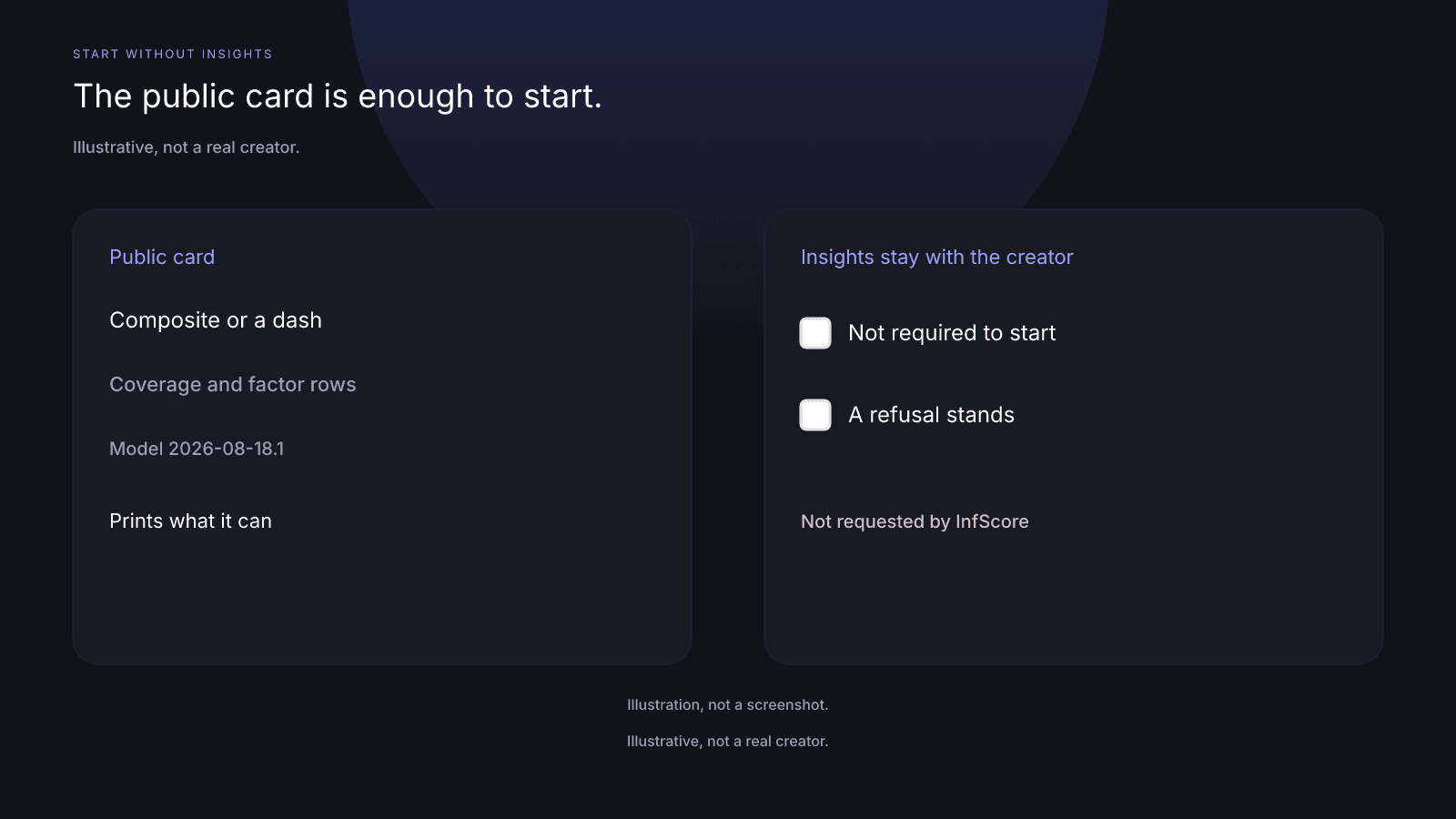
You can evaluate an influencer without analytics when the creator will not share Insights. Insights access is not required to start. The public card already prints what it can for that handle on that app. Blank cells stay blank. Fit, brand safety, and past work are checked by hand, outside the score.
Why Insights access is not required to start
You may ask the creator for Insights. If they decline, that decision stands. A refusal doesn't block the first reading, and it isn't a reason to skip the handle. The public card is the evaluation surface when you do not have creator-shared analytics. InfScore does not request Insights access and does not force it.
A media kit is the creator's own claims; treat kit figures as a starting point when they will not share Insights. If the kit and the card disagree, write both, and do not average them into a third number. The card didn't confirm the kit line.
Look up the handle on the app you mean to use. The stored score is per handle and per app, so the same person on another app is a different card. Write the app next to the handle before you put two names in one column. Comparing across apps mixes two lookups, even when the display name matches.
What you can take from this step is narrow. The card prints the public signals it could score. It doesn't grade the refusal or say the creator should have shared Insights. Keeping Insights is the creator's right. Your note can say that Insights were not shared. The refusal is not a finding about the audience.
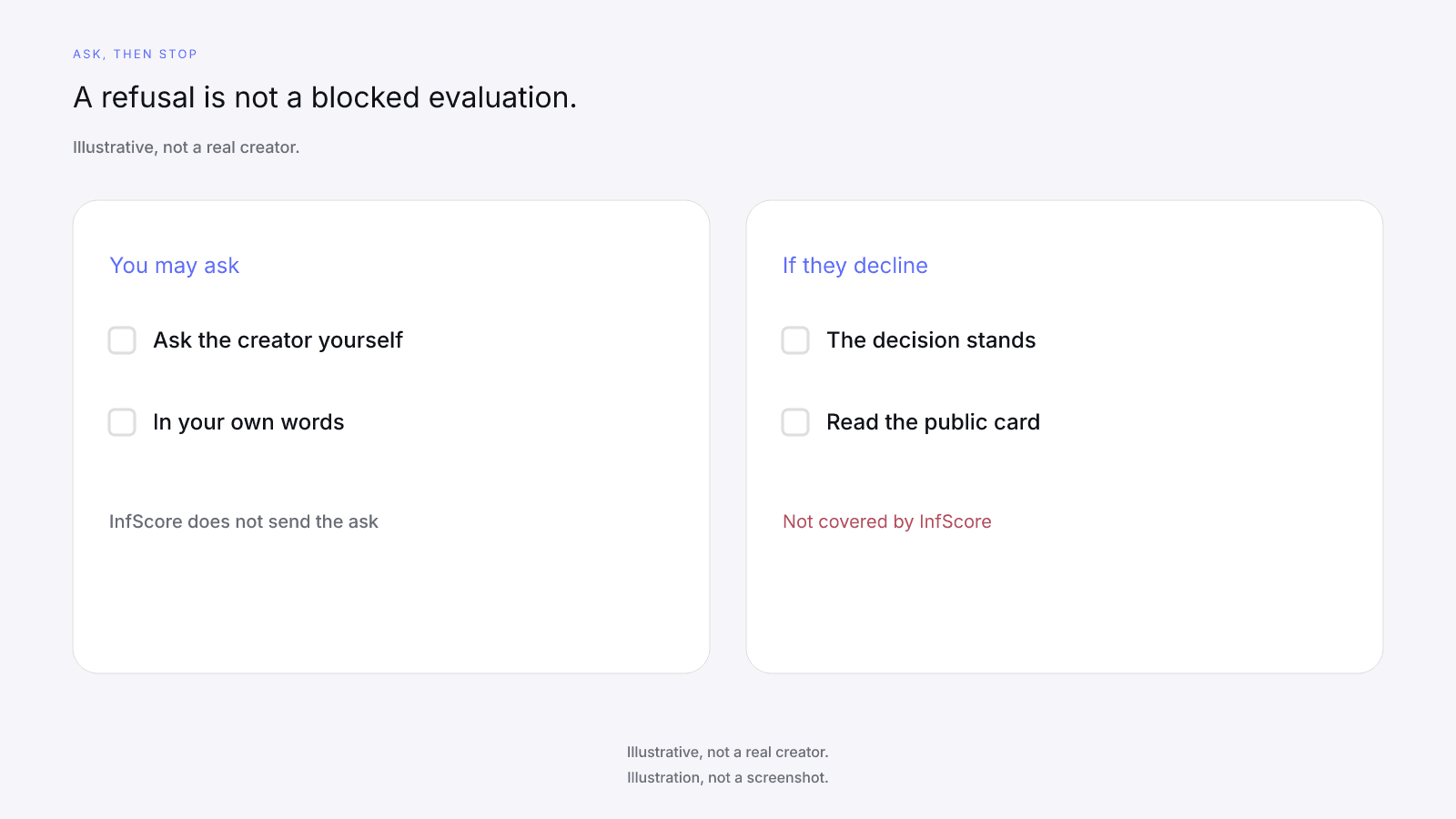
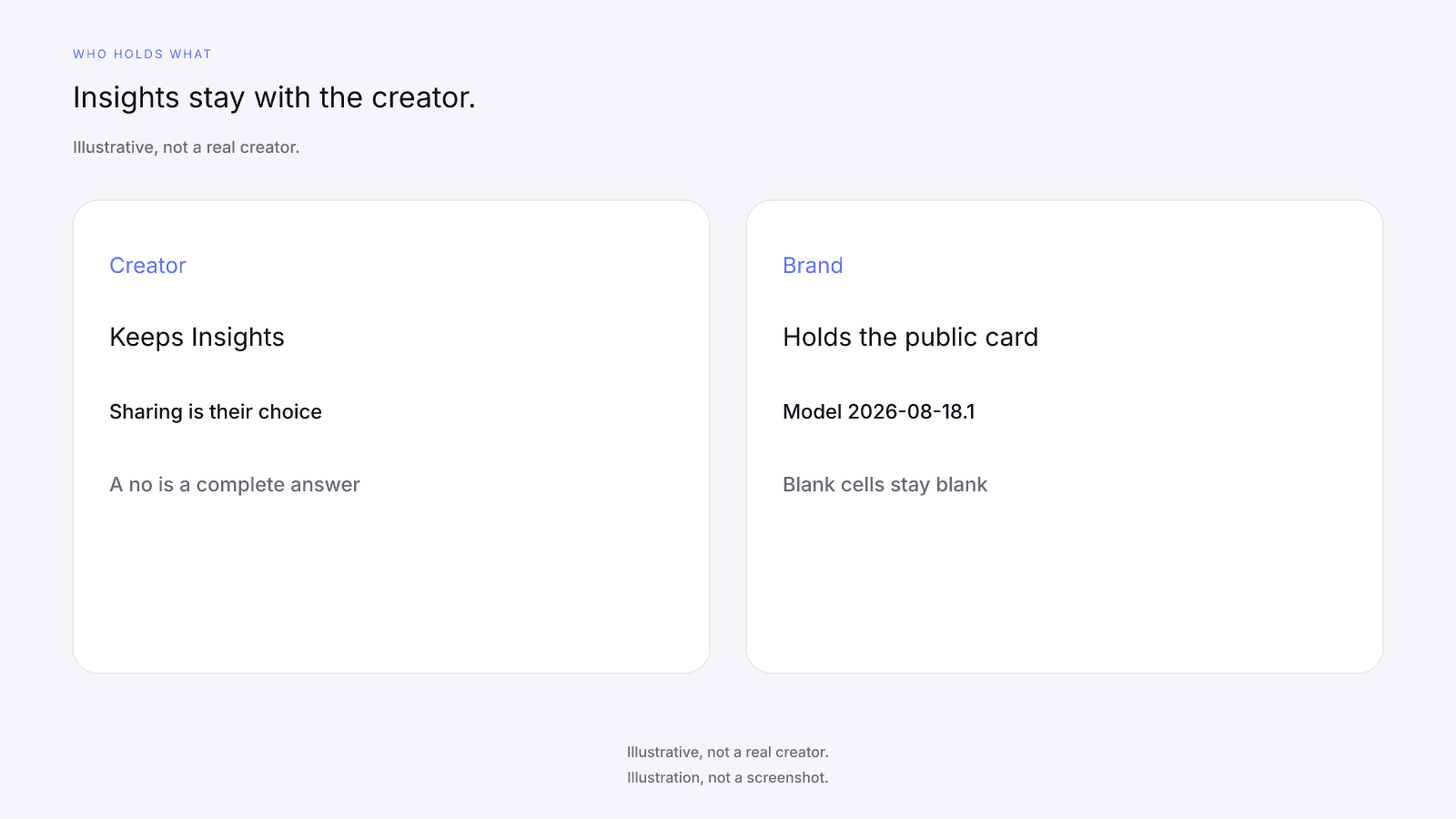
Forcing or requesting Insights access is not covered by InfScore. The card will not send the ask, store a yes, or record a no. If you want Insights, you ask the creator yourself, in your own words, and you accept the answer you get.
What the public card already prints
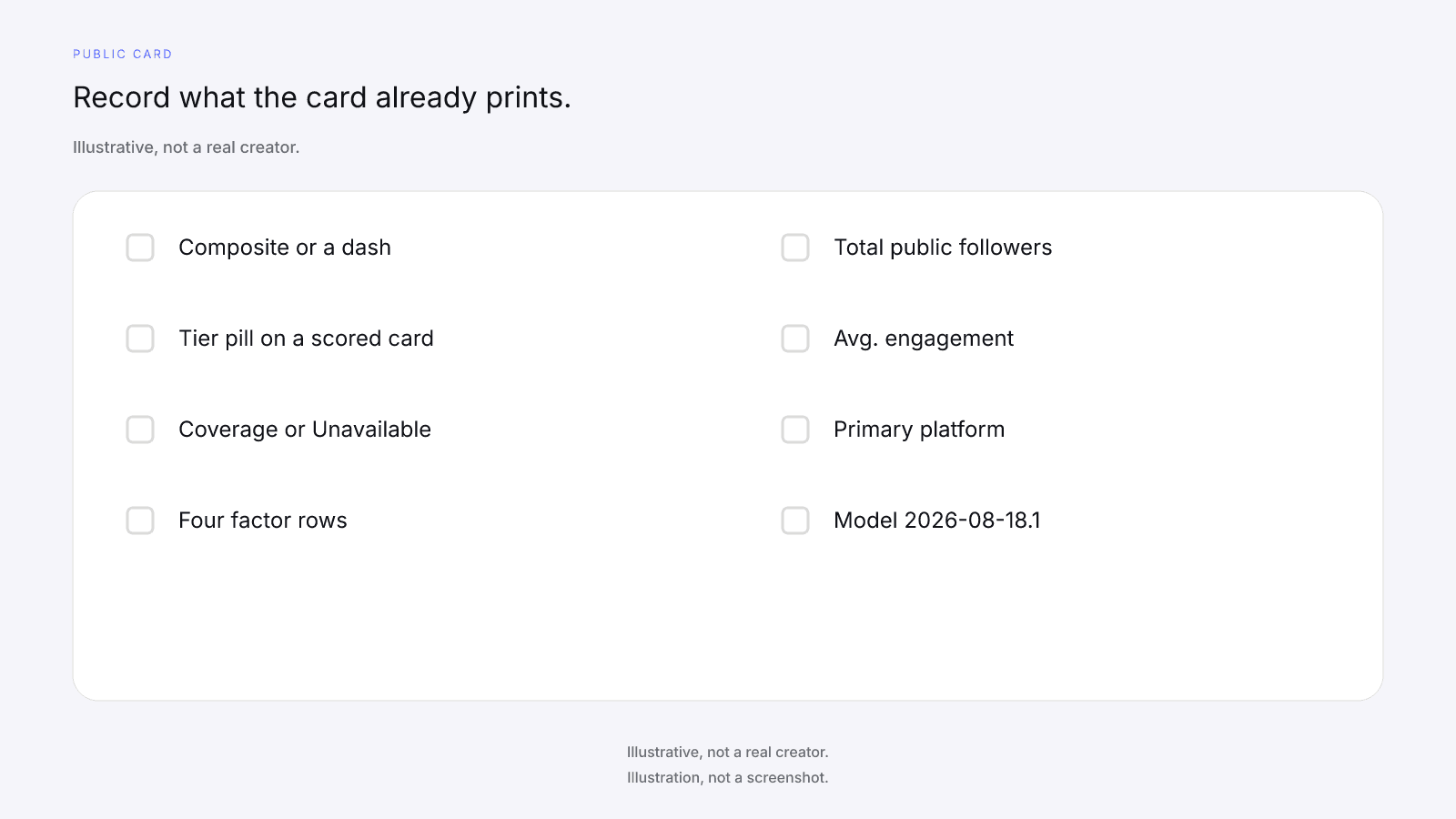
Read the public card before you decide the refusal blocked the evaluation. On a free card you can record the composite ring or a dash, the tier pill when the card is scored, scoring coverage or Unavailable, the four factor rows, Total public followers, Avg. engagement, Primary platform, and the model id. The free card needs no sign-up.
On model 2026-08-18.1 the weights are Audience quality 32%, Engagement 27%, Reach & momentum 23%, and Platform strength 18%. Scoring coverage is the share of model weight that had data. The 0 to 100 is a weighted sum over the factors that had data, renormalized over those factors. It is not a percentile, price estimate, or guarantee of campaign results. Tiers are card labels only. A composite of 90 or higher is Elite, 80 or higher is Rising, 65 or higher is Emerging, and a lower composite is Developing.
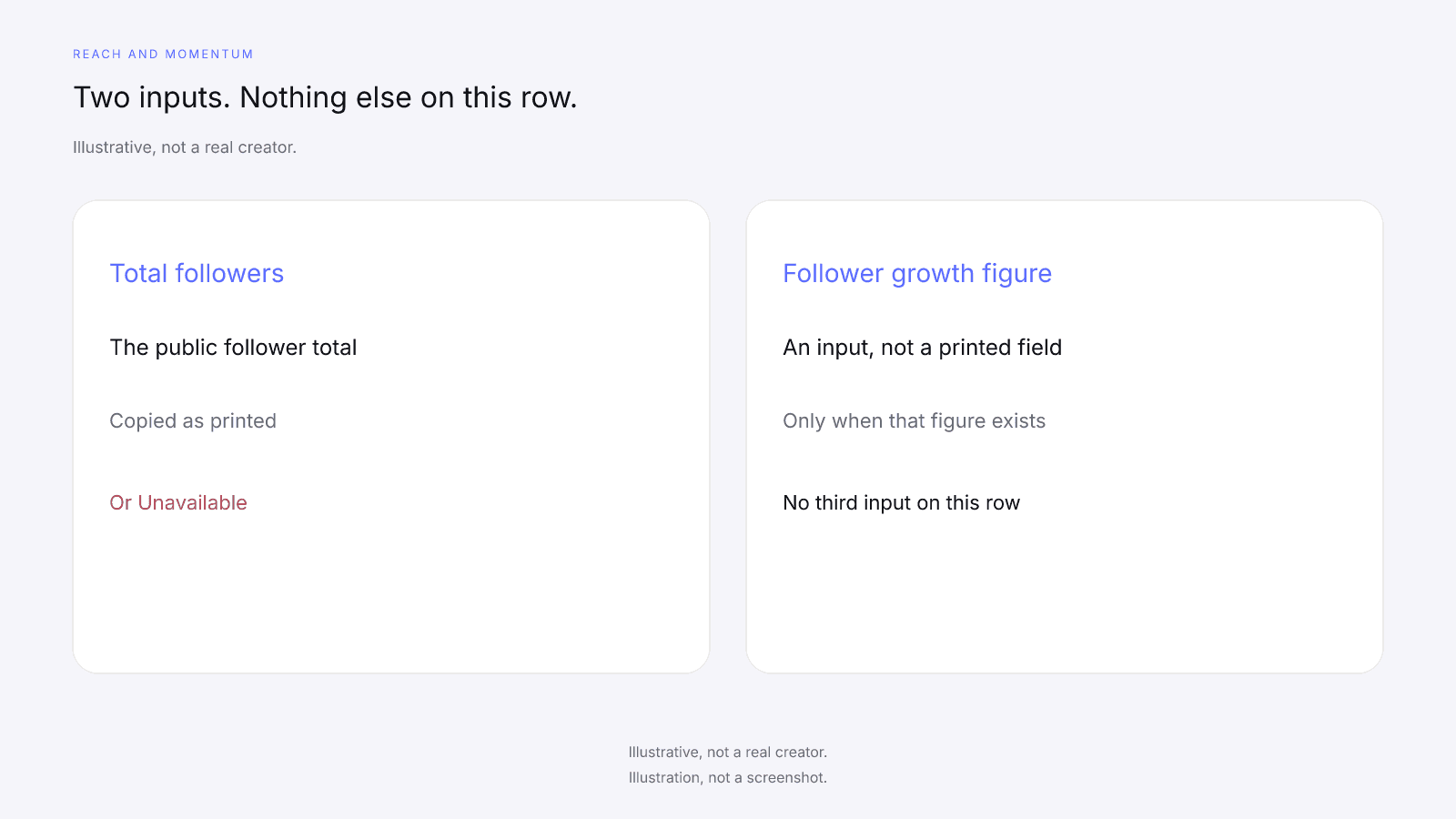
Total public followers is the public follower total across Instagram, TikTok, and YouTube. Avg. engagement is the public engagement rate the card prints. Engagement strength is InfScore's 0 to 100 mapping of that rate, and it is a different number from the rate. Reach & momentum uses total followers and the 12-month follower growth figure. Primary platform is whichever app the card marks as primary. Copy it as printed.
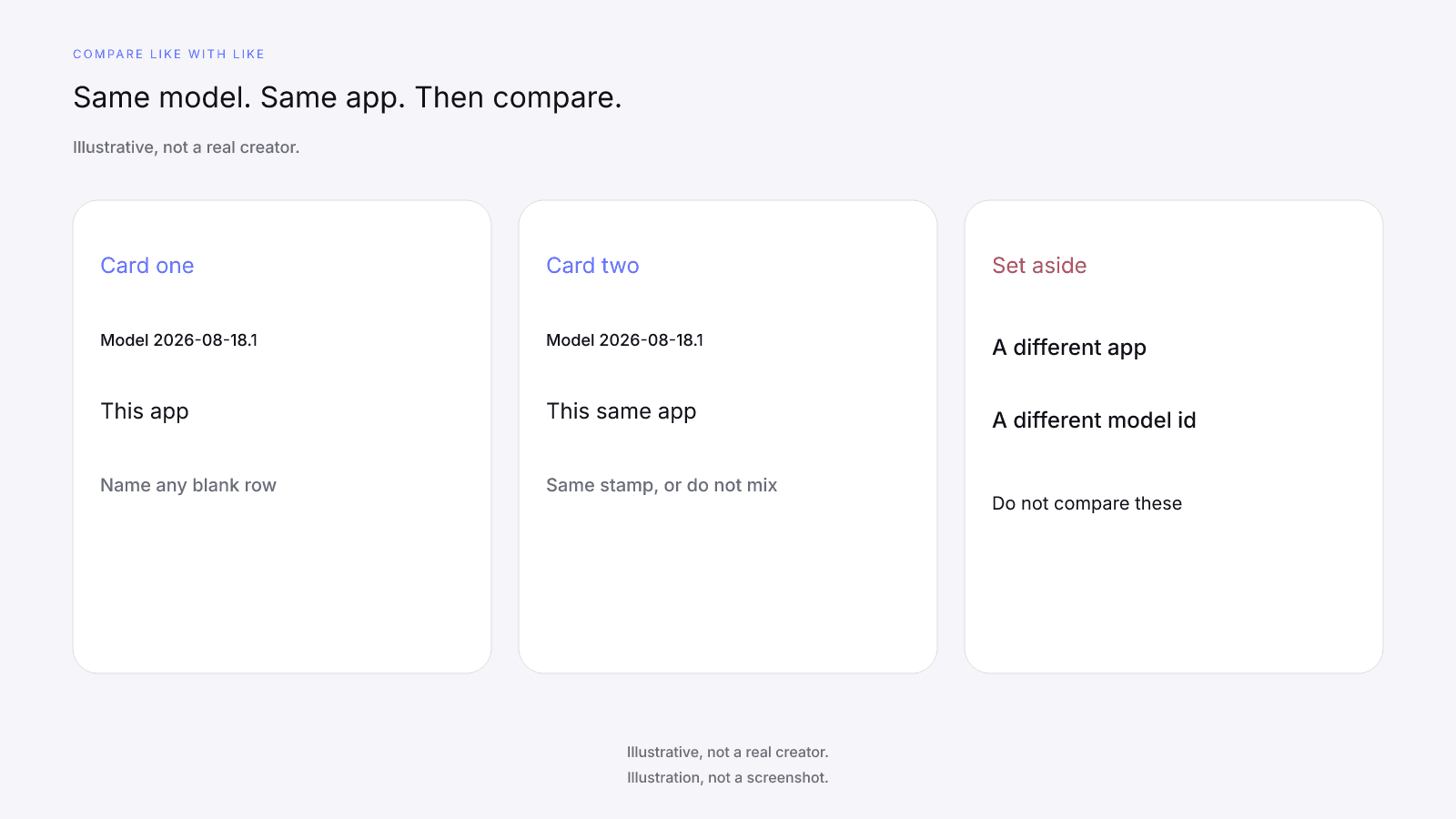
Compare two cards only when they share this model id and the same app. A stored score does not travel from one app to another, and it does not travel onto a different model id. If one card is missing a row, write that down before you talk about which composite is higher. The higher number is the mix of the rows that had data. It is not a fuller reading of the creator.
What Brands Should Read First on an InfScore Card is the reading order for one card: model id and scoring coverage before the composite. Use that order here, and name any blank row before you quote the 0 to 100.
What stays blank without the creator's screenshots
Without the creator's Insights screenshots, you do not have the files they chose to keep. Those screenshots are not an InfScore input. InfScore does not read, accept, or verify creator screenshots, and it does not take a file in their place. A cell that had no public data stays blank. The missing file does not, by itself, tell you which cell that is, and a lack of Insights access doesn't tell you either. Do not invent a cause for a blank.
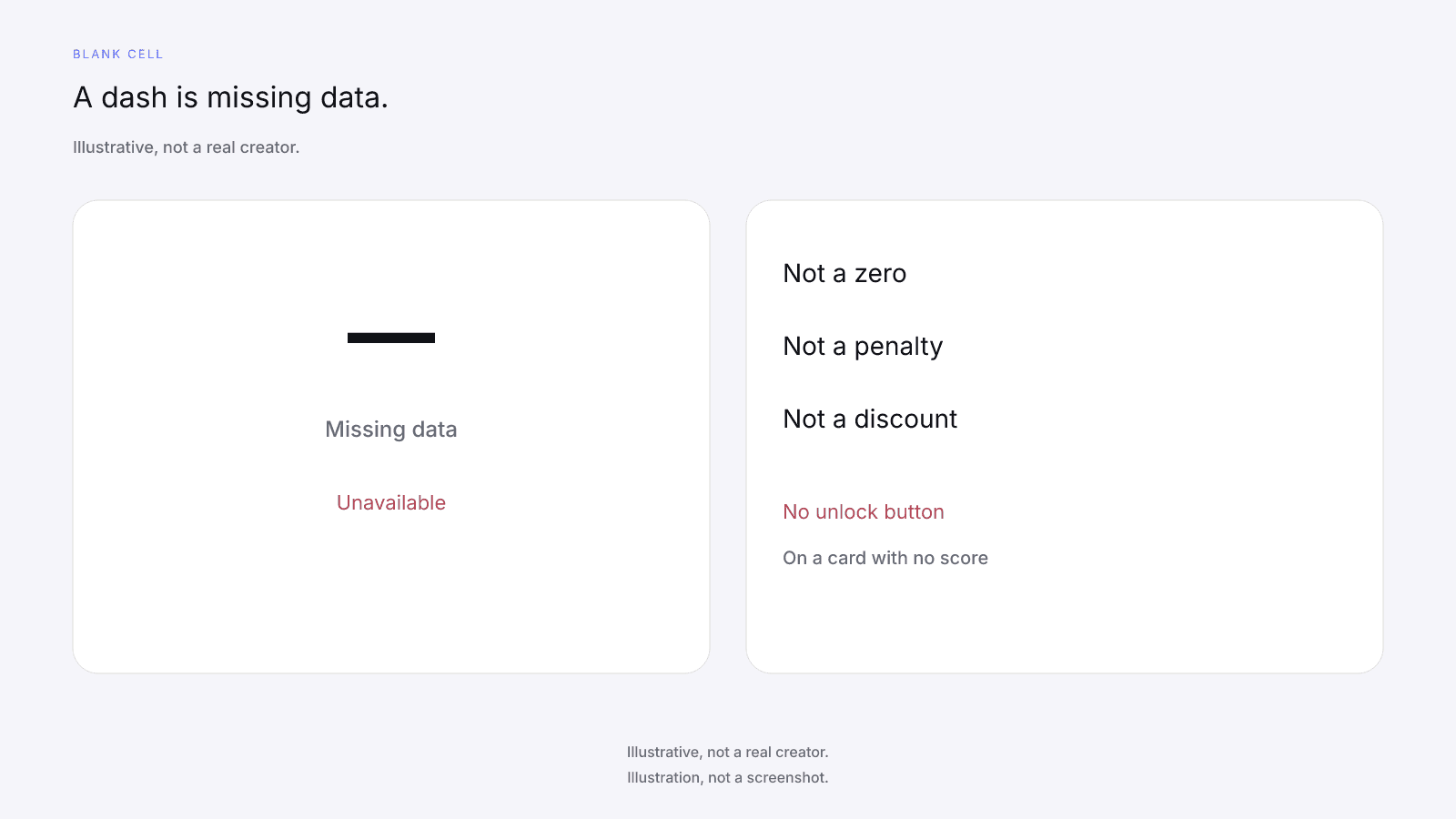
A dash or Unavailable is never 0, never a penalty, and never a discount. On a card with no score, the ring and the factor rows show a dash, and Total public followers and Avg. engagement show Unavailable. The coverage slot shows Unavailable, or the card's note when one is present. There's no unlock button on that card. Do not write a 0 in the blank so a sheet sorts. Do not read the blank as a discount or as a failed row.
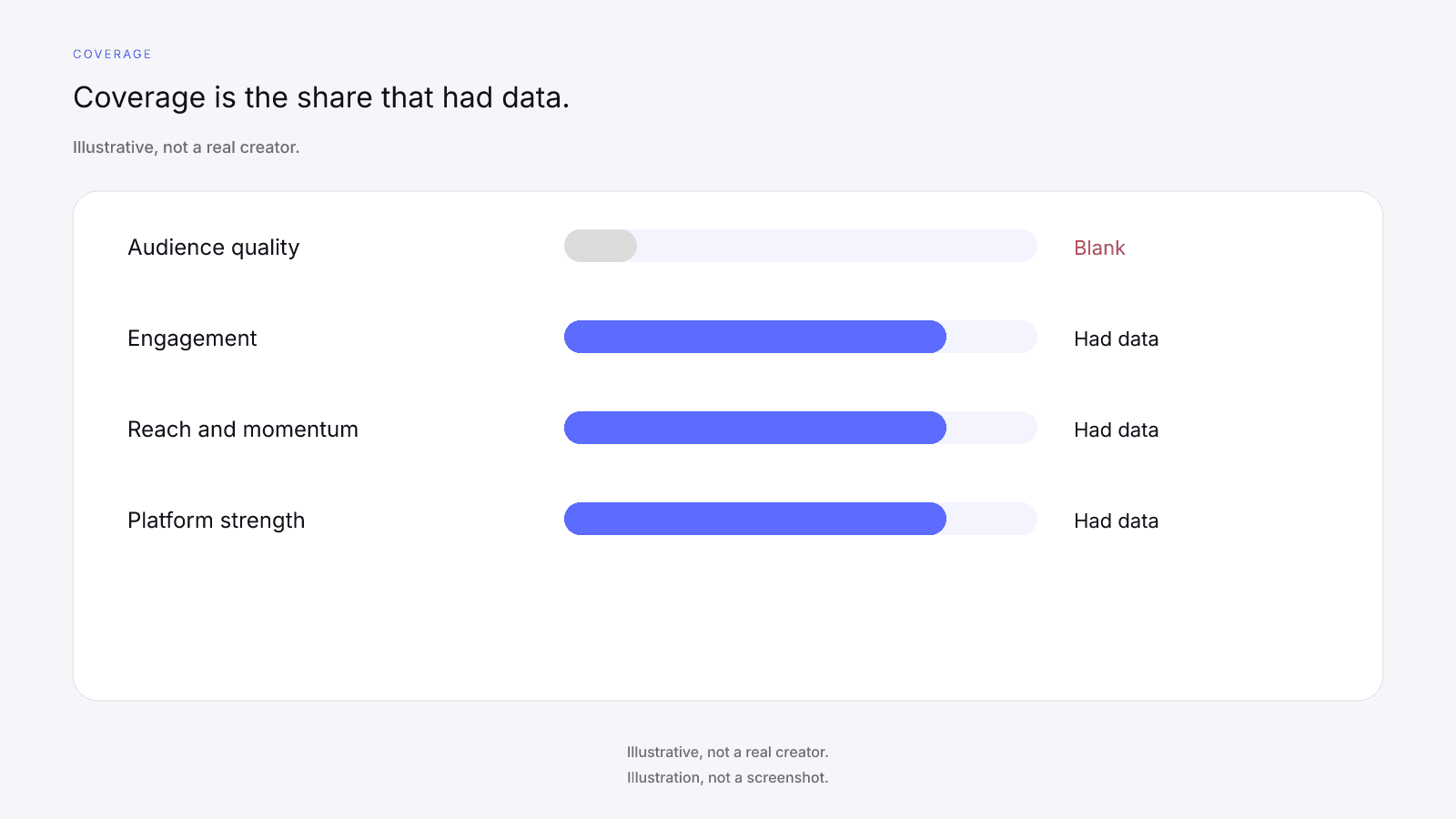
The product-ok'd fictional card called Creator B is the worked example of a blank cell. It is illustrative, not a real creator. The composite is 77 and the tier label is Emerging. Total public followers is 1.2M. Avg. engagement is 6.0%. Scoring coverage is 68%. Audience quality is a dash. Engagement is 75, Reach & momentum is 62, and Platform strength is 98. Coverage on that card is 68 = 27 + 23 + 18, the weights that had data. The card does not say why audience quality is blank. Nothing in the refusal explains that dash, and no story should be invented for it.
Missing Data on Creator Metrics explains dashes in general, including why a blank is not a zero. The refused-analytics case stays here. Use the other post for the rebalance rule, and use these notes for what you can still write down when those files were not shared.
When the paid report can add audience, growth, or platform dives
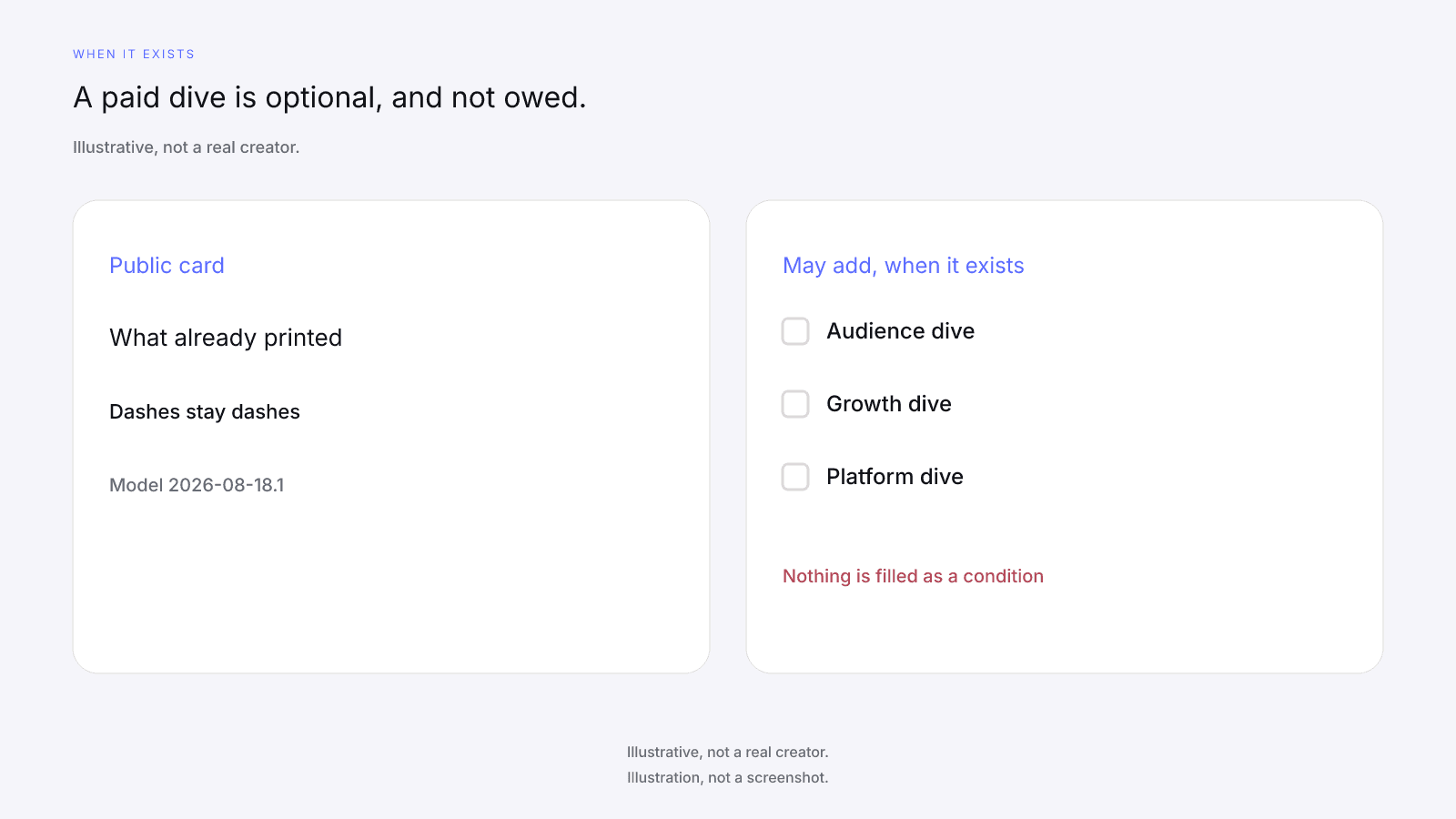
On a scored locked card, the product unlock CTA may show $0.99. That dollar is the product price for one report. It is not a creator fee. The $0.99 unlock button only appears on a scored card. The optional purchase is the full creator report, with audience, growth, and platform deep dives when they exist. It is one-time, per creator, not a subscription. Paying doesn't fill a dash. No field is guaranteed after paying.
A dive that exists can add detail the public card does not print. Paid Total reach may include X. A dive that does not exist is absent, and paying does not create it. If audience quality was a dash on the public card, the report does not put a number in that row. Treat "when they exist" as a limit. The blank you hoped to see can stay blank.
the free card vs the paid report sets the free card and the paid report side by side. That is the feature comparison. The refused-analytics case is the one in front of you. Don't treat that comparison as a way to tell whether this creator's blank will fill. It won't tell you that, because no field is filled as a condition of paying.
Checks a score cannot do
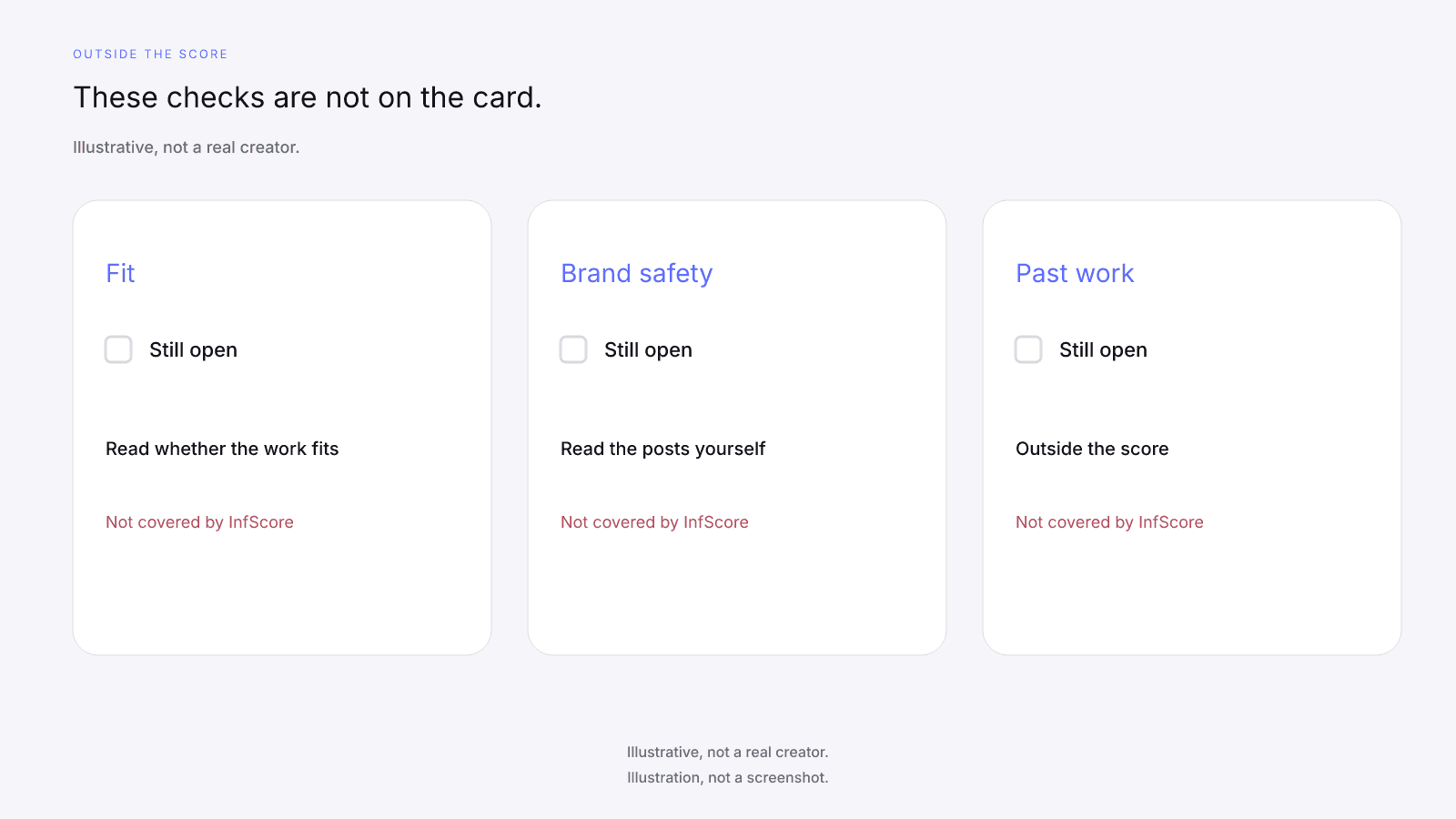
Brand safety, fit, past work, fraud detection, rates, fees, contracts, and outreach are not covered by InfScore. Brand safety, fit, and past work are manual checks that sit outside the score. You do them by reading the public posts, looking at whether the work fits the assignment, and talking with the creator. The composite does not take those jobs on, and a blank cell does not take them on either. InfScore does not request or force Insights access, read or accept the creator's screenshots, check brand safety, review fit, or show past campaign results.
A higher 0 to 100 is not permission to skip the manual checks. A lower one is not a reason to skip the conversation. The public card never prints a creator fee, rate, CPM, or income estimate. If you need a price, you ask the creator. The score is not the quote, and a dash is not a discount on a quote the card does not print.
How to Vet an Influencer Before You Pay Them orders the checks a score cannot do. Finish the card note, then do the manual checks that post already describes.
What to write in the shortlist when a cell is blank
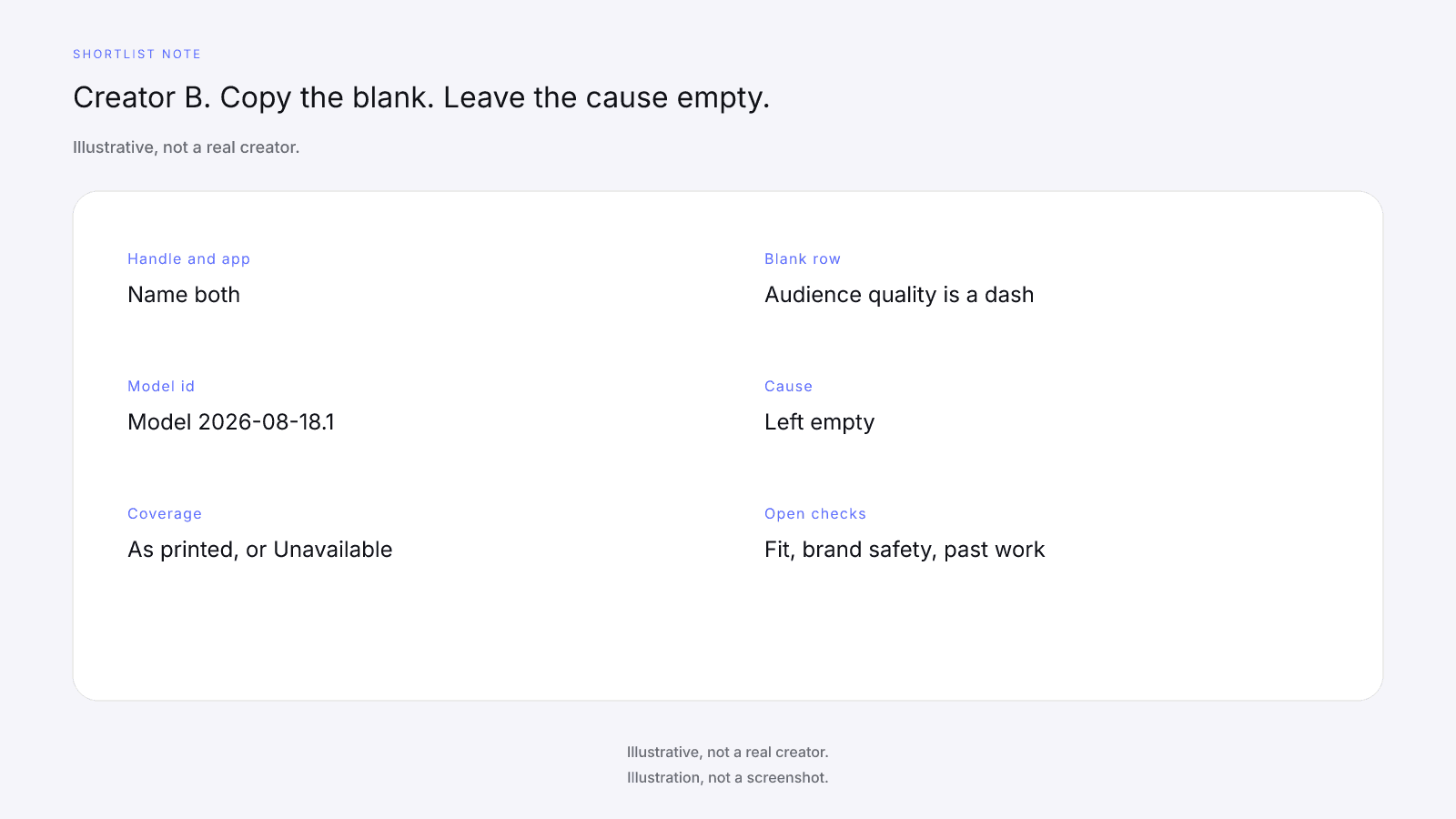
Write one note per handle and app. Include the model id, scoring coverage as printed or Unavailable, each factor as a number or a dash, Total public followers, Avg. engagement, and Primary platform. Name the blank row in words. Add a line that Insights were not shared. Add a line that the dash is missing public data, not a zero, and not a reason to change a fee. Leave three open lines for fit, brand safety, and past work.
On the Creator B example, the note names audience quality as the dash, copies 68% coverage, and leaves the cause empty. Engagement 75, Reach & momentum 62, and Platform strength 98 stay as numbers. You would do the same for a real card: copy what printed, name what did not, and stop. Do not borrow Creator B's figures for a different handle.
The Influencer Marketing Checklist: Before You Pay a Creator is the broader sequence before you pay. It is not a second pass at the refused-analytics case. Finish the blank-cell note here, then use that sequence for the steps that sit around the card.
FAQ and next steps
Look up a creator's free InfScore at infscore.com, then read the public card. Blank cells stay blank whether or not the creator shared Insights.
See what the $0.99 report includes on Pricing. You buy it per creator, from that creator's scored card. A blank cell can stay blank after you pay.
Can you evaluate an influencer without analytics access?
Yes, as a first read. Insights access is not required to start. Read the public card for that handle on that app. It prints the composite or a dash, the tier pill on a scored card only, scoring coverage or Unavailable, the four factor rows, Total public followers, Avg. engagement, Primary platform, and the model id. Blank cells stay blank. Fit, brand safety, and past work are checked by hand, outside the score. Insights stay with the creator.
What does the public card show without the creator's Insights?
The free public card is the evaluation surface. It shows the composite ring or a dash, scoring coverage or Unavailable, four factor rows, Total public followers across Instagram, TikTok, and YouTube, Avg. engagement, Primary platform, and the model id. The tier pill appears on a scored card only. On a scored locked card the product unlock CTA may show $0.99. A refusal to share Insights does not remove those fields. That 0 to 100 is not a price estimate or a promise of campaign results.
What does a dash or Unavailable mean on the card?
A dash or Unavailable is missing data. It is not a penalty and it is not a discount. On a card with no score, the ring and the factor rows show a dash, and Total public followers and Avg. engagement show Unavailable. There's no unlock button on that card. Copy the dash into the shortlist. Do not write 0 in the blank so a sheet can sort, and do not invent a cause for the gap.
Does paying $0.99 fill the blank cells?
No. Paying doesn't fill a dash. The optional purchase is one-time, per creator, and not a subscription. The $0.99 unlock button only appears on a scored card. Audience, growth, and platform deep dives can appear in the report when they exist, and a blank on the public card can stay blank after you pay. No field is guaranteed after paying. Do not treat the purchase as a way to replace a missing row.
Should I ask the creator for screenshot access or Insights?
Yes, asking is fine, in your own words. If they decline, that decision stands, and refusing is their right. InfScore does not request Insights or screenshot access, does not read or verify the creator's screenshots, and it does not send the ask for you. A refusal does not block a first read of the public card. Keep the note factual: Insights were not shared.
What can't the score check?
Fit, brand safety, and past work are manual checks that sit outside the score. You do them by reading the public posts, looking at whether the work fits the assignment, and talking with the creator. InfScore does not check, flag, or score brand safety, and it does not review fit or grade past work. A higher 0 to 100 does not close those checks, and a lower composite does not close them either.
What should I write in the shortlist when a cell is blank?
Name the handle, the app, and the model id. Copy scoring coverage as printed, or Unavailable. Copy each factor as a number or as a dash, and name the blank field in words. Write that the dash is missing data and not a zero. Note that Insights were not shared, without turning that note into a cause for the blank. Leave fit, brand safety, and past work open as checks you'll do by hand. The public card does not print a creator fee.