Influencer Whitelisting: What to Agree Before You Run Ads on Their Post
Influencer whitelisting means running ads through a creator's handle. Agree duration, territory, channels, and ad access in writing before you boost.
This versioned composite uses only available public signals. Missing factors stay unavailable and their weight is rebalanced across observed factors. It is not a percentile, price estimate, or guarantee of campaign results. Model 2026-08-18.1.
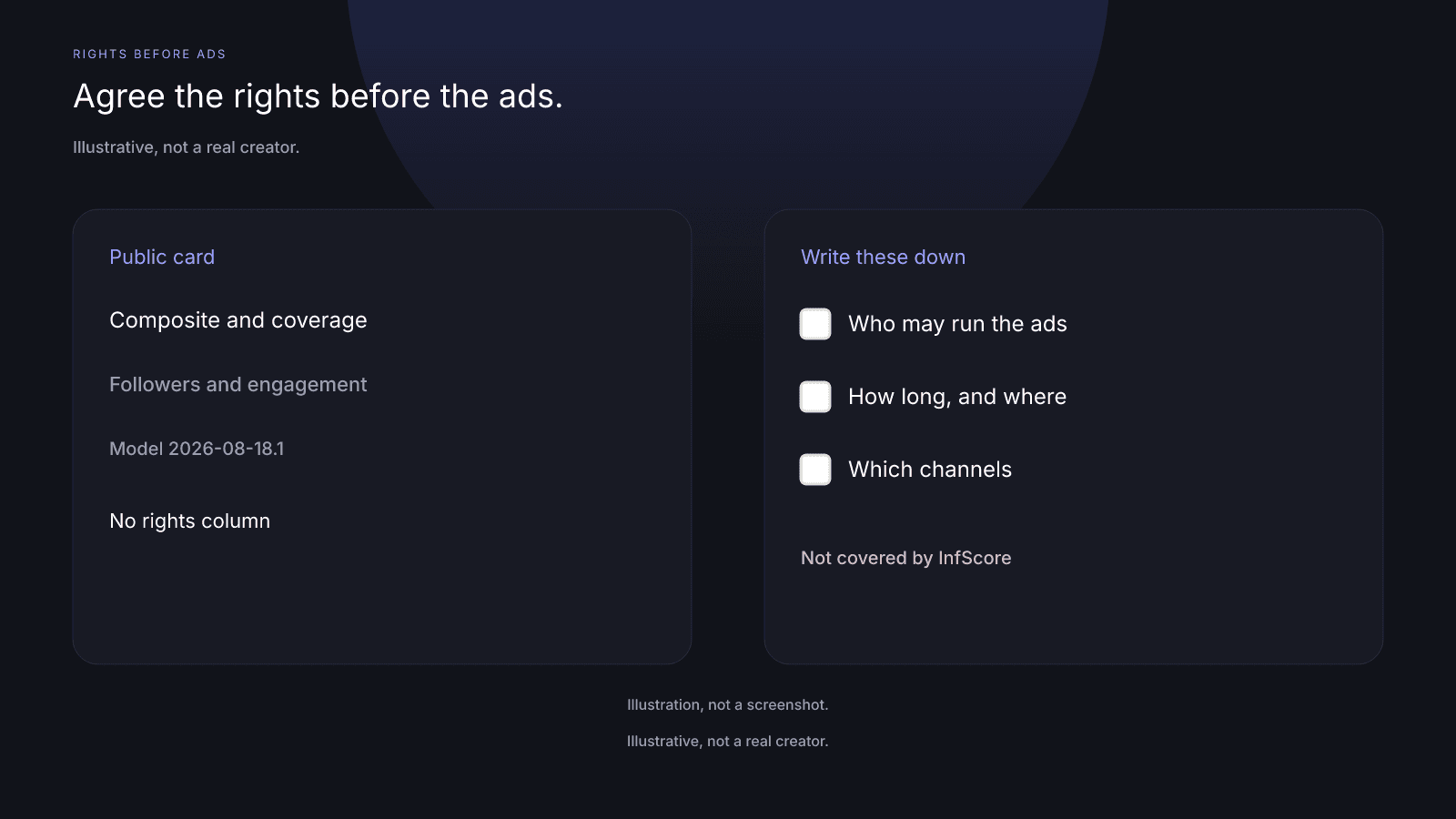
Influencer whitelisting is the permission a brand needs before it runs ads through a creator's handle on that creator's post. It is a rights question: who may reuse the post, for how long, where, and in Ads Manager. The public InfScore card has no field for any of those lines. It can supply context before you negotiate usage: the composite, scoring coverage, Total public followers, Avg. engagement, and the model id.
Usage and ads rights vs the public score
Read the public card before you talk about reuse. It shows what InfScore could score for that handle on that app, but it doesn't tell you whether you may run ads on a post. No card field covers usage, whitelisting, or ad access.
On model 2026-08-18.1 the weights are Audience quality 32%, Engagement 27%, Reach & momentum 23%, and Platform strength 18%. Scoring coverage is the share of model weight that had data. The 0 to 100 is a versioned composite of the rows that came back, renormalized over those rows. It is not a percentile, price estimate, or guarantee of campaign results. Tiers are card labels only. Total public followers is the public follower total across Instagram, TikTok, and YouTube. Engagement rate is a public figure InfScore reads. Engagement strength is InfScore's own 0 to 100 mapping of it. Compare this card only with others that share this model id and this app.
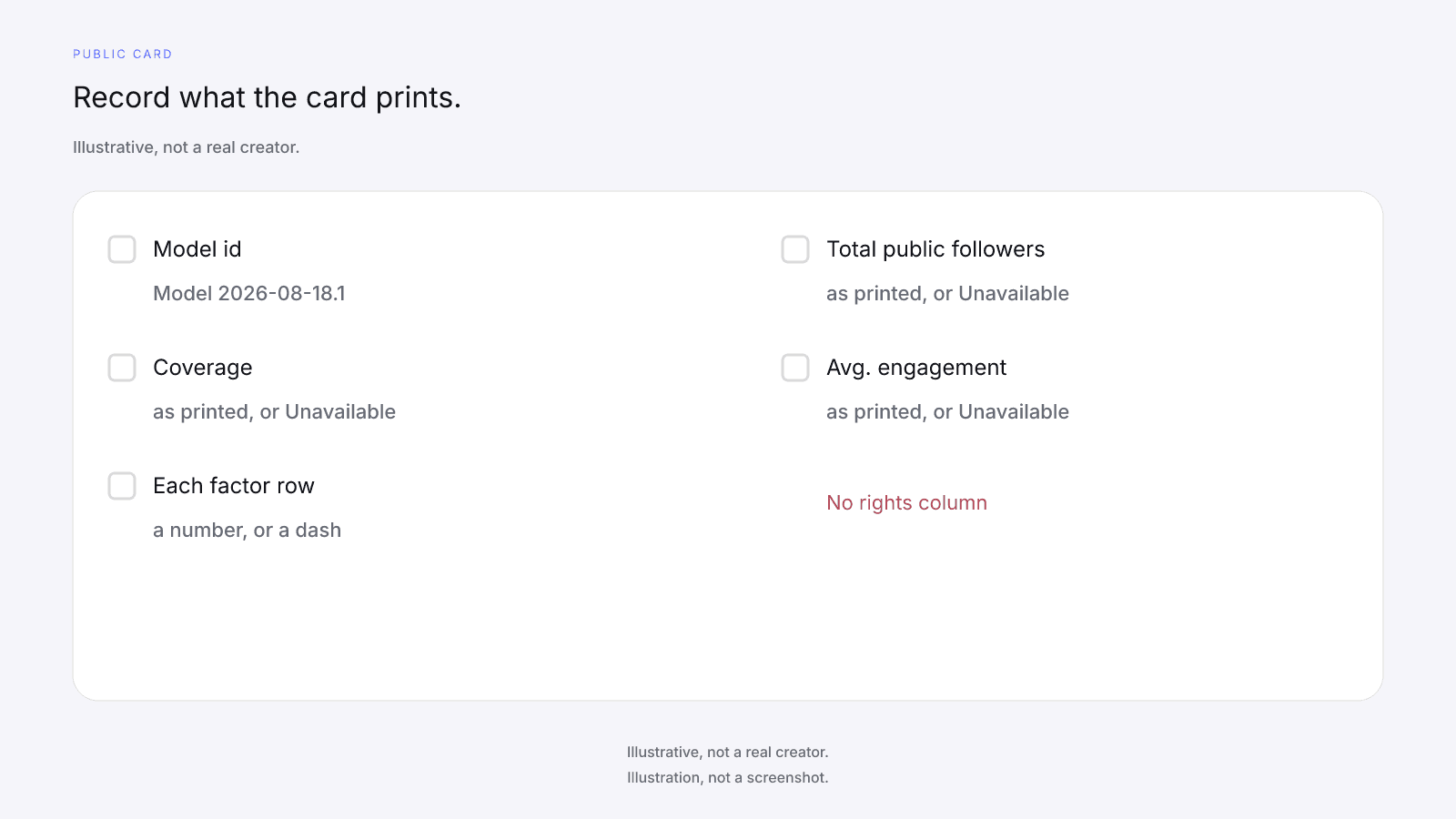
Record these from the card:
- The model id.
- Scoring coverage as printed, or Unavailable.
- Each factor row as a number, or as a dash.
- Total public followers and Avg. engagement as printed, or as Unavailable.
- Primary platform as printed.
- The composite ring, or a dash. The tier pill appears on a scored card only.
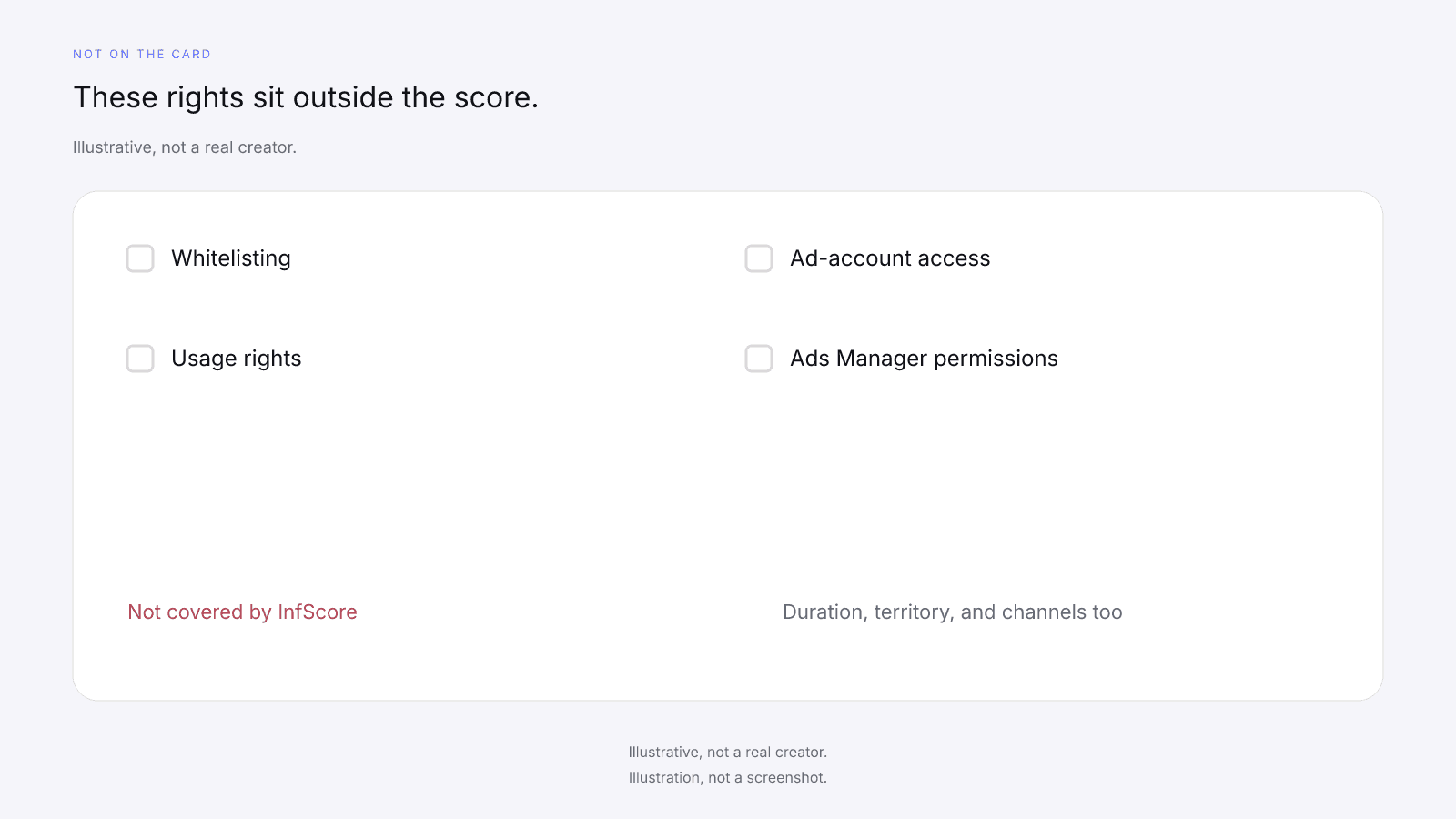
Whitelisting, usage rights, ad-account access, Ads Manager permissions, duration, territory, and channel licenses, contracts, payments, negotiation, and setting or validating fees are not covered by InfScore. InfScore does not handle contracts, payments, or negotiation. Never treat scoring a handle as anything but pre-deal context. A higher 0 to 100 doesn't give you permission to run the post as an ad.
A dash or Unavailable is never 0. On a no-score card the ring and the factor rows show a dash, and Total public followers and Avg. engagement show Unavailable. The coverage slot shows Unavailable, or the card's note when one is present. There's no unlock button on that card. Don't write a 0 in the blank so a sheet sorts, and don't read the blank as a yes on usage.
The free card needs no sign-up. On a scored locked card the InfScore product unlock CTA may show $0.99. That dollar is the product price, not a creator fee or a usage license. The optional purchase is the full creator report, with audience, growth, and platform deep dives when they exist. It's one-time, per creator, not a subscription. Paying doesn't fill a dash. No field is guaranteed after paying. The $0.99 unlock button only appears on a scored card. The report doesn't add a whitelisting row or an Ads Manager permission. Free InfScore vs the $0.99 Report: What Actually Changes sets the free card and the paid report side by side.
Organic post vs a whitelisted or boosted use
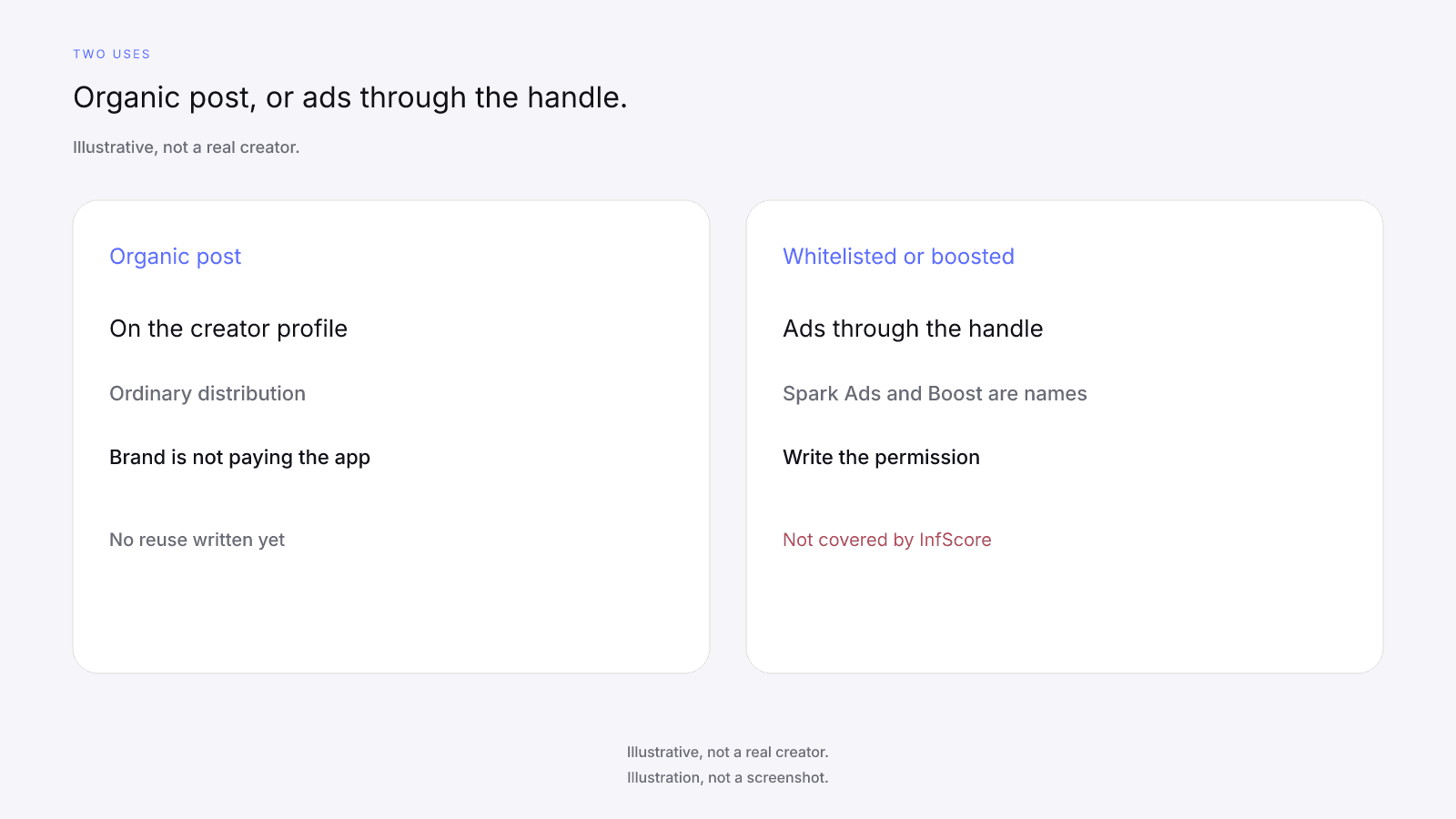
An organic post is the creator publishing on their own profile, and the brand isn't paying the app to place it.
In a boosted use, the brand pays the app to amplify the post the creator already published. In a whitelisted use, the brand runs new or edited ads from the creator's handle, built from that post or a version of it. People use the names loosely: Spark Ads is a name TikTok uses when an ad runs from a creator's post, and Boost is a common name for paying to amplify one. Neither is covered by InfScore. Screens differ by app. This post does not describe them, so put the permission in a sentence both sides can read.
Suppose the creator publishes a short video, and you want it in paid placements the following week, under their handle, in two countries, on that app only. The video, the countries, and the paid placement belong in the agreement, along with who pays for the distribution and who may edit the ad.
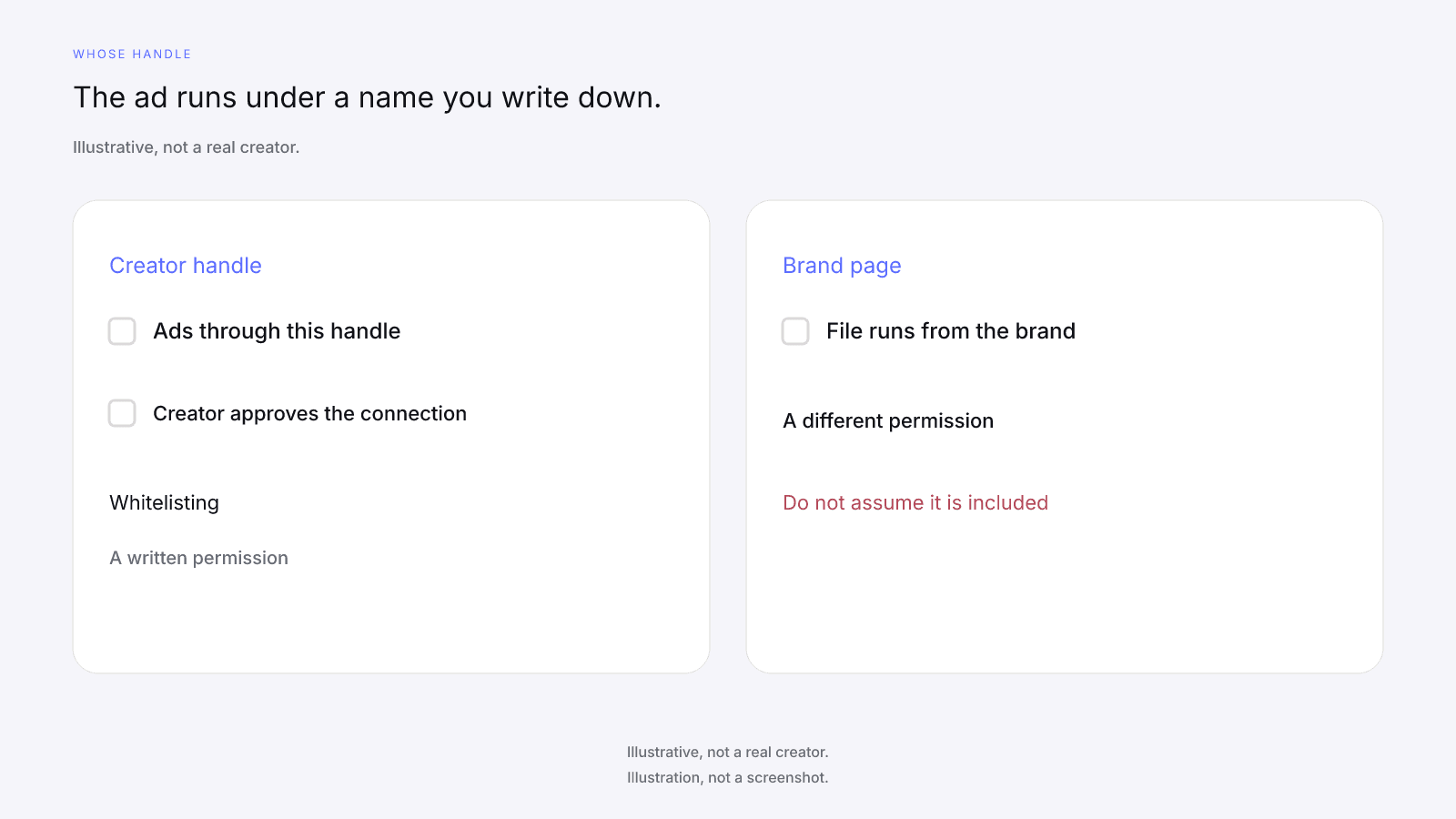
The ad account sits outside InfScore. InfScore does not report how the ad did, and it does not pick the ad's audience. Measure the ads in your own notes.
Duration, territory, and channels to write down
How far the permission goes depends on the lines you write down, and a blank line means you don't have that part.
Duration is the clock. Write the day it starts and the day it ends, or the length in days, and name what starts it: the post going up, or the first ad running. Say whether ads may continue after the creator takes the organic post down. A length mentioned only on a call isn't a term until it's in the agreement.
Territory is where the ad may run, so name the countries or regions. One market and every country the app can serve are different permissions, and a blank line doesn't mean worldwide.
Channels are the places the file may appear, and ads through the creator's handle are only one of them. That permission doesn't, on its own, put the same file on a website, in an email, on the brand's page, or in a store. Name the channels you want, because a channel you leave off the list isn't licensed.
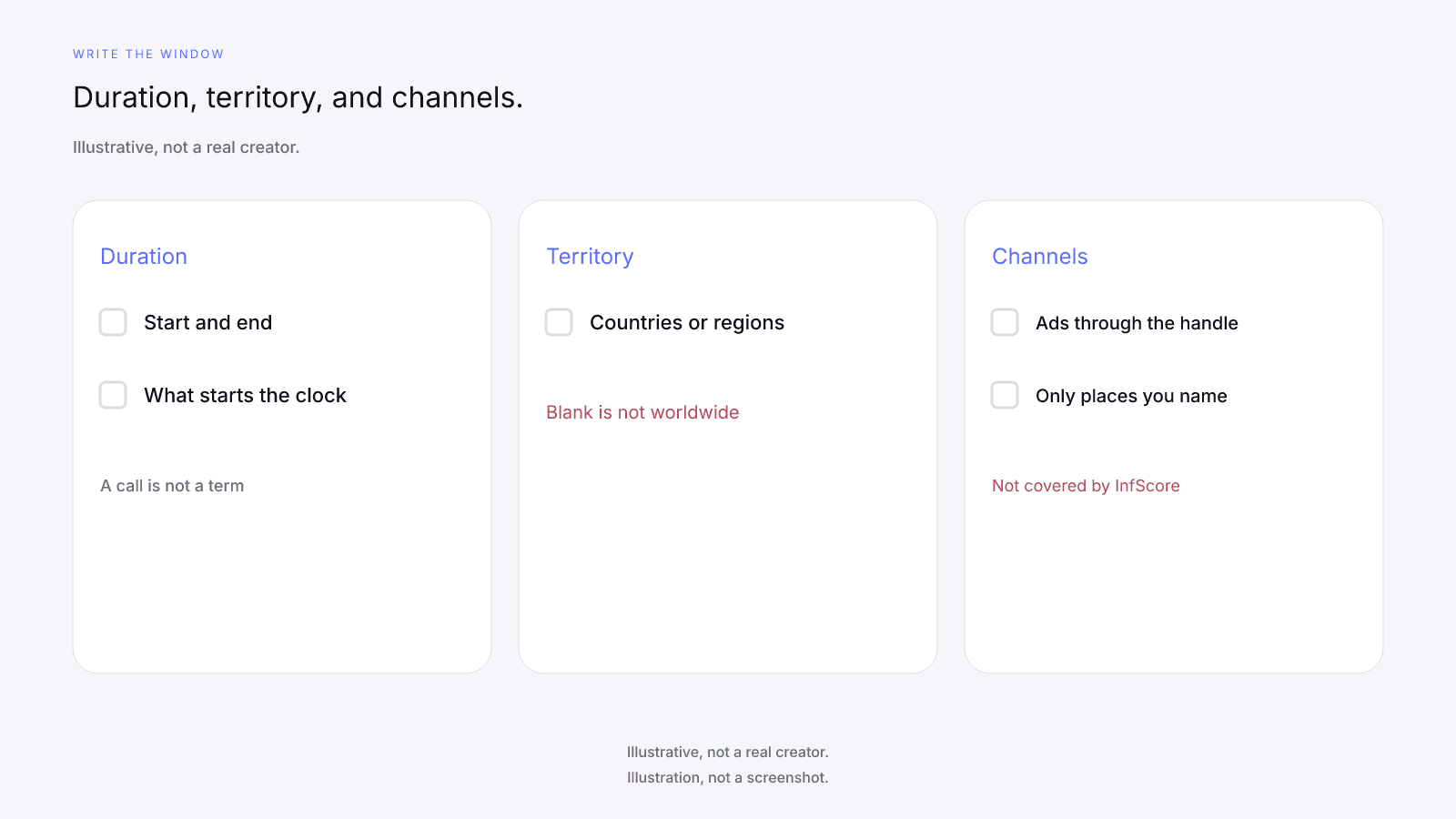
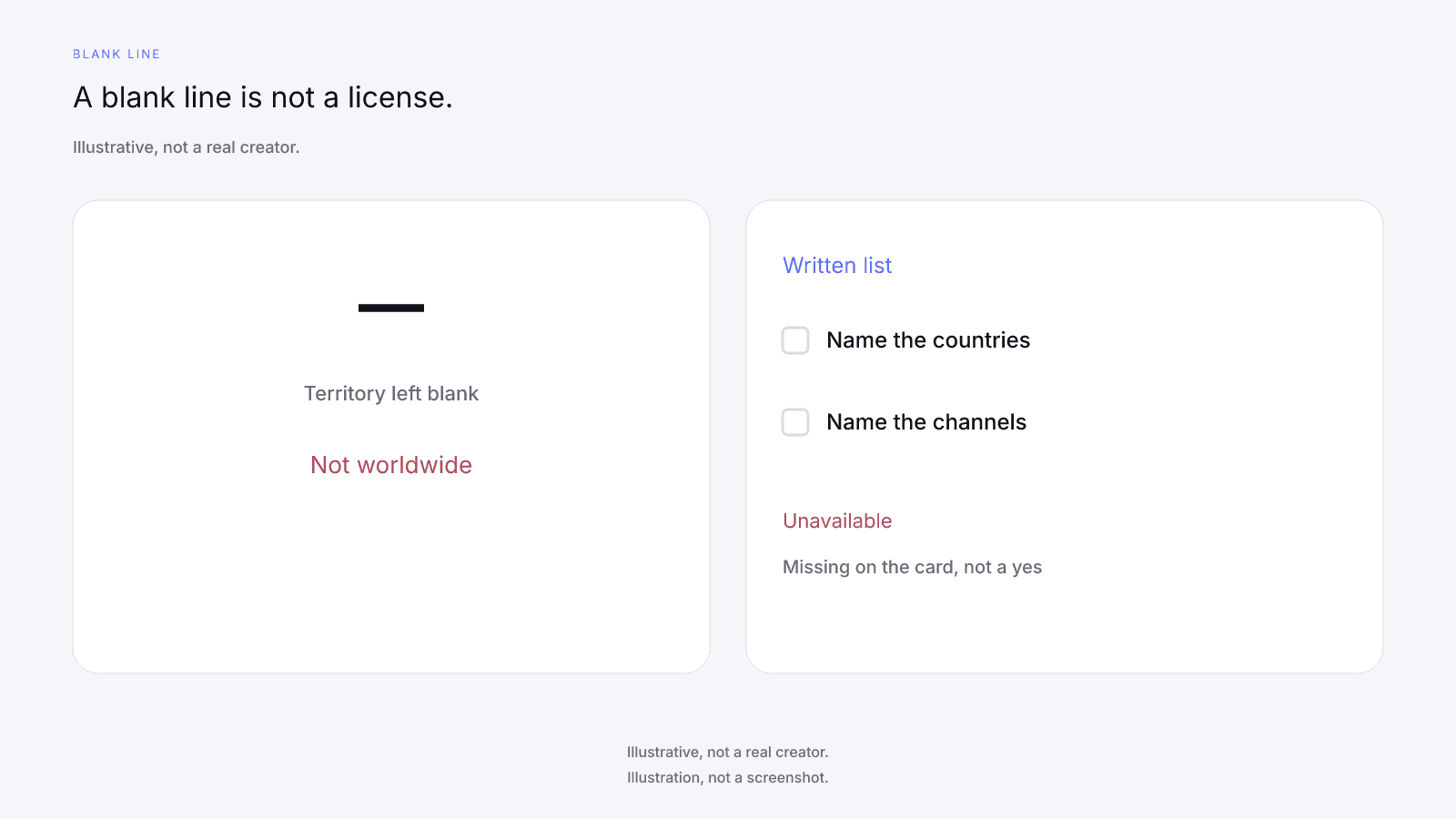
Duration, territory, and channel licenses are not covered by InfScore, and the public card has no slot for them.
Have counsel read the agreement before you rely on it. Put the lines you agree into the usage-rights field of your brief. Do not build a second form here.
What whitelisting asks of the creator
Influencer whitelisting asks the creator for access and for time, not only for a file.
The creator may need to approve a connection between the post and the brand's ad account, and to leave it in place until the end date you write down. Ad-account access and Ads Manager permissions are not covered by InfScore. Name who gets access, what they may do with the post in the ad account, and the day access stops, which should be the day the window ends.
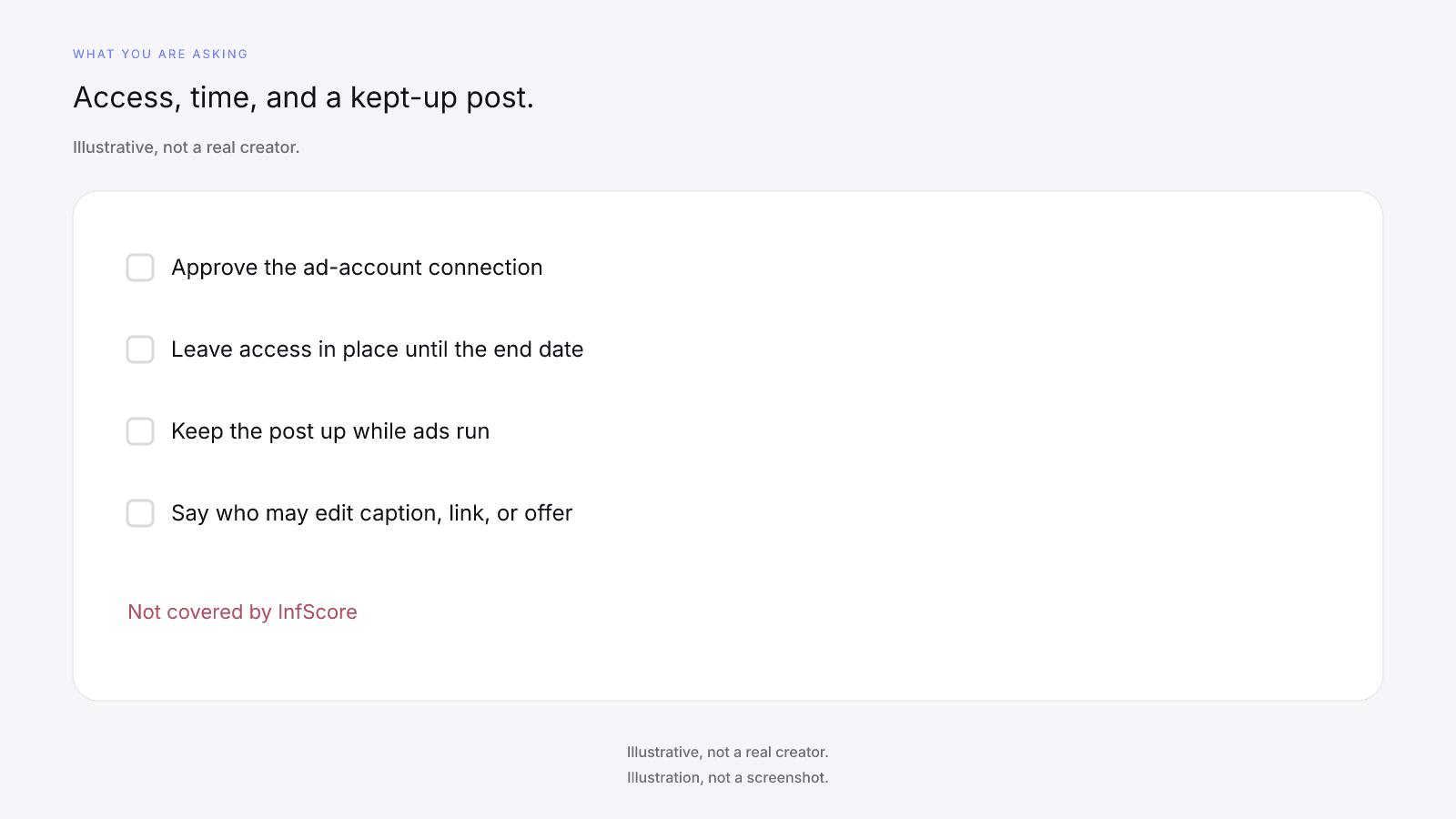
The creator may need to keep the post up while the ads run. Taking it down can stop the ad, so agree whether you pause, swap in a post you already cleared, or end the window. If the brand may change the caption, the link, or the offer after approval, write that down. Approval of the original post isn't approval of every cut that follows. If the creator will approve each ad before it runs, say so.
The ad runs under the creator's handle, and comments and replies on it sit on that handle too. That's why a brand asks to whitelist instead of running the file from the brand page alone, and the creator should see it before they agree. A public score does not require the creator to agree.
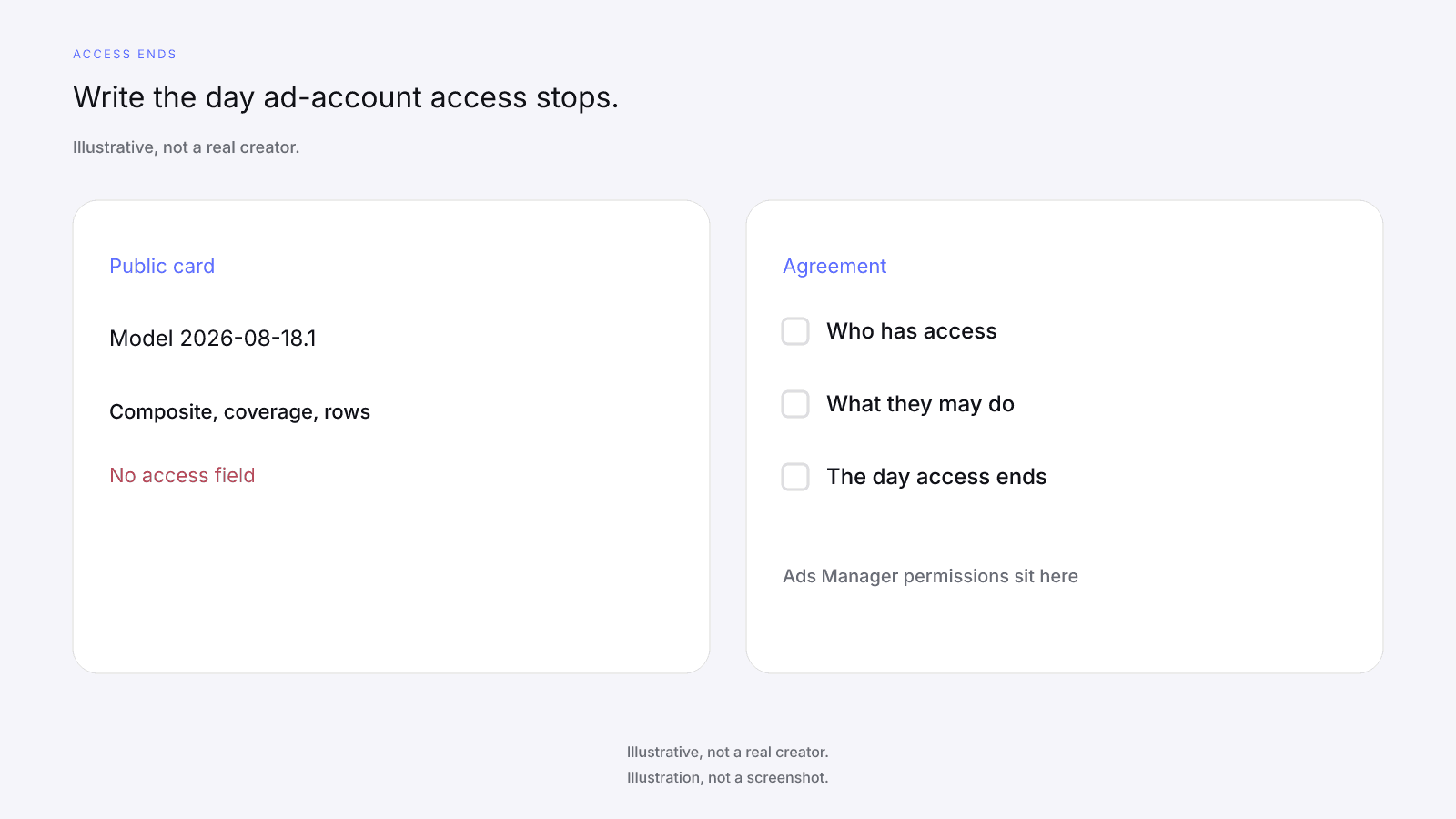
InfScore does not send the access request, hold the ad account, or check that a permission was given. If the creator declines the connection, you don't have whitelisting.
How this sits next to exclusivity and deliverables
Whitelisting is one line in the package, and it doesn't replace the others.
Deliverables name what the creator makes and where they post it: how many pieces, which app, which format. Exclusivity names whether they stay out of a category for a window, and which category. You can stop at an organic post, add ads through the handle without exclusivity, or add a category window as well.
Influencer Marketing Checklist: Before You Pay a Creator keeps those terms at Gate 4, the checklist item for writing the deal down. InfScore doesn't set the fee, the usage, the exclusivity, or the deliverables. Paid usage changes the quote; how much to pay an influencer explains why a quoted fee is a negotiation and the public card is not a price. The public card never prints a creator fee, rate, CPM, or income estimate. This post stays on the whitelisting part of the usage line.
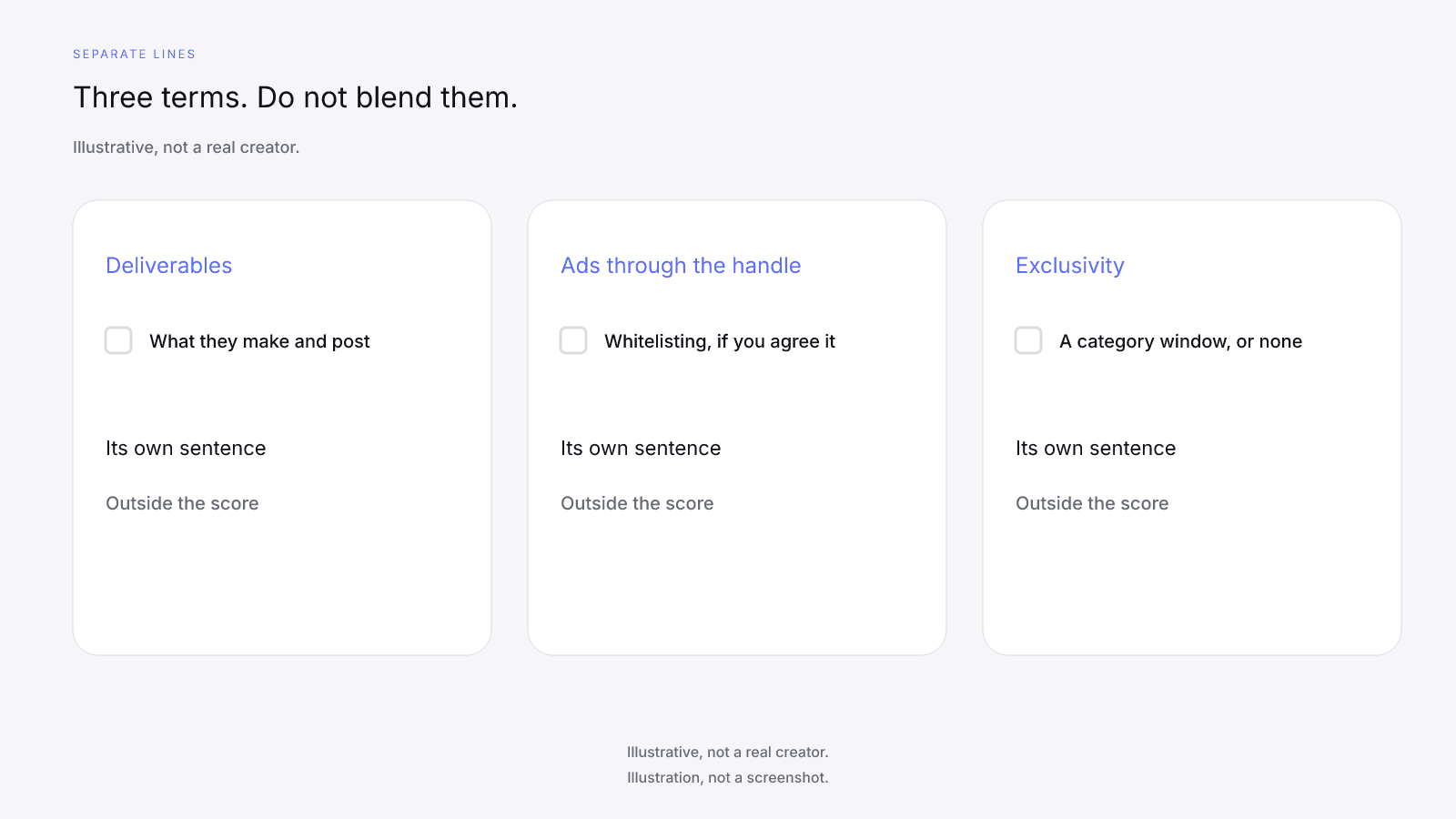
Two handles can show a similar composite and still sit on different packages: one organic post with no reuse, or that post plus a window for ads through the handle. The 0 to 100 doesn't say which package is on the table.
A missing factor, dash, or Unavailable is missing data, not a zero, and it's no reason to leave the usage line blank. Name the missing row in your note.
A short list to take into the agreement
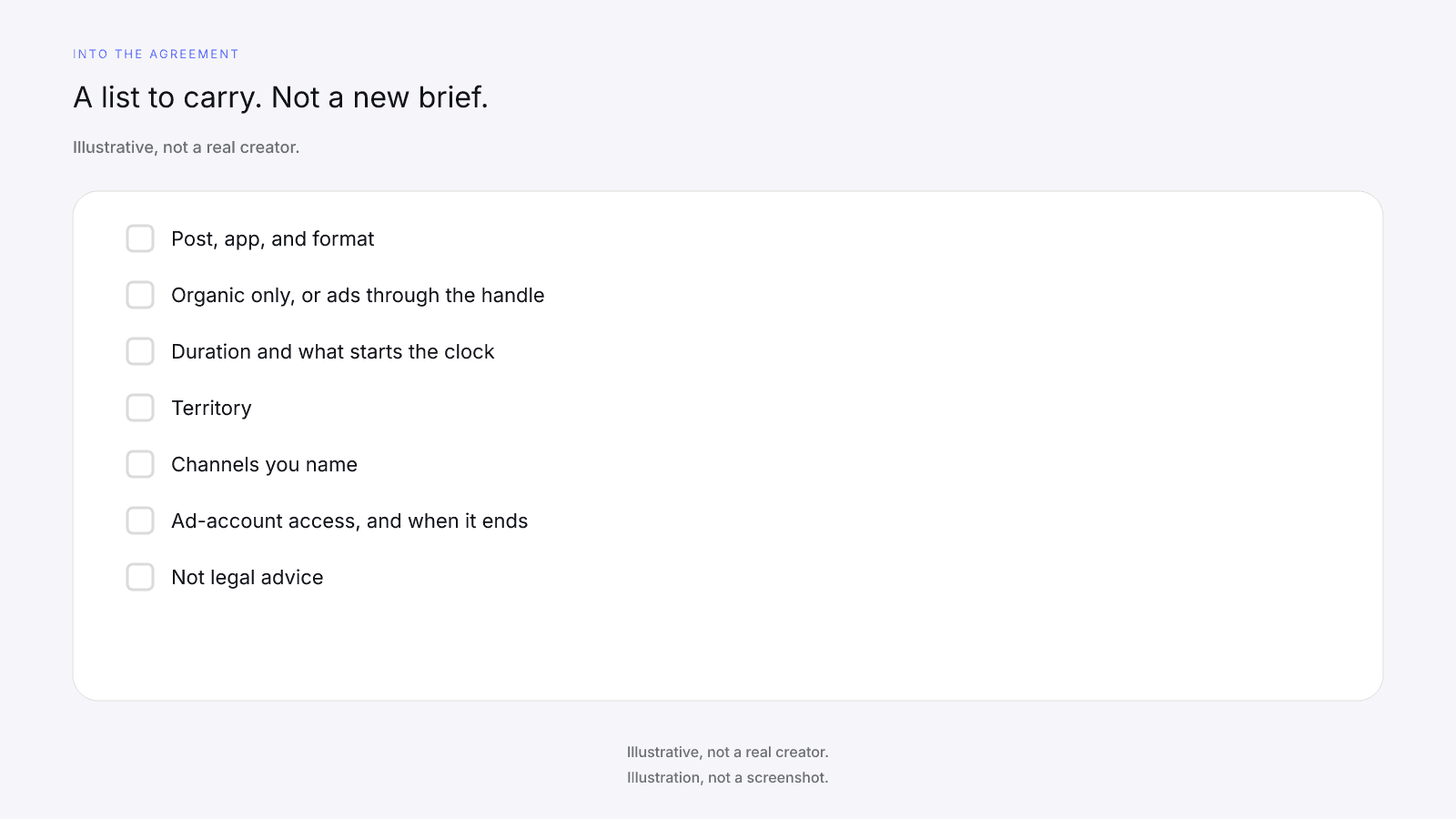
Take these questions to the creator, and to counsel, before you sign. None of the answers is printed on the public card, and this post is not a form you copy in place of the brief. This is not legal advice.
- Which post is in scope, on which app and format, and does it already exist or still have to be made?
- Is it organic only, or will ads run through the creator's handle?
- What starts the paid-use clock, and what ends it?
- Which countries or regions are in the territory?
- Which channels are licensed beyond ads through the handle?
- Who gets ad-account access, what does that access allow, and when is it removed?
- Does the creator approve each ad before it runs, and who may edit the caption, the link, or the offer?
- What happens if the organic post comes down during the window?
- Is exclusivity on its own line, or is there none?
- What may the brand keep when the window ends?
The influencer brief template already has a usage-rights line for where the work can run and for how long; this post explains what to agree there when paid ads are involved.
A media kit may already mention reuse. What to Put in an Influencer Media Kit in 2026 separates a self-reported line from stats a brand can check on the public card. Treat a kit line about whitelisting as the creator's opening position, since the card didn't confirm it.
How to Vet an Influencer Before You Pay Them orders the checks a score cannot do before you pay. Fit, past work, and the fee sit outside the composite, so write the usage lines after those checks.
FAQ and next steps
Look up a creator's free InfScore at infscore.com, then read the public card before you write who may run ads on the post.
See what the $0.99 report includes on Pricing. You buy it per creator, from that creator's scored card. It doesn't grant whitelisting or Ads Manager permissions.
What is influencer whitelisting?
Influencer whitelisting is permission for a brand to run paid ads through a creator's handle, either by boosting a post the creator already published or by running new or edited ads from that handle. It's a rights agreement between the brand and the creator. Screens differ by app, so write the permission as a sentence: who may run the ads, for how long, where, and on which channels. InfScore doesn't cover that permission.
Is whitelisting the same as boosting a post?
They're related, and people use the names loosely. Boosting is paying the app to amplify a post the creator already published. Whitelisting can also mean new or edited ads that run from the creator's handle. Those ask different things of the creator, so write which one you mean, whether the brand may change the post, and who approves each version before it runs.
What should a whitelisting agreement cover?
Write when paid use starts and ends and what starts the clock, the countries or regions, and each channel you mean. Name who gets ad-account access and the day it's removed, who may edit the caption, the link, or the offer, and who approves each ad. Say what happens if the post comes down early and what the brand may keep when the term ends. Have counsel read it before you rely on it.
Does InfScore show whether a creator allows whitelisting?
No. No field on the public card covers usage, whitelisting, or ad access, and InfScore doesn't set up or track any of it. The card prints the composite or a dash, scoring coverage or Unavailable, the four factor rows, Total public followers, Avg. engagement, Primary platform, and the model id. That's context for the conversation, not a price and not a yes on rights. Ask the creator.
Does a higher score mean I should ask for whitelisting?
No. There's no score-based rule for whether to ask for whitelisting or for how long. The composite reads public signals for one handle on one app. It doesn't say whether paid use fits your campaign or whether the creator will agree to it. Rights are a separate negotiation with the creator, so decide what you need and ask for it in writing, whatever the 0 to 100 shows.
How does whitelisting affect what a creator charges?
Paid usage is a separate term from the post itself, and it can change the quote. A window of ads through the creator's handle, more territory, or more channels can each change what the creator asks for. InfScore doesn't set or validate fees, and the public card doesn't print a creator fee. Our post on how much to pay an influencer explains why a quoted fee is a negotiation and the score is not a price.
What happens when the whitelisting period ends?
The ads stop on the end date you wrote down, and the brand's access to the creator's handle in the ad account is removed. What the brand may keep after that is whatever the agreement says. If the agreement is silent, don't assume you can keep running or reusing the post. Write the end-of-term steps, including who removes the access, before the first ad runs.