Influencer Vetting for Agencies: One Model Across Client Shortlists
Influencer vetting for agencies: use one method for every client, record model id and coverage in your own sheet, and compare only within one model id.
This versioned composite uses only available public signals. Missing factors stay unavailable and their weight is rebalanced across observed factors. It is not a percentile, price estimate, or guarantee of campaign results. Model 2026-08-18.1.
Influencer vetting for agencies is one method run the same way for every client: one handle per lookup, one row per creator in your own sheet, and comparisons only within one model id and one requested app. This post shows the row to record, what to do with dashes, and the manual checks InfScore doesn't do.
Why one method matters across client files
Notes stay comparable across client files when every file uses the same method. There are no team seats. The shortlist is a sheet in your own tools; InfScore doesn't keep one. Influencer Shortlist Template: Compare Creators on One Model has the full column set.
When you're vetting influencers for clients, two files that used different columns are hard to defend. Client 1's notes name a composite and a date, while Client 2's name a composite and nothing else. Later, nobody can tell whether those two numbers came from the same model, the same requested app, or a row that had missing factors. That gap comes from the method, and hunting for the highest number won't close it.
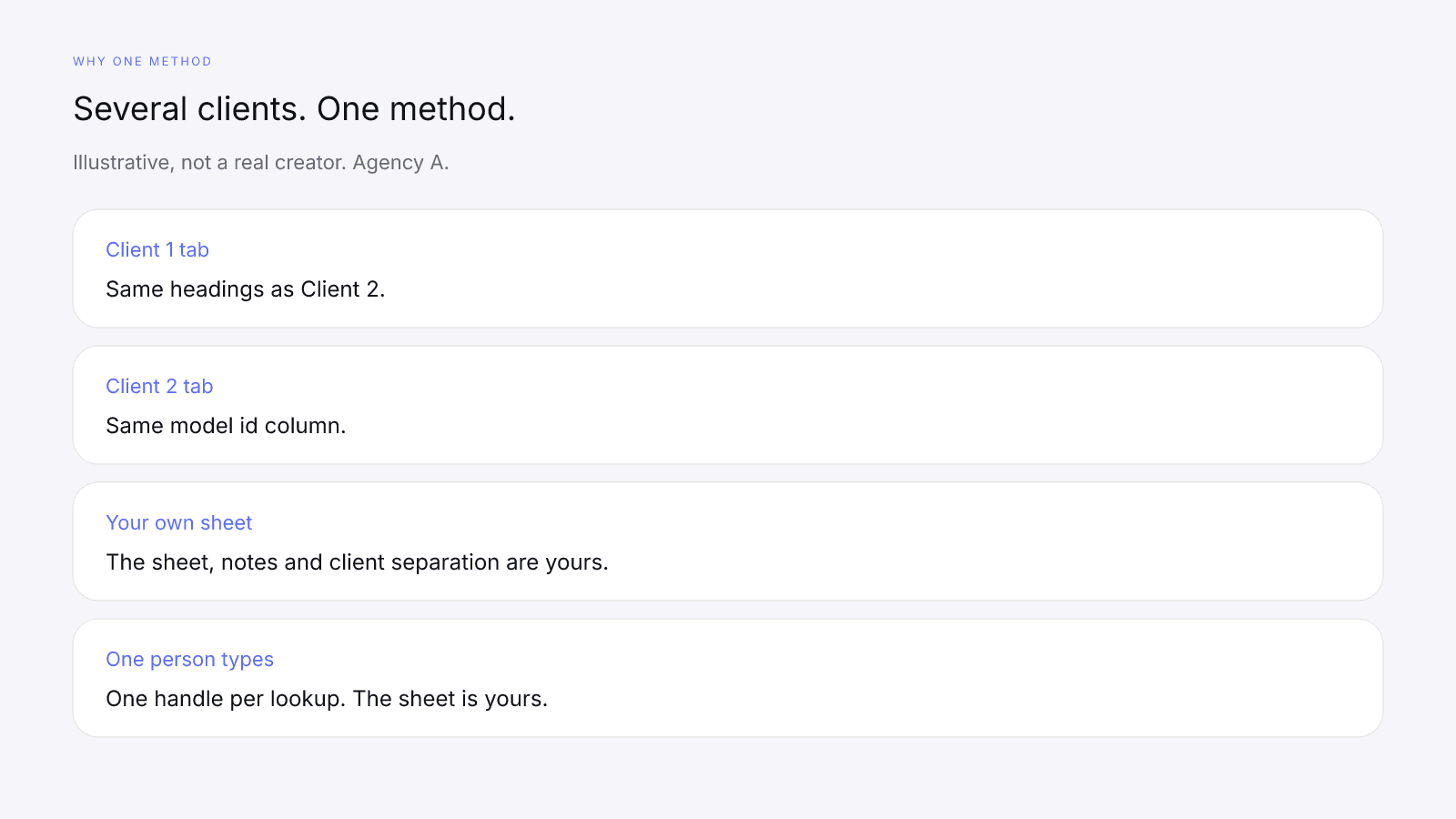
From one tab to the next, the influencer vetting process doesn't change: one handle, one row, one model id. Keep client files separate in your own tools, with one tab per client, the same columns on each, and a model id column on every row. If the method holds, you can reopen Client 2's tab and still tell which app was searched and which model printed the number.
The row each creator gets in your sheet
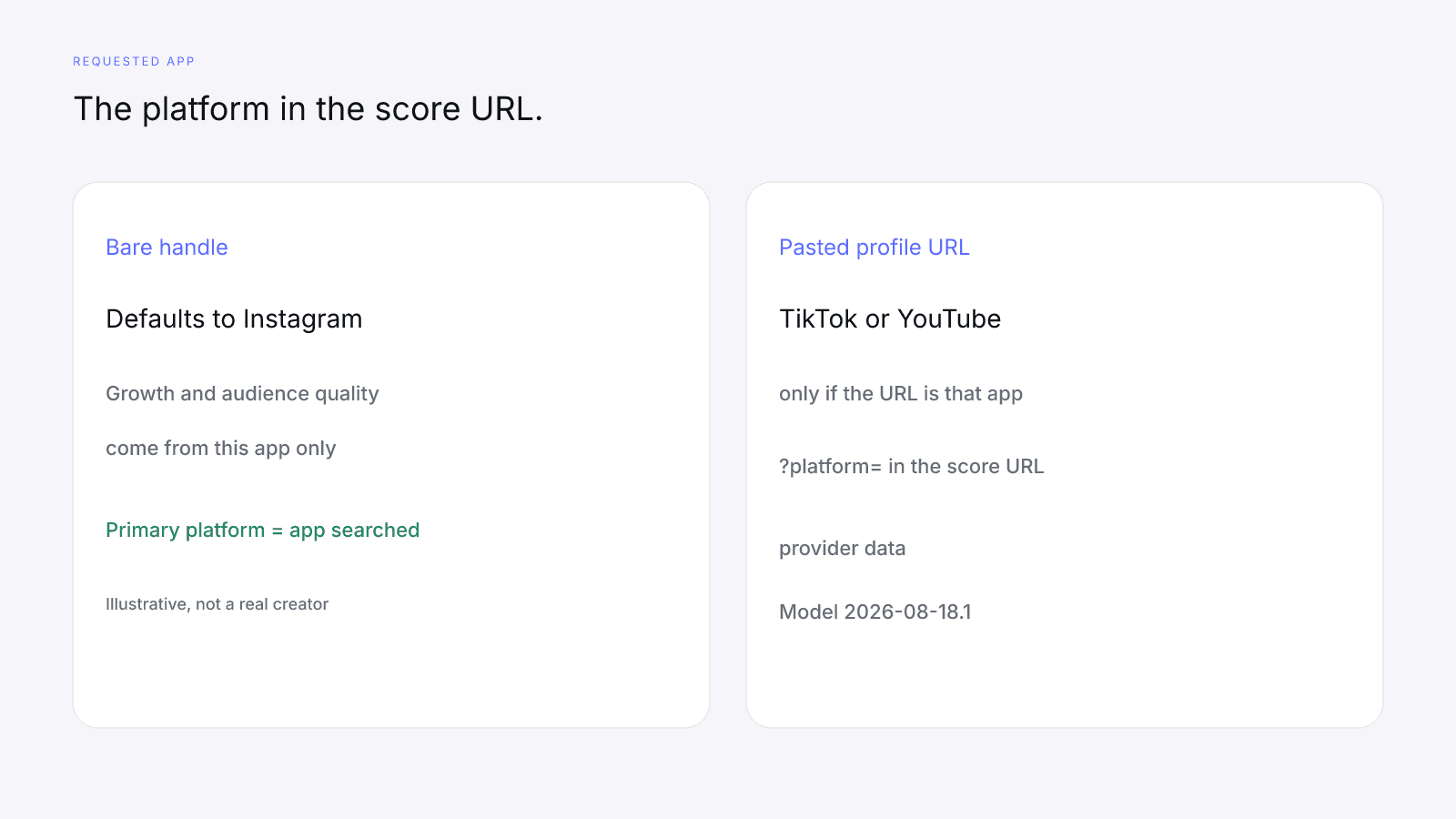
Each creator gets one row in your sheet, filled from one handle lookup on the requested app. The requested app is the platform in the score URL (?platform=). A bare @handle searches Instagram; paste the creator's TikTok or YouTube profile URL to search those. Growth, audience quality and engagement come from that app only. The card's Primary platform row shows this app, not the creator's biggest platform.
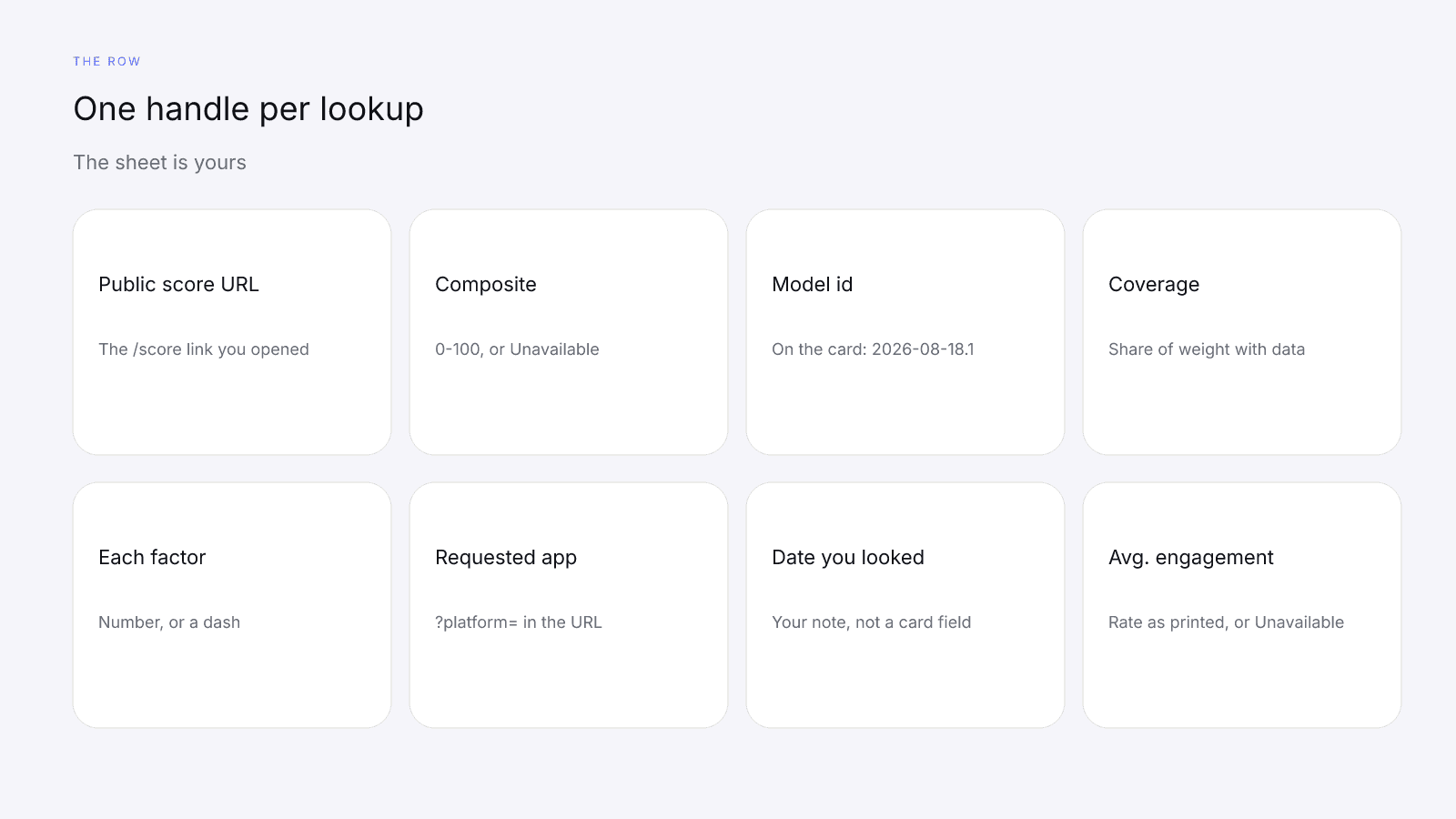
| Field | Where it comes from | What a dash means |
|---|---|---|
| Public score URL | The /score/{handle}?platform= link you opened | A missing URL means you haven't looked the handle up |
| Requested app | ?platform=; a bare handle defaults to Instagram | Don't mix apps in one column without naming them |
| Composite | The card's 0–100 InfScore | If the whole card reads "Unavailable", write Unavailable for that row, never a zero |
| Model id | Printed on the card | Don't invent an id |
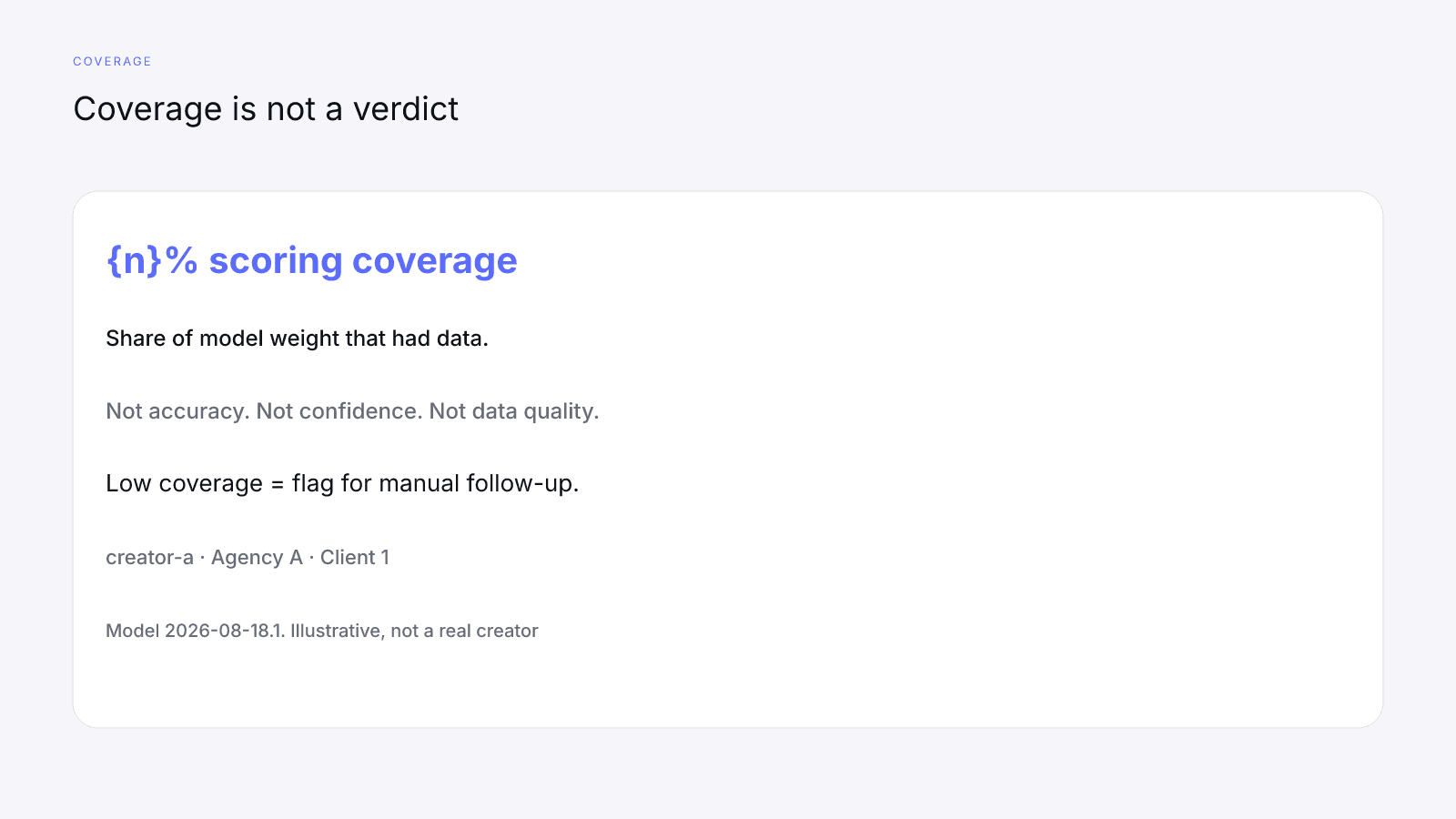
| Scoring coverage | The card line "{n}% scoring coverage" | If the coverage line reads Unavailable, write Unavailable. Coverage isn't accuracy |
| Each factor | The four factor rows | Write each factor value as shown, or the card's dash (—) if a factor had no data. Factor rows don't read Unavailable |
| Date you looked | Your own note. The free card prints no date | A blank date is a hole in the file, not a card field |
Copy each value as the card prints it. The composite on that card is a versioned 0–100 number. It is not a percentile, price estimate, or guarantee of campaign results. Avg. engagement is the provider-reported rate for the requested app. InfScore doesn't calculate it, and 0–8% is a scale cap, not a good rate. Engagement strength is InfScore's mapping of that rate onto a fixed 0–8% scale, capped at 100. Don't type a blank that later reads as zero, and don't replace a dash with 0 so a column sorts.
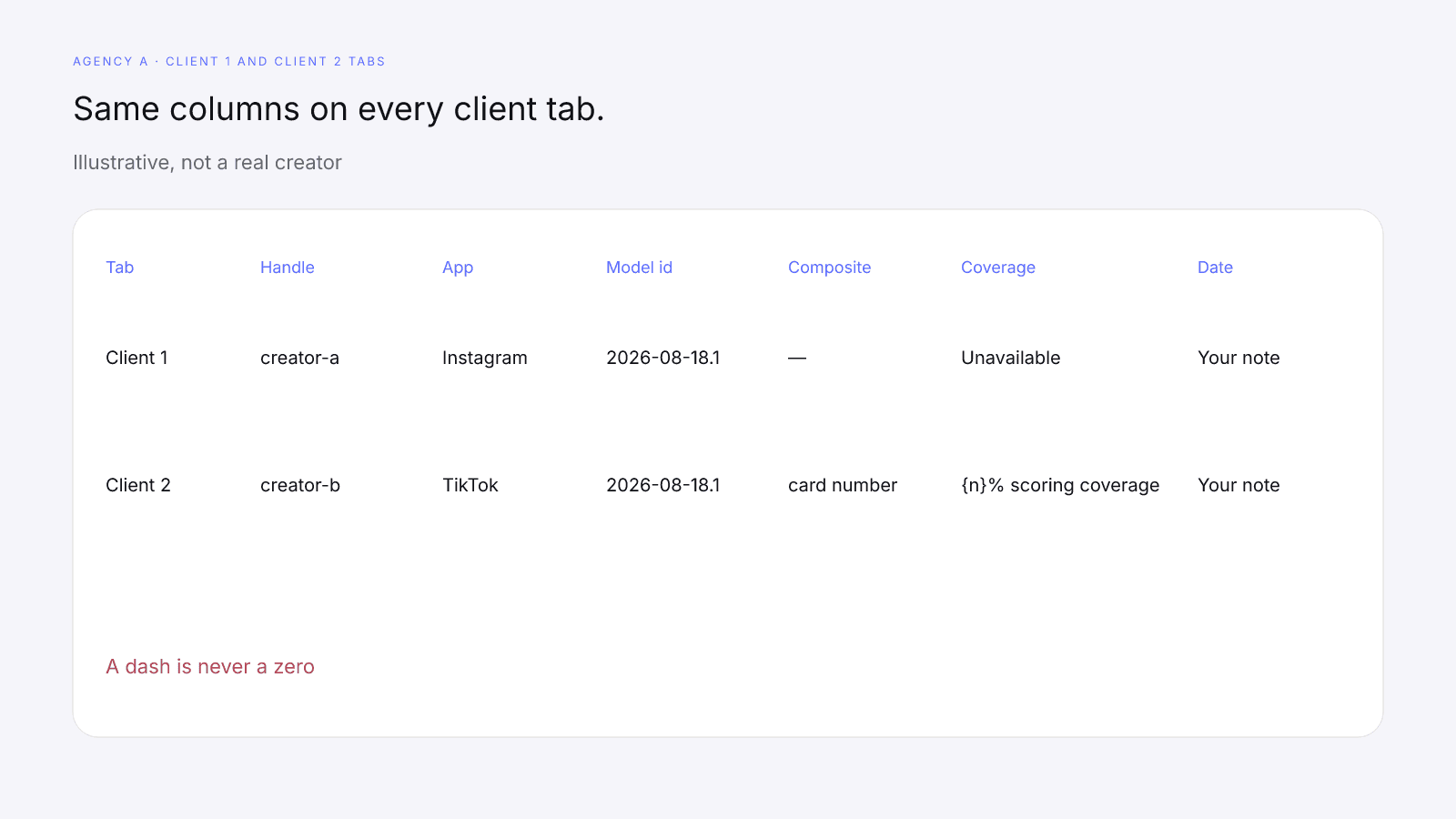
Illustrative, not real creators: fictional Agency A keeps a Client 1 tab and a Client 2 tab with the same headings. creator-a is on Client 1 with Instagram as the requested app, and creator-b is on Client 2 with TikTok. Because the requested apps differ, nobody reads those two composites against each other.
Compare only within one model id and one requested app
Compare composites only within one model id and one requested app. If two client files carry different model ids, don't compare them. Label each row with its model id and read rows together only when the ids match. Write the model id from the card on every row. A new model id is a different composite.
The model is versioned. On model 2026-08-18.1 the weights are 32% audience quality, 27% engagement strength, 23% reach and momentum and 18% platform strength. Those weights belong to that id. They aren't a quality grade or a cutoff to apply in the sheet.
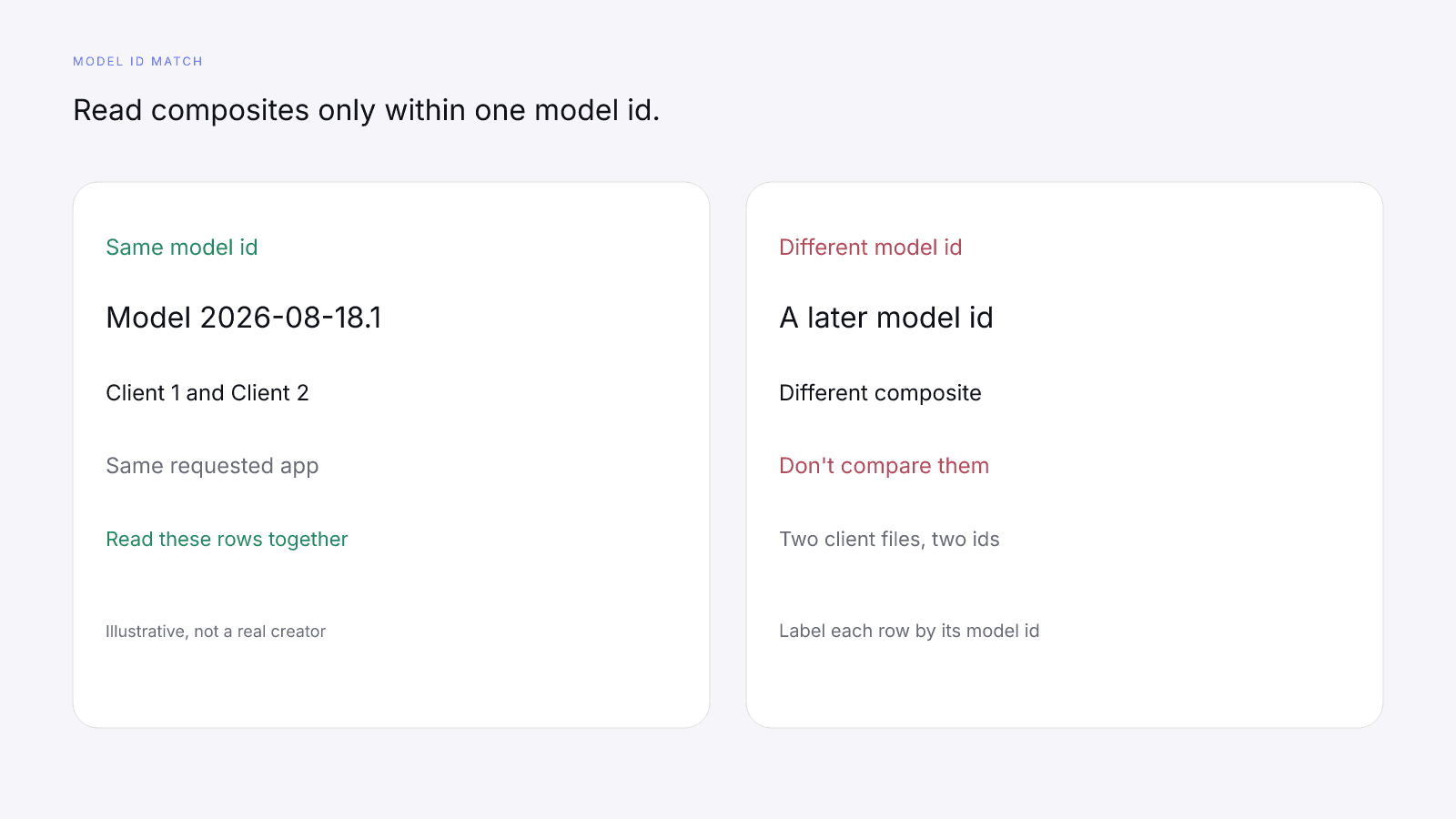
Comparing InfScore Across Model Versions Without Fooling Yourself covers what a new id means. Put two numbers in one sentence without their ids, and Client 1's file stops lining up with Client 2's.
The requested app is the second lock, so write it on every row too. creator-a looked up on Instagram and creator-b looked up on TikTok are two separate rows, because their growth and audience quality came from different apps. A Client 1 Instagram row and a Client 2 TikTok row can sit in files you keep side by side and still aren't one comparison. Momentum is the requested app's 12-month follower growth, blended into reach and momentum when the provider has it. It's growth only.
Missing data across client files
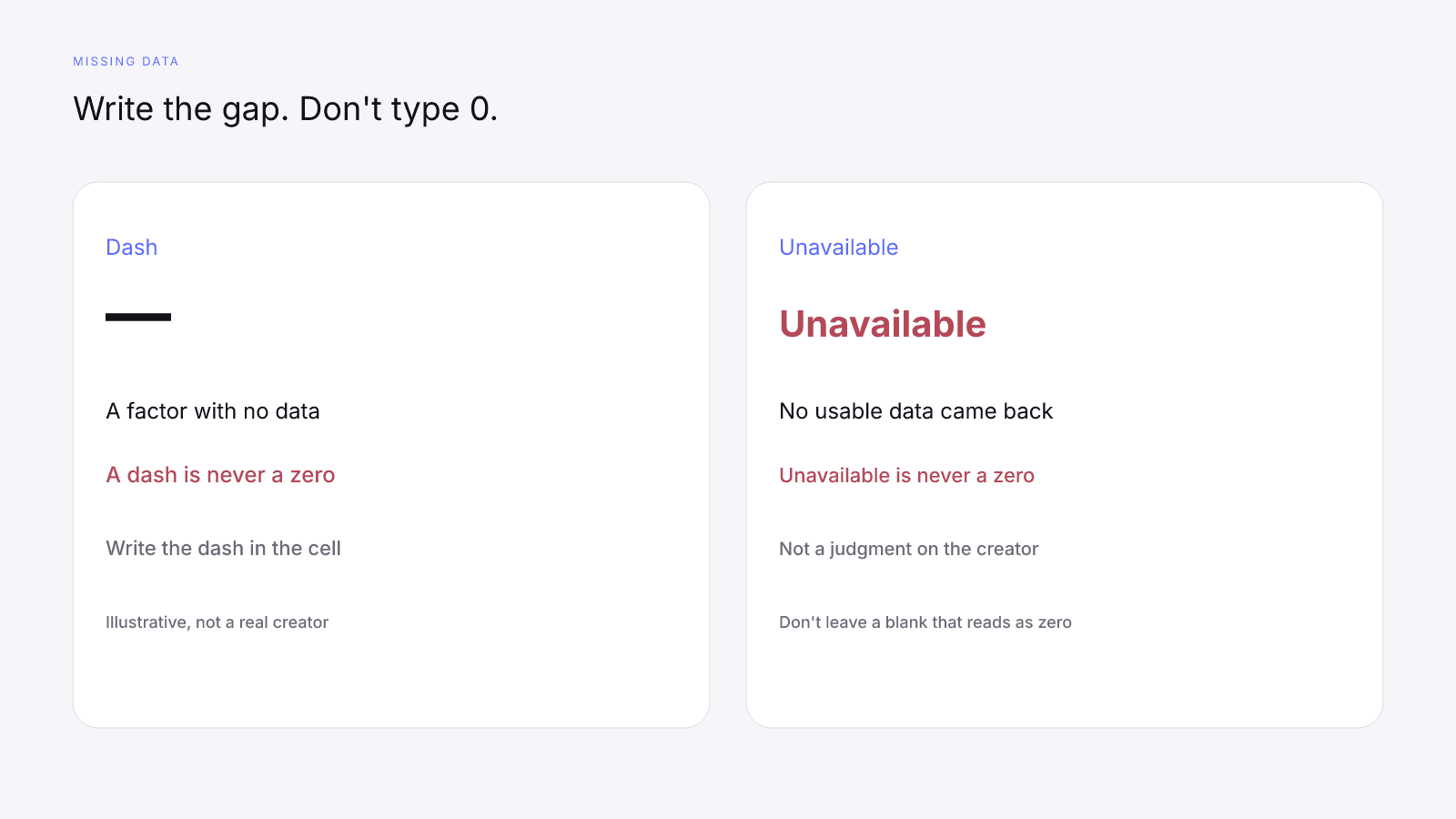
A dash and Unavailable go into the sheet as a dash or the word Unavailable, never a blank that reads as a zero and never 0. A dash means that factor had no data; it isn't a zero. Unavailable means no usable data came back for that lookup; it isn't a zero either. Neither is a judgment on the creator. Missing Data on Creator Metrics covers that rule in full. Card terms such as coverage, dash, and requested app are defined in the Influencer Marketing Glossary: Terms Behind a Creator Scorecard.
Low scoring coverage is a flag for manual follow-up, not a verdict. Scoring coverage is the share of model weight that had data, shown as "{n}% scoring coverage". It isn't accuracy, confidence, or data quality. If audience quality is a dash, name that row in the note you keep for the client. Don't fill it from the composite, and don't let Client 2's file treat the same gap as a 0.
If the lookup couldn't return usable data, the card shows no score, just a dash, and the coverage line reads "Unavailable". That isn't a 0 and it isn't a verdict on the creator.
If Avg. engagement is Unavailable, write Unavailable. A 0 in that cell would read as a real rate and travel into whichever client file you open next. Factor rows still take a dash, not the word Unavailable.
Manual checks your agency owns
Brand fit, content review, brand safety, rates, contracts, disclosure, and outreach are checks your agency owns. InfScore doesn't find creator contacts or send outreach for you. How to Vet an Influencer Before You Pay Them sets out the vetting order. Write each check as your own step, against that client's brief.
Brand and audience fit: read the client's customer, then read the creator's public work. Audience detail, when you later open a paid report, describes who follows. It doesn't say the audience fits that client.
Content review: open the recent posts yourself. A composite doesn't watch them.
Brand safety: you make the call from the work and from whatever else you already check.
Rates and contracts: ask what the fee includes, and write the terms down. InfScore doesn't quote a fee, and this isn't legal advice.
Disclosure: the client and the creator handle what has to appear on the post, and InfScore doesn't draft it.
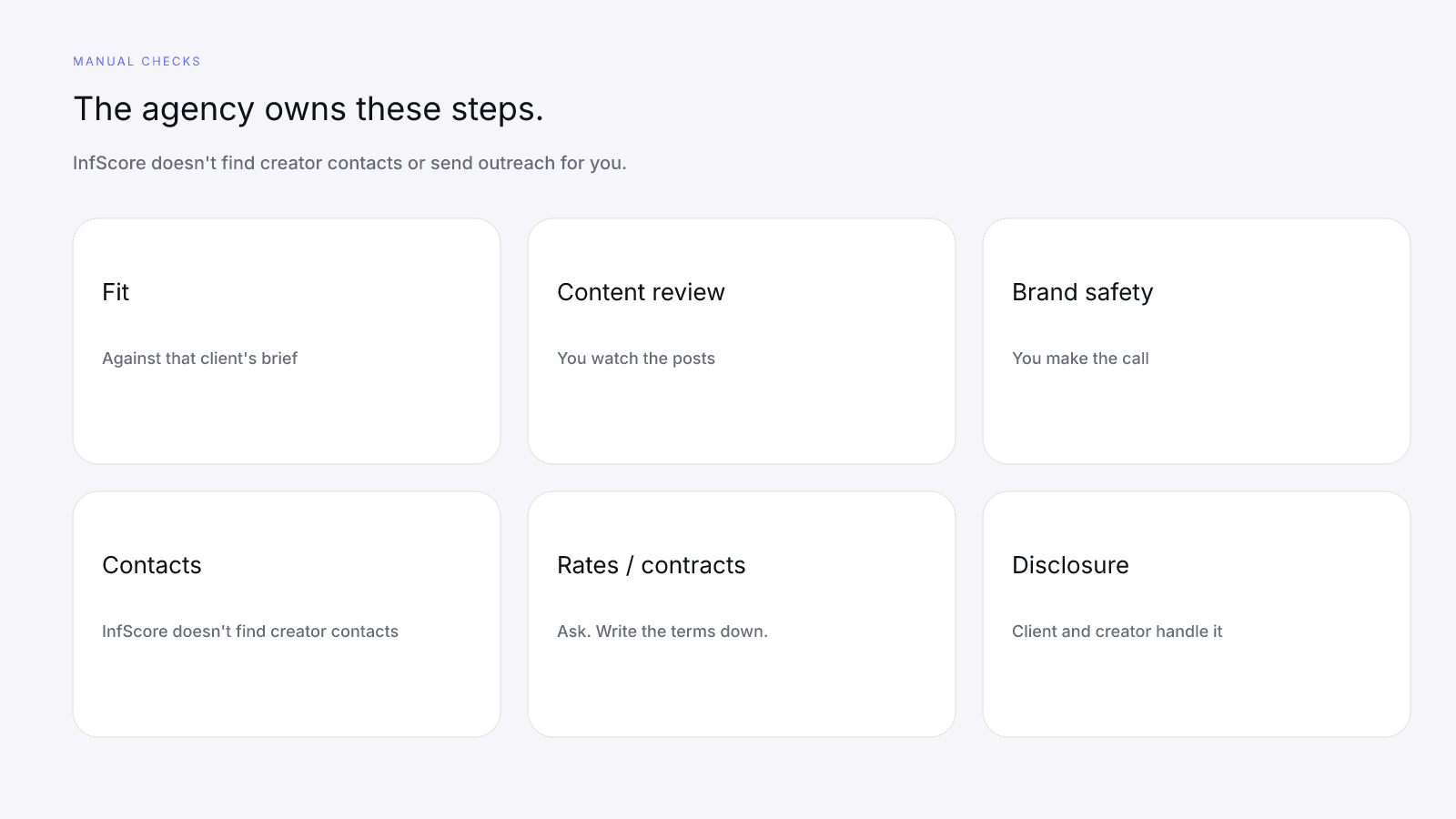
Keep those columns in the same sheet, still one tab per client. The card fills the score columns, and the rest of agency influencer vetting sits in these, which stay blank until you fill them. A filled composite with empty fit and content cells is an unfinished row. Fit is judged per brief: a creator who fits Client 1 can miss Client 2's brief on the same public work, and the composite doesn't settle that.
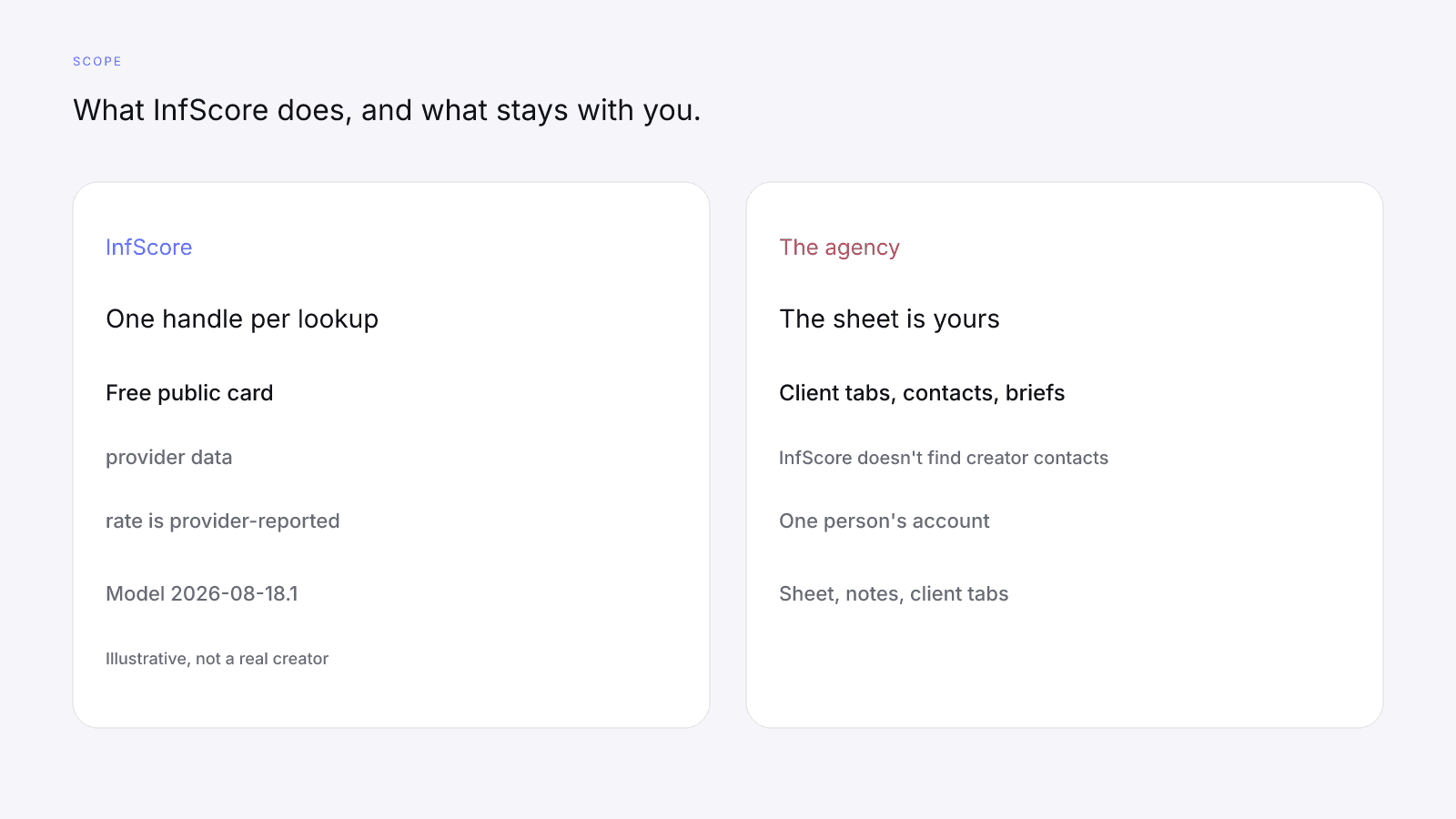
When one client needs the $0.99 report
Buy the one-time $0.99 unlock when one client needs audience or growth detail on one creator. It is the full creator report, with audience, growth, and platform deep dives when they exist. It is one-time, per creator, not a subscription. The free card has no demographics. Paying doesn't fill a dash. No field is guaranteed after paying. Paying doesn't change the score.
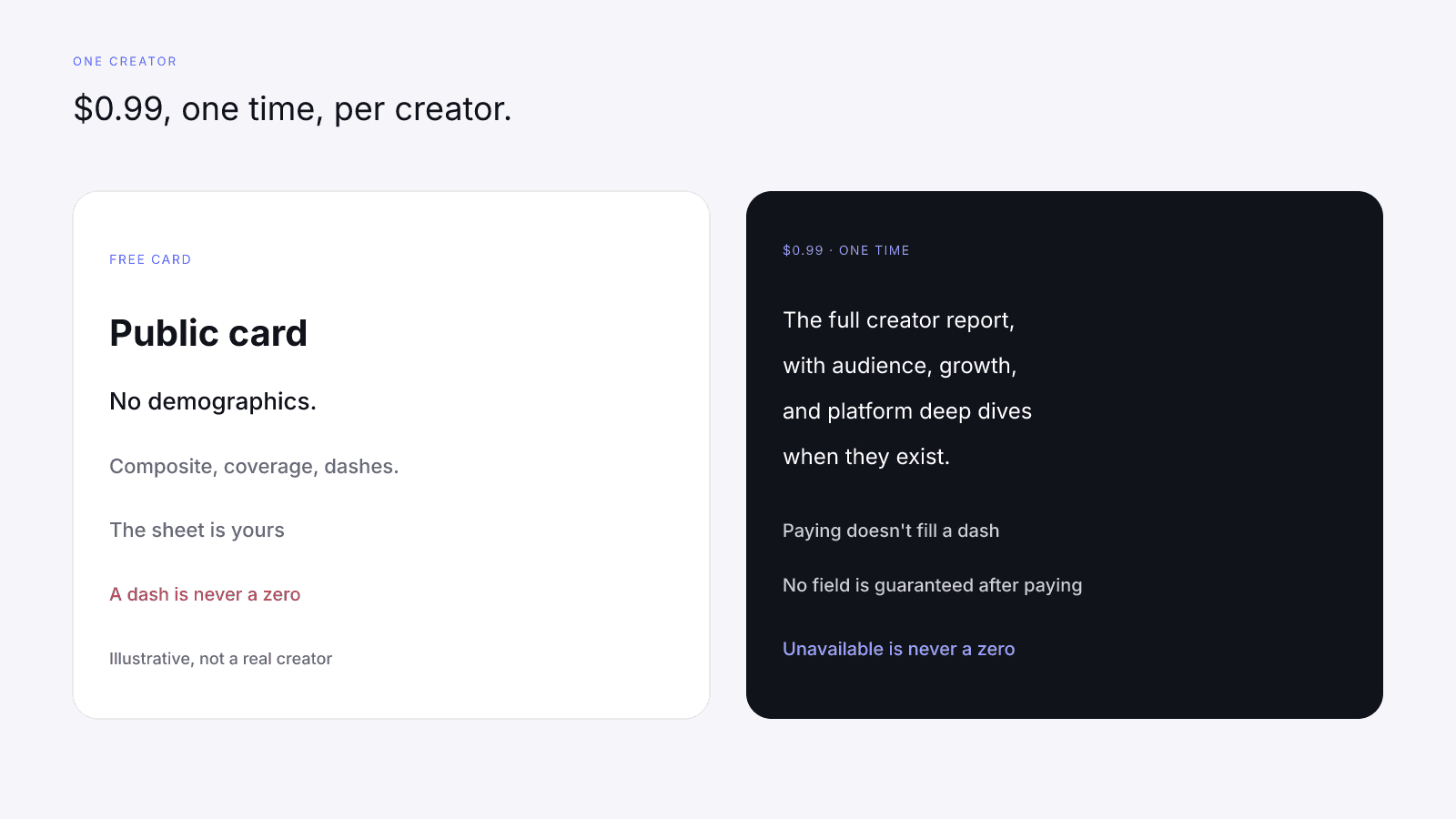
Create an account with the email you paid with to keep access to past purchases. My InfScore shows your purchased full reports and any profiles you've claimed. My InfScore is one person's account. There are no team seats. Each paid report has an InfScore-branded PDF download for that one creator. It doesn't show the InfScore. Free InfScore vs the $0.99 Report: What Actually Changes sets the two views side by side. Skip the unlock when the free card already holds the composite, the coverage line, the dashes, and the model id you need for that row.
FAQ and next steps
Look up a creator's free InfScore at infscore.com, one handle per search. Then write the public score URL, the model id, the coverage line, and the date you looked into the client tab you already keep.
See what the $0.99 report includes on Pricing. It's an optional one-time purchase for one creator, and anything you take from it goes into that creator's row in the client tab.
How do agencies vet influencers for several clients with InfScore?
Look up one handle at a time, write one row per creator in your own sheet, use the same columns for every client, and compare composites only within one model id and one requested app. Then do your own manual checks; the sheet stays with you.
Can I compare creators from different client files?
Only when the rows share one model id and one requested app. If the ids differ, don't compare them. Label each row with its model id and read rows together only when the ids match.
What goes in the sheet when a factor is a dash or Unavailable?
Write the card's dash when a factor had no data, or Unavailable where the coverage line, Total public followers or Avg. engagement reads Unavailable, and never write 0 or leave the cell blank. Low scoring coverage is a flag for manual follow-up. Scoring coverage is the share of model weight that had data. It isn't accuracy.
Where is the client sheet kept?
In your own tools: InfScore looks up one creator at a time, and the sheet, notes and client separation are yours. My InfScore is one person's account. There are no team seats. My InfScore shows your purchased full reports and any profiles you've claimed.
Does InfScore find creators or handle outreach?
No. InfScore doesn't find creator contacts or send outreach for you. Brand and audience fit, content review, brand safety, rates and contracts, and disclosure are your manual checks.
When does an agency need the $0.99 report?
When one client needs audience, growth or platform detail on one creator. It is a one-time payment, per creator, not a subscription, and the free card has no demographics. Paying doesn't fill a dash. No field is guaranteed after paying.
Is a low scoring coverage a reason to drop a creator?
No. Scoring coverage says how much of the model weight had data, not how accurate the score is. Flag it for manual follow-up. It isn't a judgment on the creator.