How to Set an Influencer Marketing Budget (Without a Rate Card)
Influencer marketing budget for brands: list what it covers, count creators and deliverables, keep usage and ads on separate lines, and hold a reserve.
This versioned composite uses only available public signals. Missing factors stay unavailable and their weight is rebalanced across observed factors. It is not a percentile, price estimate, or guarantee of campaign results. Model 2026-08-18.1.
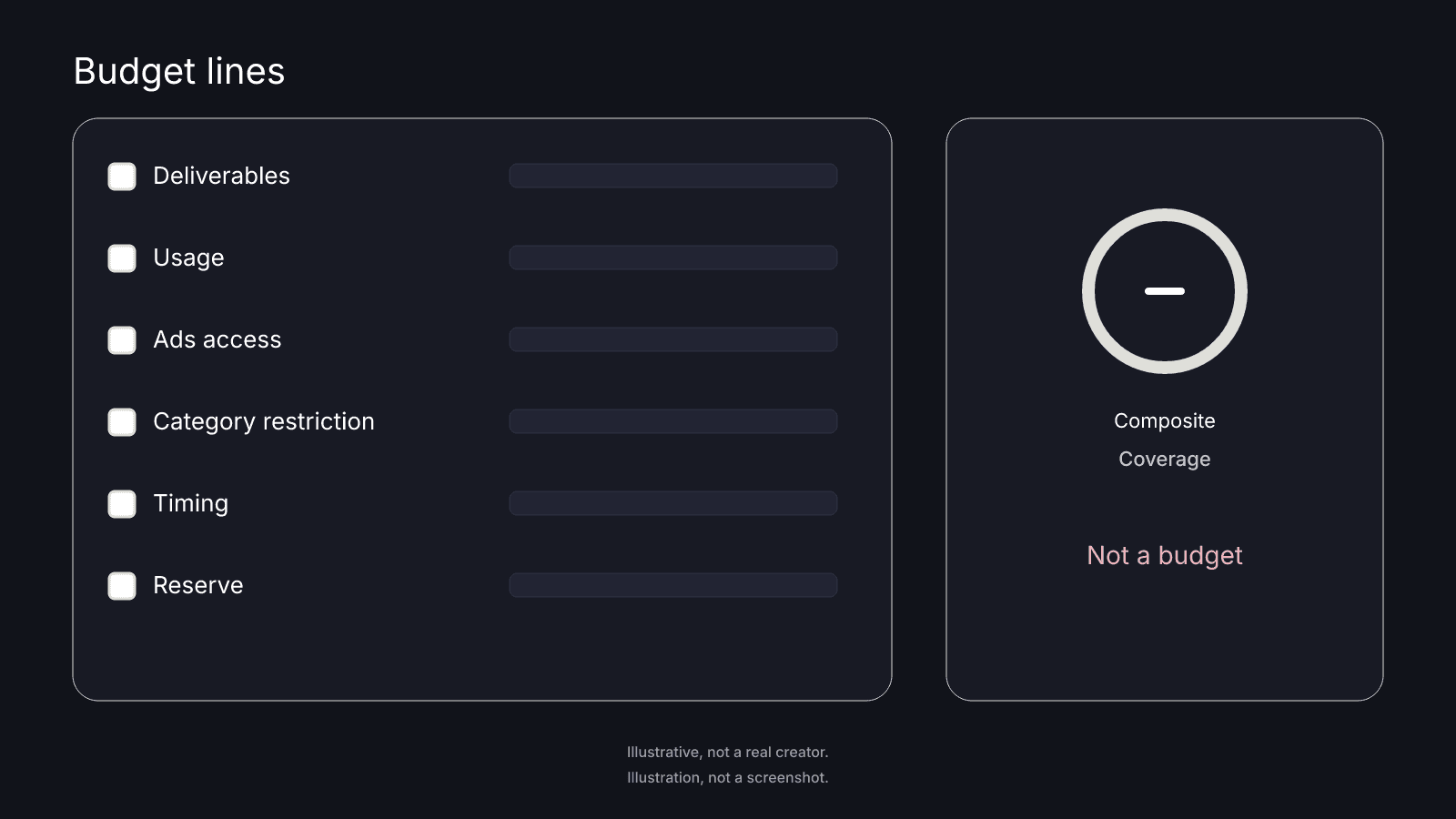
An influencer marketing budget is a set of lines, not a number you pick first. You name what the money has to cover, count the creators and deliverables, and give usage, ads access, and later changes lines of their own. The public card shows which handle you looked up, but it can't say what to spend. That job belongs to your own sheet.
What a budget has to cover
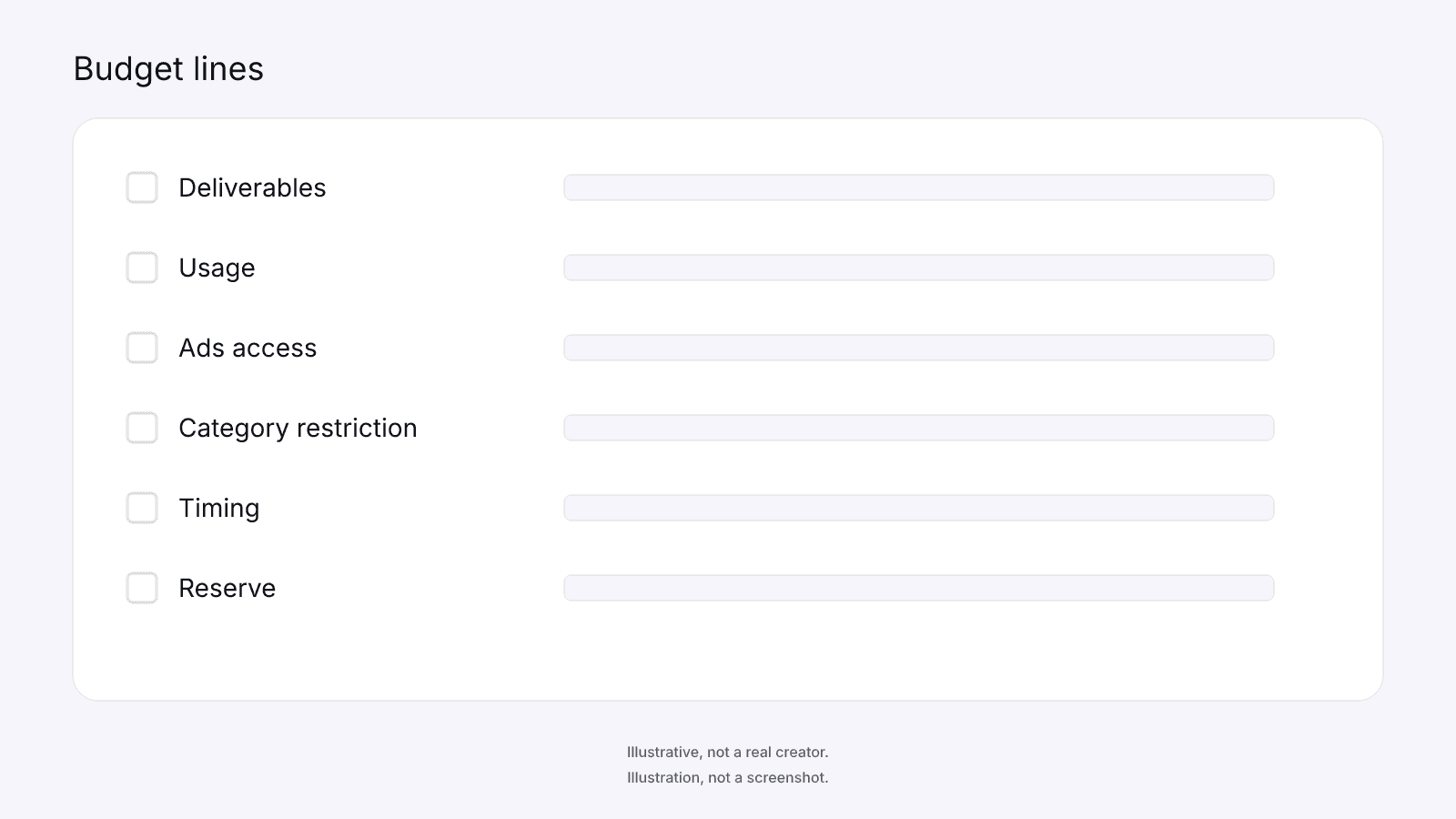
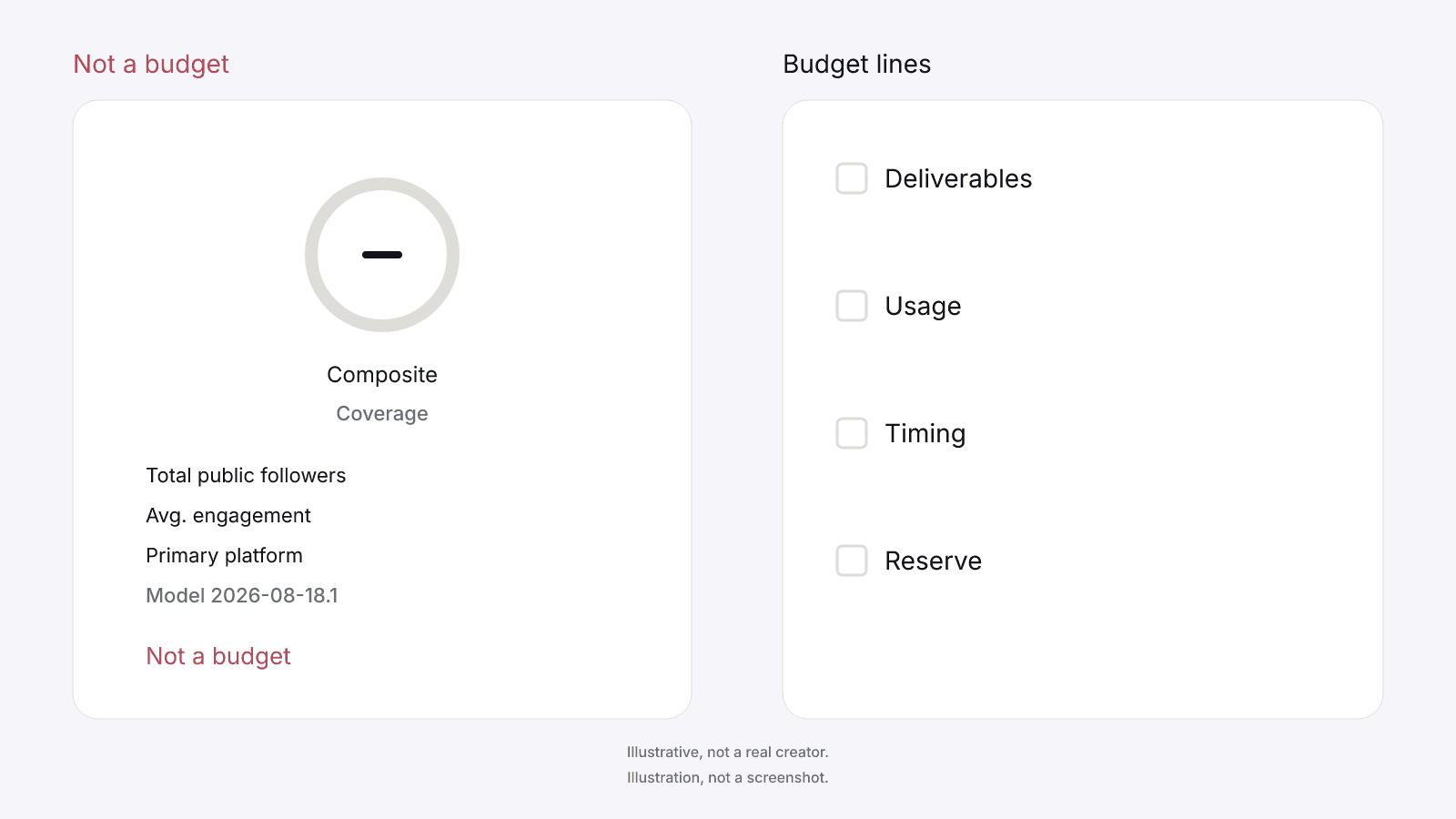
A budget for creator work is the list of lines you'll fill in on a sheet you keep. The lines are the creator fee for each agreed package, usage, ads access, any category restriction, timing, gifted product and shipping when they apply, your own staff time if you count it, and a reserve for changes you agree later. You don't need a rate card to start. Leave a line blank until you and the creator have said in words what it covers.
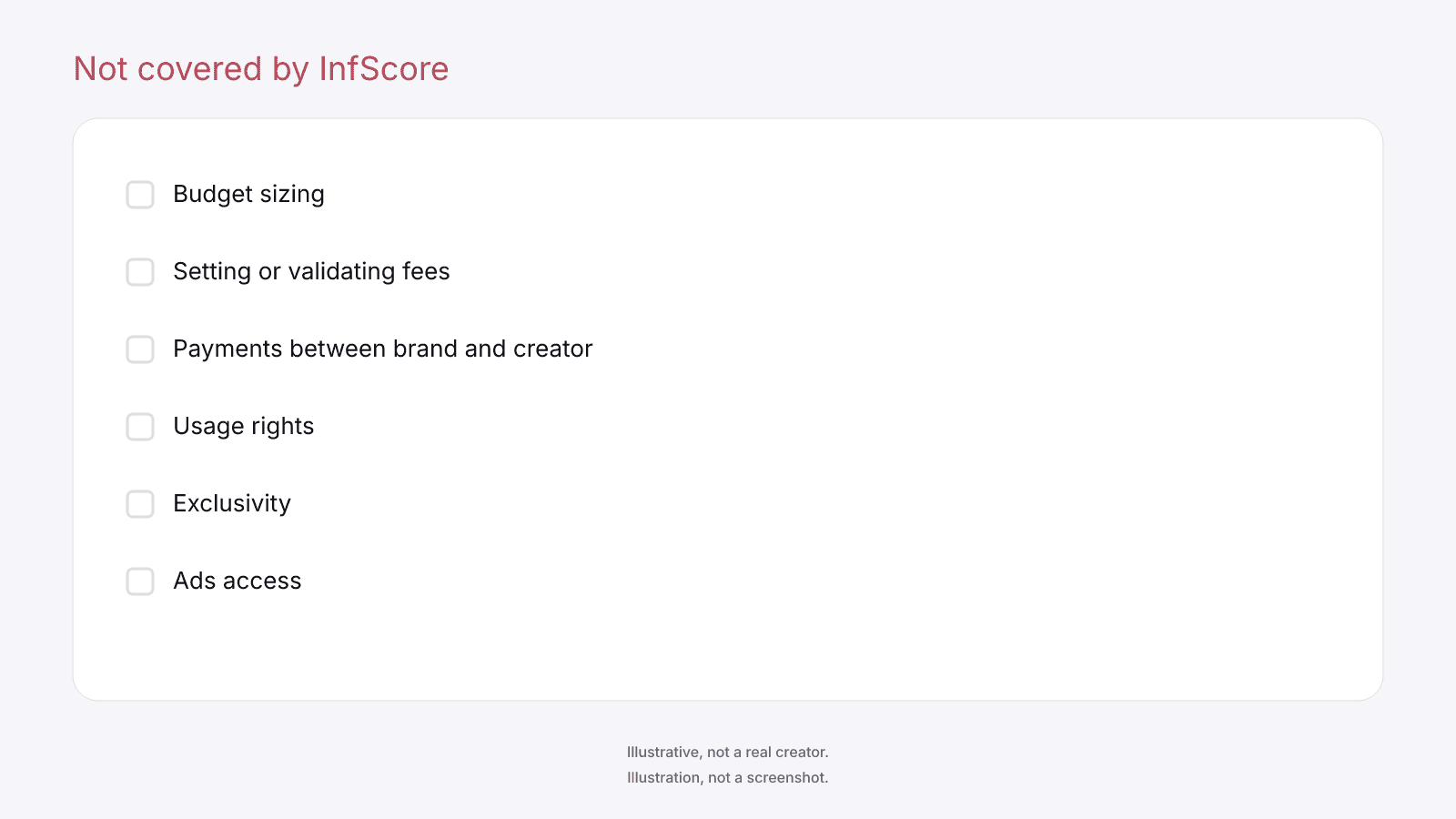
The public card never prints a creator fee, rate, CPM, or income estimate. InfScore does not set or validate creator fees, and payments between the brand and the creator are not covered by InfScore. Nothing on the card fills in a line; the amounts come later, from each creator's quote.
Before any line gets filled in, the influencer marketing checklist covers the steps a brand takes before paying a creator, and those come first.
Gifted product is product you send, and shipping is getting it to the creator. Staff time is what your own people spend on the work. If a line doesn't apply, leave it off the sheet, and label each one you keep so a later reader can tell what it was for.
Before a quote goes on a row, ask what it includes. A quote that says which pieces go on which apps, with what usage and timing, is easy to read back. One that leaves those out isn't ready for the sheet yet. Write the answer next to that creator's rows so both sides can check it later. Creators describe the same work in different ways, so ask every one of them the same question.
Count creators and deliverables before you price anything
Count the creators you want to book and the deliverables you want from each before you fill in any amount. A deliverable is one piece on one app, so the same video on a second app is a second line. Write the result as a plain list of creators and pieces, with every amount blank until that row's quote is in.
A quoted fee is a negotiation over a package, and the public card is not a price; how much to pay an influencer covers what a single quote includes. That page deals with one creator's quote. This sheet covers the lines across every creator you plan to book, so a quote from one creator never gets copied onto another creator's rows.
If a quote bundles several pieces, ask whether the fee covers the set or each piece, and write the answer under that creator's rows.
Sort the rows by creator, then piece, then app. Adding a creator means adding that creator's rows, empty until the quote arrives, and dropping one means taking those rows off the sheet. Laid out this way, the sheet shows how much work you're planning before any amount goes in.
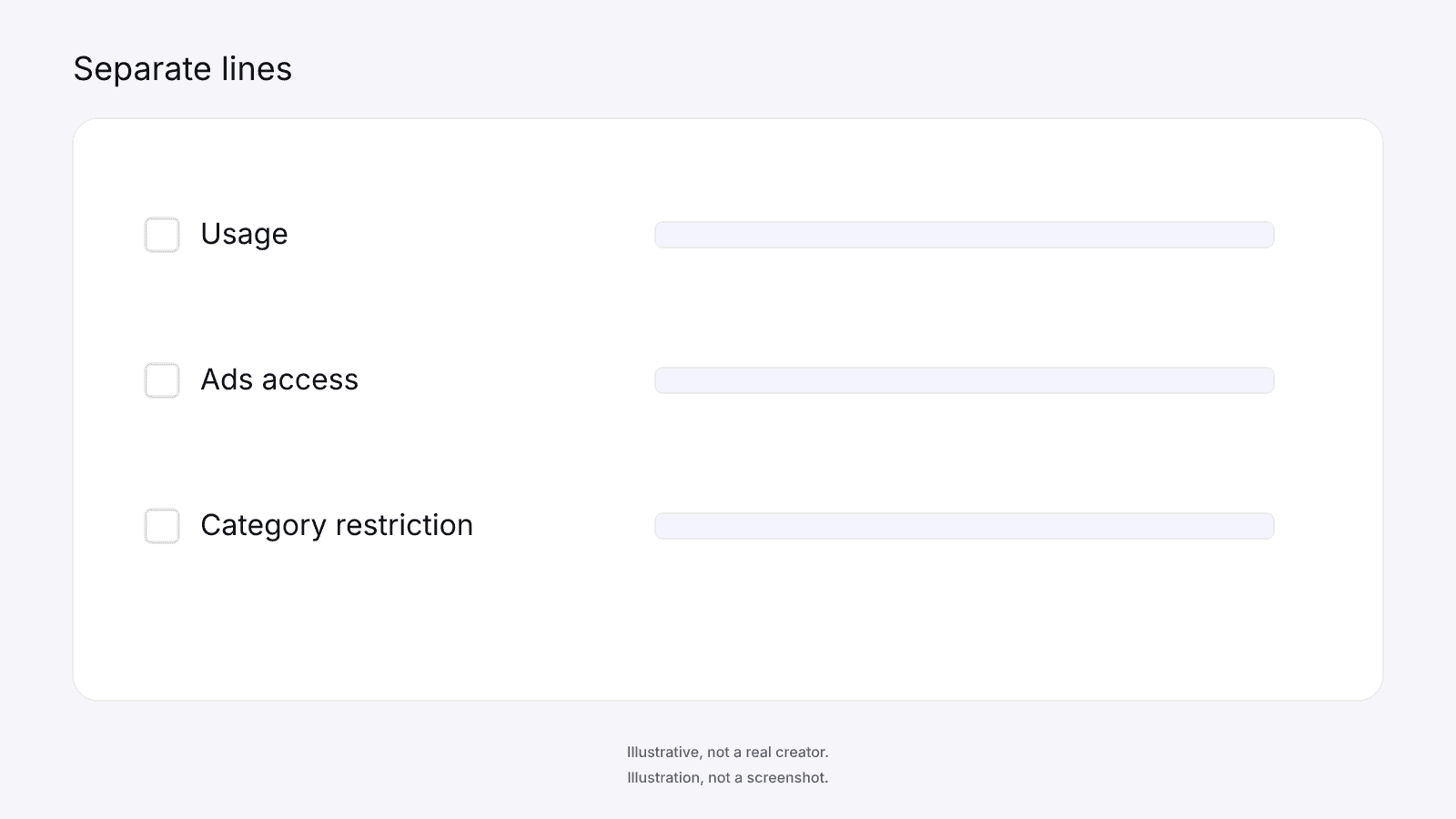
Keep usage, exclusivity, and ads as separate lines
Usage is where the work can run after it posts. A post on the creator's own handle is one use, and running the same work on your channels is another that needs its own line. Name each place in words, and leave the length of any use to the written terms. If either side wants the work posted again later, add that to the usage line.
Ads access means running ads through the creator's own handle, and it's a separate permission from the post itself. A post the creator publishes isn't an ad on its own. If you aren't buying that permission, write that down so neither side assumes it later. If you are, it still gets a line of its own next to the post. When a quote bundles usage or ads access into the post, ask which part of it covers each, so each can get its own line.
A category restriction asks the creator to stay away from other brands in your space. Name the space in words. Each of these can change the quote, so each gets its own line instead of sitting inside the deliverable row. Usage rights, exclusivity, and ads access are not covered by InfScore.
Keep the lines apart so a change shows up where it belongs. Wider usage changes the usage line, and a new ads arrangement changes the ads access line. Write each change down when you agree it, before the next question comes up.
Hold a reserve for changes you agree later
A reserve is a line for changes both sides agree to after the first quote. An extra piece, wider usage, or a timing change lands there once you've agreed it. How big it is, and what it's for, is your call on your own sheet, so write that purpose out in words. Leave the line empty until a change is actually agreed, rather than filling it so the sheet looks finished.
If revisions come up, name them as a package item in words. Revisions and approvals are not covered by InfScore. A draft that needs another pass is part of the package too, so say so without counting passes. Before anything goes up, agree who looks at the draft and what both of you will treat as ready.
A rushed timeline can change the quote, which is why timing gets its own row. If you need the work sooner, treat that as a change to the package and ask what it does to the quote. Once both sides agree, the change can sit on the reserve line. The reserve isn't somewhere to park a line you haven't named yet. If you can't tell whether a change belongs in the package or the reserve, ask whether it was agreed before the first quote.
What the public card can and cannot tell a budget
The public card does not size, set, or validate a budget. A tier or composite never maps to spend. Treat the card as a record of one handle on one app, and keep it away from the money lines.
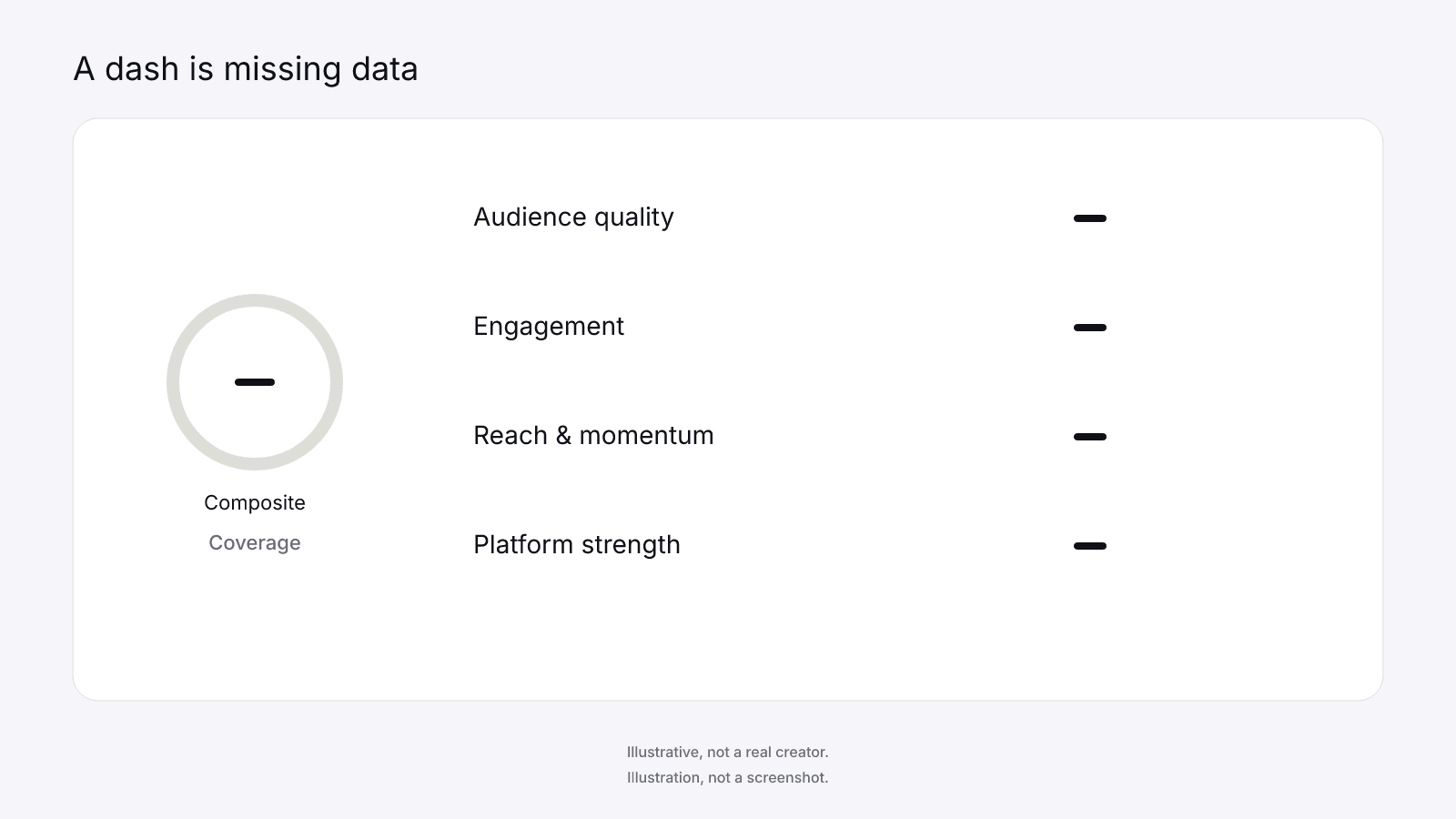
A scored card shows a composite ring, a tier pill, scoring coverage, and the four factor rows. Total public followers is a sum across Instagram, TikTok, and YouTube, so it isn't a count for one app. Avg. engagement is the looked-up app's public engagement rate, and Primary platform names the app you looked up. The card also carries the model id. Audience quality is one of the factor rows, or a dash, and it doesn't describe who the audience is. The free card prints no growth figure.
When data is missing, the ring and the factor rows show a dash, and Total public followers and Avg. engagement show Unavailable. There is no tier pill and no unlock button. A dash or Unavailable is missing data, never 0, never a penalty, and never a discount. Coverage is the share of model weight that had data. Neither coverage nor a dash is a reason to cut a line or raise one.
On model 2026-08-18.1 the weights are Audience quality 32%, Engagement 27%, Reach & momentum 23%, and Platform strength 18%. The composite is the weighted sum over the factors that had data, renormalized. It is not a percentile, price estimate, or guarantee of campaign results.
The score is per handle and per app, so compare cards only when both the app and the model id match. Different model ids are two stamps, not a trend. A later lookup is a new card.
Follower size is a separate question: micro vs macro influencers explains what size does to a score, and size sets no line on your sheet.
On a scored locked card, the InfScore product unlock CTA may show $0.99. That is the InfScore product unlock, never a creator payment and never a line on the sheet. Paying is never a budgeting step.
Write the budget in your own sheet
Write the lines on a sheet you control. The budget sheet is the brand's own. InfScore has no campaign, storage, export, or tracking tool. There's no sheet inside the product. Keep the sheet where your team already works, and name one person on the brand side who edits it. When a quote changes, edit the row and note what changed, so the sheet matches the version both sides last agreed to.
If you want a record of a lookup, copy the handle or the score URL, the app, the model id, the composite or a dash, the coverage, and the date you viewed the card. You write that date yourself, because the free card prints no date. Notes from one lookup describe only that card.
Measuring results is the brand's job. The sheet records what you agreed to pay for and nothing about what happened after the work went up.
The written terms are for the brand, the creator, and their own counsel. The sheet isn't those terms, and the notes you copied from the card stay on the sheet instead of moving into them. Before you call the sheet finished, read it back and fix any line that only one side would understand.
FAQ and next steps
If you haven't looked up the handle yet, start with the free public card at infscore.com, then go back to your influencer marketing budget in your own sheet. The card tells you which handle you opened, and the lines are yours to fill.
To see what the report includes, check pricing.
How should a brand build a budget for creator work?
Start with the lines and let the amounts follow the quotes. List what the budget covers, count the creators and deliverables, and give usage, ads access, timing, and a reserve rows of their own. Ask each creator what the quote includes and write the answer down. Keep it all on one sheet you control so a change has somewhere to go, and fill in the lines before any amount comes up.
Can the public card tell me how much to budget for a creator?
No. The card shows which handle you looked up, on which app and model id, with the composite or a dash and the coverage. It never prints a creator fee, rate, CPM, or income estimate, so there's nothing on it to copy into a line. Total public followers, Avg. engagement, and the four factor rows are public fields, not amounts for the sheet, and a dash among them doesn't fill a row.
Does a creator's tier or composite decide a budget line?
No. A tier or composite never maps to spend. Tiers are only labels on the card. A dash is missing data, never 0, and it's no reason to cut or raise a line. Lines come from the package you agree with the creator, so write that package on the sheet before you fill any row. Coverage is the share of model weight that had data, which makes it no reason to change a line either.
What lines should a budget for creator work include?
Give each creator rows for the agreed deliverables, one piece on one app. Then add usage, ads access, any category restriction, timing, gifted product or shipping if they apply, and your own staff time if you count it, plus a reserve for changes you agree later. Keep the rows separate so a change to one doesn't hide inside another, and leave amounts blank until the quote is in.
Why keep usage and ads access on separate lines?
Usage and ads access can each change the quote, and each is a separate permission from the post itself. On their own rows, both sides can see what each part covers. Ads through the creator's own handle are not covered by InfScore, and the terms are for the brand and the creator to write down. When one of those changes, it shows on its own row and the post's other lines stay as they were.
What is the reserve line in a creator budget for?
The reserve is a line for changes both sides agree to after the first quote, such as an extra piece, wider usage, or a timing change. How big it is, and what it covers, is for you to decide. Write down each change as you agree it. A revision can be named as a package item in words, and it doesn't need an amount of its own on the sheet.
Does InfScore set or validate a budget?
No. The public card does not size, set, or validate a budget. InfScore does not set or validate creator fees, and payments between the brand and the creator are not covered by InfScore. The $0.99 is only the InfScore product unlock, never a creator payment and never a budget line. You fill the sheet yourself, and it stays with the brand.